

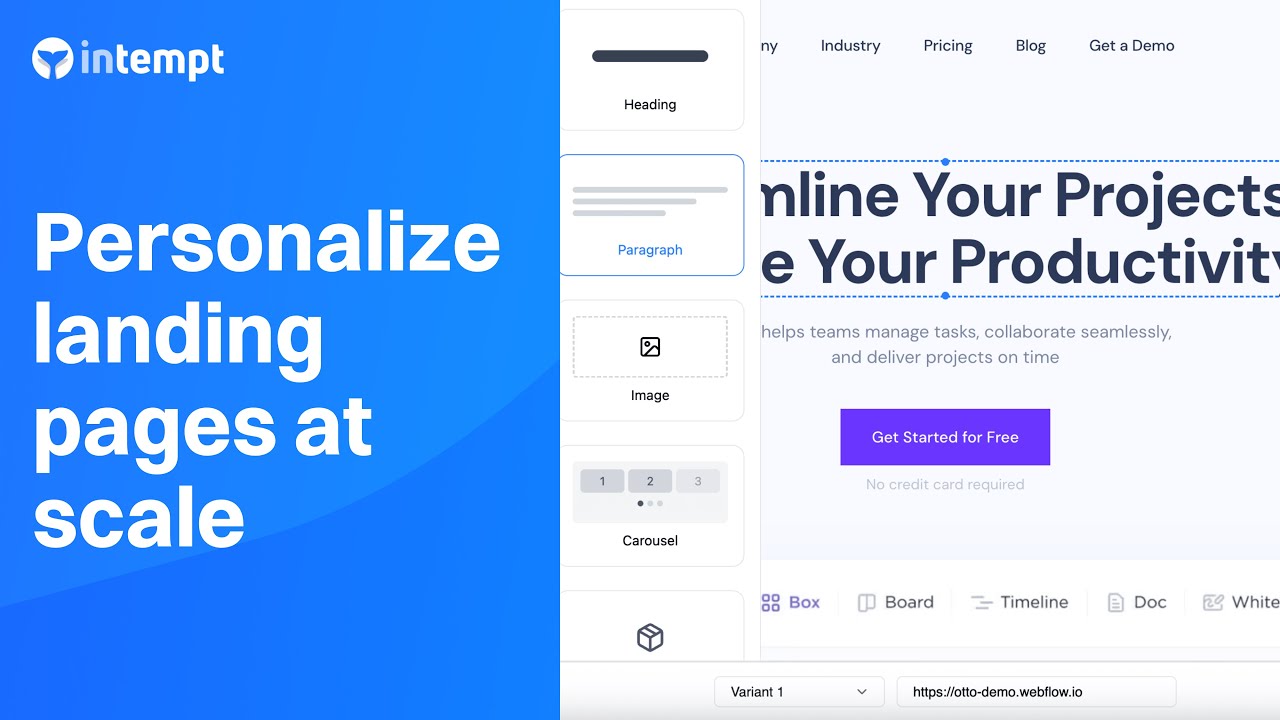
Turn any web page into a winning PPC landing page: No need to build 100s of separate landing pages - use Intempt to personalize any page on your website to match the copy in each ad campaign.
About the Growth Play
An effective onboarding process is crucial for improving user conversion and activation rates. This use case focuses on creating a personalized onboarding experience for new users, helping them navigate key features, and ensuring they receive the most relevant guidance based on their behavior.
Benefits
- Increased user engagement: Personalized onboarding keeps users engaged by presenting relevant steps based on their interactions.
- Higher feature adoption: Tailoring the onboarding process to individual user behavior increases the likelihood of feature adoption.
- Enhanced user satisfaction: Users are more likely to have a positive experience when guided through the app in a personalized manner.
- Improved retention rates: Effective onboarding helps users understand the app's value, leading to higher long-term retention.
How It Works
To illustrate the use case, we will refer to a made-up project management app, "Otto."
Step 1. Set up tracking for user activity
Install Intempt's SDK:
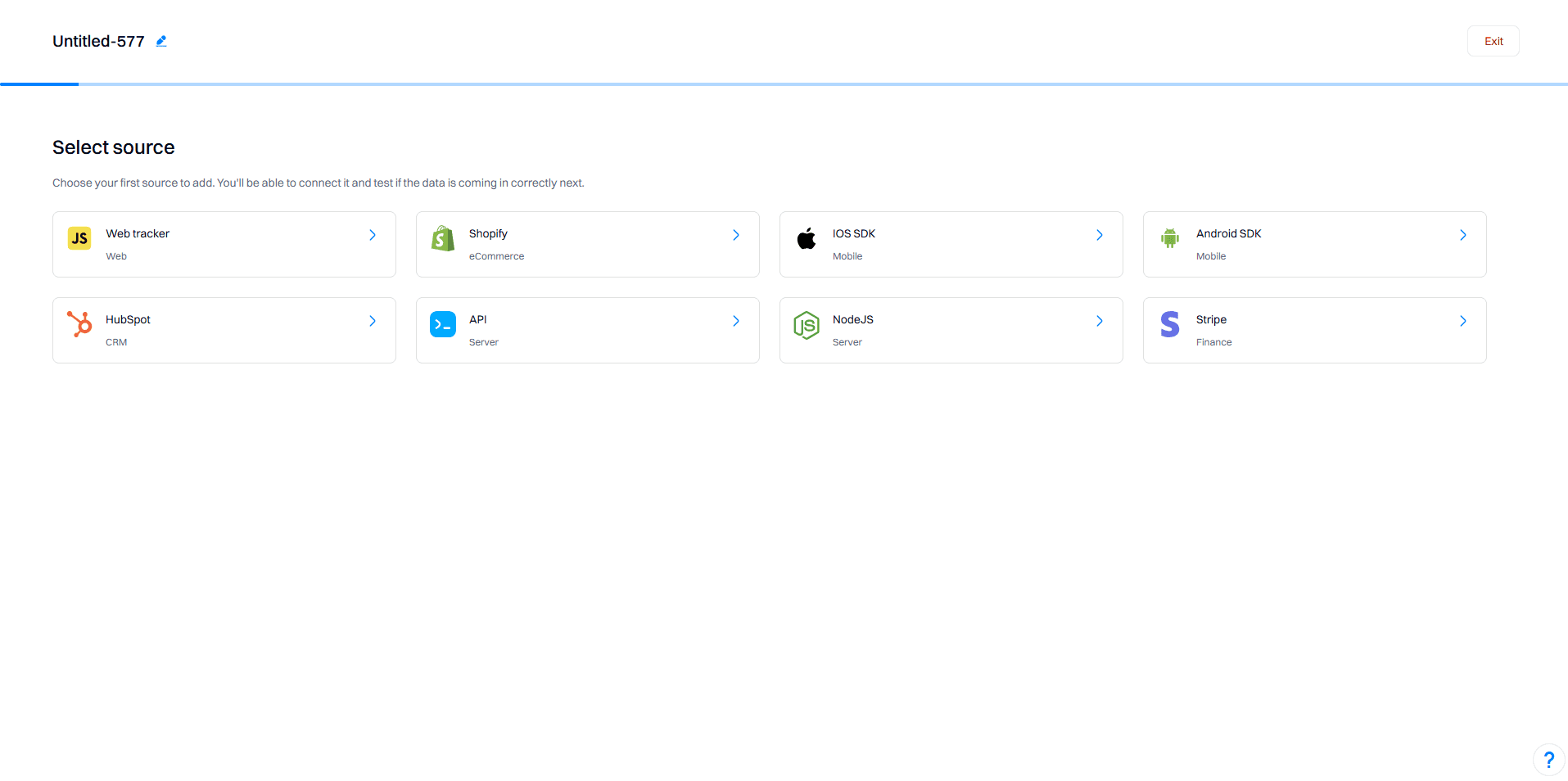
Integrate Intempt's JS SDK into your app to start tracking user activities. Follow the Javascript SDK integration guide to ensure proper setup.
Step 2. Set up client-side personalization
Create a new personalization campaign:
Add variants for each UTM source:
Create multiple variants within the campaign, each targeting a different UTM source using the visual editor. Ensure that targeting conditions are based on the utm_source parameter.
Set targeting conditions:
Google Ads: URL contains utm_source=google
Facebook Ads: URL contains utm_source=facebook
Twitter Ads: URL contains utm_source=twitter
LinkedIn Ads: URL contains utm_source=linkedin
Experiences:
Google Ads:
URL contains: utm_source=google
Changes:
Headline: "Streamline Your Projects with Otto"
Subtext: "Boost Team Productivity with Otto's Advanced Tools. Free Trial Available - Try Otto Today!"
CTA: "Get Started"
Visuals: Show screenshots of the interface and key features.
Extensions: Highlight specific features and customer testimonials and provide a direct contact option.
Steps to configure:
Open Visual Editor: Select the experience for Google Ads and open the visual editor.
Edit Headline: Change the headline to "Streamline Your Projects with Otto".
Edit Subtext: Change the subtext to "Boost Team Productivity with Otto's Advanced Tools. Free Trial Available - Try Otto Today!".
Edit CTA: Change the call-to-action button text to "Get Started" and link it to the signup page.
Add Visuals: Include screenshots of the interface and key features.
Explanation: This experience is designed to appeal to users coming from high-intent search and display ads on Google. The focus is on showcasing the key features and benefits of the app, encouraging users to take advantage of a free trial.
Facebook Ads:
URL contains: utm_source=facebook
Changes:
Headline: "Join Our Community and Enhance Productivity"
Subtext: "Discover Otto's powerful tools for task management, team collaboration, and time tracking. Exclusive deal for Facebook users!"
CTA: "Join Now"
Carousel Ads: Showcase different features of the app, such as task management and team collaboration, using carousel ads with screenshots and user testimonials.
Video Ads: Embed a short demo video showing how Otto simplifies project management.
Steps to configure:
Open Visual Editor: Select the experience for Facebook Ads and open the visual editor.
Edit Headline: Change the headline to "Join Our Community and Enhance Productivity".
Edit Subtext: Change the subtext to "Discover Otto's powerful tools for task management, team collaboration, and time tracking. Exclusive deal for Facebook users!".
Edit CTA: Change the call-to-action button text to "Join Now" and link it to the signup page.
Add Carousel Ads: Include carousel ads showcasing different features of the app with screenshots and user testimonials.
Add Video Ads: Embed a short demo video showing how the app simplifies project management.
Explanation: This experience is crafted for users arriving from Facebook ads, emphasizing community engagement and the interactive features of Otto. Using carousel and video ads enhances the visual appeal and provides a comprehensive view of the app's capabilities.

Twitter Ads:
URL contains: utm_source=twitter
Changes:
Headline: "Take Your Project Management to the Next Level"
Subtext: "Use Otto to manage your projects efficiently. Start your free trial today!"
CTA: "Try for Free"
Promoted Tweets: Use short, impactful messages that highlight app's benefits.
Hashtag Campaigns: Create a branded hashtag like #OttoOrganizes and encourage users to share their experiences.
Steps to configure: (and so on)
Explanation: This experience targets Twitter users who prefer concise and impactful messaging. The inclusion of promoted tweets and hashtag campaigns engages users in real-time, encouraging them to share their experiences and join the conversation around the app.

LinkedIn Ads:
URL contains: utm_source=linkedin
Changes:
Headline: "Boost Your Business Efficiency with Otto"
Subtext: "Enhance your project management workflows with our comprehensive SaaS solutions. Exclusive offer for LinkedIn professionals!"
CTA: "Learn More"
Sponsored Content: Share articles, case studies, and whitepapers that demonstrate the app's value.
InMail Campaigns: Highlight how Otto can address specific pain points and offer exclusive deals.
Explanation: This experience is tailored for LinkedIn users, focusing on professional networking and B2B marketing. The content highlights thought leadership, showcases success stories, and offers exclusive deals to attract decision-makers and professionals.

Step 3. Launch and monitor the personalization campaign
Start the personalization campaign: Once all experiences are set up and configured, start the personalization campaign in Intempt.
Monitor performance: Use Intempt's Personalization Analytics to track the performance of each experience. Key metrics to monitor include: Unique views, Conversion, Conversion %, and Lift.
Adjust and optimize: Based on the analytics data, adjust the experiences to improve performance.