

Change the content of the homepage based on the user activity to create an immediate sense of relevance. Adjust the navigation menu to highlight categories or pages the user has shown interest in.
About the Growth Play
Most SaaS websites are designed to be generic and safe, showing the same content to each user. Users encounter the same content regardless of the lifecycle stage, industry, or position. Generic content leads to high dropoffs and, eventually, poor conversion rates.
Benefits
- Increased user engagement. Personalized content and navigation keep users engaged by showing them the most relevant information.
- Higher conversion rates. Tailoring the user experience to individual preferences increases the likelihood of trial sign-ups and subscriptions.
- Enhanced user satisfaction. Users are more likely to have a positive experience when they can easily find and interact with the content they are interested in.
- Improved customer retention. Personalized experiences can help retain customers by continually adapting to their evolving interests and needs.
How It Works
Step 1. Set up tracking, define events & create segments
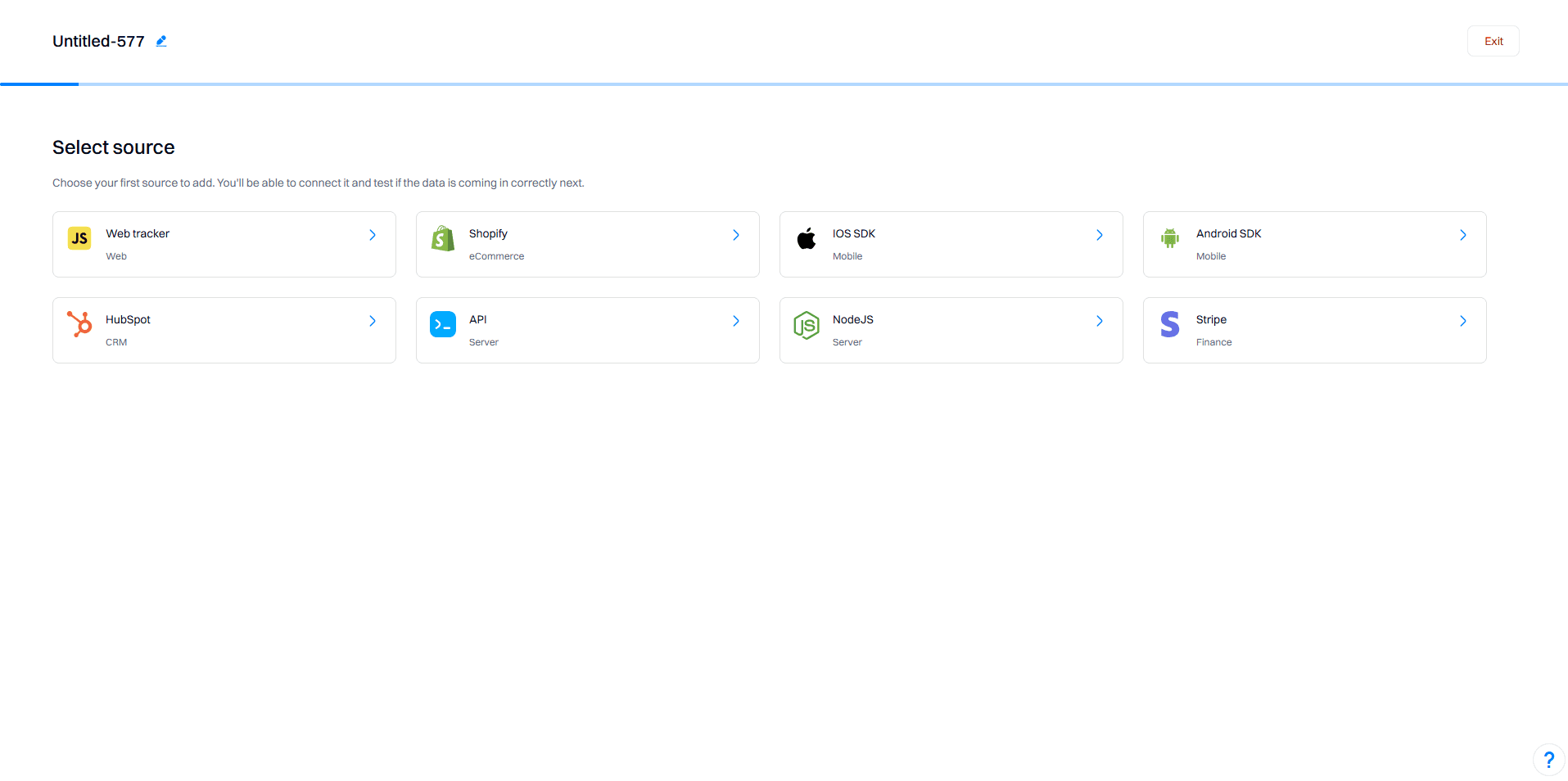
- Install Intempt's Javascript SDK:
Embed the JavaScript SDK into your website to start tracking user activities. This will allow you to capture various events, such as page views, clicks, and form submissions.
Identify key events:
Determine which user activities you want to track, such as viewing specific industry pages, booking a demo, or navigating the pricing page.
Set up event tracking:
Configure these events in Intempt's dashboard. For example:
viewed_industry_page: Triggered when a user visits a specific industry page.
booked_demo: Triggered when a user submits the "Book a demo" form.
viewed_pricing_page: Triggered when a user visits the pricing page.
Good to know
Refer to Events for a complete guide on setting your events.
Create segments in Intempt:
Navigate to the Segments section and create new segments based on the tracked events. For instance:
Interested in Industry A: Users who viewed the Industry A page.
Interested in Industry B: Users who viewed the Industry B page.
Demo Booked: Users who have booked a demo.
No Demo Booked: Users who have not booked a demo.
Enterprise: Users from large companies (500+ employees)
Mid-market: Users from medium-sized companies (100-499 employees)
SMB: Users from small companies (1-99 employees)
Step 2. Set up personalizations
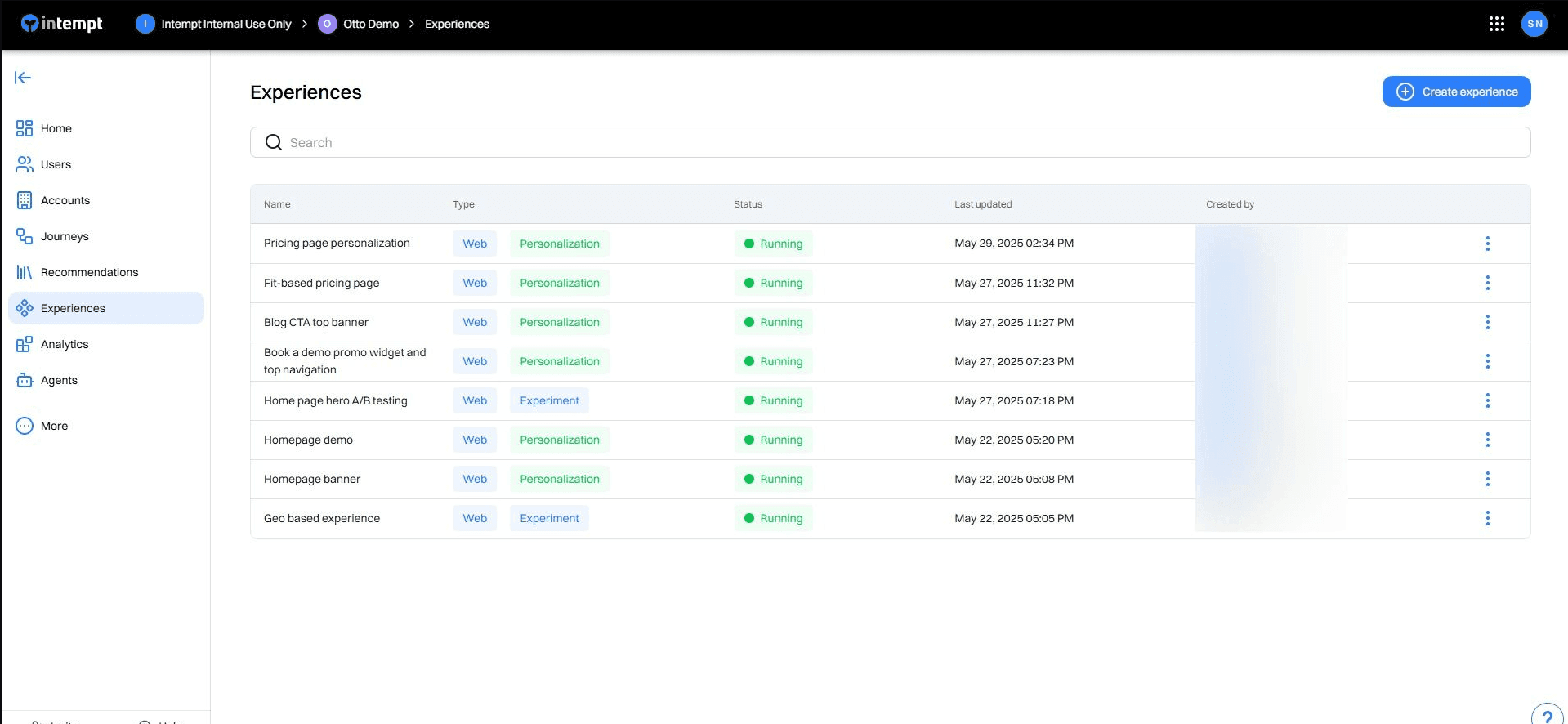
Create a new personalization campaign:
Go to the Personalizations section and create personalizations for different website sections.
Personalization: Homepage Hero Section
Experience for Industry A:
Target segment: Interested in Industry A
Changes:
Homepage Hero Image and Title:
Change the hero image to one that represents Industry A.
Update the homepage title and subtext to reflect Industry A.
Example:
Hero Image: Image showing a business scenario specific to Industry A.
Title: "Empowering Industry A with Cutting-Edge SaaS Solutions"
Subtext: "Tailored tools and features to elevate your business in Industry A."
Experience for Industry B:
Target segment: Interested in Industry B
Changes:
Homepage Hero Image and Title:
Change the hero image to one that represents Industry B.
Update the homepage title and subtext to reflect Industry B.
Example:
Hero Image: Image showing a business scenario specific to Industry B.
Title: "Empowering Industry B with Cutting-Edge SaaS Solutions"
Subtext: "Tailored tools and features to elevate your business in Industry B."
Personalization: Feature Pages
Experience for Industry A:
Target segment: Interested in Industry A
Changes:
Feature Pages:
Customize the content on feature pages to highlight the benefits and use cases relevant to Industry A.
Example:
Feature Page Header: "Unlock the Full Potential of Industry A with Our Solutions"
Content Sections: Include case studies, testimonials, and feature descriptions that are specific to Industry A.
Experience for Industry B:
Target segment: Interested in Industry B
Changes:
Feature Pages:
Customize the content on feature pages to highlight the benefits and use cases relevant to Industry B.
Example:
Feature Page Header: "Unlock the Full Potential of Industry B with Our Solutions"
Content Sections: Include case studies, testimonials, and feature descriptions that are specific to Industry B.
Personalization: Pricing Page
Experience for Enterprise:
Target segment: Enterprise
Changes:
Pricing Page Focus:
Highlight the Premium plan for enterprise users.
Example:
Highlighted Plan: Premium Plan
Callout: "Our Premium Plan is designed to meet the needs of large enterprises, offering advanced features and dedicated support."
Experience for Small Company:
Target segment: Small Company
Changes:
Pricing Page Focus:
Highlight the Entry plan for small companies.
Example:
Highlighted Plan: Entry Plan
Callout: "Our Entry Plan provides all the essential features needed by small businesses at an affordable price."
Personalization: Navigation CTA Buttons
Experience for No Demo Booked:
Target segment: No Demo Booked
Changes:
CTA Buttons on Nav Bar:
Highlight the "Book a demo" button to encourage users to schedule a demo.
Example:
Button Text: "Book a Demo"
Highlight Style: Make the button more prominent with a contrasting color.
Experience for Demo Booked:
Target segment: Demo Booked
Changes:
CTA Buttons on Nav Bar:
Highlight the "Sign up" button for users who have already booked a demo.
Example:
Button Text: "Sign Up"
Highlight Style: Make the button more prominent with a contrasting color.
Set targeting conditions:
For each experience, configure the audience targeting based on the relevant segments. Ensure that the conditions match the segments created in Step 3.
Define display rules:
Specify the pages where the personalized experiences will be displayed, such as the homepage, feature pages, and pricing page.
Set the display frequency to ensure the personalized content is shown consistently to the targeted users.
Step 3: Launch and monitor the personalization campaign
Start the personalization campaign:
Once all experiences are set up and configured, start the personalization campaign in Intempt.
Monitor performance:
Use Intempt's Personalization Analytics to track the performance of each experience. Key metrics to monitor include:
Unique views: Number of users who viewed the personalized content.
Conversion: Number of users who completed a desired action, such as booking a demo or signing up.
Conversion %: Percentage of users who converted based on the total audience targeted.
Lift: Improvement in conversion rate compared to the control group.
Adjust and optimize:
Based on the analytics data, make adjustments to the experiences to improve performance. For instance, if the conversion rate for the Interested in Industry A segment is low; consider refining the content or targeting criteria.