
Live data feed
Live data feed provides a streaming, chronological, real-time view of all your custom and auto-tracked events. This is a great tool for testing that your Intempt SDK is installed correctly and that...
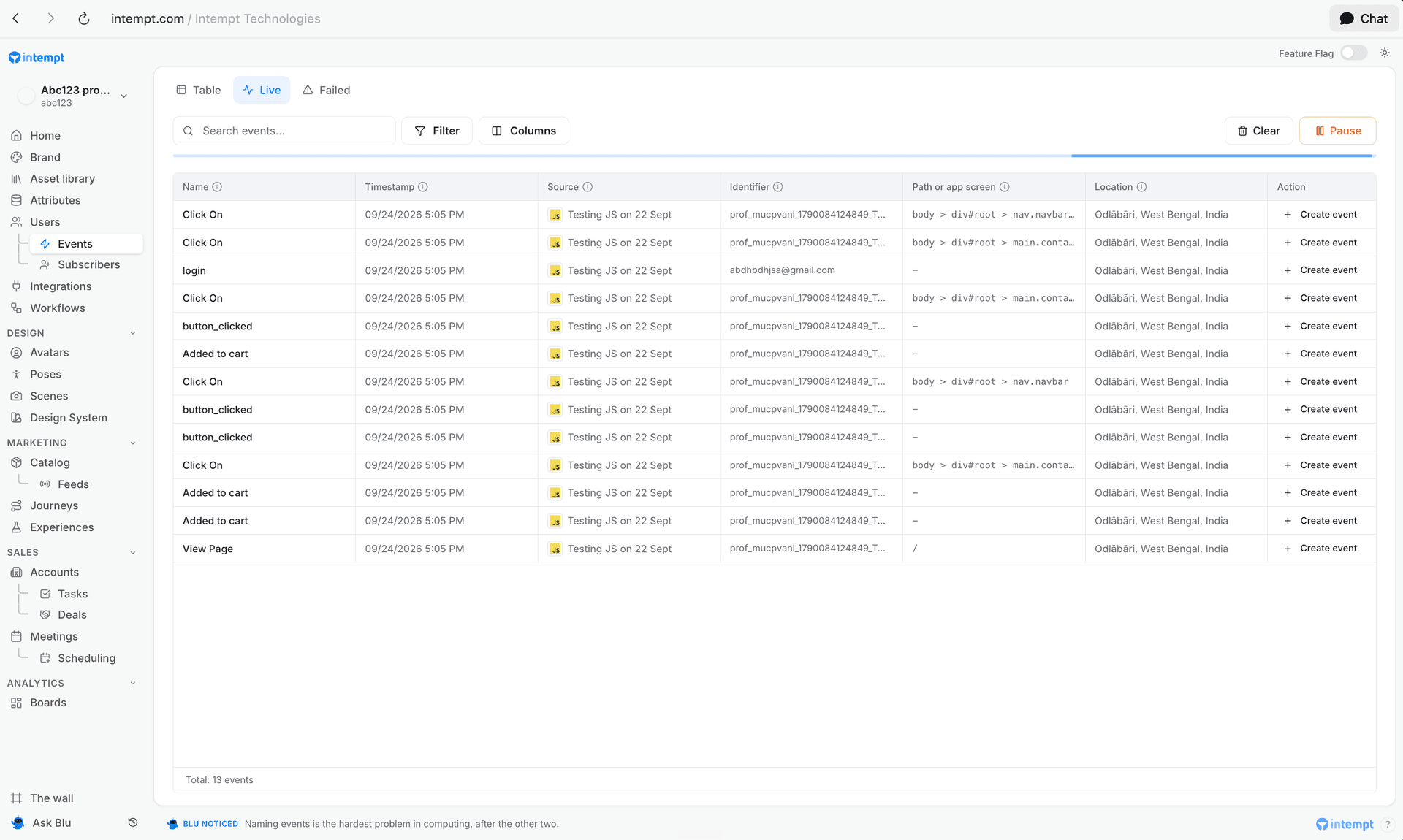
Live data feed provides a streaming, chronological, real-time view of all your custom and auto-tracked events. This is a great tool for testing that your Intempt SDK is installed correctly and that your events are working properly.
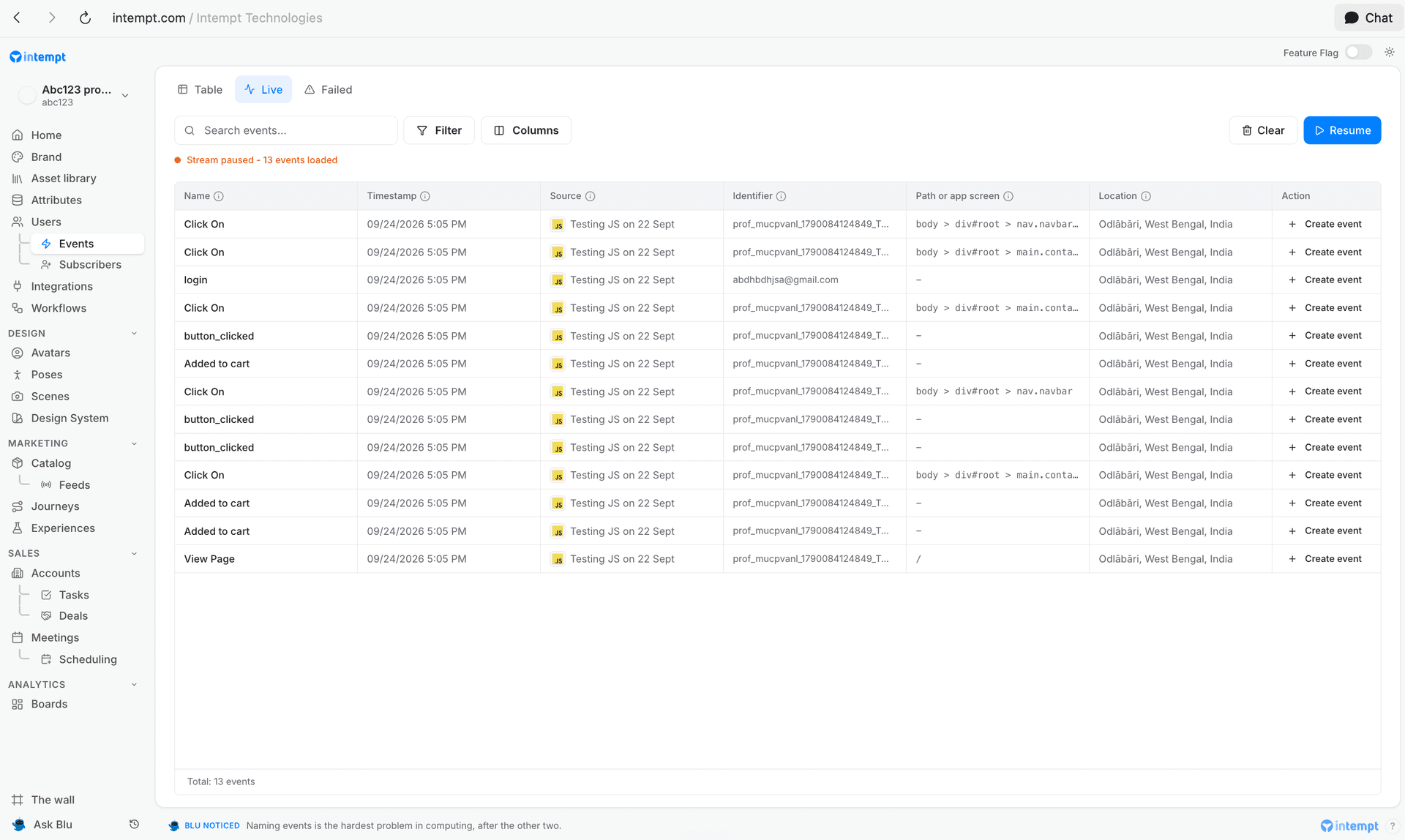
To see your live data feed, click Events in the left menu, then open the Live tab. New events appear automatically as they are tracked. Click "Pause" to stop the stream and "Resume" to start it again. Click "Clear" to empty the list.
Events from every source show here, including Events only sources, which keep events without user profiles. Filter by source to see one source's stream. See What a source collects.
Labeling raw events in Live data feed
Each raw event has a "Create event" link in the Action column, which lets you save it as a new event.
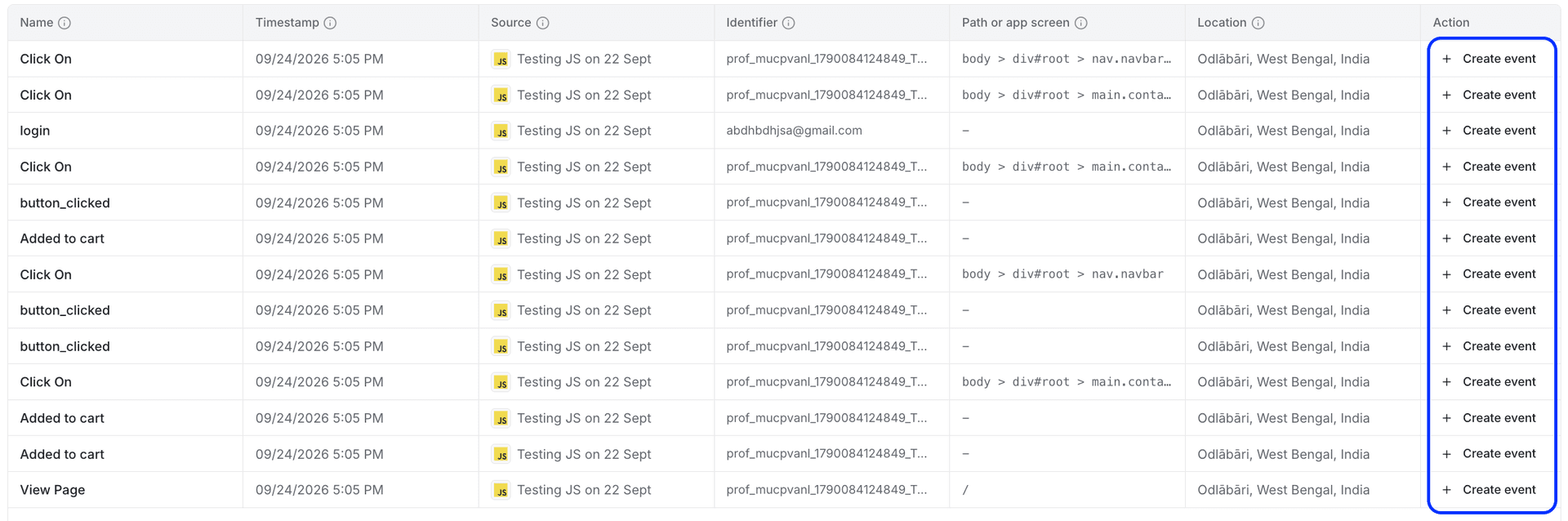
To label new events from the Live data feed:
- In the Action column, click "Create event" on the row of the raw event that you want to label. The Create event panel opens with the event name already filled in.
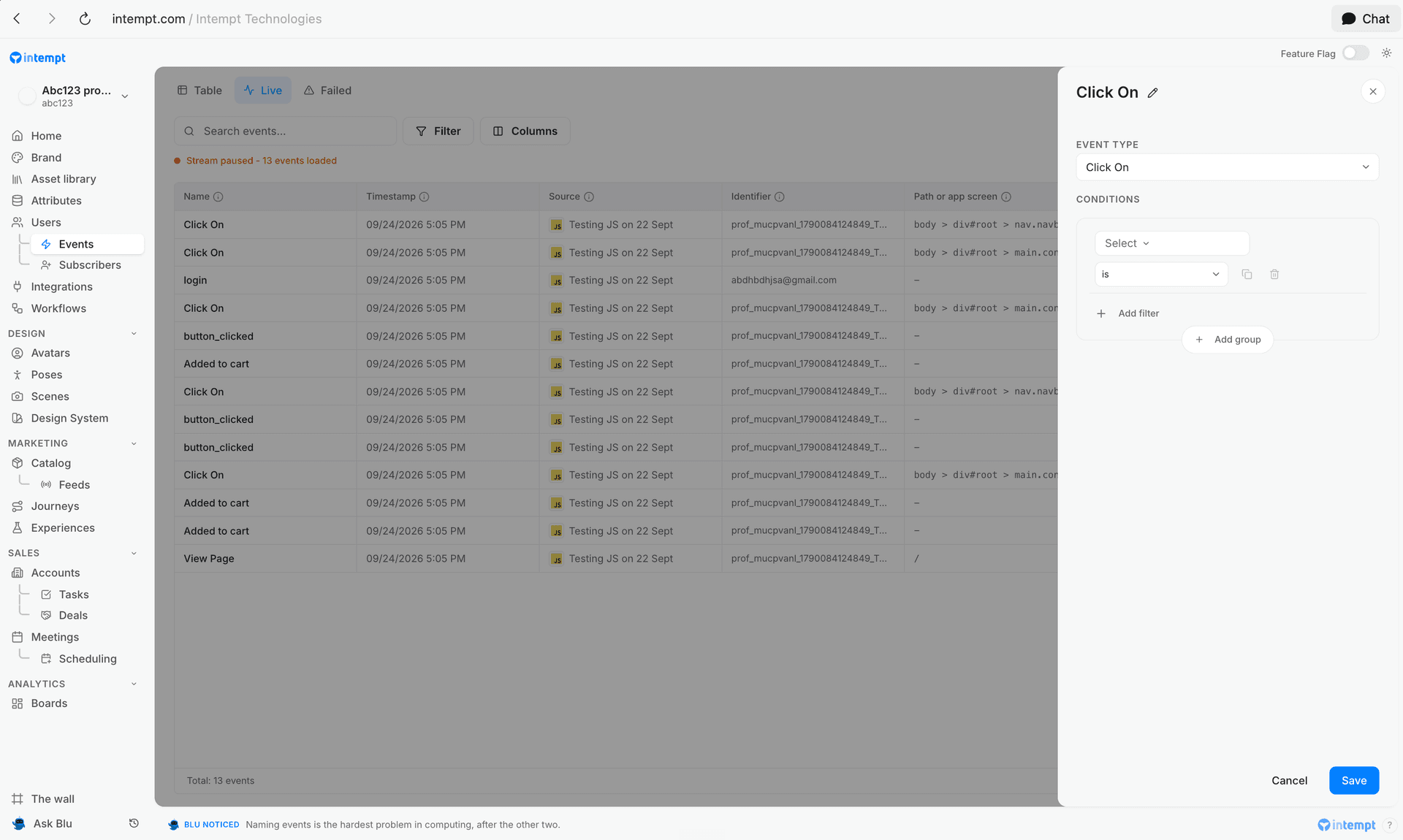
2. Rename your event if needed, and add conditions (if required)
3. Click "Save" to create the event
Filtering events
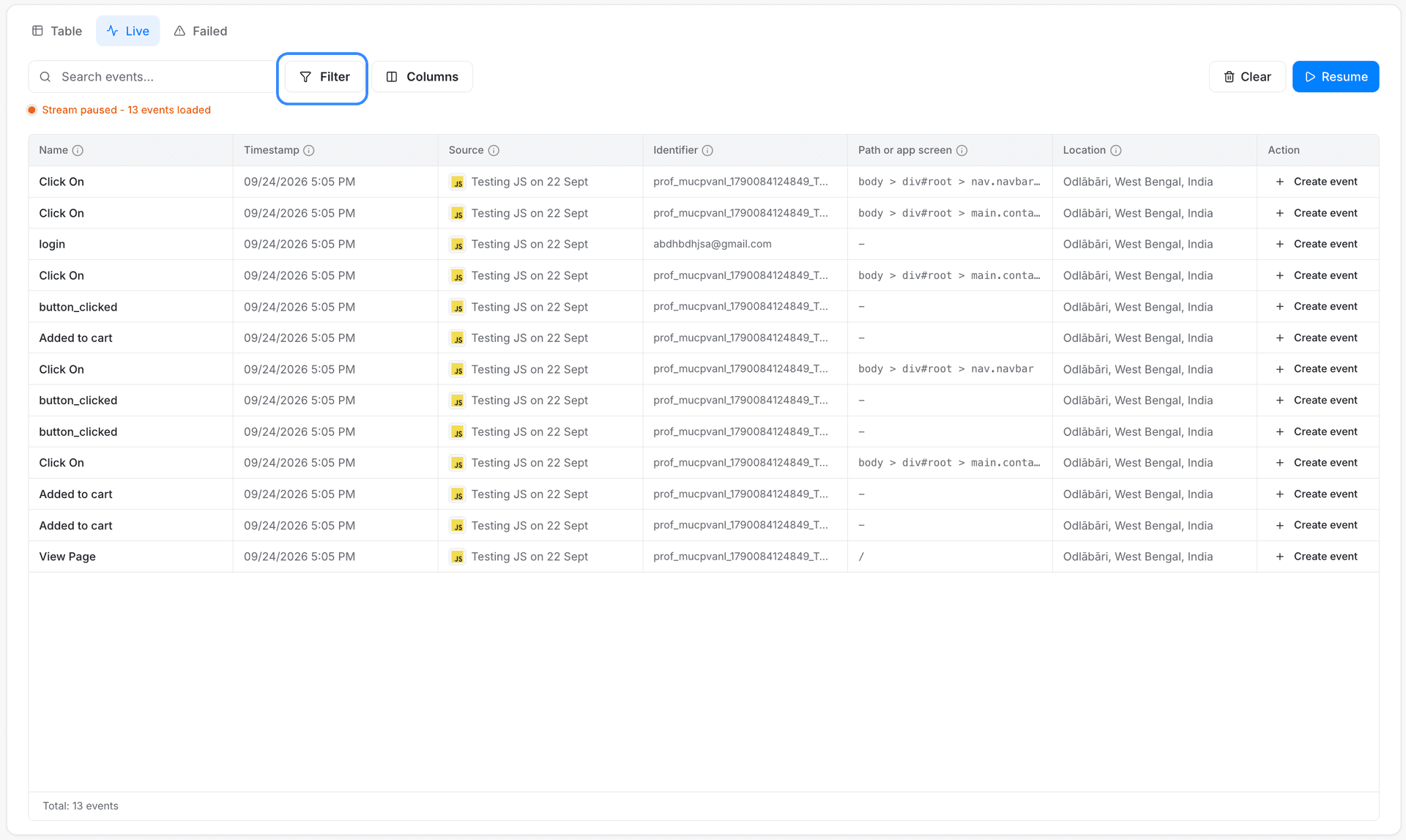
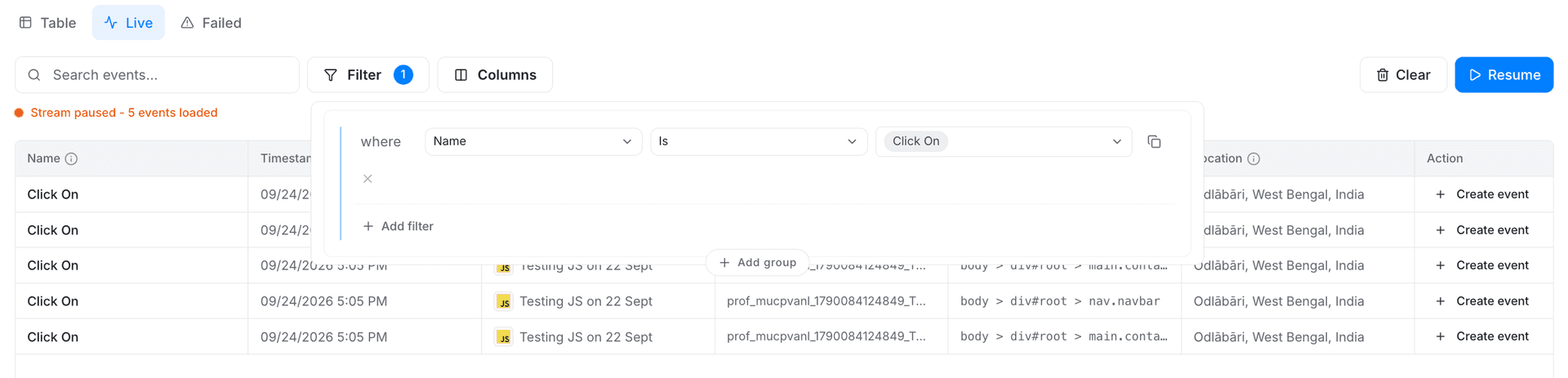
You can filter raw events by name, source, timestamp, identifier, path or app screen, and location. To add a filter, click the "Filter" button, then choose the field, operator, and value you want to filter on. The live event stream updates to show only the matching events.
Filtering by event attributes can help you determine whether the CSS selector you are using for your event is working properly (i.e., whether it’s not too specific or too broad).
Event tracking on Single Page Applications (SPA)
In traditional Multi-Page Applications, each user action that requires a new data view leads to a new request to the server, which then responds with a new HTML page. This process requires a full p...
Failed events
See every tracked event the ingestion pipeline rejected, find out why, and export the records you need to fix and resend.