
Organizations & projects
How organizations and projects structure data access and isolation in Intempt, and how to manage both from Org Settings.
Overview
Intempt uses two levels of structure to control data access and keep data isolated: organizations and projects. An organization is the top-level container for your team, projects, and billing. A project is a data silo underneath it. Every event, segment, and report belongs to exactly one project.
Organizations
An organization is the highest level in an Intempt instance. It holds your projects and your team members, and it's usually a stand-in for a company or another isolated group you work under.
Billing and subscription plans are managed at the organization level, in a separate Billing section from the six settings sections covered below.
Projects
A project is a silo of data within an organization. All events, segments, reports, and other data belong to a single project, and every query runs against one project at a time. API keys for connecting your integrations are scoped to individual projects from the organization's API keys section (see below).
📘 Good to know
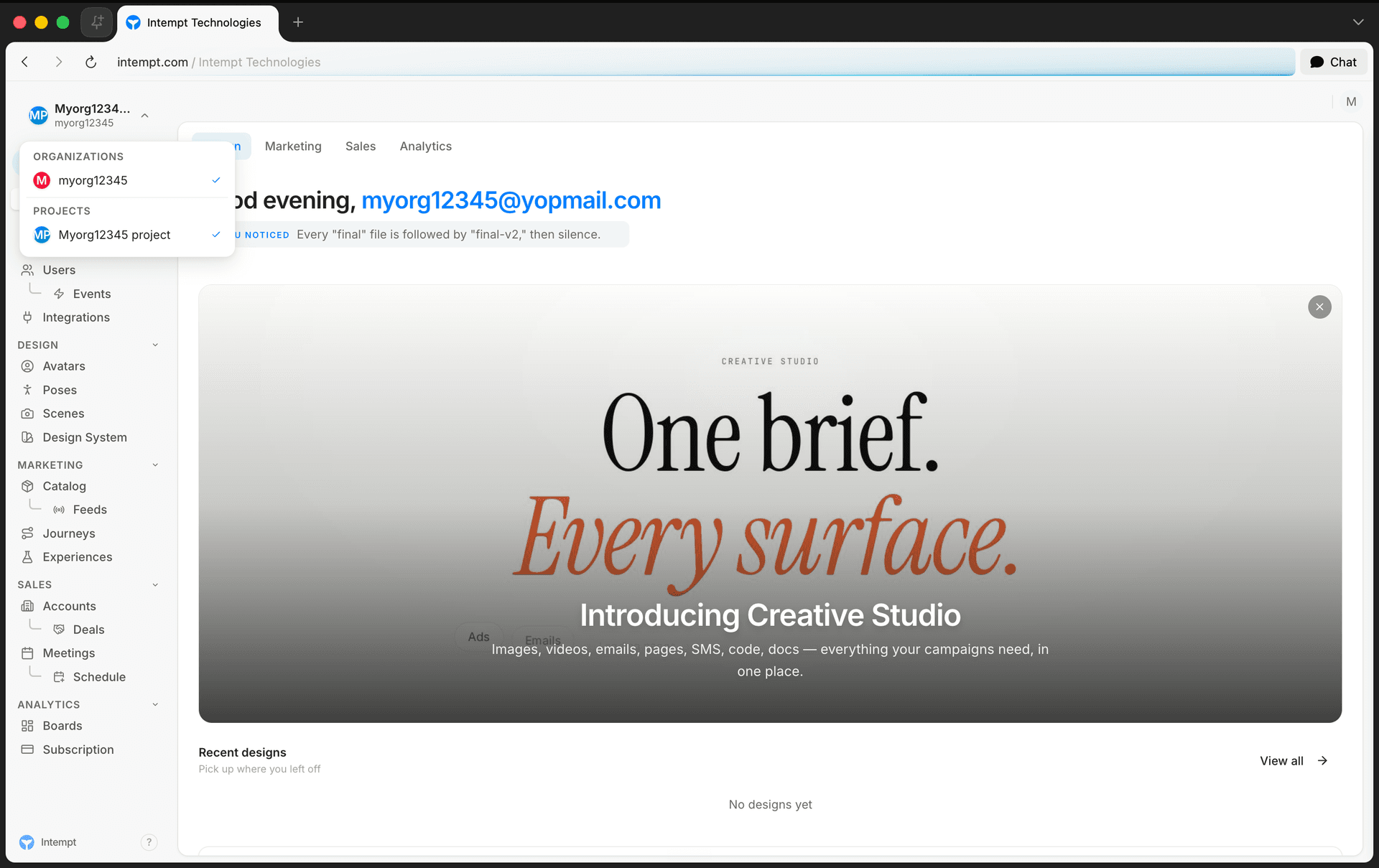
You can belong to more than one organization, and switch between organizations and projects from the selector at the top of the sidebar. To open the org's settings page, use the account menu instead, from your avatar at the top right of the header.
Organization settings
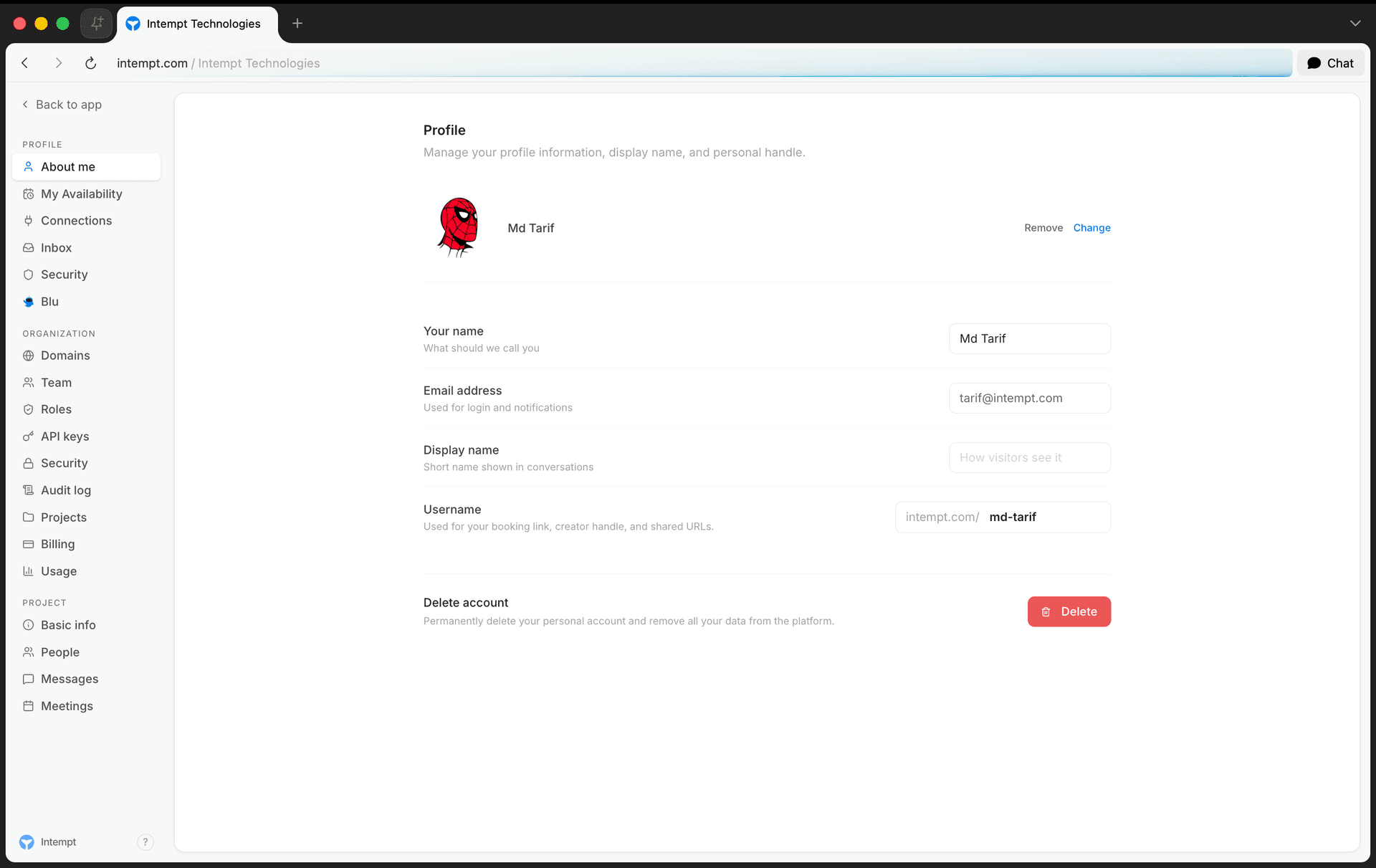
Org Settings is organized into six sections, listed under "ORGANIZATION" in the settings sidebar: Domains, Team, Roles, API keys, Security, and Audit log.
Team
The Team section manages who's in your organization. Select Invite member, enter an email, and pick an access level:
| Role | Access |
|---|---|
| Org admin | Full view and edit access across the organization, including members, roles, and org settings. |
| Billing admin | Manages billing, plans, and invoices. No access to other org settings. |
| Org member | Can access the organization and its projects. Can't change org settings. |
| Org viewer | Can view the organization. No edit rights and no access to change org settings. |
An invite must also assign the person to at least one project, with a role for each project they're added to. You can change a member's role or remove them from the Team section later, but you can't change your own role or remove yourself.
See Access management for the full role and permission breakdown.
Roles
The Roles section is the source of truth for every role available in your organization, shown as three sub-tabs: Org roles, Project roles, and Custom roles. Each role card shows how many objects it's granted, how many it can fully manage, and its total permission count. Select Create custom role to define a role with its own permission set; custom roles are available to assign in every project once created.
Domains
The Domains section connects and verifies domains you own for booking pages, click tracking, the privacy center, and email sending. Verify a domain once at the org level, then grant individual projects access to it.
See Custom Domains for the full setup and verification walkthrough.
API keys
The API keys section creates and manages API keys across any project in your organization from one place. Each key has a level: public, private, or admin. Public and private keys can be scoped to one or more projects; admin keys are organization-wide. From here you can reveal, edit, regenerate, disable, or delete a key. Revealing or regenerating a key is recorded in the audit log.
See API Keys for more on key types and usage.
Security
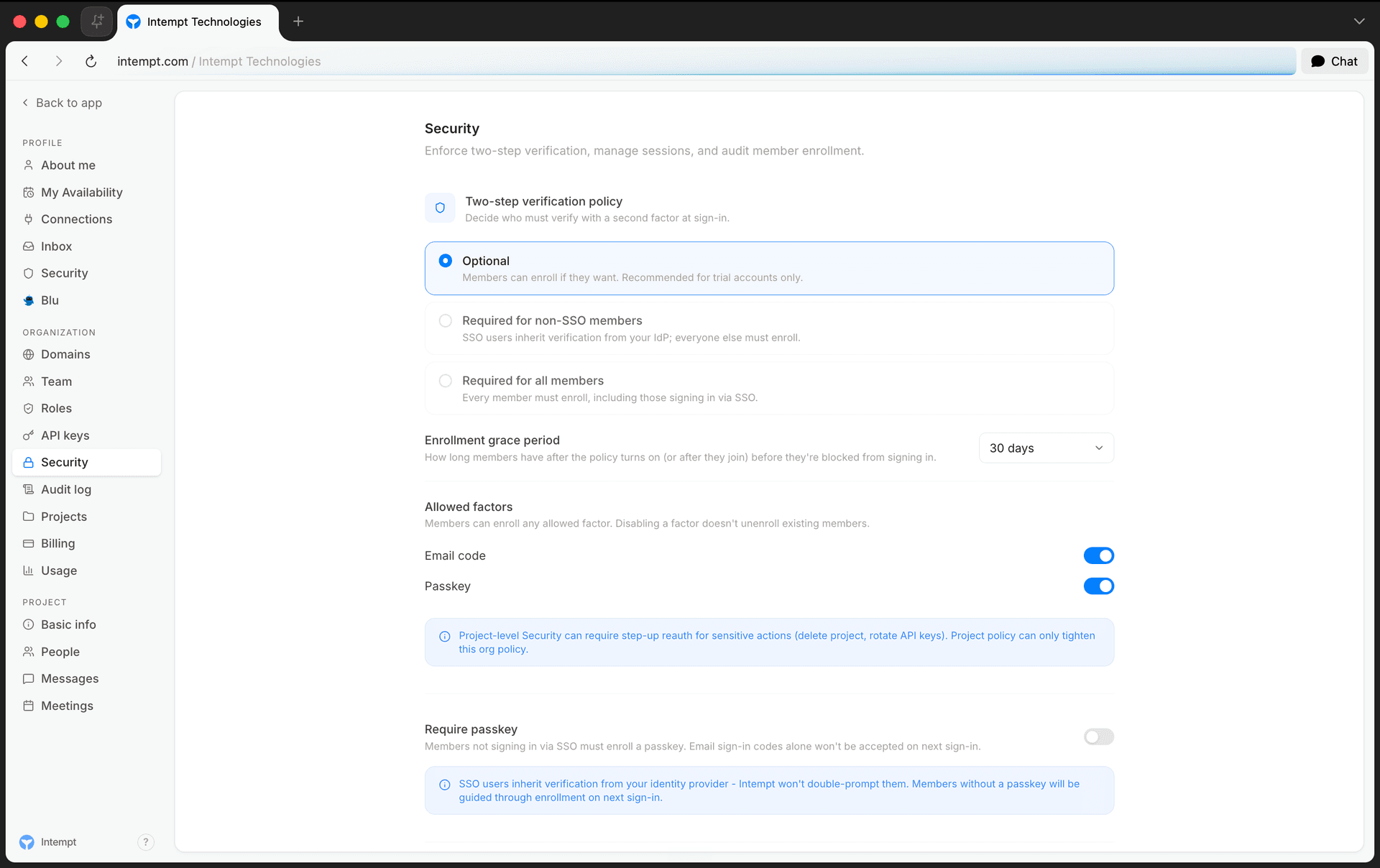
The Security section controls organization-wide authentication policy:
- Two-step verification policy: decide who must verify with a second factor at sign-in, and set an enrollment grace period for members after the policy turns on.
- Allowed factors: turn email code and passkey verification on or off. Disabling a factor doesn't unenroll members who already use it.
- Require passkey: members who don't sign in via SSO must enroll a passkey; email codes alone stop being accepted.
- Maximum session length: how long a member can stay signed in before they must reauthenticate.
- Enrollment status: see who's enrolled, pending, or overdue, and send a reminder to anyone still pending.
📘 Good to know
SSO users inherit verification from your identity provider, so Security policy doesn't double-prompt them.
Single sign-on (SAML/OIDC)
SSO connects your organization to a corporate identity provider, such as Okta, Azure AD (Entra ID), Google Workspace, OneLogin, or ADFS, so members sign in with their existing company credentials instead of an Intempt-specific password. It's available on the Enterprise plan, alongside SCIM provisioning.
The Security section doesn't have a self-serve SSO connection form yet. An org admin sets up the connection through the auth service's SSO configuration API:
| Action | Endpoint |
|---|---|
| Get the current configuration | GET /v1/{orgName}/auth/sso |
| Create or replace the configuration | PUT /v1/{orgName}/auth/sso |
| Remove the configuration | DELETE /v1/{orgName}/auth/sso |
| Test the configuration before rolling it out | POST /v1/{orgName}/auth/sso/test |
| Exempt a member from SSO enforcement | POST /v1/{orgName}/auth/sso/exempt/{personId} |
| Remove a member's exemption | DELETE /v1/{orgName}/auth/sso/exempt/{personId} |
Both SAML 2.0 and OIDC connections are supported. For a SAML connection, point your identity provider at Intempt's SP metadata (/sso/saml/{orgSlug}/metadata); members are then provisioned just-in-time on their first SSO sign-in.
Audit log
The Audit log section has two views: Audit log (org-level events, covering SSO, RBAC, billing, members, API keys, and project lifecycle) and Login history (sign-in attempts across SSO and password methods). The Audit log view filters by time range, actor, target, action, outcome, or severity, and exports results to CSV. Login history shares the same time range but isn't broken down by actor, target, action, outcome, or severity. Project-level events, like agents and journeys, show up in that project's own audit log instead.
Use cases
- Separating environments. Create Local Development, Staging, and Production projects so test data never mixes with live data.
- Isolating unrelated products. If you run a customer-facing app and a fully separate admin app with different authentication, put them in separate projects.
- Sharing one production project across surfaces. A marketing site, iOS app, and web app that serve the same customer base usually work best in one production project, so you can see the full user journey in one place.
- Granting narrow access. Invite a contractor as an Org viewer, or scope them to a single project with a Project member role, instead of giving org-wide edit access.
- Delegating billing without exposing settings. Assign a Billing admin who can manage invoices without touching team, roles, or security policy.
- Locking down API access per integration. Create a private key scoped to one project for a single integration, instead of reusing an admin key everywhere.
- Enforcing MFA before a compliance deadline. Turn on the two-step verification policy with a grace period, then use Security's enrollment status to nudge stragglers before it's enforced.
- Auditing a security incident. Filter the Audit log by actor or target to trace exactly what a compromised account touched, then cross-check Login history for the sign-ins around that time.
- Rolling out a custom role. Define a custom role with only the permissions a support team needs, instead of assigning Org admin.
- Branding customer-facing domains. Verify a domain at the org level once, then grant it to only the projects that should use it for booking pages or email sending.
- Connecting an enterprise identity provider. Set up a SAML or OIDC connection through the SSO configuration API, then test it before enforcing SSO org-wide.
- Exempting a contractor from SSO. Add a member's SSO exemption so they can still sign in with email or a passkey while the rest of the org authenticates through your identity provider.
Where to go next
- Access management for the full organization and project role/permission tables.
- API Keys for key types and integration setup.
- Custom Domains for domain verification and DNS records.