
Asset Draft/Publish System
How saving works for content items in the Asset library: there's no separate draft state for most asset types, images land on the CDN as soon as they're generated or edited, and Brand Ads are the one type with an explicit publish step.
Overview
The Asset library doesn't run a two-stage draft-then-publish workflow for most content types. Saving an email, SMS, push notification, Slack message, snippet, page, or image makes it usable immediately, there's no separate step that moves it from a private draft into a published, shareable state. The Status column in the asset table always shows a green dot and "Active" for every item, a fixed label rather than something that changes as an asset moves through a lifecycle.
Brand Ads, built in Creative Studio, are the exception. They carry an explicit "Publish as ad feed" action in their save controls, gated until the ad has been saved with no unsaved changes. That action doesn't change the ad's own status either, it hands the saved design off to become a separate ad feed object.
How it works
Saving is the only step, for most content types
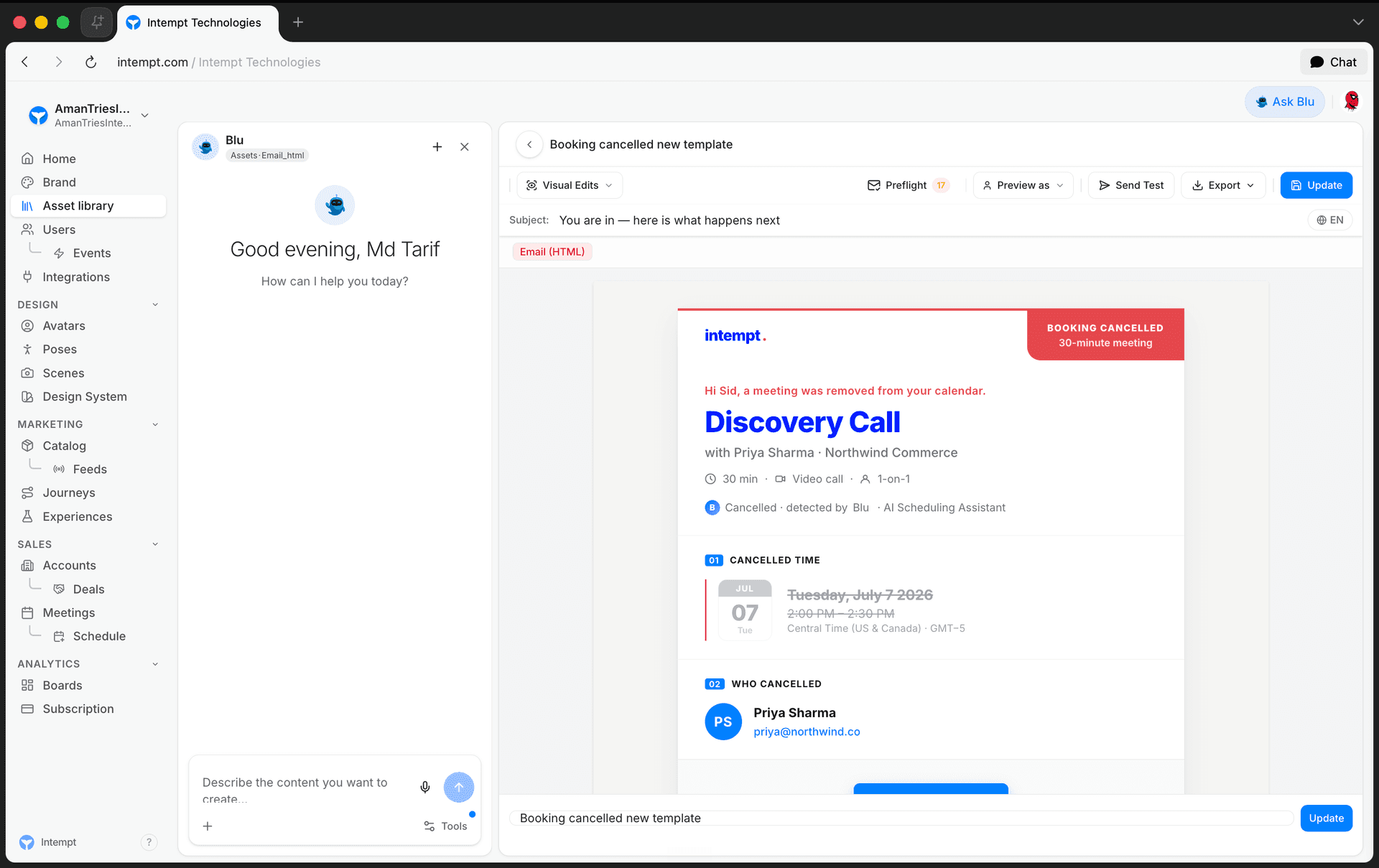
Text, JSON, and page snippets, SMS, push, Slack, and email messages, and images all save through the same two calls: create the first time, update every time after. The save button reads "Save" before an item has been saved once, and "Update" on every save after that. There's no intermediate state between "not saved yet" and "saved and live", and no separate action to make a saved item visible somewhere else. The moment an email or SMS template is saved, it's already pickable from a Journey's message step.
The Status column is a fixed label, not a lifecycle
Every row in the asset table shows the same green dot and the word "Active", regardless of when the item was created, last edited, or how it's being used. It isn't derived from a draft/published/archived field on the item, because no such field exists on a content item's response. If you're looking for a way to tell a work-in-progress asset apart from a finished one, the Status column won't show it, only the title, type, and last-updated date will.
Images are already on the CDN before you save the asset
Every AI image edit, background removal, erase, lasso, shadows, enhance, upscale, or crop, sends the current image to the image-actions endpoint and gets back a CDN URL for the result. That upload happens as part of the edit itself, not as a separate publish step, and it happens whether or not the image has been saved as a content item yet. A second URL, from the AI provider that generated the edit, comes back alongside it, but the CDN URL is what the canvas and the saved asset actually use. Saving the image as a content item just points at whichever CDN URL the canvas is currently showing.
Brand Ads are the one asset type with an explicit publish step
Creative Studio auto-saves a Brand Ad as you edit it, and also has an explicit Save button. Its save dropdown adds two options beyond Save and Save as new: Save as template, and Publish as ad feed. Publish as ad feed is disabled, labeled "save first", until the ad has been saved at least once and has no unsaved changes since. Once it's enabled, clicking it opens the ad feed creation panel with this ad already preselected.
📘 Media pending
Screenshot of the save dropdown hasn't been captured yet.
📘 Good to know
Publishing an ad as a feed doesn't change the ad's own status in the Asset library, it still shows the same "Active" label as everything else. What changes is that a new ad feed object now exists, built from this ad's design, under Catalogs. The full save-and-publish flow, including the four save options and what each does, is covered in Generating Brand Assets.
Use cases
- Sending an email the moment it's ready. Save it once, and it's already selectable from a Journey's message step, no separate publish click required.
- Editing an image without worrying about a staging step. Every edit (background swap, upscale, crop) uploads its result to the CDN as part of the action itself.
- Checking whether an asset is "live" from the table. It always says Active, so use the last-updated date or your own tags instead of the Status column to tell recent work apart from older work.
- Iterating on a Brand Ad before anyone else sees it. The ad auto-saves as you edit, but nothing downstream (like an ad feed) is created until you explicitly publish it.
- Turning a finished ad into a feed. Save the ad, then use Publish as ad feed instead of manually recreating its layout under Catalogs.
- Knowing why "Publish as ad feed" is greyed out. It's disabled until the ad has been saved with no changes pending, save first, then publish.