


Your data, transformed into action

Access real-time analytics and create visualizations to make decisions that drive growth.

Book a meeting with a growth specialist
Right blue arrow

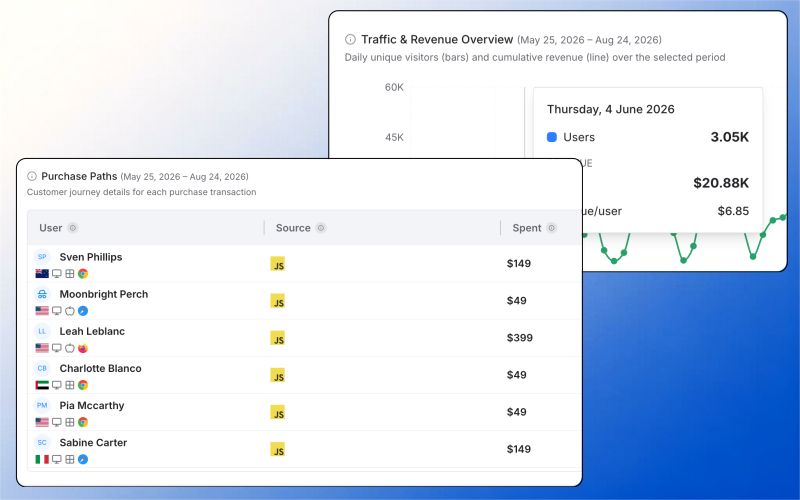
Track the full customer journey

Get a complete view of every interaction, from first touch to conversion.

Mouse square icon

Event tracking across platforms

Capture actions from web, mobile, and third-party tools.

User tick icon

360° customer profiles

Merge sessions to reveal behavior, preferences, and intent across channels.

Presentation chart icon

Session-level insights

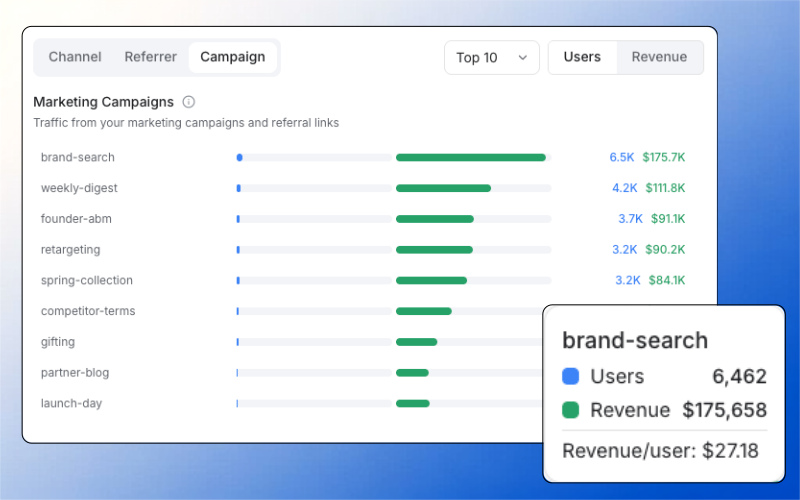
Analyze session duration, UTMs, referrers, device types, and more for both web and mobile apps.

Understand user behavior across every touchpoint, from first visit to final conversion.

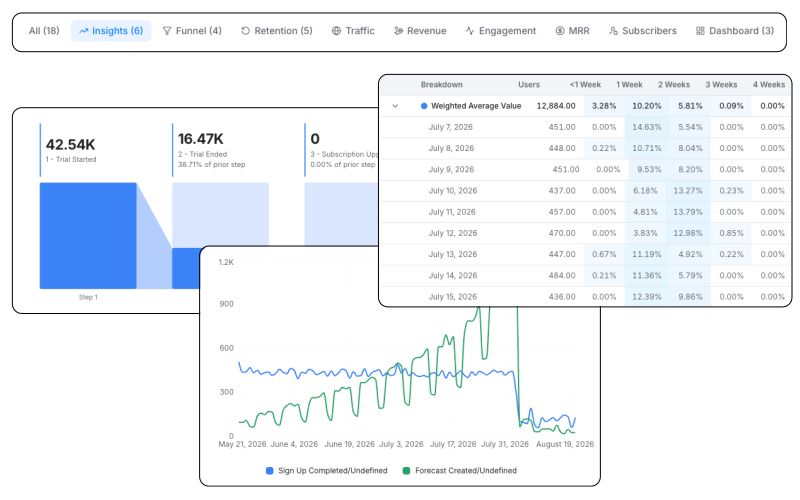
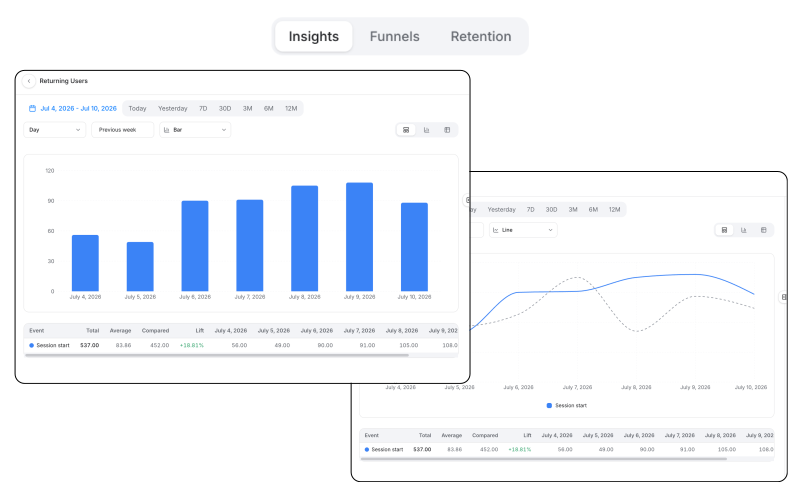
Visualize trends effortlessly

Spot key patterns and opportunities with advanced trend analysis.

Presentation chart icon

Event & attribute breakdowns

Create time-series reports to uncover usage trends or anomalies.

Filter icon

Advanced filtering

Slice data by audience traits, channels, or behavior patterns.

Calculation icon

Retention reporting

Measure retention by Day 7, 14, and 30 cohorts to pinpoint drop-offs and spot opportunities for re-engagement.

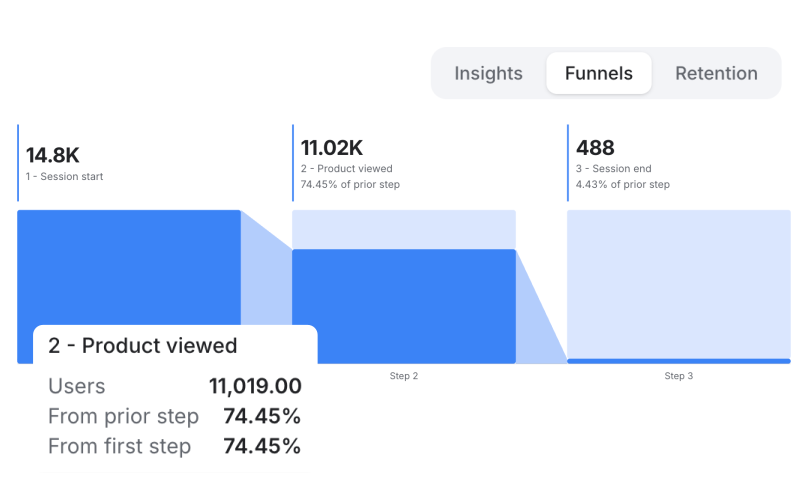
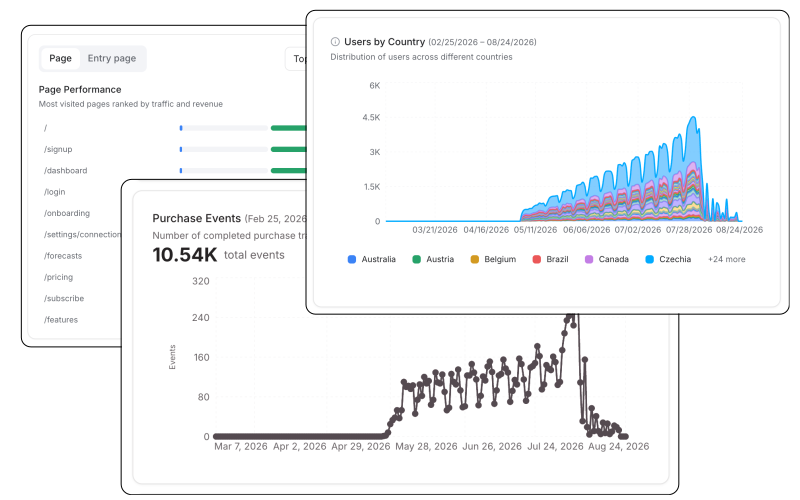
Optimize your conversion funnel

See where users drop off and where they convert.

Drop-off analysis

Pinpoint friction points in onboarding, checkout, or signup flows.

Charts icons

Conversion tracking

Measure stage-to-stage movement to optimize campaign impact.

Element plus icon

Custom funnel creation

Build funnels for goals like trial-to-paid or cross-sell and monitor performance.

Turn stickiness into growth

See where users drop off and where they convert.

Presentation chart icon

Cohort analysis

Track retention by cohorts—like signup week, campaign source, or feature usage—to see which groups stick around.

Churn detection

Identify when and where users disengage so you can act early with reactivation campaigns.

Behavioral insights

Understand what actions drive long-term retention, from feature adoption to purchase frequency.

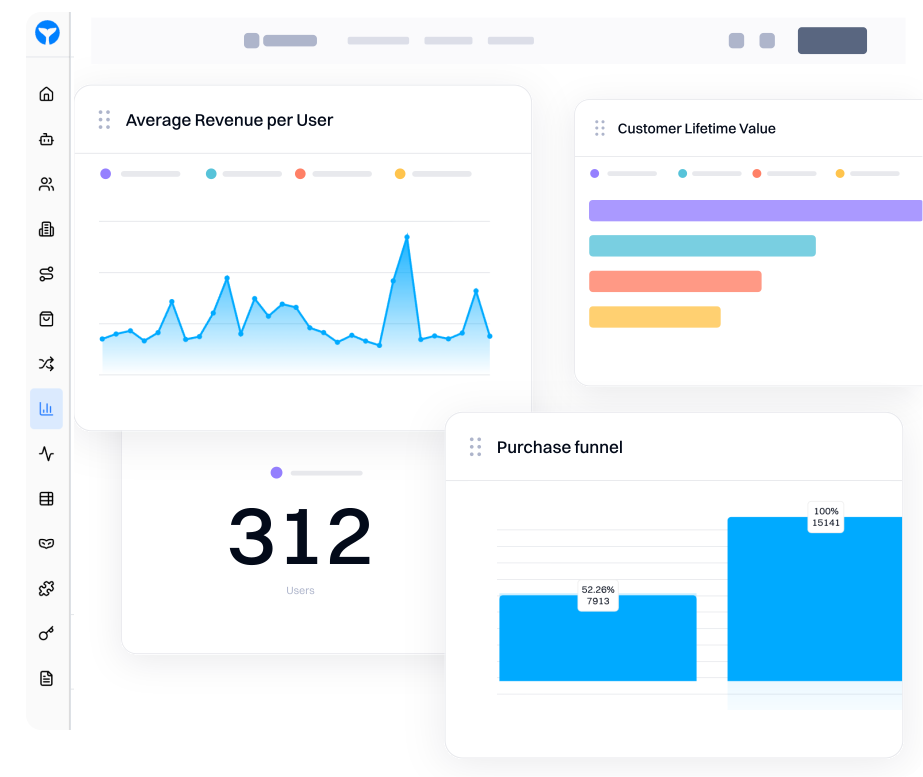
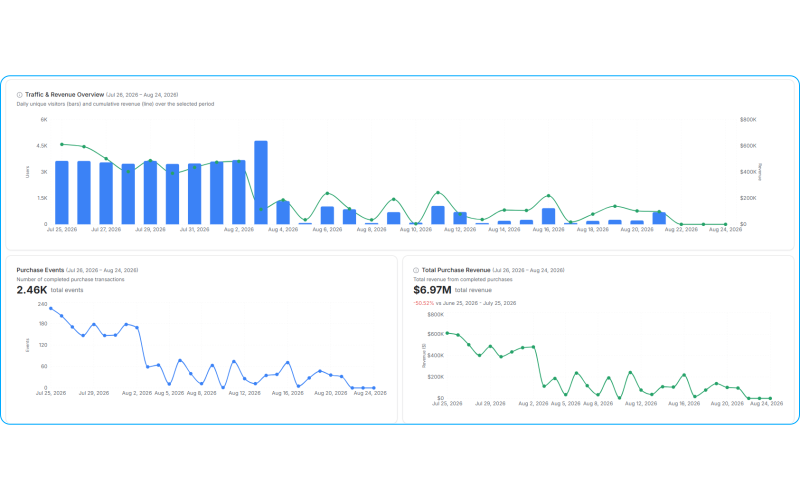
Monitor all KPIs in one place

Centralize reporting with unified, customizable dashboards.

Presentation chart icon

Unified dashboards

View reports for experiences, events, segments, and journeys together.

Chart icon

Dashboard annotations

Add notes or context to any chart or section to keep teams aligned.

Real-time updates & visual options

Choose from chart types, apply filters, and auto-refresh to keep data actionable.

Measure everything, all the time

See what works, showcase your impact, and optimize your investments.

Presentation chart icon

Insights reports

Analyze user & account trends and segment data by attributes like platform, geography, or acquisition source to uncover actionable insights.

Funnel reports

Track user progress through key conversion paths, identifying where and why drop-offs occurs.

Dashboards

Combine key metrics into real-time, customizable views for easy tracking and collaboration.

Filter icon

Breakdowns & filters

Segment and filter data by properties such as demographics or behavior for deeper analysis.

Charts icons

Session analytics

Measure session duration, frequency, source, referral and more to evaluate user trends.

Cross-channel analytics

Monitor user behavior across web, mobile, and email for a complete view of the customer journey.

Presentation chart icon

Insights reports

Analyze user & account trends and segment data by attributes like platform, geography, or acquisition source to uncover actionable insights.

Funnel reports

Track user progress through key conversion paths, identifying where and why drop-offs occurs.

Dashboards

Combine key metrics into real-time, customizable views for easy tracking and collaboration.

Filter icon

Breakdowns & filters

Segment and filter data by properties such as demographics or behavior for deeper analysis.

Chart icon

Session analytics

Measure session duration, frequency, source, referral and more to evaluate user trends.

Connector icon

Cross-channel analytics

Monitor user behavior across web, mobile, and email for a complete view of the customer journey.

You don’t need an army of marketers.

You need GrowthOS and Blu, your AI Co-Marketer.

FAQs

Can I track users across web, mobile, and other tools, all in one place in Intempt?

Yes. Intempt captures events from your website, mobile apps, Shopify, HubSpot, Stripe and third-party tools, then stitches them together into unified customer profiles. So you're not looking at fragmented data from different platforms; you see the complete journey from first touch to conversion in one view.

How does session stitching work for anonymous vs. known users?

Intempt merges anonymous sessions with known user profiles once someone identifies themselves (logs in, submits a form, etc.). All their previous activity gets connected to their profile, so you see the full picture, not just what happened after they signed up.

What session-level data can I actually see in Intempt?

Duration, frequency, UTM parameters, referral sources, device types, browser info, geographic location, for both web and mobile. You can dig into how users arrive, how long they stay, and what paths they take before converting (or bouncing).

How do I build custom funnels for specific conversion goals?

You define the steps - could be trial-to-paid, signup-to-first-purchase, or any custom flow you care about. Intempt shows you conversion rates between each stage and exactly where users drop off. No preset templates you're stuck with; you build what matters for your business.

Can I see retention broken down by different cohorts in Intempt?

Yes. You can track retention by signup week, campaign source, feature usage, plan type, whatever makes sense. This helps you spot which acquisition channels bring users who actually stick around vs. which ones drive signups that churn quickly.

What can I do with dashboards beyond just viewing charts in Intempt?

Dashboards are customizable and collaborative. You can combine metrics from experiences, events, segments, and journeys into one view. Add annotations to explain spikes or dips, so your team has context. Set auto-refresh so data stays current. Choose different chart types based on what you're trying to communicate.