
Full inbox. Empty tomorrow.
Blu reads your inbox, categorizes every thread by deal stage, drafts the reply from CRM context, and syncs everything back before you open the email.

Inbox zero is a workflow, not a goal
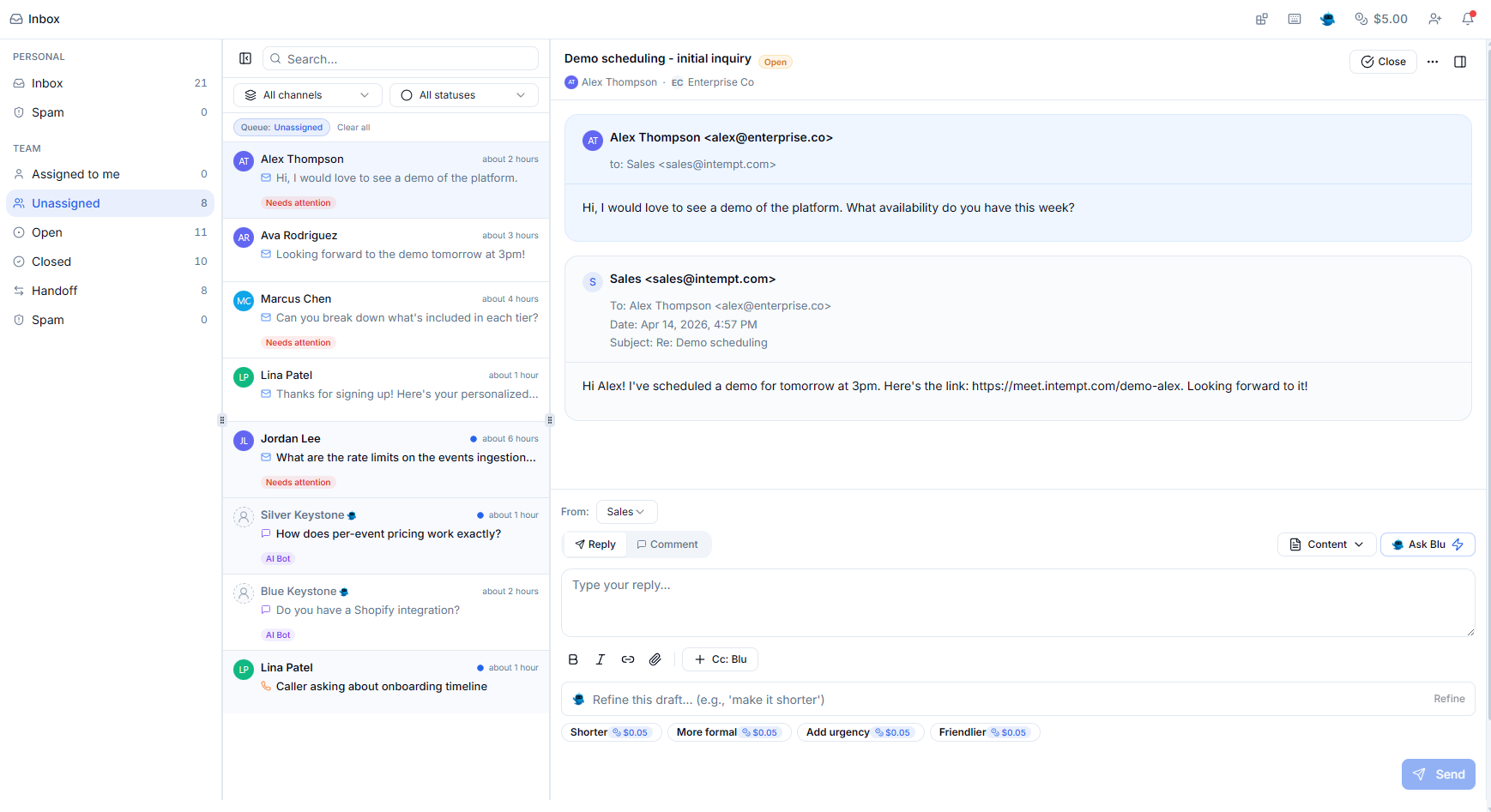
Blu reads every thread before you do and labels it: needs-reply, follow-up, scheduling, deal update, or low-priority. You open what matters and skip what doesn't. Sequences pause the moment a prospect replies so nothing outdated goes out.
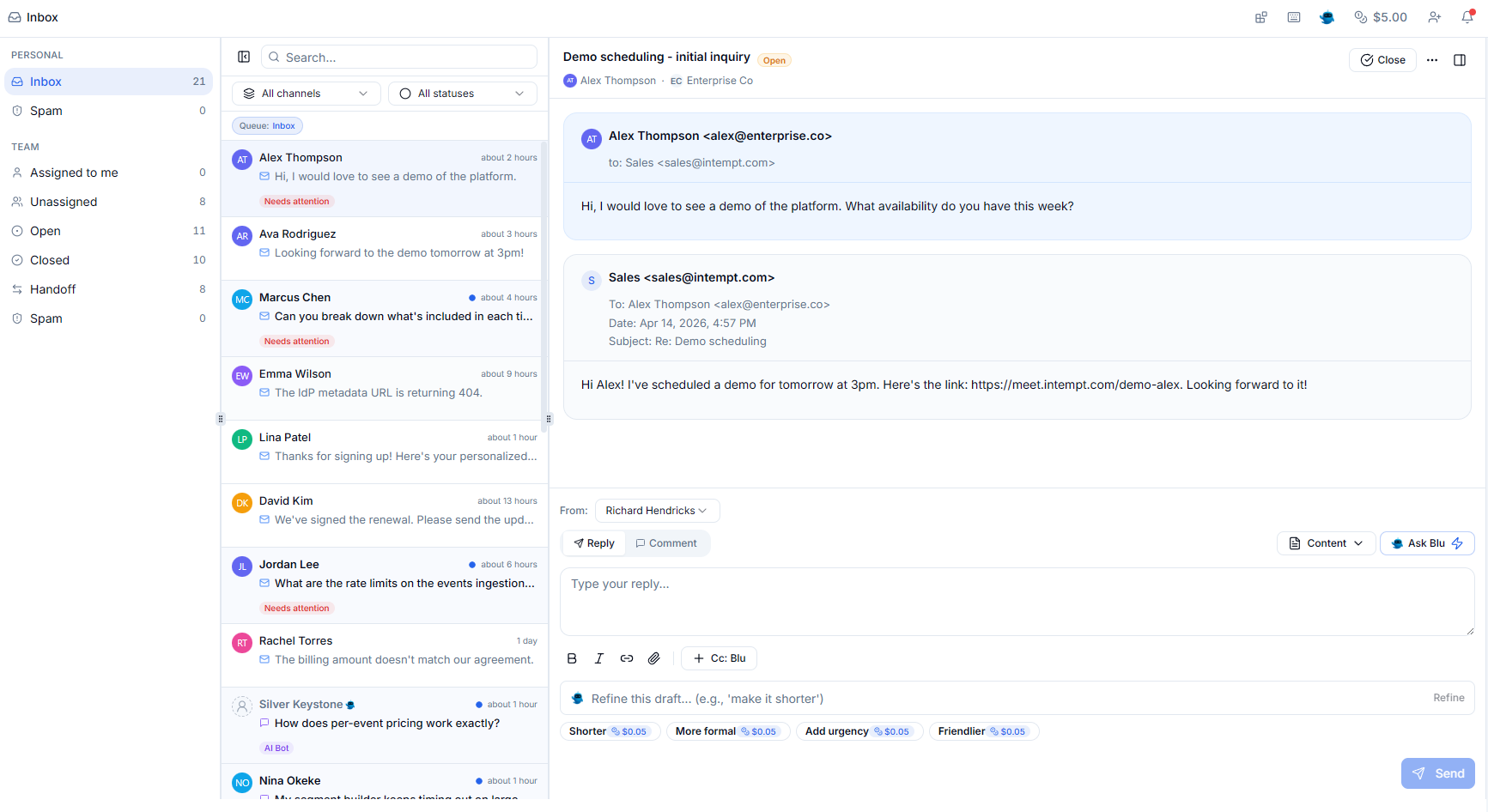
Replies written from deal context, not templates
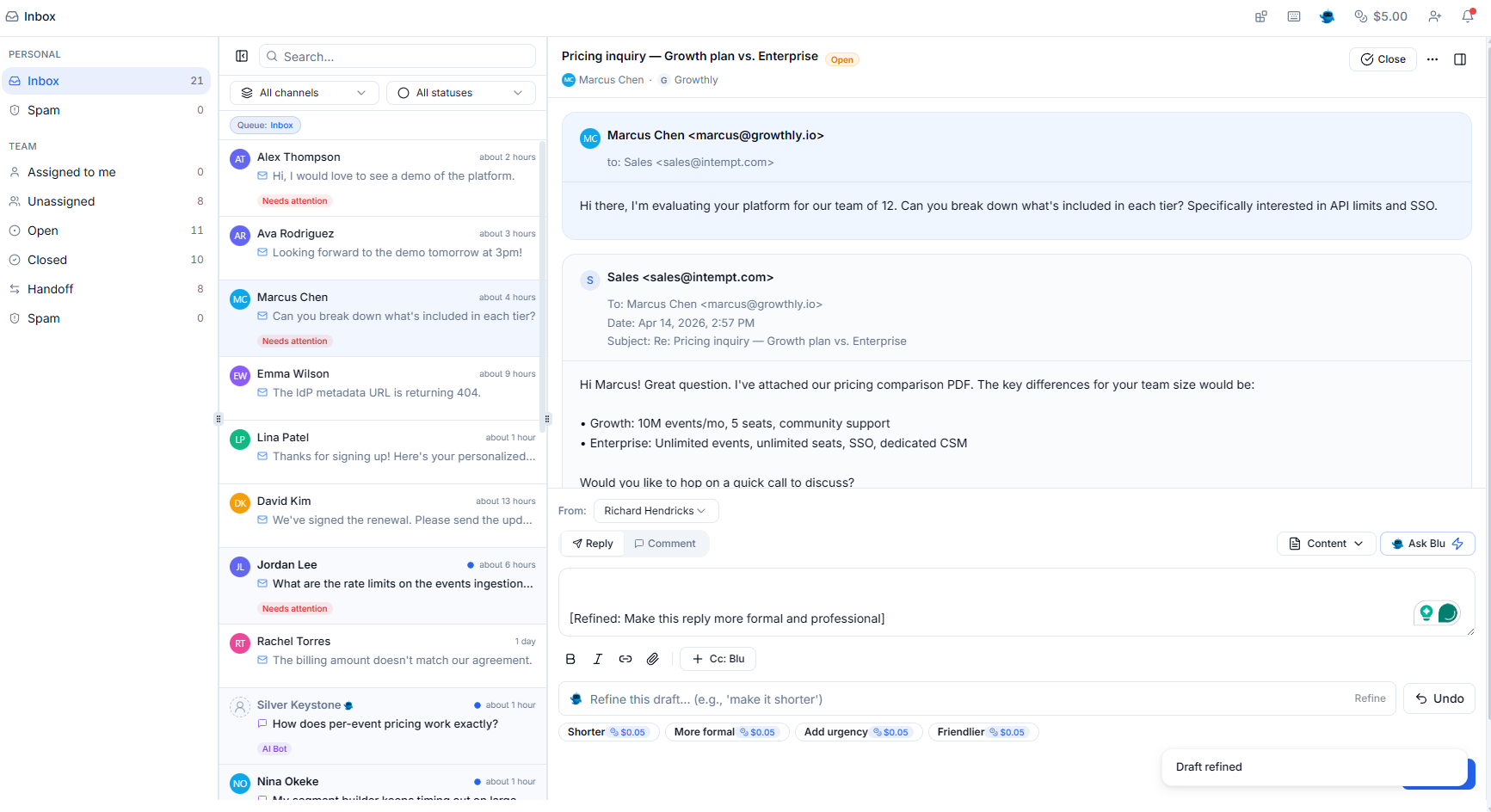
Blu pulls the thread, the last call transcript, and the deal stage before writing a word. The draft references what actually happened in the conversation, not a generic template. You review, edit if needed, and send. No blank page.
Every email logged. Nothing to remember.
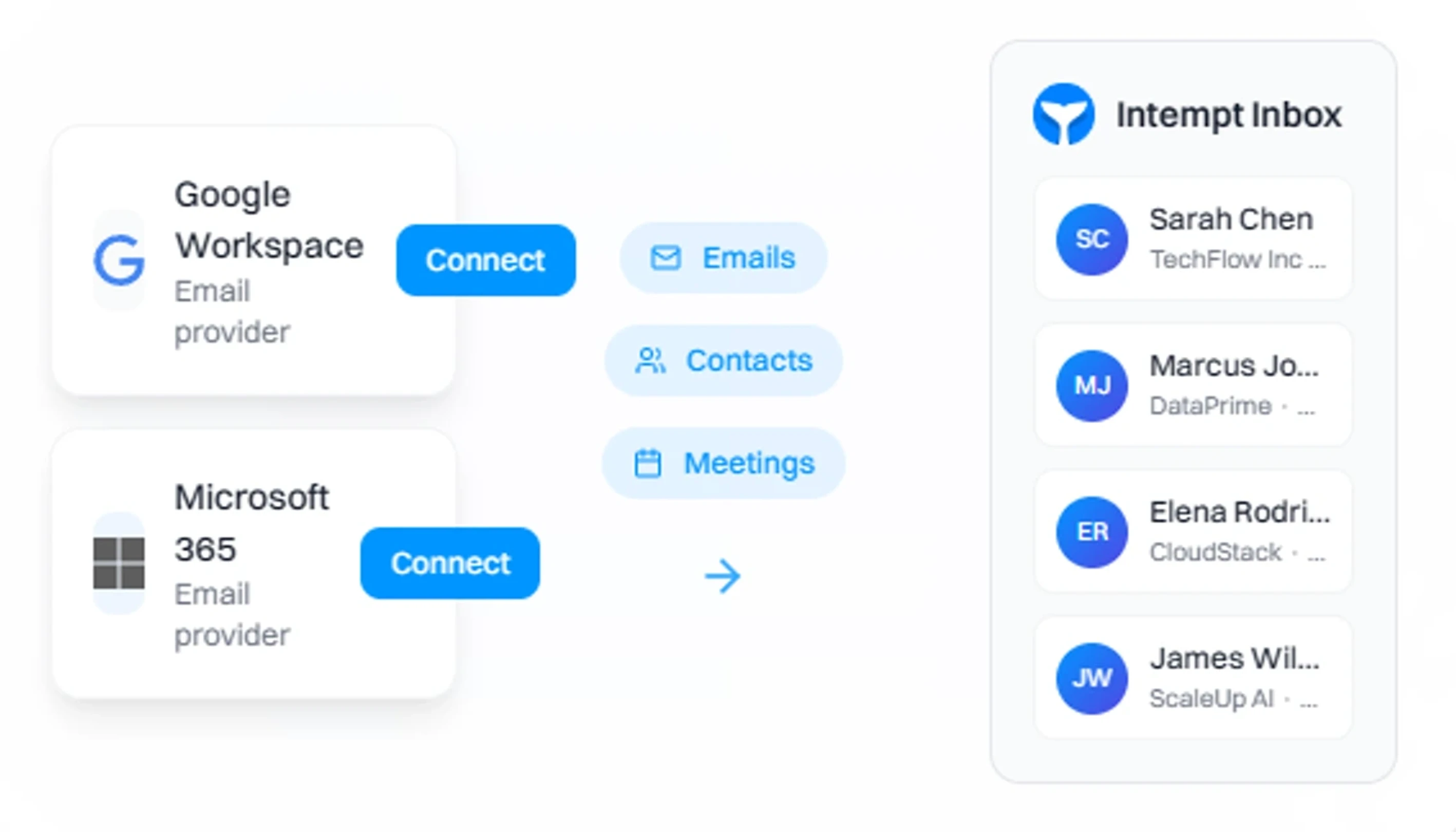
Every sent and received email logs to the right contact, account, and deal the moment it happens. CRM timelines stay accurate without reps touching anything. Pipeline reviews show what actually occurred, not what someone remembered to enter.
How AI Email Management & Replies Works
From full inbox to clear in four steps.
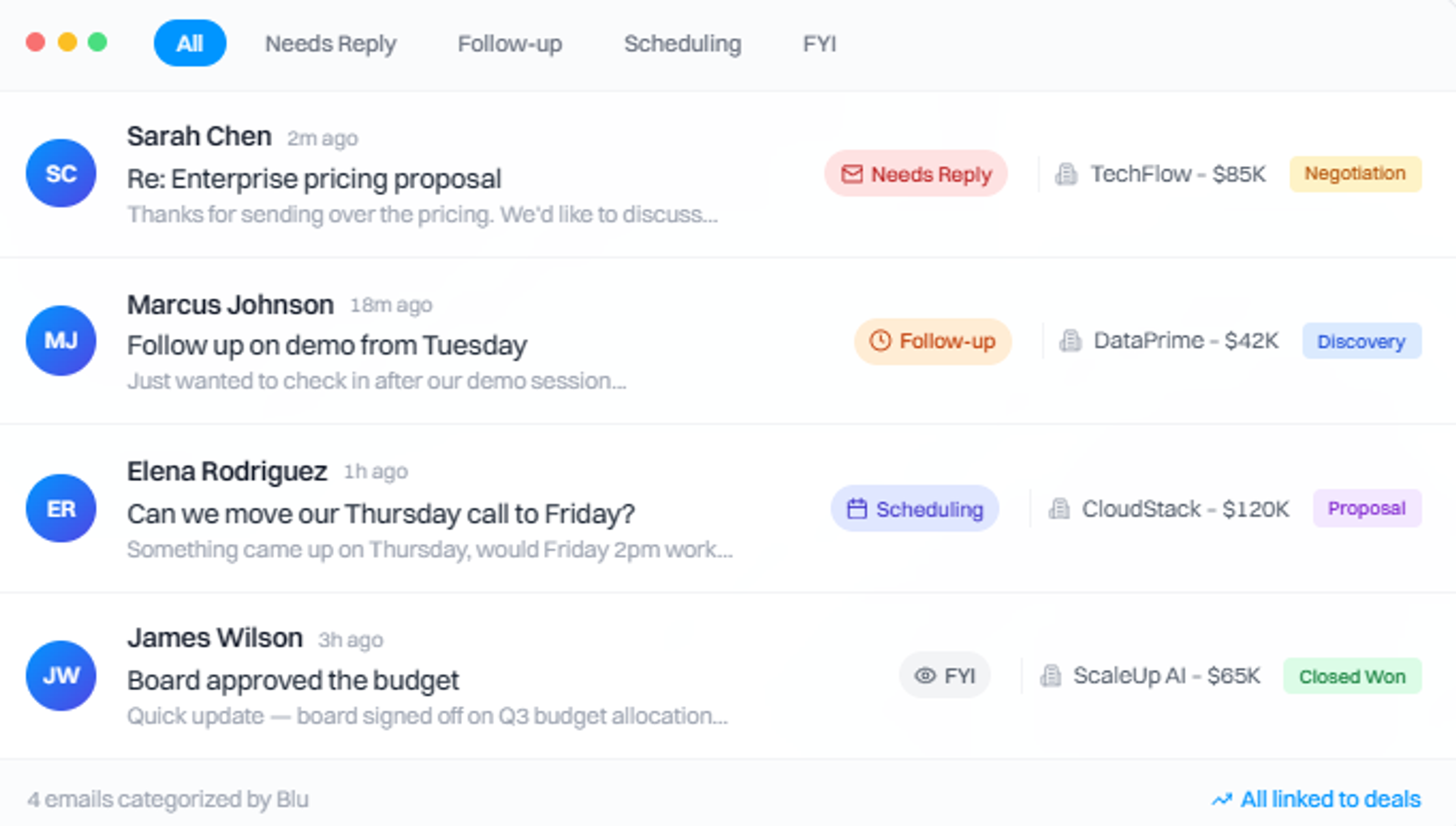
Blu reads and categorizes your inbox
Blu reads and categorizes your inbox
Every incoming email is read and labeled before you open it needs-reply, follow-up, scheduling, deal update, or low-priority. Each thread is linked to the right contact, account, and deal stage. You open what matters. You skip what doesn't.
Drafts contextual replies per thread
Drafts contextual replies per thread
For every needs-reply thread, Blu generates a draft that reflects the actual deal context last call, open questions, agreed next steps, CRM stage. Not a template. A reply that sounds like you read the email, because Blu did.
You review, edit, and send
You review, edit, and send
Intempt never sends automatically. You review the draft, edit if needed, and send. Sequences pause the moment a prospect replies no outdated follow-ups land after someone responded. Every send stays in your control.
Every action syncs to CRM automatically
Every action syncs to CRM automatically
Sent emails, replies received, and actions taken all log to the right contact, account, and deal without rep input. Timeline entries appear as they happen. Deal stages update from real activity. Reps never touch the CRM to keep it current.

Real results, not just tech
We drive measurable outcomes in the first 90 days. Beyond the platform.


“We were losing visitors before they signed up. Intempt's personalized experiences changed that - we started meeting people where they were instead of guessing. Once they're in, Intempt's automated email takes over and keeps the relationship moving. Acquisition and retention finally feel like one connected motion instead of two separate problems.”
Jim Stromberg, CEO
StockInvest
Case Study
StockInvest needed to turn anonymous traffic into registered users before any retention strategy could work. With Intempt's Experiences, they personalized the anonymous visitor flow, surfacing the right content and CTAs to boost signup conversion. Once users signed up, automated Journeys nurtured them through onboarding and deeper engagement, steadily increasing lifetime value.
Explore more products
Everything else that keeps your pipeline moving.
Clear your inbox. Keep your pipeline current.
Blu drafts the reply. You decide what sends.
Frequently asked questions
Inbox and email AI
No. Intempt drafts replies and sequences prepare messages, but sending always stays in your control. This prevents wrong tone, wrong timing, and replying without the latest context. You review every draft before it goes out.
Sequences pause automatically when a prospect replies. They also pause when a meeting is booked or when a deal stage changes, depending on your rules. This prevents sending outdated follow-ups to someone who has already responded or moved forward in the deal.
Name, company, role, and industry. Also sales context like last activity, deal stage, qualification notes, intent signals, and meeting outcomes. The goal is messages that reflect what actually happened not generic merge fields that expose a template.
Yes. Each rep has their own inbox view, and shared inboxes handle inbound. Ownership and assignment rules prevent double-handling, and auto-logging keeps CRM timelines accurate regardless of which rep handled the thread.
Use approved templates as the structural base, Smart Snippets for controlled personalization, and let Reply AI draft within those constraints. The best setup: templates for structure, Reply AI for context, reps for final approval. No draft sends without a human reviewing it first.