
Browsed but didn't buy. Fix that automatically.
Serve product recommendations that convert powered by the same behavioural profiles that run your journeys and experiments. No standalone engine needed.

35 algorithms. One platform. The right one picks itself.
Most engines give you one or two blunt algorithms applied everywhere. Intempt ships 35 — from Trending Now and Similar Items to Collaborative Filtering and Affinity-Based — each matched to a specific placement and moment in the customer journey.
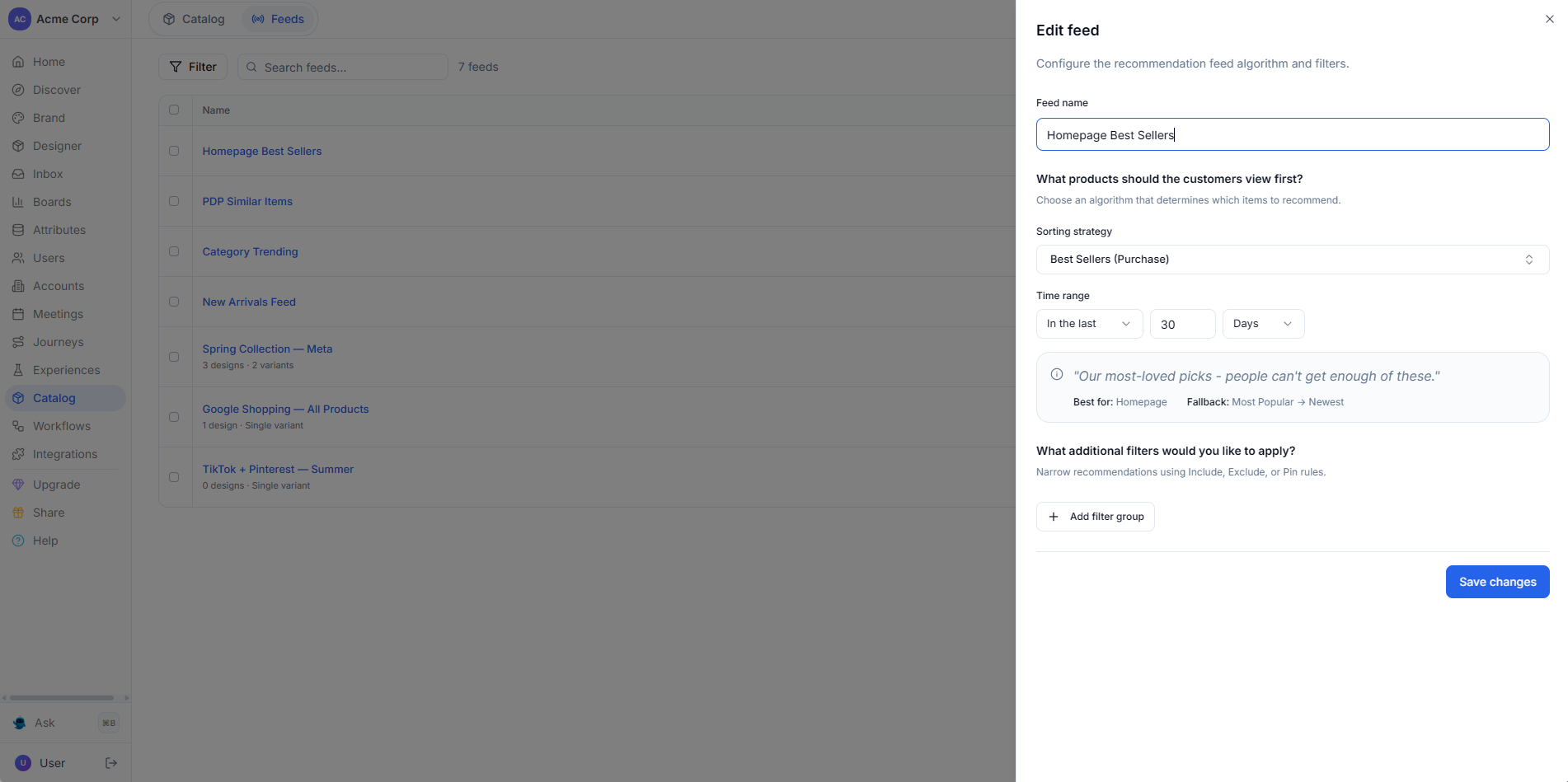
The feed updates from the live event stream, not from last page load.
Most engines snapshot behaviour at page load and never update. Intempt connects to the live event stream — the moment a user takes an action, the recommendation feed recalculates across every active surface.
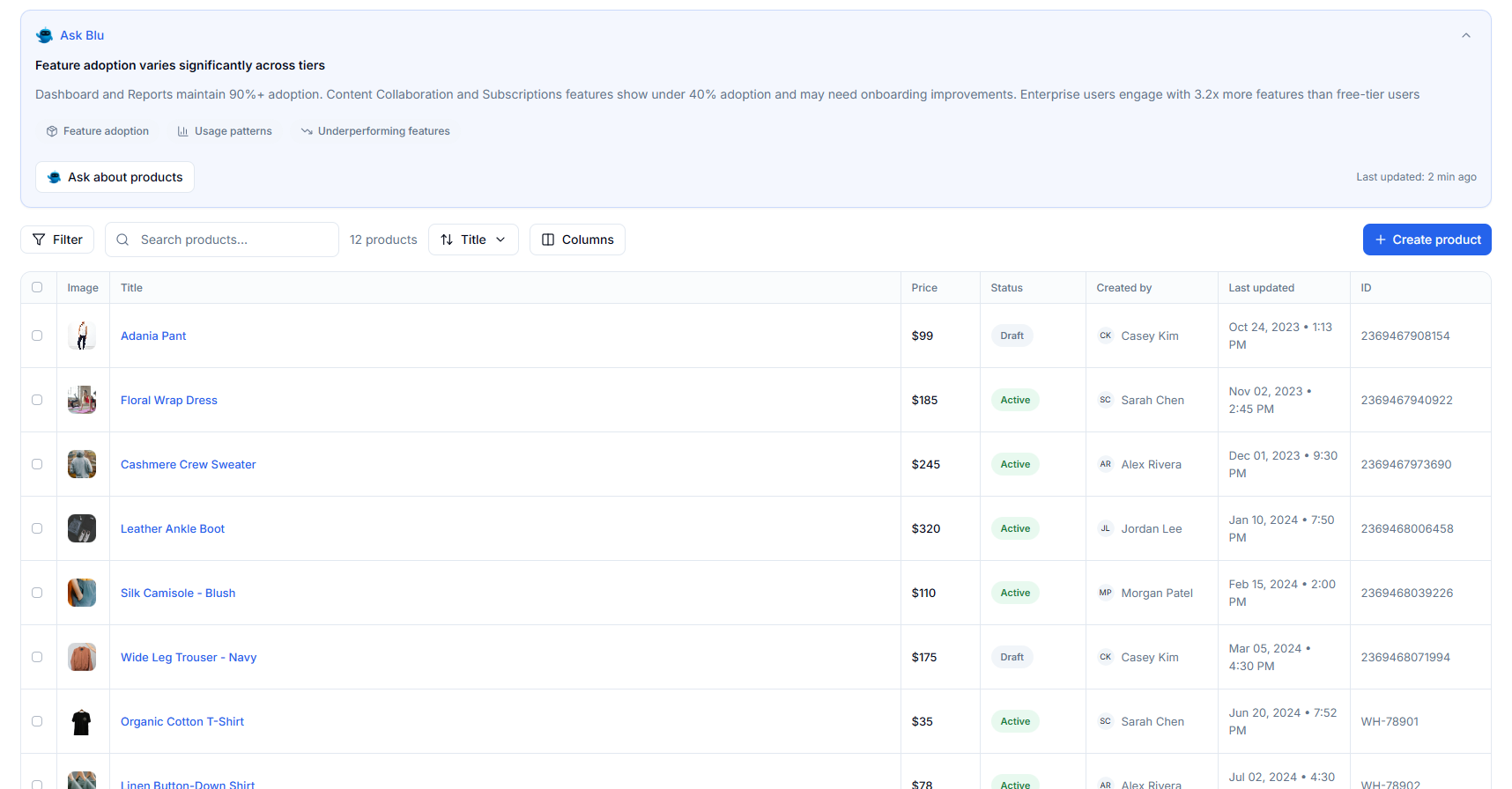
One recommendation engine. Every channel — email, SMS, push, web, and app.
Most teams run a separate feed for on-site and stitch in a different one for email. Intempt powers all five channels from the same engine, the same profiles, and the same 35 algorithms — so what a user does on the website is reflected in the email they get an hour later.
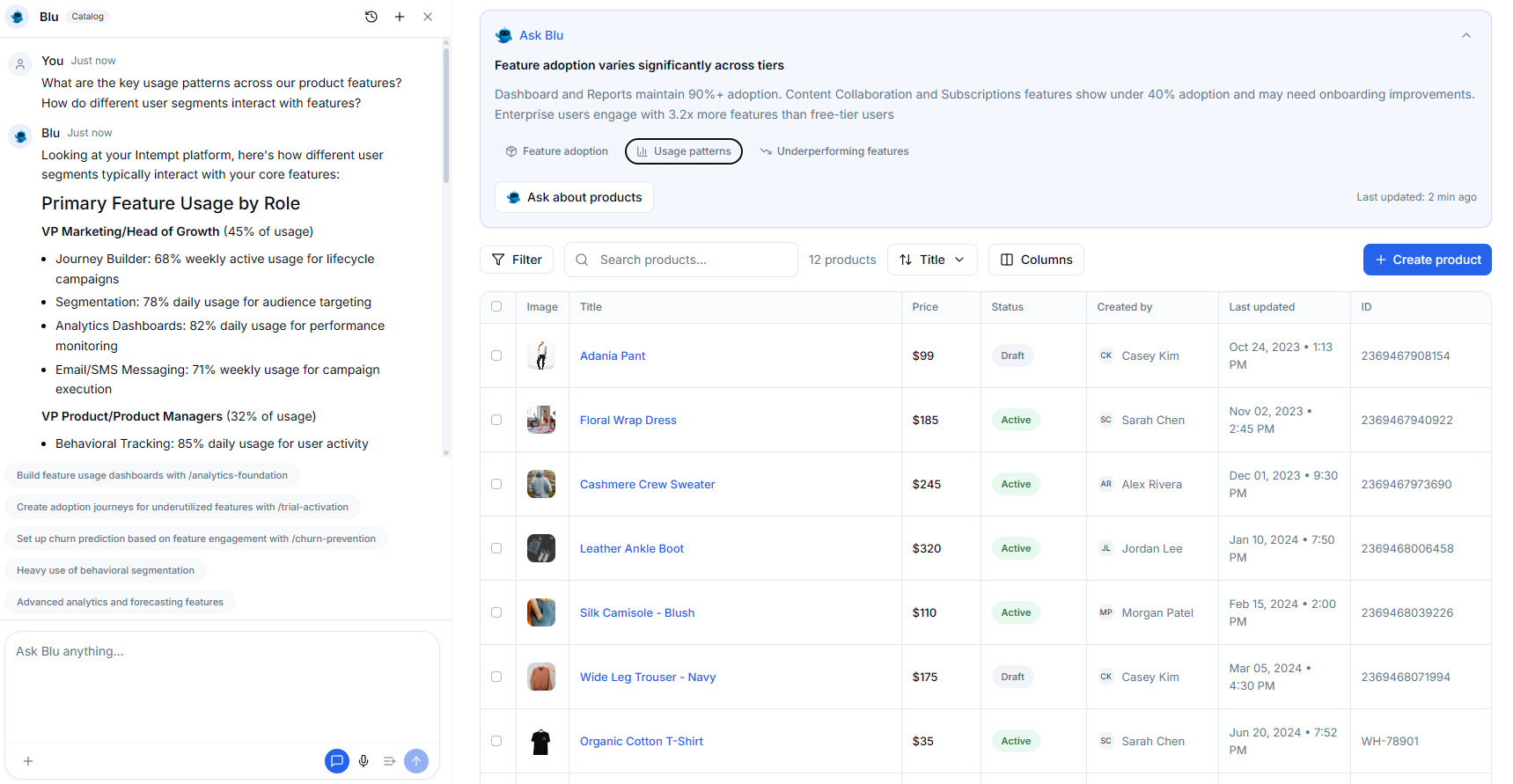
How Product Recommendation AI Works
From catalogue to conversion in four steps.
Ingest your product catalogue Blu configures the feeds
Ingest your product catalogue Blu configures the feeds
Connect your product catalogue via API or native connector. Blu maps the product attributes, pricing, and inventory signals into the recommendation engine. Each placement product page, cart, homepage, post-purchase email gets its own algorithm configuration matched to the funnel stage and what you want the customer to do next.
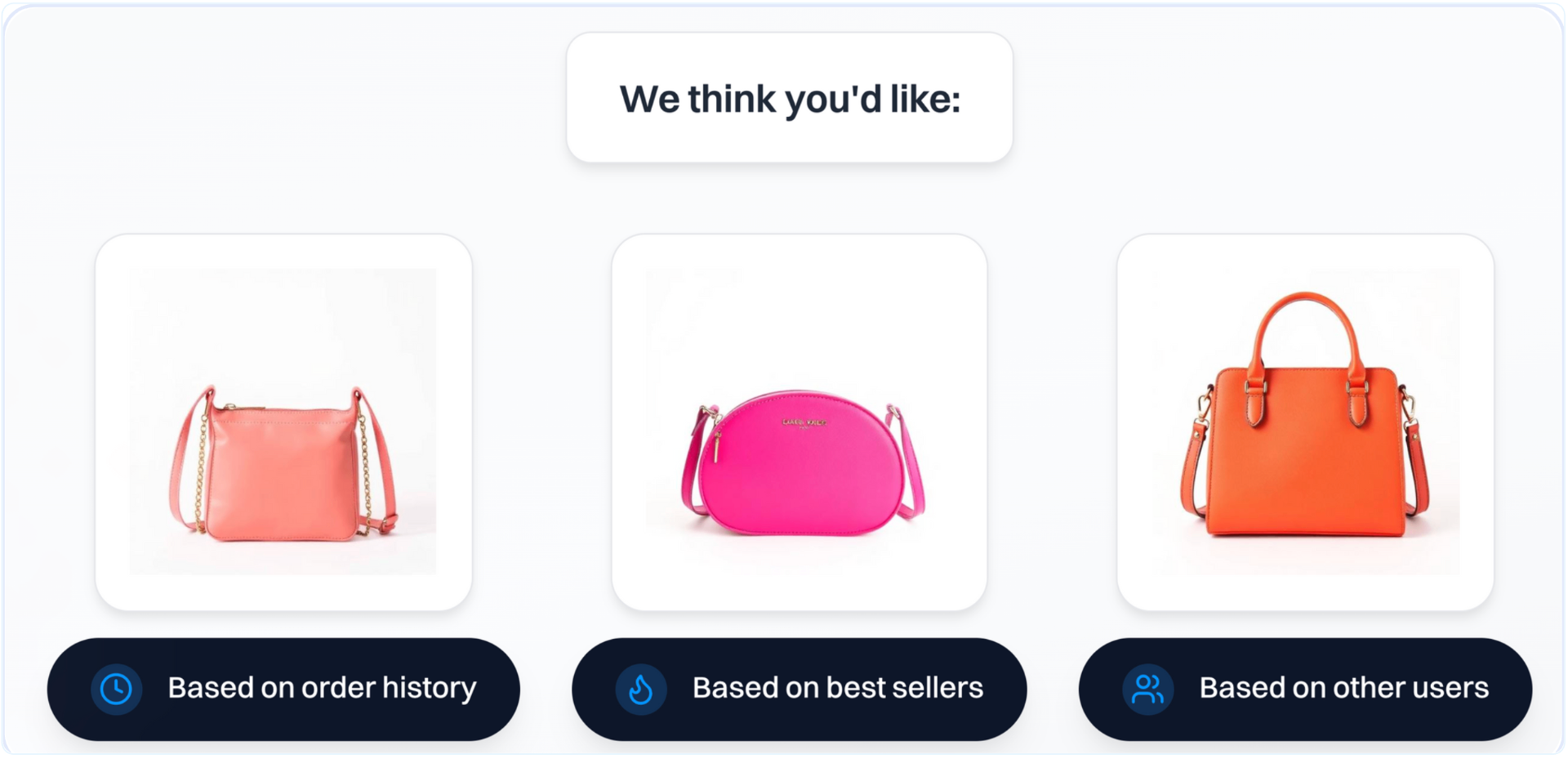
Feeds update from the live event stream mid-session
Feeds update from the live event stream mid-session
Every browse, cart add, and purchase event updates the recommendation feed in real time. Already-carted items are excluded immediately. Already-purchased items never resurface. The customer always sees what's relevant to where they are right now not what was relevant when they landed.
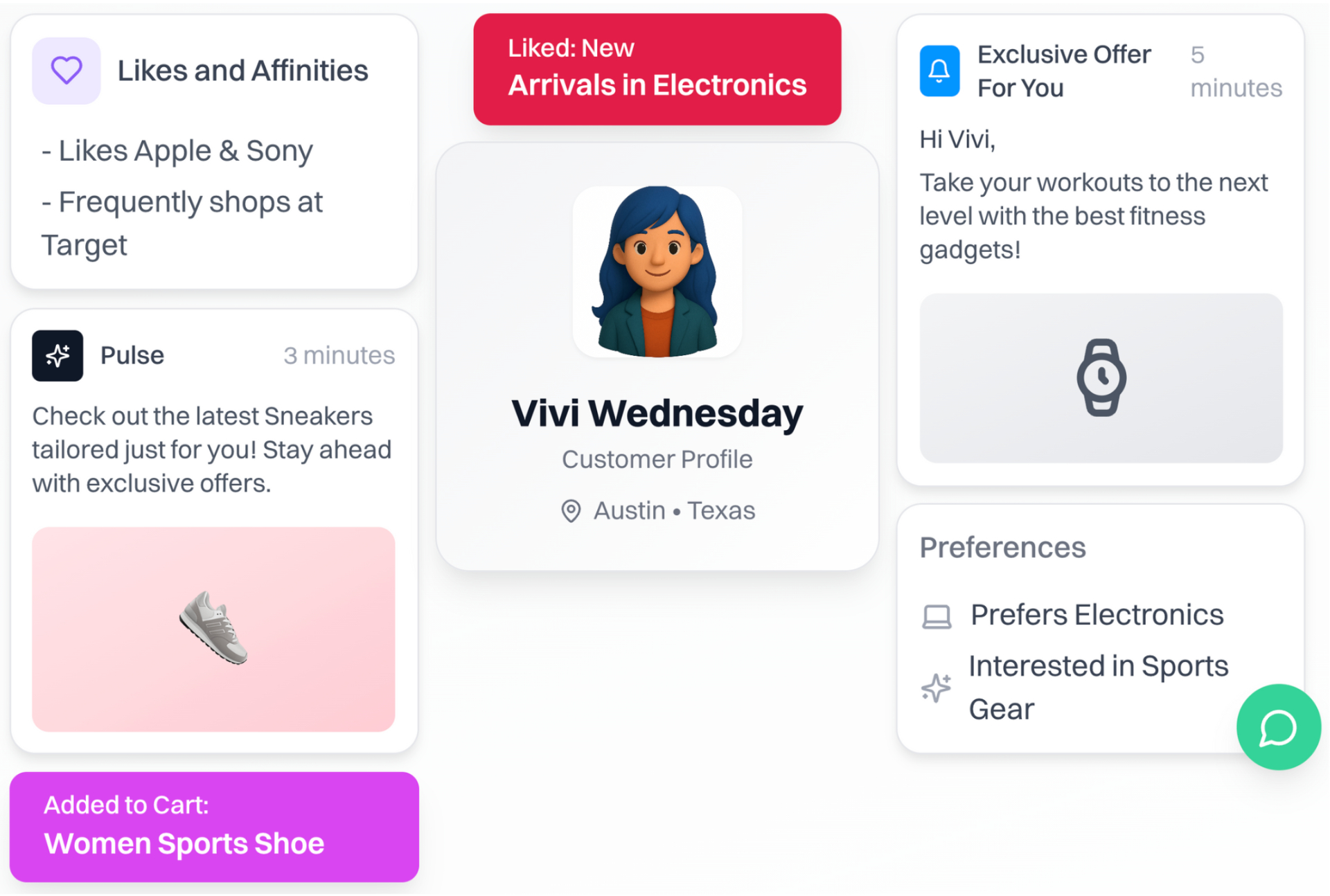
AI segmentation decides who sees which recommendation
AI segmentation decides who sees which recommendation
Recommendations don't fire to everyone equally. Intempt's AI segments group users by behavioural affinity, lifecycle stage, engagement patterns, and product interaction history. Each segment gets an algorithm configuration matched to where they are — a new user gets discovery-first logic, an active user gets affinity-based logic, a lapsed user gets re-engagement logic.
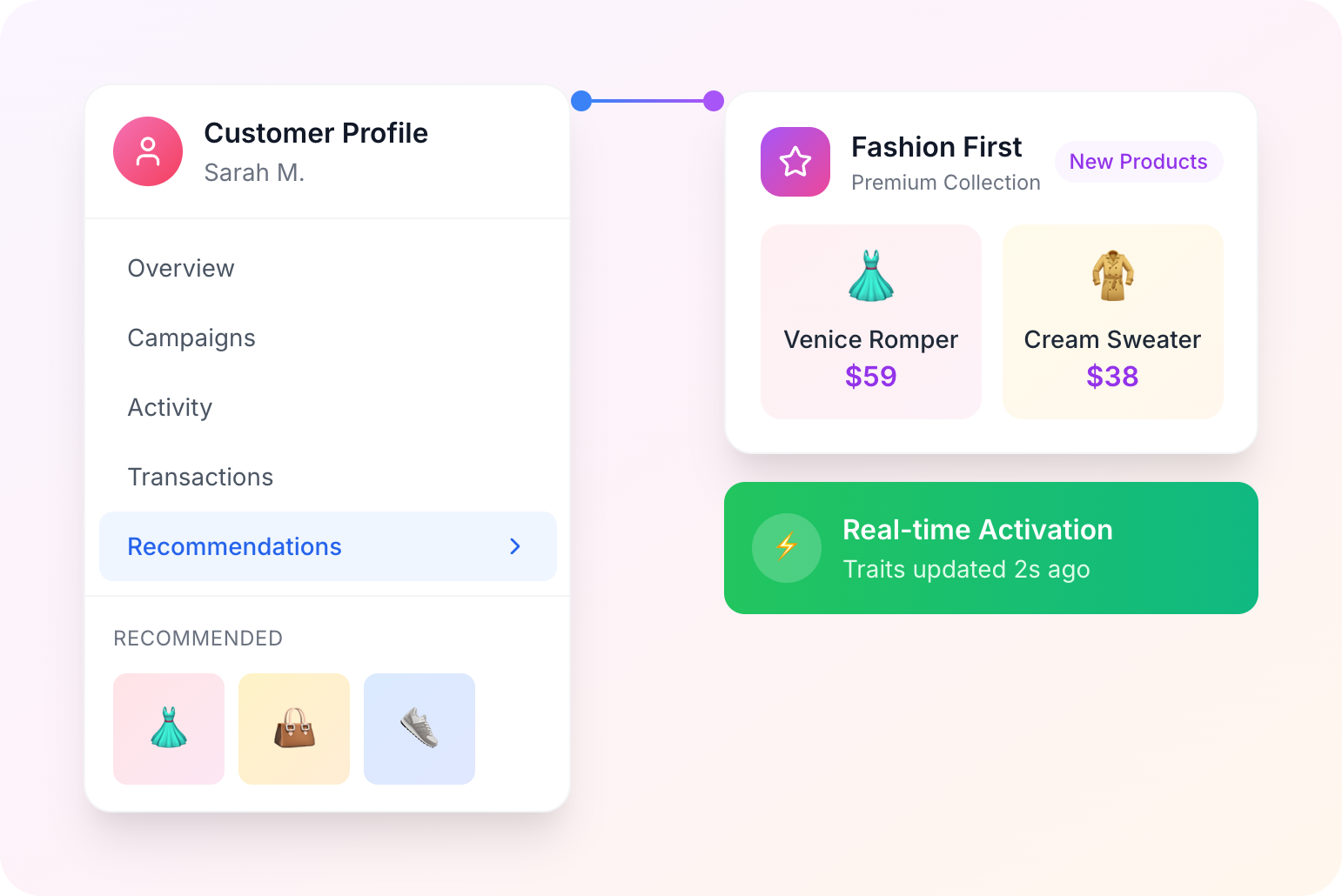
One engine. Email, SMS, push, web, and app — all channels, same feed.
One engine. Email, SMS, push, web, and app — all channels, same feed.
Most teams run separate recommendation logic for email and a different one on-site. Intempt powers all five channels from the same engine and the same profiles. A behavioural signal on the website updates the email block. An SMS recommendation reflects what the user just browsed in the app. One catalogue, one algorithm config, every surface — coherent across every touchpoint.

Real results, not just tech
We drive measurable outcomes in the first 90 days. Beyond the platform.


“We were losing visitors before they signed up. Intempt's personalized experiences changed that - we started meeting people where they were instead of guessing. Once they're in, Intempt's automated email takes over and keeps the relationship moving. Acquisition and retention finally feel like one connected motion instead of two separate problems.”
Jim Stromberg, CEO
StockInvest
Case Study
StockInvest needed to turn anonymous traffic into registered users before any retention strategy could work. With Intempt's Experiences, they personalized the anonymous visitor flow, surfacing the right content and CTAs to boost signup conversion. Once users signed up, automated Journeys nurtured them through onboarding and deeper engagement, steadily increasing lifetime value.
Explore more products
Everything else that turns your data into revenue.
Stop showing popular. Start showing relevant.
Blu configures the feed. Every visitor sees what fits them.
Frequently asked questions
Product recommendation AI
Viewed Together identifies products that are frequently browsed in the same session it reflects curiosity and discovery behaviour. Purchased Together identifies products that are frequently bought in the same order it reflects intent and basket completion. On a product detail page, Purchased Together is almost always more effective because the customer is in purchase mode. On a discovery or category page, Viewed Together surfaces exploration candidates. Intempt lets you configure the algorithm independently per placement so each context gets the logic that matches it.
Recommendation feeds connect directly to Intempt's real-time event stream the same stream that powers journeys and experiments. When a cart_item_added event fires, the feed immediately excludes that item and recalculates what would complete the order. When order_completed fires, those products are excluded from future recommendations. There is no batch delay or page-reload required for the feed to reflect the customer's current state.
Yes. The same recommendation engine that powers on-site placements powers email and journey steps. A post-purchase email can include a personalised product feed based on the completed order. A browse abandonment journey can include the exact products the customer viewed. One catalogue, one engine, every channel the feed adapts to the context automatically.
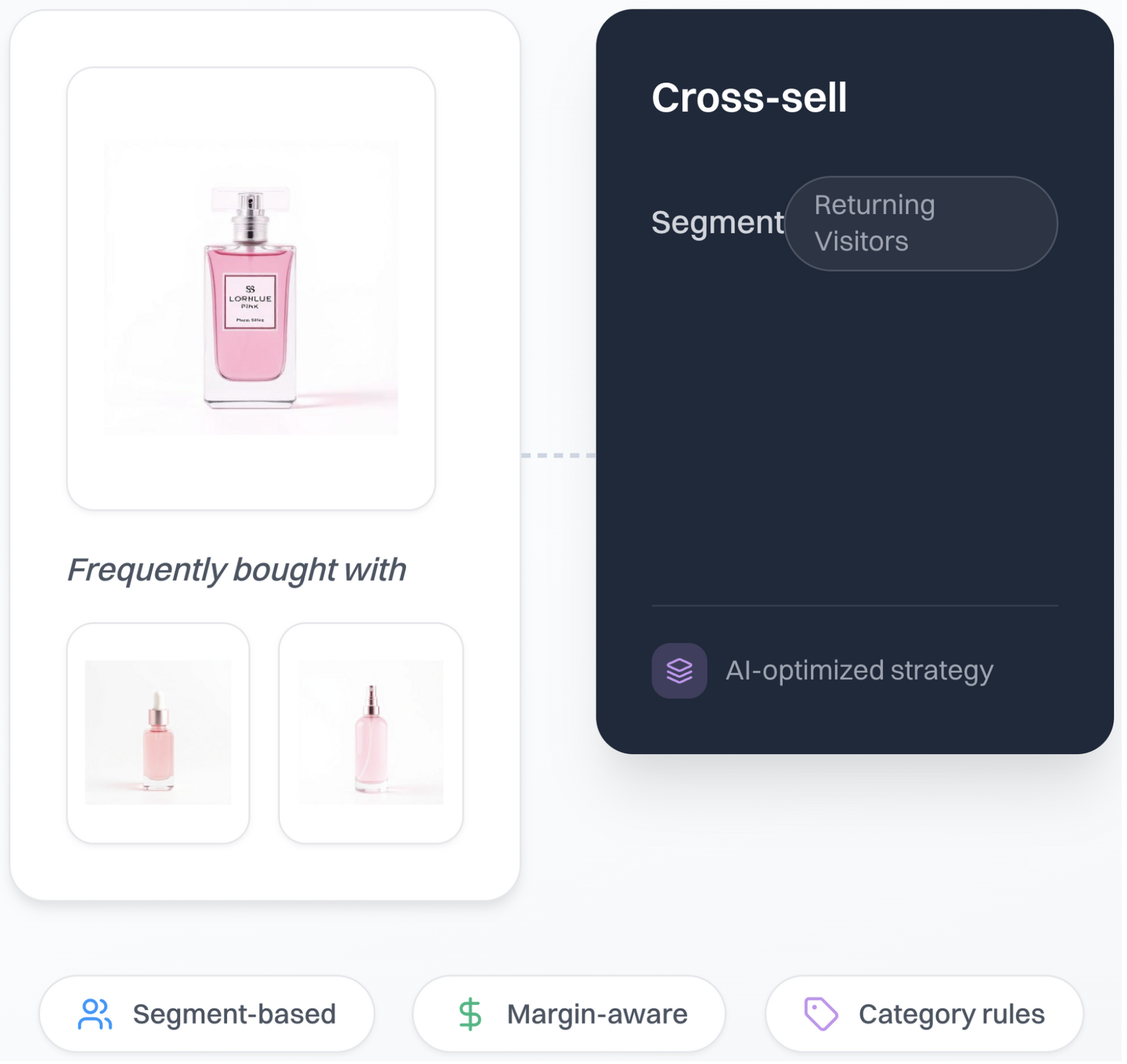
Standard cross-sell logic recommends whatever is statistically 'bought together' regardless of whether that recommendation makes business sense for the customer or the order. Margin-aware logic accounts for the customer's LTV segment, current order value, and the margin profile of candidate items. A high-LTV customer in a $200 order sees a bundle completion recommendation, not a $5 accessory. This is the difference between a cross-sell engine and a revenue engine.
No. Intempt's recommendation engine reads from the same unified profiles and event stream as your journeys, experiments, and personalization. No separate catalogue sync, no separate audience pipeline, no third-party recommendation tool to maintain. The same profiles that trigger journeys power the recommendation feed with no delay between behaviour and output.