.svg)


7 Best A/B Testing Tools & Software in 2025
A/B testing tools help you validate ideas with real users - so you ship what actually works, not what wins an internal debate. This guide walks through how to pick (and use) the right A/B testing platform for your team.


What is an A/B testing tool?
An A/B tool lets you show two (or more) versions of a page, screen, or feature to different users and measure which one better hits a goal-clicks, signups, purchases, you name it. Think “Version A (control) vs. Version B (variant)” run as a fair, statistically sound experiment.
Why do you need an A/B testing tool?
- Cut the opinions, keep the data. Instead of “I think…”, you make decisions on observed behavior.
- De-risk launches. Validate ideas on a slice of traffic before a full rollout.
- Learn faster. See how small copy, layout, or flow changes move metrics.
- Build a habit of improvement. Continuous, incremental wins compound.
- Stay statistically honest. Good tools tell you when a “win” is actually significant (and when it isn’t).
What to look for in an A/B testing tool?
- Easy to use. Your team should be able to ship tests without PhDs or weeks of setup. (Clear visual editors and sane workflows help.)
- Statistical reliability. Built-in stats that flag significance, power, and guard against false wins.
- Audience targeting. Aim variants at specific segments (e.g., geo, device, lifecycle). Look for robust “audiences/segments” features.
- Reporting you’ll actually read. Trustworthy dashboards, lift charts, and shareable summaries.
- Plays nice with your stack. Integrates with analytics, CDPs, feature flags, and data warehouses.
- Right price for the stage you’re in. Balance traffic limits, feature depth, and support.
If you are running a little low on time, here’s a comparison chart for you to skim through all the tools and choose the one.

1) Intempt
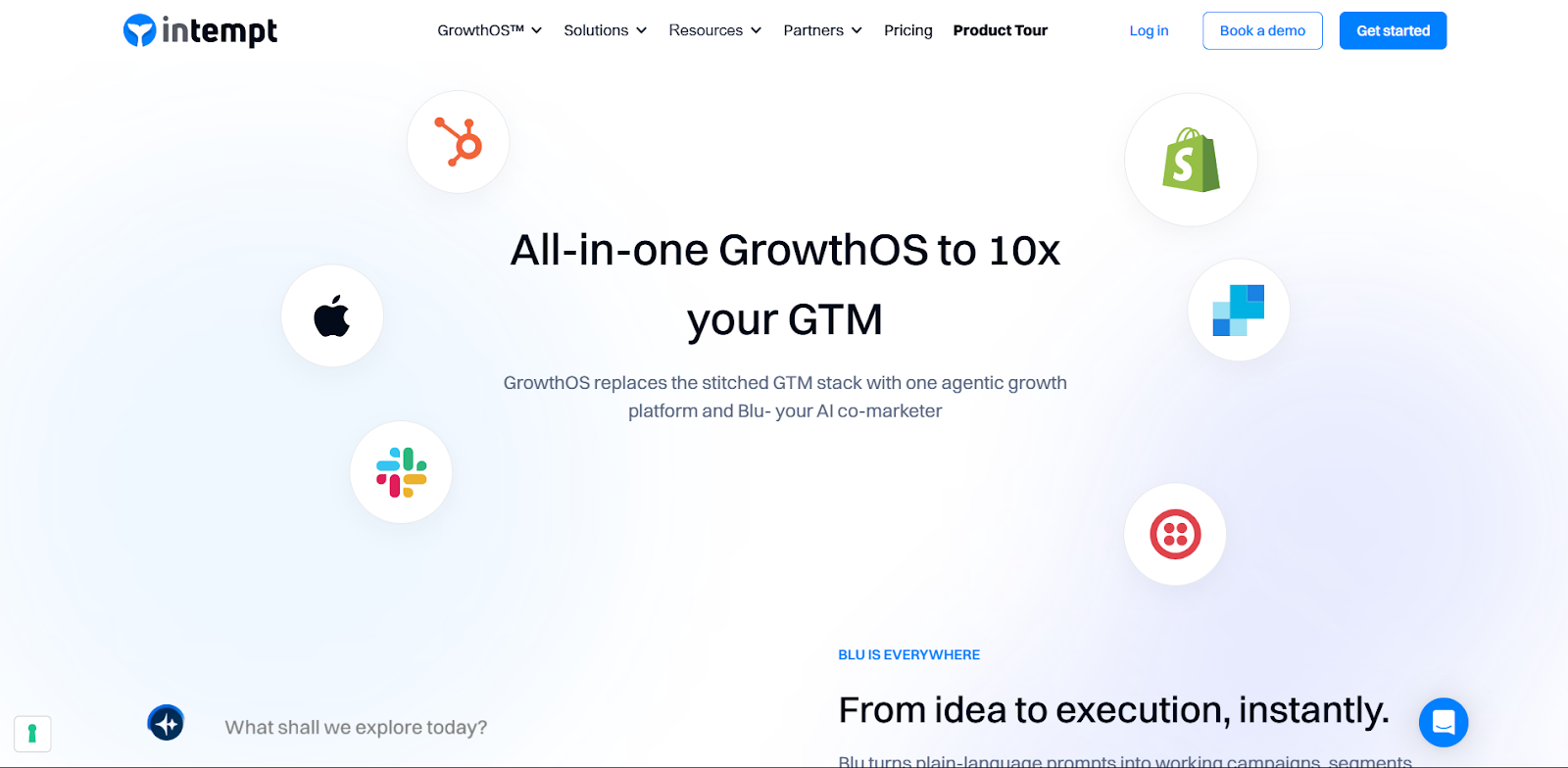
Intempt unifies A/B testing, real-time personalization, and product recommendations(for eCommerce) across your Website and App on a single data model - so Marketing, product, and engineering can run experiments, deliver tailored experiences, and measure lift without Franken-stack glue.
Strengths
- One platform for experiments, personalizations, and recommendations - fewer tools, cleaner attribution.
- Behavioral + contextual targeting with real-time segments for in-app and web.
- Visual editors and catalog/product feeds for recommendations.
- Built for PLG teams: tie experiments to activation/time-to-value and downstream metrics.
Watchouts
- Requires a basic tracking implementation to unlock real-time power.
- Limited 3rd-party integrations
- Self-service learning curve
Best for
PLG SaaS and ecommerce teams that want experimentation + personalization + recommendations under one roof (fewer handoffs, faster iteration).
Pricing
Starts at $52 for 1k MTUs with unlimited team members
2) VWO

A mature experimentation suite for web and server-side testing with a broad UX toolkit (heatmaps, surveys, session recordings) and program-management features.
Strengths
- End-to-end stack (test + research + deploy) in one contract.
- Visual editor for marketers; developer features for server-side.
- Built-in QA, goals, and guardrails for non-technical teams.
Watchouts
- Pricing tiers can rise with traffic; advanced modules add cost.
- Statistical settings need care to avoid false positives.
- Server-side at scale may need developer resourcing.
Best for
Growth teams wanting one vendor for testing plus UX research tools.
Pricing
Public plans and trial; details vary by module/traffic.
3) Optimizely
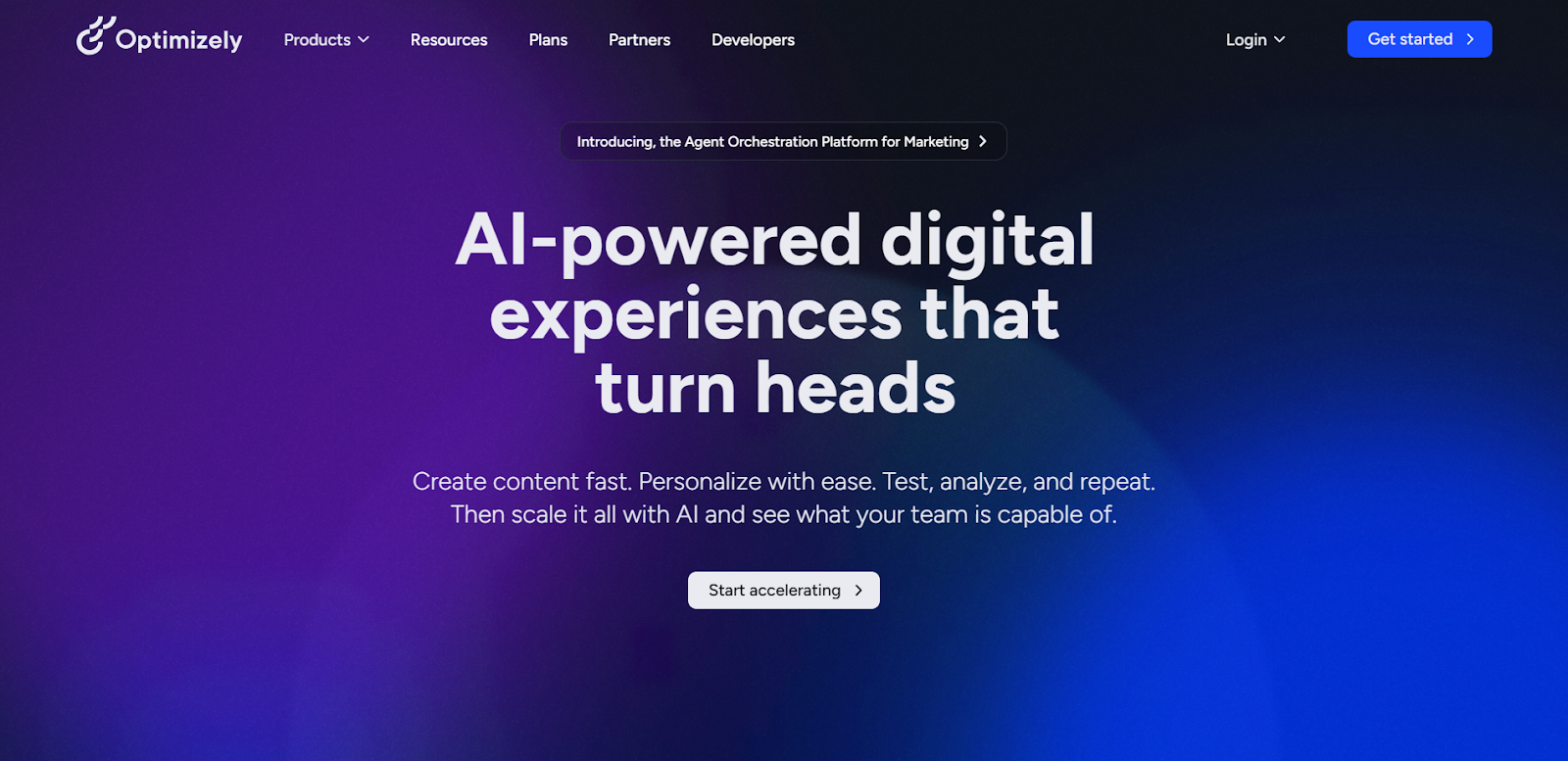
An enterprise-grade platform across client- and server-side experiments, feature flags, and content/commerce integrations within Optimizely’s DXP. Web Experimentation offers a 30-day free trial.
Strengths
- Proven stats engine and guardrails for high-traffic orgs.
- Deep feature flagging/rollout for product teams.
- Strong governance, SSO, roles, approvals for enterprise.
- Ecosystem integrations across content/commerce clouds.
Watchouts
- Enterprise-oriented.
- More setup/compliance overhead than lightweight tools.
- Separate products (Web vs Feature Experimentation) to evaluate.
Best for
Enterprises needing web + full server-side experimentation/flags with strong governance.
Pricing
Contact sales; Web offers a 30-day trial.
4) Convert

A privacy-forward experimentation platform popular with agencies and CRO teams; supports client- and server-side tests with generous SLAs and transparent pricing.
Strengths
- Clear, published pricing; 15-day free trial.
- Strong privacy stance and compliance options.
- Agency-friendly collaboration and support.
- Robust targeting and integrations environment.
Watchouts
- UI is utilitarian vs. “suite” flair.
- Fewer built-in UX research tools
- Developer input needed for advanced server-side programs.
Best for
Agencies/CRO teams wanting transparent pricing and privacy-minded testing.
Pricing
From $499/mo (Essentials), billed annually; 15-day free trial.
5) Statsig
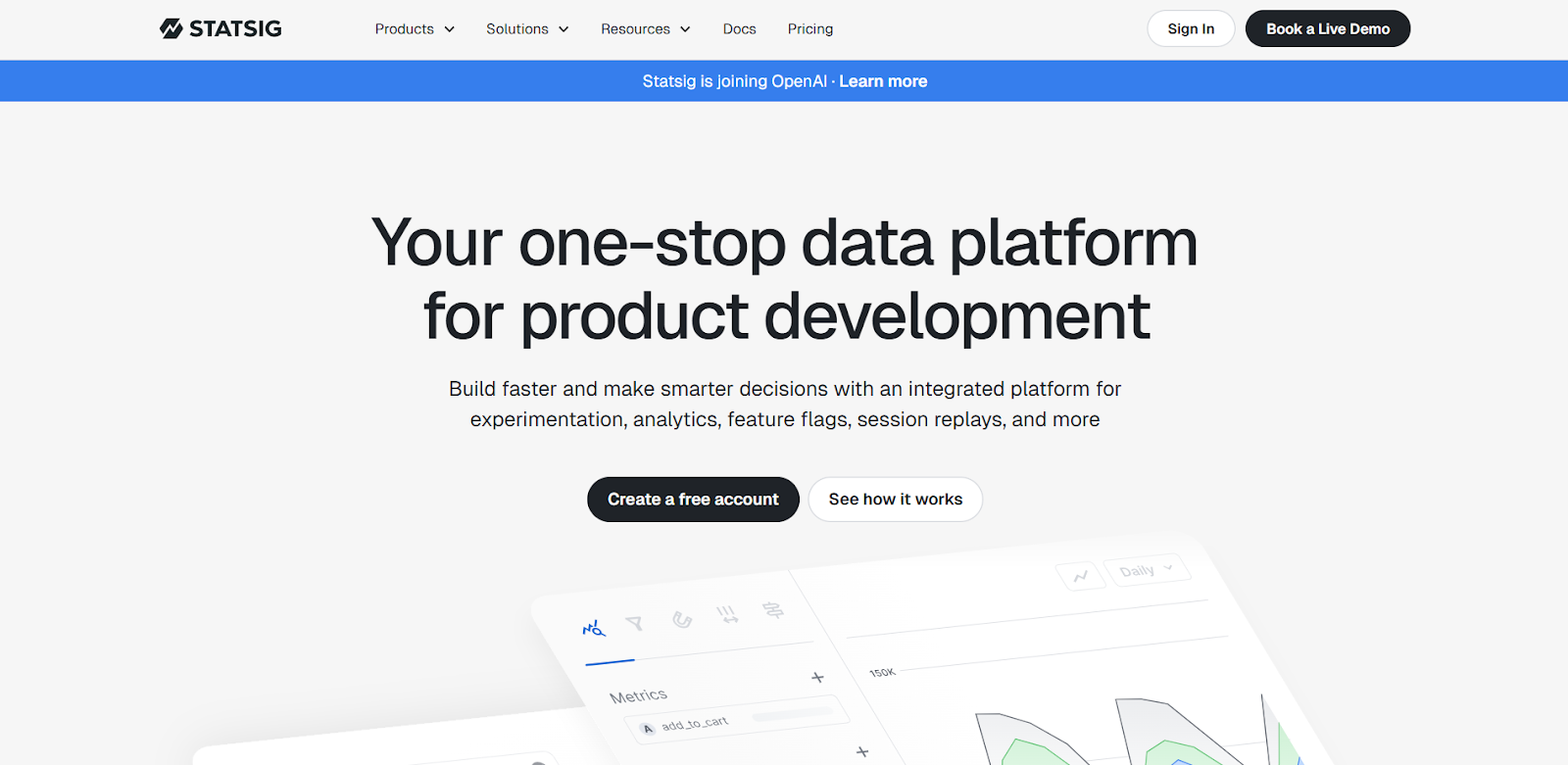
A modern experimentation and feature flag platform with free tier, strong statistical methods (e.g., CUPED), and product analytics features (pulse, holdouts).
Strengths
- Rigorous stats (pre-post, CUPED, sequential testing) built-in.
- Flags + experiments + product analytics in one place.
- Good developer experience and SDK coverage.
Watchouts
- More engineering-centric; less visual WYSIWYG for marketers.
- Web-only visual editor not the focus; server/client flags shine.
- Change-management needed for orgs new to stat rigor.
Best for
Product/engineering teams launching feature-level experiments with robust stats.
Pricing
Free tier; Pro from $100/mo; usage-based at scale.
6) AB Tasty
A full experimentation and personalization platform with client/server tests, feature flags, widget library, and enterprise services.
Strengths
- Balanced testing + personalization feature set.
- Pre-built widgets to accelerate non-dev launches.
- Enterprise services & support footprint.
- Flags/rollouts for product teams.
Watchouts
- No public pricing; evaluate TCO vs. usage.
- Some advanced capabilities require implementation help.
- Consider lock-in if you mainly need one module.
Best for
Digital teams wanting testing + personalization with enterprise-grade support.
Pricing
Contact sales for a tailored plan.
7) Kameleoon
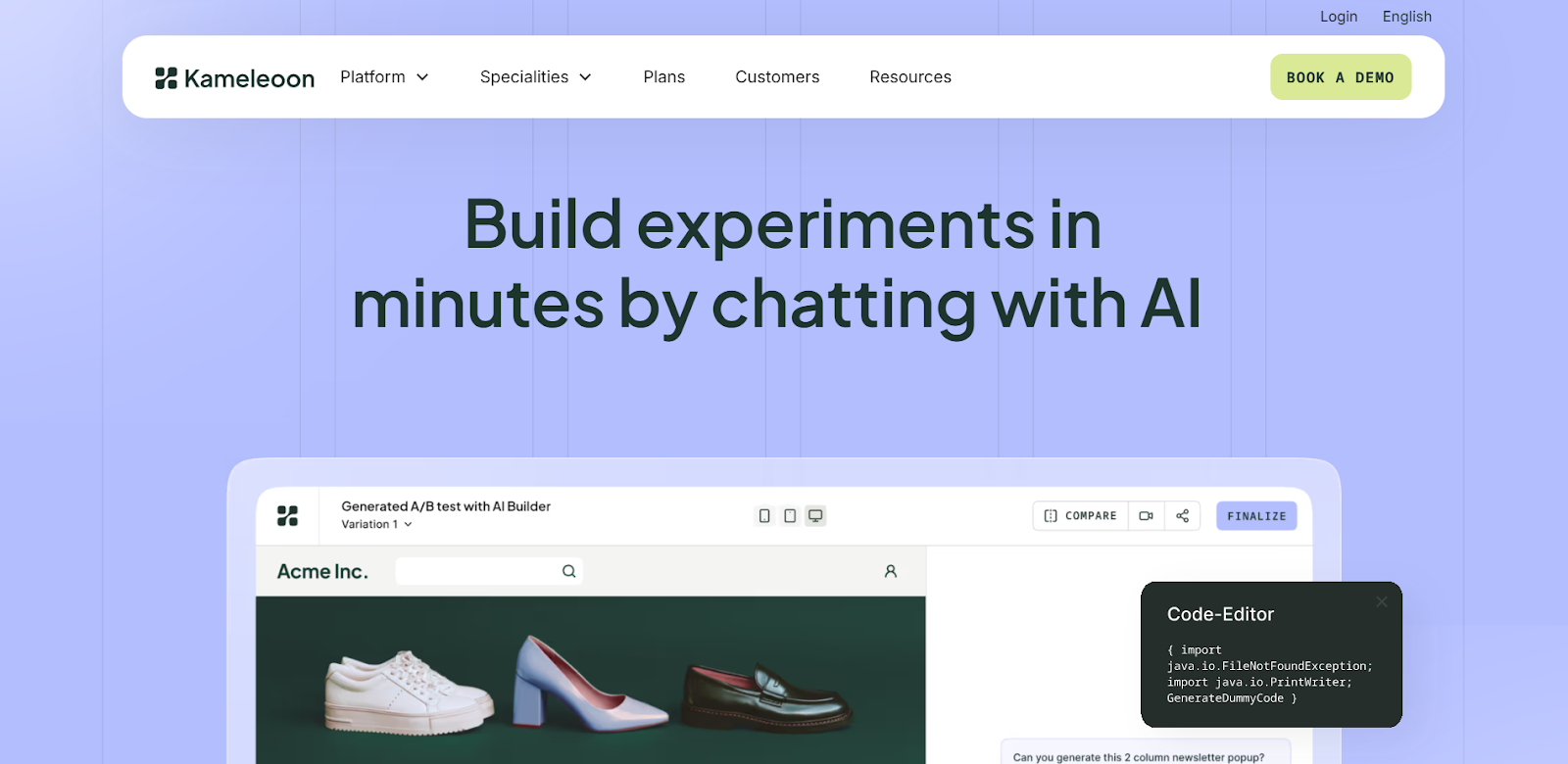
Client- and server-side testing with feature flags and predictive targeting; known for privacy and regulated-industry support.
Strengths
- Predictive targeting/AI-driven personalization options.
- Strong compliance posture; healthcare-friendly deployments.
- Client + server with flags for product teams.
Watchouts
- Pricing via sales; plan structures vary.
- Team ramp-up needed for predictive features.
- Smaller ecosystem
Best for
Regulated industries and teams needing predictive targeting & compliance.
Pricing
Contact sales; 14-day trial advertised.
How to choose (fast)
- Team mix: If marketers must launch tests visually, shortlist Intempt/VWO; if product & engineers lead via flags, shortlist Statsig / Optimizely.
- All-in-one vs best-of-breed: Need experiments + personalization + recs together? Intempt reduces stack complexity. Want deep research add-ons (heatmaps/recordings)? VWO has the widest first-party set.
- Governance & scale: For complex orgs with approvals/compliance: Optimizely, AB Tasty, Kameleoon are strong.
- Budget & pricing model: Need transparent pricing/start now? Intempt publishes clear usage-based plans; Optimizely/AB Tasty/Kameleoon are sales-led.
FAQs
1) Is there a truly free A/B testing tool for production use?
Yes- Intempt offers a free plan suitable for early-stage teams (with paid tiers as you scale). Many enterprise tools provide only trials or demos.
2) VWO vs Optimizely: which is better for non-developers?
Both have visual editors, but VWO bundles more marketer-friendly UX research tools (heatmaps, surveys) out of the box. Optimizely excels for organizations that also need server-side experimentation and feature flags at enterprise scale. You can also try Intempt which is very marketer friendly and ships to production fast.
3) Do I need server-side testing, or is client-side enough?
Client-side is great for copy/layout. If you’re testing algorithms, pricing, or logged-in flows (or want performance/consistency), adopt server-side/flags via Optimizely or Intempt
4) What happened to Google Optimize, what’s the best alternative?
With Optimize sunset, teams typically move to VWO/Intempt (visual + research suite) or Intempt/Optimizely for feature-level experiments. Choice depends on whether marketers or engineers lead your program.
5) How long should I run an A/B test?
Until you reach pre-planned sample size and duration to cover full business cycles (e.g., weekly). Tools like Intempt/Statsig offer guidance and stats guardrails; avoid peeking early to prevent false positives.
6) Can these tools personalize, or do I need another CDP/ESP?
Several include personalization: Intempt (real-time personalization + recs), AB Tasty/Kameleoon (targeting/widgets), and VWO (targeting + UX suite). Depth varies - map to your channels and data strategy.
7) What’s the hidden cost to watch out for on these A/B testing tools?
Traffic-based pricing, add-on modules (recordings/surveys), and engineering time for server-side rollouts. Convert and Statsig publish clear plan prices; enterprise tools are quote-based.
FAQs
Can I trial Webflow before pa

Sure! You can test out Webflow on our free plan where you can experiment with 2 projects. Your unhosted projects will have a two-page limit, but you can purchase a site plan on a per-project basis to unlock up to 100 static pages and additional CMS pages.
What is a project?
A project is a website that you build in Webflow. You can publish projects to a webflow.io staging subdomain for free, export the code on a paid plan, or add a site plan to connect your custom domain and unlock hosting features.
What can I white label?
Pro accounts can add their own logo to Client Billing forms and the Editor. Pro accounts can also remove references to Webflow in the source code and form submission emails, and hide the Webflow badge from their staging sites.
How much traffic can the hosting handle?
Webflow hosting scales automatically to handle millions of concurrent visits. All site plans serve sites through our Amazon's Cloudfront CDN and accelerated using Fastly, loading sites in milliseconds.
What kind of support does Webflow provide?
We offer fast email support to paid accounts and prioritized help for team accounts. Community support (forum.webflow.com) is available to free accounts.
How long does it take to learn Webflow?
If you're new to building websites, our video tutorials will get up and running quickly. If you already know concepts behind CSS and the box model, you will feel at home in Webflow.
Check out Growth Play Library ➡️
Get started free on GrowthOS ➡️
Book a growth call ➡️
.svg)
Sid Chaudhary
Founder & CEO


Looking for ways to grow faster?
Discover marketing workspace where you turn audiences into revenue.
Learn about IntemptReceive Monthly Insights
Get expert insights & news on the latest promotion trends in our monthly newsletter.
Sid Chaudhary
CEO & Founder

Lifecycle automation tips
Industry tips
Case Studies
You might also like...
%20In-Depth%20Comparison.png)
Intempt vs Customer.io (2025): In-Depth Comparison
Customer journeys are most effective when they evolve with user behavior. But most automation tools still rely on static flows that remain unchanged until a marketer updates them manually. Customer.io delivers strong messaging automation and excellent segmentation. It can move users in and out of segments in real time based on events, attributes, and behavior, which makes targeting very powerful. Intempt takes a different approach. It uses AI to orchestrate journeys that adjust themselves in real time, predict user intent, and connect every step to analytics and revenue attribution, turning your lifecycle into a system that learns and improves automatically. In this comparison, we break down Intempt vs. Customer.io so you can understand which platform delivers truly adaptive lifecycle orchestration in 2025.

%20In-Depth%20Comparison.png)
Intempt v/s Clerk.io (2025): In-Depth Comparison
Every marketer knows the frustration: you work hard to acquire a customer… and then generic journeys send them straight to a competitor. A recommendation engine alone isn’t enough anymore. Clerk.io has long been one of the most popular tools for smart product recommendations, search, and on-site personalization. But in 2025, teams want more than a recommendation engine that reacts. They want to personalize the whole customer journey across email, sms, onsite, and in-app, and get for ltv our customers That is exactly where Intempt steps in. Intempt doesn’t behave like another vendor for product recommendations. It thinks ahead, runs personalized experiments, orchestrates journeys across every channel, and recommendations into one intelligent system that grows smarter with every user interaction. In this comparison, we’re putting Intempt vs Clerk.io under the microscope to help you identify which platform is the more future-ready growth engine for your brand.
%20In-Depth%20Comparison.png)
Intempt v/s Klaviyo (2025): In-Depth Comparison
Marketers want seamless customer journeys, not a maze of rules and manual triggers. If the system feels like work, it’s not automation, it’s stress in a shiny UI. Klaviyo has long been the go-to for e-commerce platforms, powering email, SMS, and now even WhatsApp automation. But 2025 teams want more than AI that writes better subject lines; they want an AI comarketer that thinks ahead. In this comparison, we’ll explore Intempt v/s Klaviyo with a sharp focus on their Journeys to help you find out which one delivers true AI-powered orchestration rather than just automated messaging.
Subscribe to The Full Stack Marketer 📈
Zero theory or mindset discussions here; just actionable marketing tactics that will grow revenue today.

Web A/B testing
Use front-end A/B and multi-page experimentation product built for any business size. Run multiple experiments on the same page.

Targeting & personalization
Deliver targeted messaging, personalized offers and recommend the most relevant content for your users.

Visual editor
Empower your team to collaborate with an easy-to-use visual editor without using developer time to get things up and running.

Analytics
Gain insight into the impact of your experiments with statistically valid results. No complex statistical analysis required.

Server & client-side testing
Go beyond client-side testing and deploy experiments on the server-side. Test and optimize content changes and even complete re-brands.

Flexible goal selection
Select the right goal for each personalization and experimentation campaign to ensure you’re optimizing towards the right objectives.
.svg)

.svg)


.svg)
.svg)