

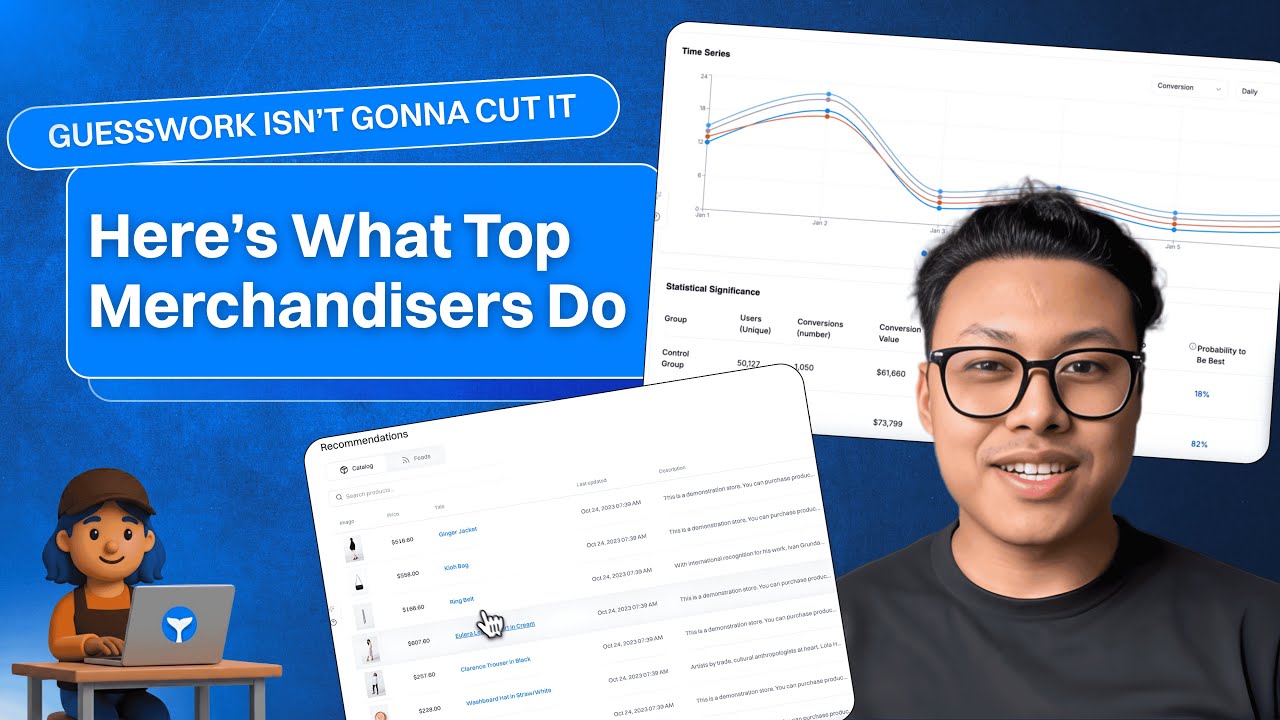
Increase your customer's basket size and order volume with personalized recommendations.
Intempt
About the Growth Play
Managing a catalog is one job; making it feel personal everywhere is the real work. This Growth Play shows how to use Intempt to map your feed, generate the right recommendation logic for each page and message, and measure lift. You'll go from raw SKUs to tailored suggestions on homepage, category, product, cart, and post-purchase and reuse the same logic in email, SMS, and push. The goal is simple: more relevant products, less setup.
Intempt
TL;DR – Intempt for Merchandisers
Upload your catalog and map key fields (category, inventory, brand, price, tags).
Generate Recommendations from a library: bestsellers, trending, visitor-based, similar items, purchased together.
Match logic to context: homepage inspire, category focus, product alternatives/bundles, cart cross-sell, thank-you upsell.
Reuse the same blocks in Journeys (email/SMS/push) and Experiences (on-site/in-app).
Personalize by audience or behavior without custom code.
Test layouts and compare performance in campaign analytics.
Result: Higher relevance on every surface, with less shuffle.
Intempt
Benefits
Lift AOV and conversion: Show items that make sense for the moment.
One setup, many surfaces: Website and messages share the same recommendation logic.
Move fast without devs: Drag, drop, deploy; iterate in minutes.
Stay in control: Include/exclude rules, inventory awareness, margin filters.
See real impact: Track clicks, adds, orders, and lift vs. control.
Intempt
How It Works
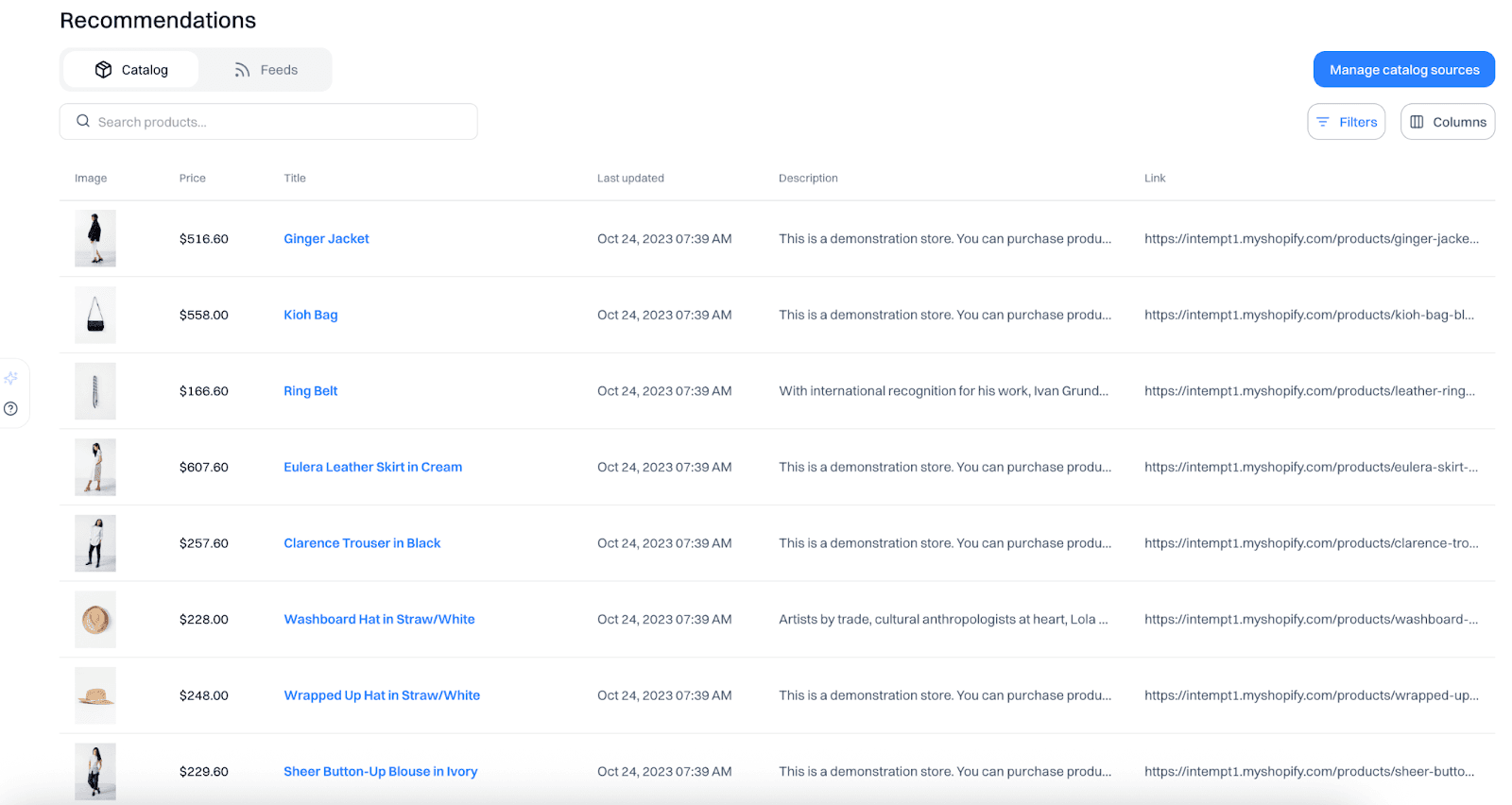
Step 1: Upload and map your catalog
Bring in SKUs with category, brand, price, tags, images, and inventory. Keep product IDs stable so tracking and bundles stay consistent.
Step 2: Pick recommendation logic by context
Homepage: bestsellers, most popular, newest; switch to visitor-based if history exists.
Category: top sellers and trending within the current category.
Product: similar items (style/color/price) and purchased together bundles.
Cart: cross-sell from what's already in basket; last-minute add-ons.
Thank-you: purchased-with sets or upsells guided by margin/loyalty.
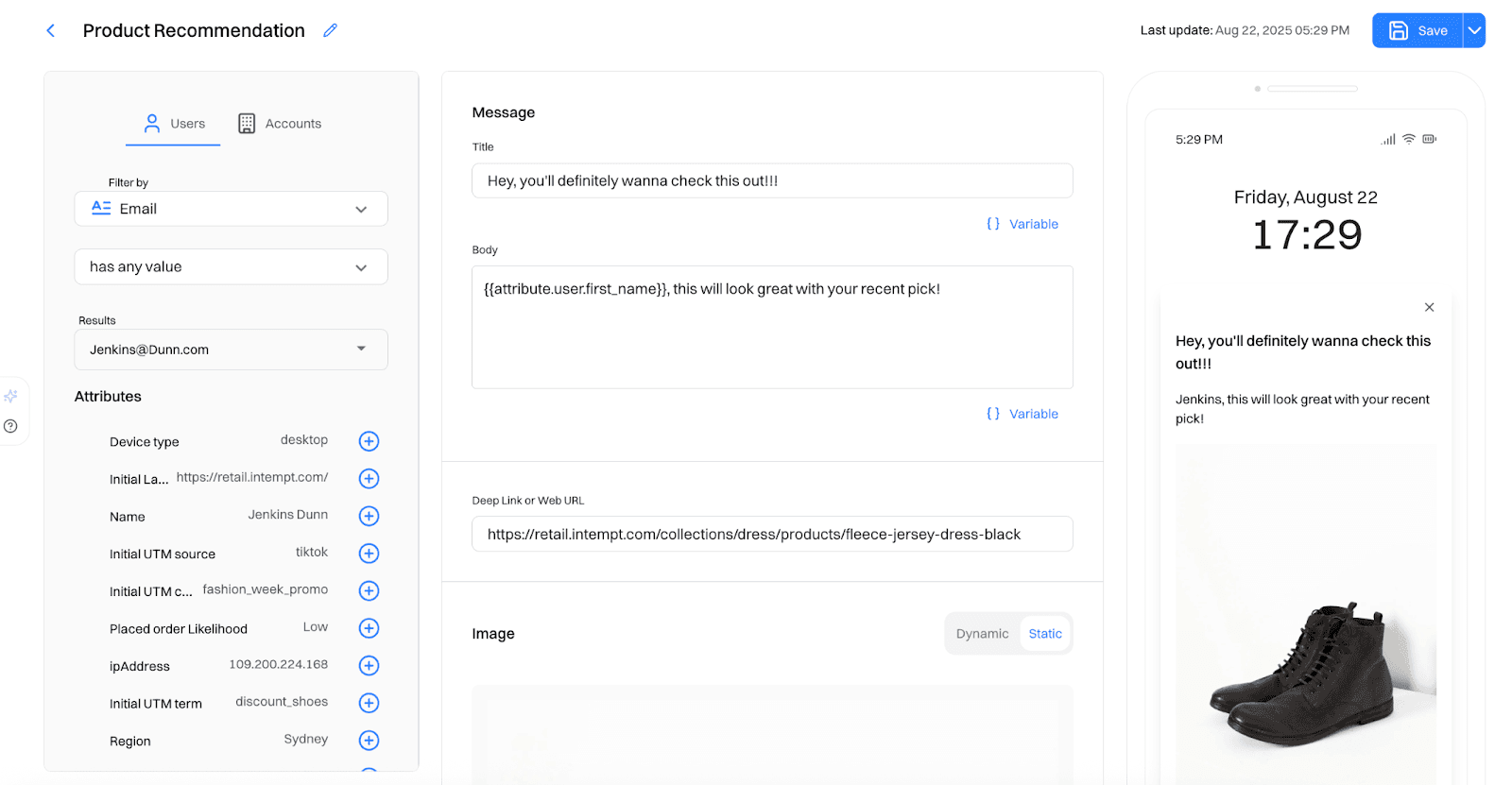
Step 3: Activate in Journeys
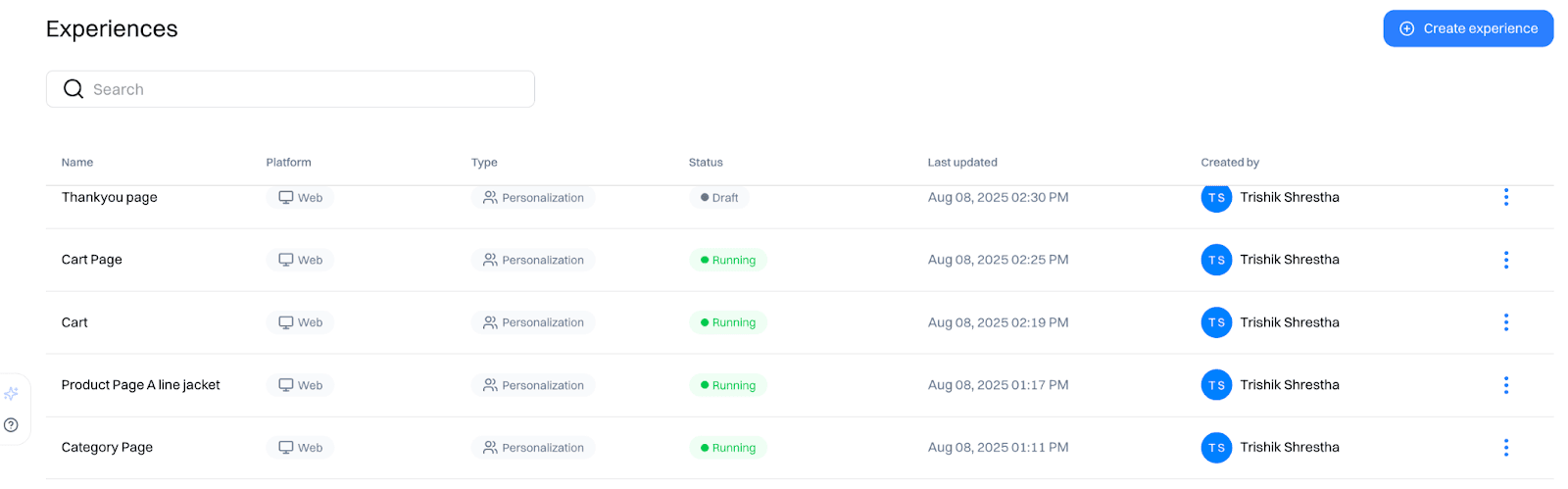
Drop product blocks into email, SMS, and push. Each message adapts per user so suggestions stay relevant.
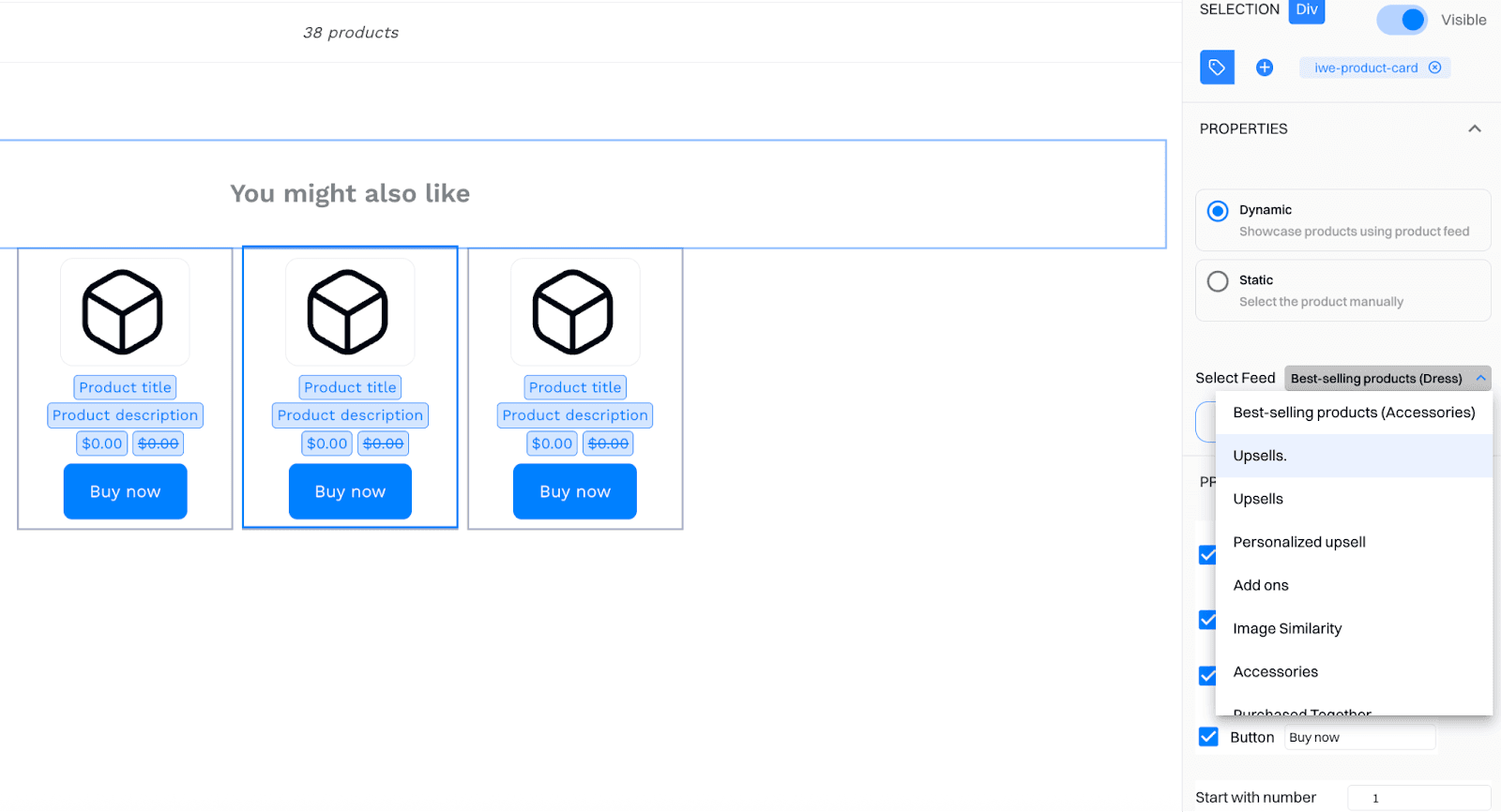
Step 4: Bring it to the site with Experiences
Place the same recommendation blocks where they matter (returning shoppers, cart abandoners, loyalty cohorts). Customize layout; run A/Bs.
Step 5: Measure and iterate
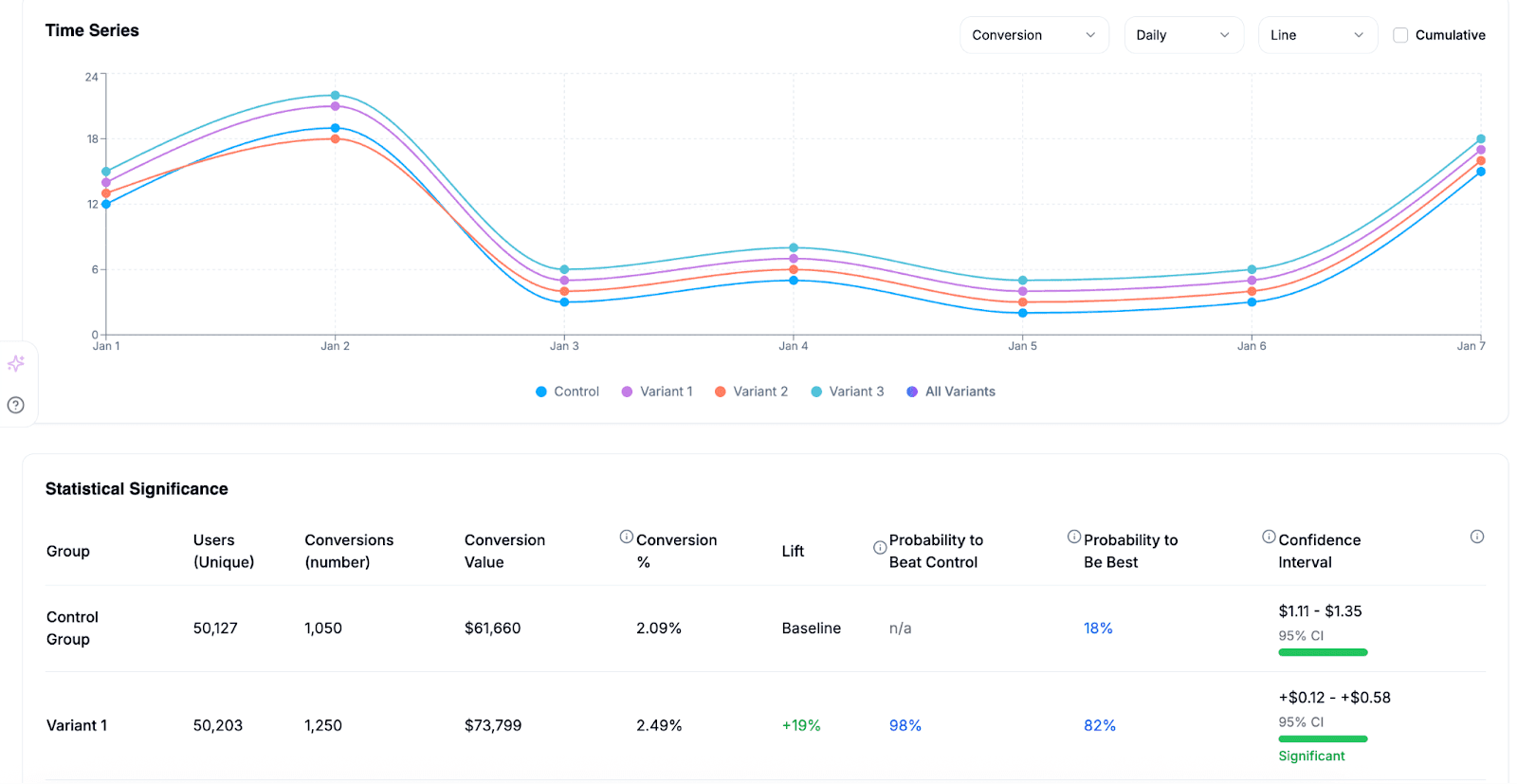
Use campaign and experience analytics to compare variants and confirm lift. Keep what wins; queue the next tweak.
Good to Know
Keep fields clean and typed; refresh inventory on a reliable cadence.
Set fallbacks for out-of-stock and cold-start visitors.
Cap repeats to avoid "recommendation fatigue."
Align rules with business goals (margin, seasonality, brand priorities).
Use the same audiences across site and messages to stay consistent.
Intempt
Frequently asked questions. Answered.
You can map: product ID, category, brand, price, tags, images, and inventory status. Keep product IDs stable over time so tracking and bundle logic don't break when you update your feed. The cleaner your field typing and the more consistent your refresh cadence, the better your recommendations will perform.