
GuidesGetting Started
Gmail
Gmail destination allows you to connect your Gmail account and perform these actions:
Gmail destination allows you to connect your Gmail account and perform these actions:
-
Automate email sending via your account (Journey's action)
-
Track replies and stop email automation for created Journeys
How to create a new Gmail destination
Go to the Integrations section -> Connections tab, click "+ Add integration", and select "Google Workspace" under Destinations.
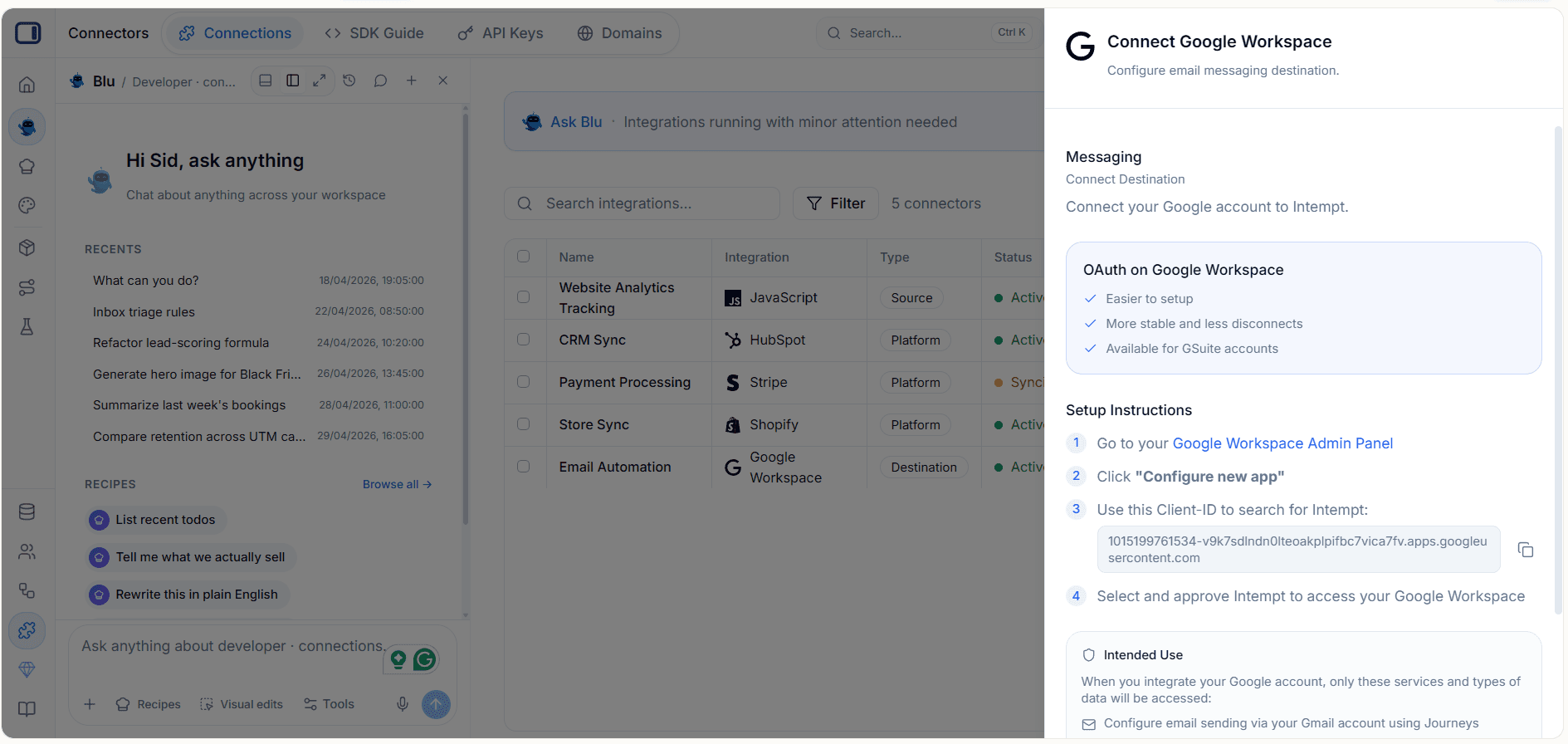
Next, use "Sign in with Google" to authorize your account connection and approve access to your Google Account.
Where to go next?
Go to Journeys and create a journey using the "Send email" action with the "Gmail" destination selected.
Read more on configuring the action in Journey blocks.