
Quick Start Guide (0 to First Value)
Sign up, create your organization, and complete the core setup steps that get real customer data flowing through Intempt.
Overview
This guide takes you from a new Intempt account to your first real value: an organization set up, a data source connected, and your first event and segment created. Follow the steps in order. Each one links to a deeper guide if you need more detail.
Sign up and set up your organization
-
Sign up to Intempt. Enter your name and work email, then verify with the magic link or code Intempt sends you. You can also continue with Google or Apple.
-
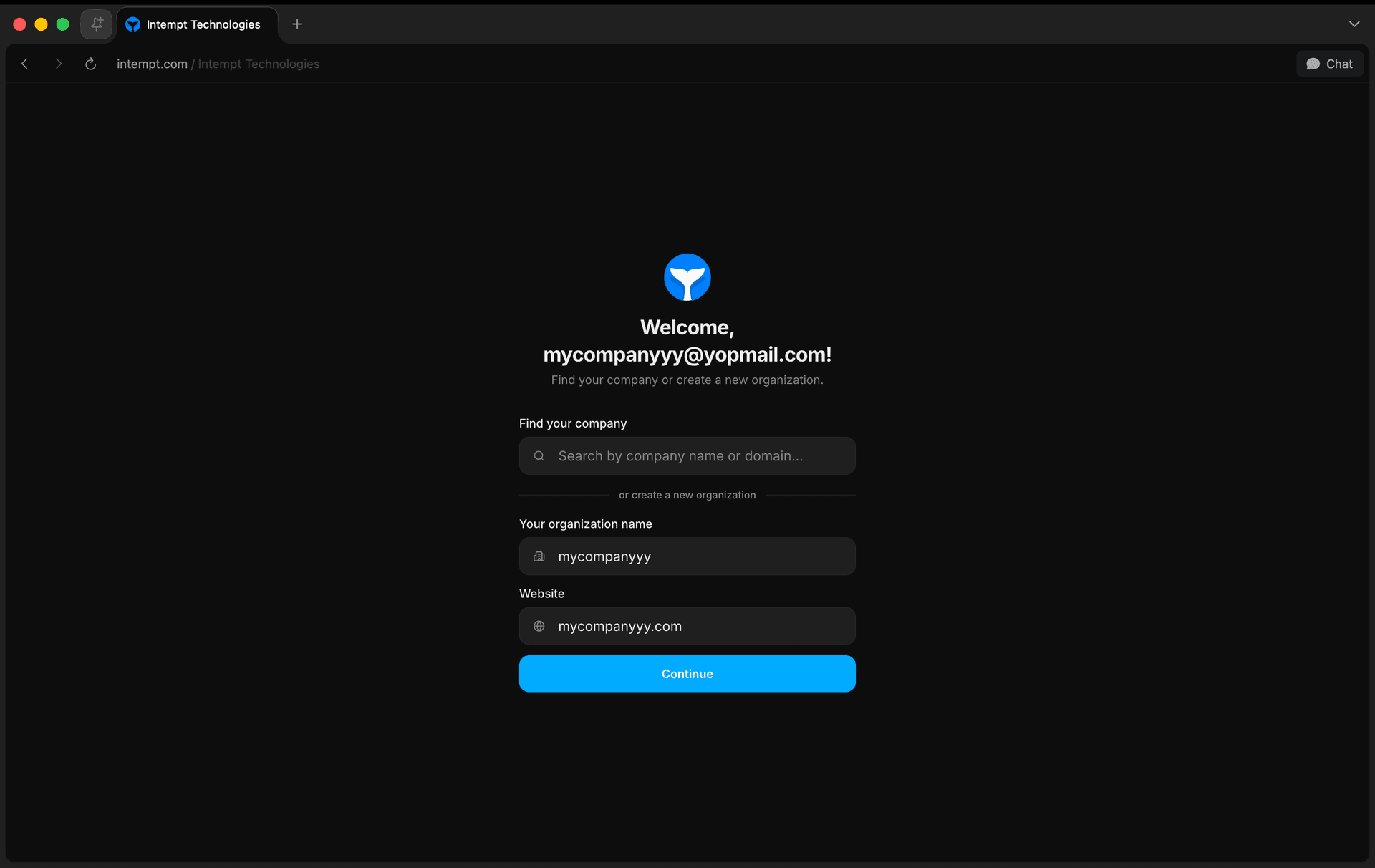
Find or create your organization. Search for your company, or enter an organization name and your company website to create a new one. Intempt uses the website to start building your brand profile in the background.
-
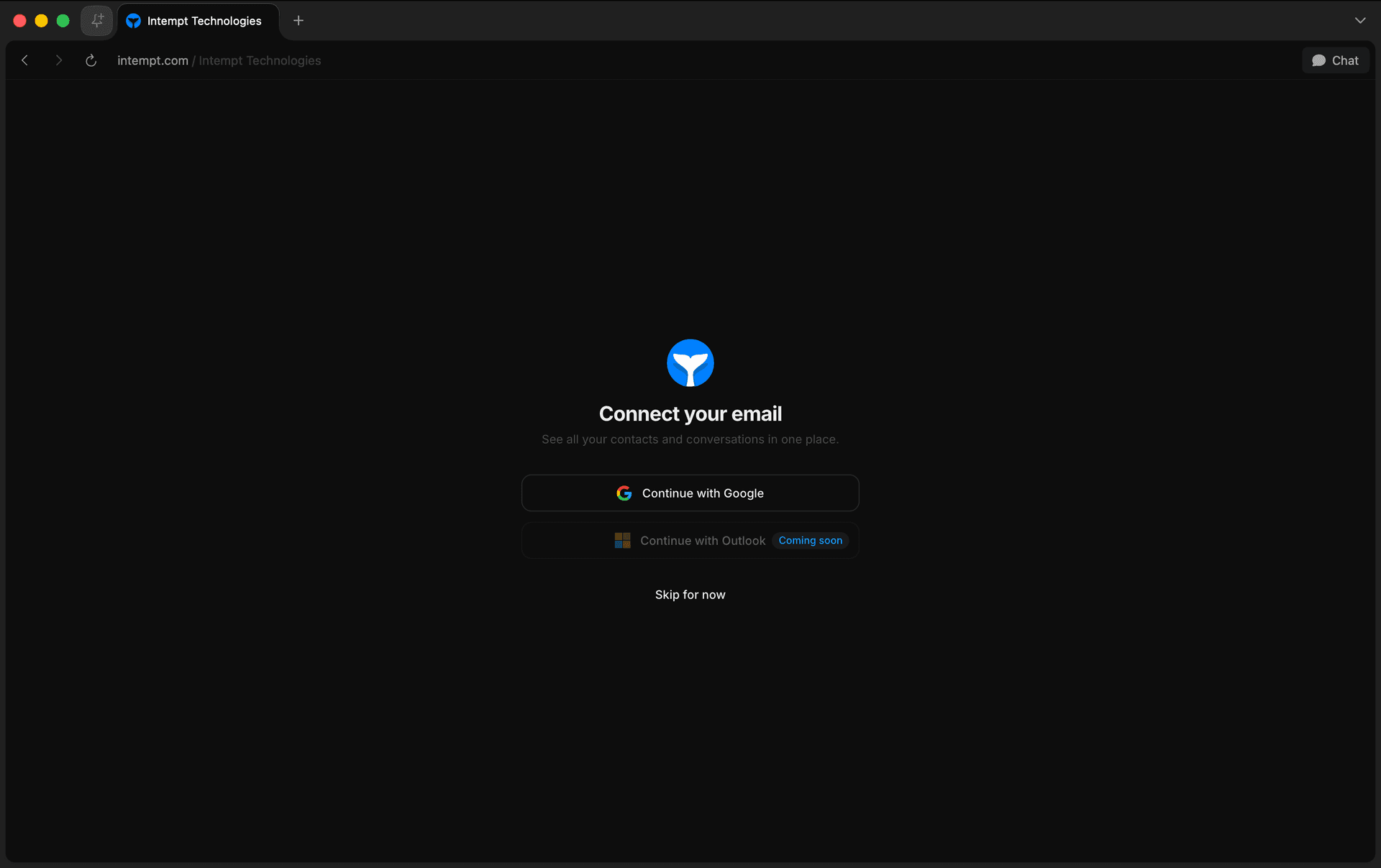
Connect your email (optional). Connect Gmail to see your contacts and conversations in Intempt, or choose "Skip for now." Outlook support is coming soon.
-
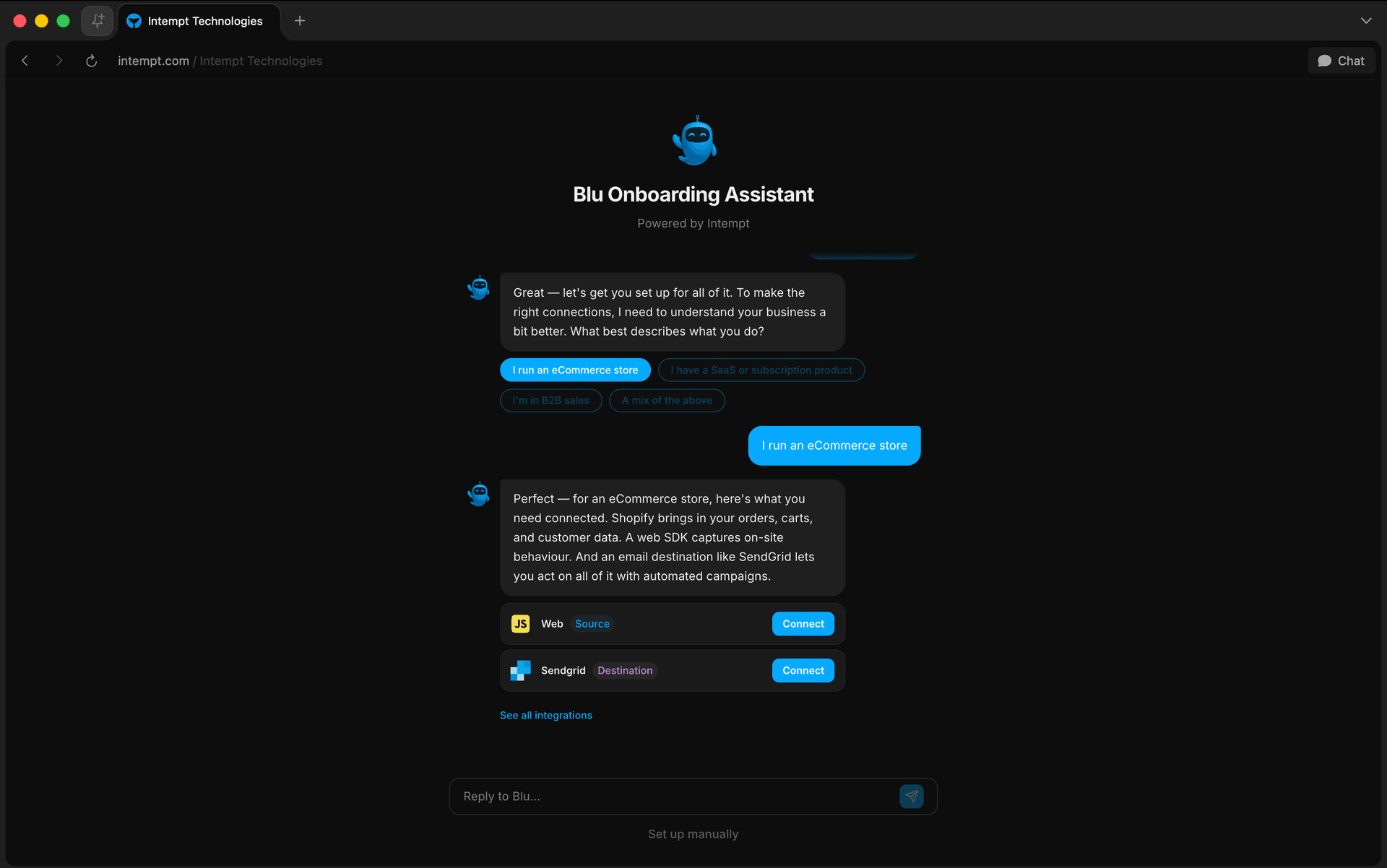
Review your brand profile with Blu. Intempt's AI, Blu, shows what it found from crawling your website (target audience, brand identity, products and services) and suggests sources and destinations to connect, like Stripe, SendGrid, Twilio, Slack, Gmail, or a website/mobile SDK. You can connect tools here or skip and connect them later.
Once these steps are done, you land on your project's Home page.
Core implementation
With your organization created, these are the essential steps to get real data flowing and start using Intempt day to day.
-
Invite team members. Add a developer to help with tracking code, and add your marketing, sales, and product teammates so they can work in Intempt too.
-
Create a source. A source is where Intempt collects data about how customers use your product. Most teams start with a JavaScript tracker for website activity, or an iOS or Android tracker for mobile app data. You can also connect platforms like HubSpot and Shopify separately to bring in sales and store data.
-
Choose what events to track. Decide what customer data you need and why before you start collecting it, so you don't waste development time tracking things you won't use.
-
Implement identification. Autocaptured events identify users for you. For custom events, call
intempt.identify()with a unique identifier, usually the user's email, so Intempt can connect their events across sessions and devices. See Step 4: Identify users in the installation guide. -
Implement custom event tracking. If you're using the Android SDK, iOS SDK, JS, or Node.js sources, add tracking code for actions autocapture doesn't cover by calling Intempt's record function with the event name and data. See Step 3: Set up custom events in the installation guide.
-
Create an event. An event captures a customer action, like a purchase, form submission, or sign-up. Click Create event, pick the Event type, then add Conditions and save. Events feed segments, journeys, and reports.
-
Create a segment. A segment groups users or accounts by shared attributes or behavior, combining multiple conditions with AND/OR logic. Segment membership updates in real time as users match or stop matching the conditions.
📘 Good to know
You can implement Intempt a few different ways depending on your stack. Start with the connectors above and add more sources as you need them.
Where to go next
-
Qualification agent to score leads and accounts against your own criteria using AI.
-
Personalizations to tailor content and experiences to individual visitors.
-
Experiments to A/B test changes to your site or app and validate what actually moves the needle.
-
Journeys to automate multi-step, multi-channel campaigns based on user behavior.
-
Analytics to analyze customer trends across your data.
-
Dashboards to track your most important metrics and KPIs in one place.
Security & Trust Center
Reference for how Intempt authenticates users, enforces access control, and records an audit trail: authentication methods, MFA, SSO/SCIM, encryption at rest, log retention by plan tier, support escalation, and security monitoring.
Home Overview
Home is the first page you land on in a project: a personalized greeting plus a dashboard view for Design, Marketing, and Sales.