

Intempt is the best AI-powered design platform for marketing teams at SaaS, ecommerce and mobile app companies, and it is free to start. It builds campaign-ready creative from your Brand Kit, product catalog and customer data in one platform.
I tested eleven AI-powered design platforms on real client work: landing pages, product UI, social assets, and pitch decks. Intempt Design is one of the eleven. So are Figma AI, Canva, Framer, and seven others. No affiliate bias. Just what happens when you push these tools against the same tasks.
Most comparisons treat all eleven as if they compete with each other. They don't. These tools occupy five distinct job modes: campaign-connected creative, product and UI design, standalone asset creation, publish-to-web, and brand-safe image generation. Buying from the wrong category is the most common mistake teams make.
This guide compares 11 AI design platforms by job mode: Intempt Design for campaign-connected creative, Figma AI and Uizard for product design, Canva AI for standalone assets, and Framer AI for publishing to the web. For related reading, see the design solution, catalog ads, UGC ads and the Canva alternative comparison.
How I evaluated these platforms
Each tool was tested against the same task set: generate a landing page hero, create a product social post, produce a pitch deck slide, and output a UI screen with form elements. Five signals were scored: output quality for its intended job, time-to-usable output (not time-to-generated), prompt sensitivity, team collaboration features, and deployment pathway. I did not receive payment or free access from any vendor in exchange for this review.
Quick comparison table
| Tool | Best for | Job mode | Starting price |
|---|---|---|---|
| Intempt Design | Campaign-running marketing teams | Campaign-connected creative | Free to start |
| Figma AI | Product design teams | UI/product design | $15/seat/mo |
| Canva AI | Marketers, non-designers | Asset creation | Free / $15/mo |
| Adobe Firefly | Brand/IP compliance | Brand-safe generation | Included in CC |
| Framer AI | Designers who want to publish | Publish-to-web | Free / $5/mo |
| Uizard | Early-stage teams, fast prototyping | Rapid prototyping | Free / $12/mo |
| Relume | Web designers building in Figma or Webflow | Component library generation | Free / $38/mo |
| Looka | Founders needing brand identity | Logo/brand kit | $20 one-time |
| Khroma | Designers stuck on color | Palette generation | Free |
| Design.com | Founders who need logo + full brand rollout | Logo and brand rollout | Free / paid downloads |
| BrandCrowd | Designer-made logo variety | Fast logo creation | Free / paid plans |
The 11 tools
1. Intempt Design - best for marketing teams running campaigns
Free to start. 75 bonus AI credits at sign-up plus weekly AI credits on the free plan. Rated 4.5 on G2. Start free with Intempt.
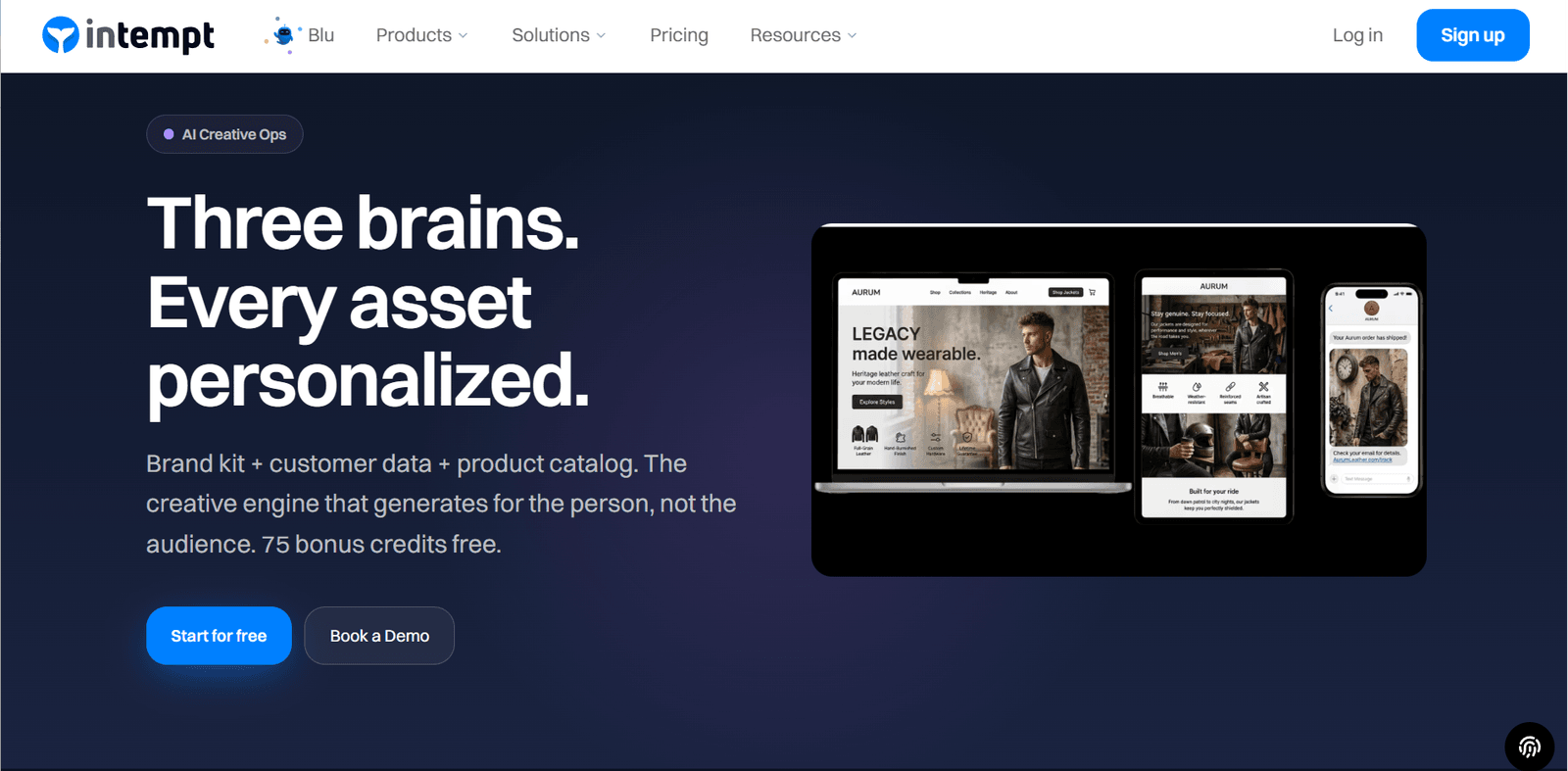
Intempt Design is the only platform in this list that connects creative assets to live customer behavioral data. Most tools generate a single asset from a prompt, which is the weakest form of conversational AI design: you ask, it answers, and you fix the rest by hand. Intempt combines your brand kit, customer data, and product catalog in a node-based editor to produce campaign-ready assets at scale.
The Brand Designer Blu agent handles generation. The Experimentation Lead Blu agent handles what to test next. A landing page variant isn't just a design decision here - it's a segmentation decision tied to who you're targeting and where they are in your customer journey.
Key strengths:
- Creative tied to live customer and behavioral data
- Node-based workflow for multi-asset campaign production
- Brand kit and product catalog built into every generation
- Paired with A/B testing and lifecycle automation in the same platform
Limitations:
- Built for campaign-running teams, not standalone designers
- Full value requires using Design alongside the Market product
- Not the right tool if you need one-off assets with no campaign context
Pricing: Free to start with up to 1M events a month and no credit card required; paid plans priced per seat
Best prompt to use in Intempt Brand Designer
Generate a [asset type] for a [campaign goal, e.g., win-back campaign]
targeting [audience segment, e.g., users who have not purchased in 60 days].
Brand tone: [adjective].
Primary message: [value prop or offer].
Include: CTA button, product image placeholder, headline and subheadline variants.Good fit if: Your team runs campaigns and wants creative connected to customer data, not just prompts. Pass if: You need standalone design assets with no campaign or behavioral data context.
If your team runs campaigns and wants the creative layer connected to the data layer, see how Intempt's Brand Designer Blu agent works.
2. Figma AI - best for product design teams
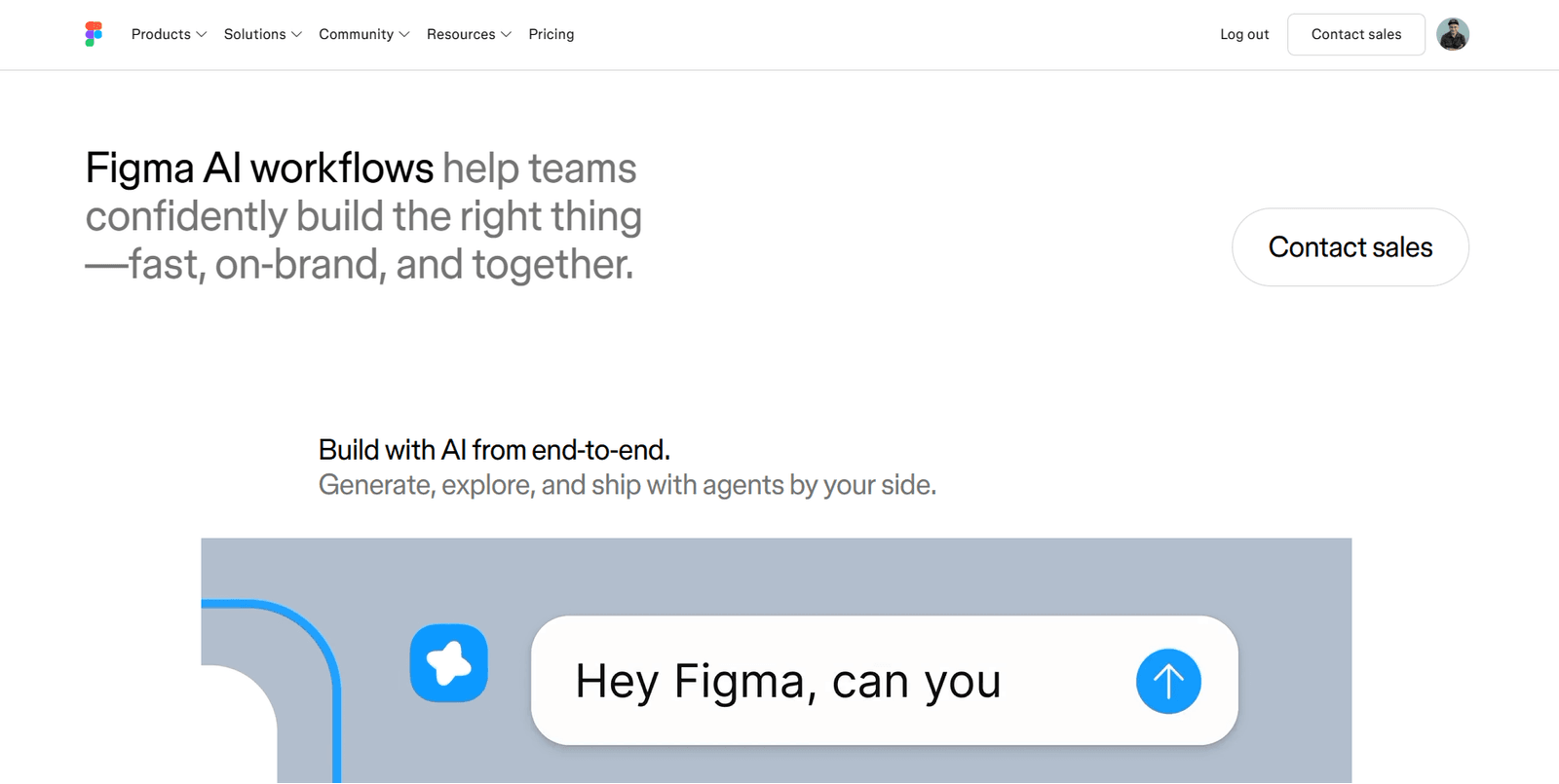
Figma AI is the best option for teams already running product workflows in Figma. It removes repetitive work without touching design judgment: layouts auto-fill, layers rename automatically, components generate from text descriptions, and mockups pull together faster. Nothing about how you work needs to change.
Key strengths:
- Component and layout generation from text prompts
- Auto-naming and organization of layers and files
- Tight integration with developer handoff workflows
- Built for multi-person real-time collaboration
Limitations:
- AI features require a paid plan
- Output quality depends on how well your design system is structured
- Limited value outside UI/product work
Pricing: $15/seat/month (Professional); AI included on all paid plans
Best prompt to use in Figma AI
Create a [component type] for a [product type] app.
Layout: [e.g., card with header, body text, and a CTA button].
Style: minimal, consistent with a SaaS design system.
Include: hover state, disabled state, empty state.Good fit if: Your team already works in Figma and wants to cut iteration time without changing its workflow. Pass if: You're a solo creator or marketer who needs finished assets, not component libraries.
3. Canva AI (Magic Studio) - best for marketers who need assets fast
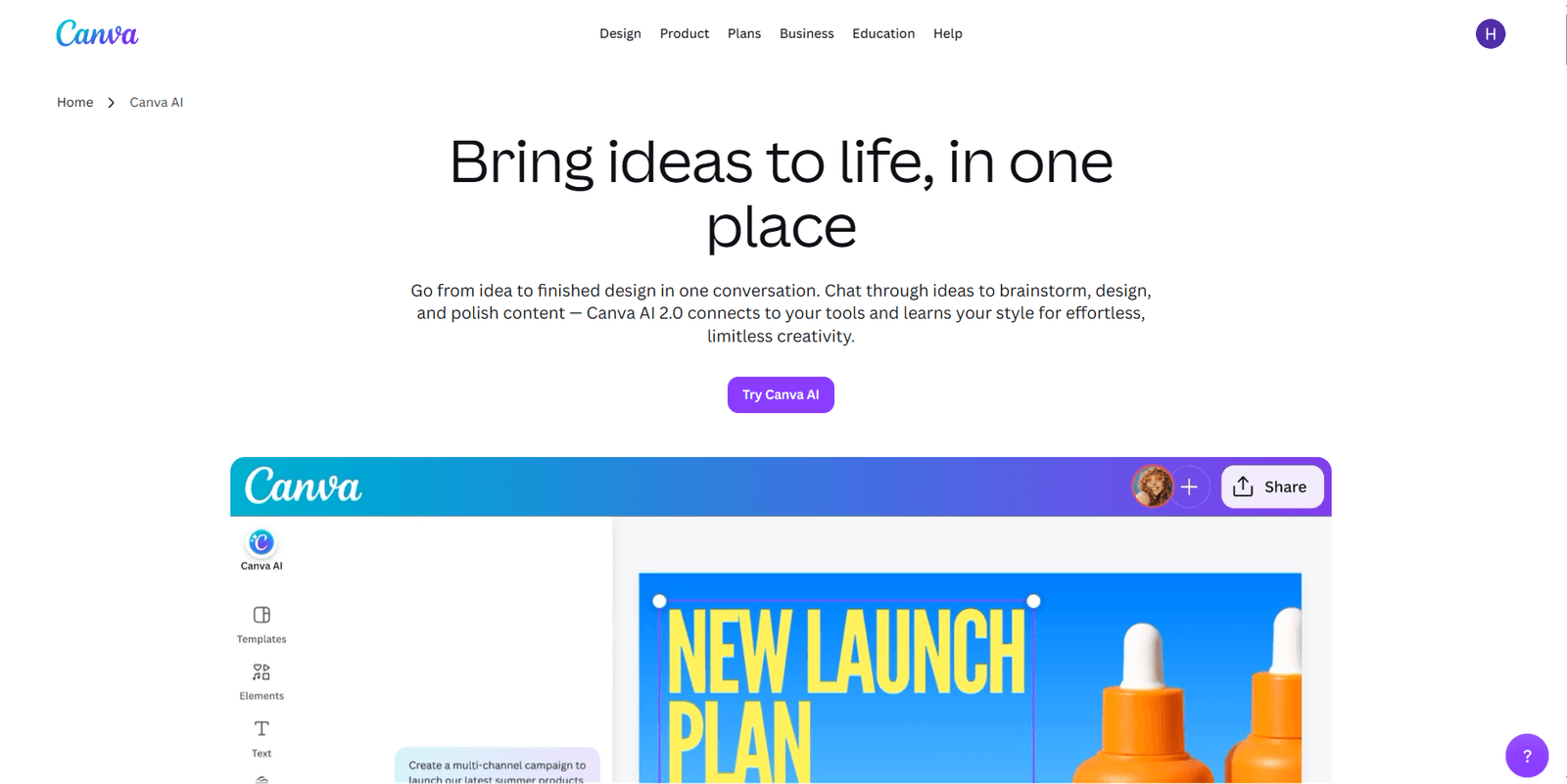
Canva AI is the most accessible option for non-designers. Magic Design generates layouts from a prompt, Magic Write handles copy, and background removal works without a Photoshop learning curve. Someone with no design experience can produce polished social posts, decks, and basic marketing assets.
Key strengths:
- Zero design experience required
- Broad asset types: social, presentations, documents, video
- Brand kit applies colors and fonts automatically
- Magic Write handles copy alongside design
Limitations:
- Outputs feel templated without specific, detailed prompts
- Limited typography control and custom layout depth
- Not suited for product UI or brand-level design work
Pricing: Free plan available; Canva Pro at $15/month includes full Magic Studio access
Best prompt to use in Canva Magic Design
Create a [platform]-sized [asset type] for a [industry] brand.
Tone: [e.g., bold and direct/warm and minimal].
Primary message: [your headline here].
Color palette: [hex code or color description].
Avoid: stock photo feel, generic gradient backgrounds, clip art icons.Good fit if: You're a marketer or founder who needs volume at low cost. Pass if: You need original design work that doesn't read as generated.
4. Adobe Firefly - best for brands where IP compliance matters
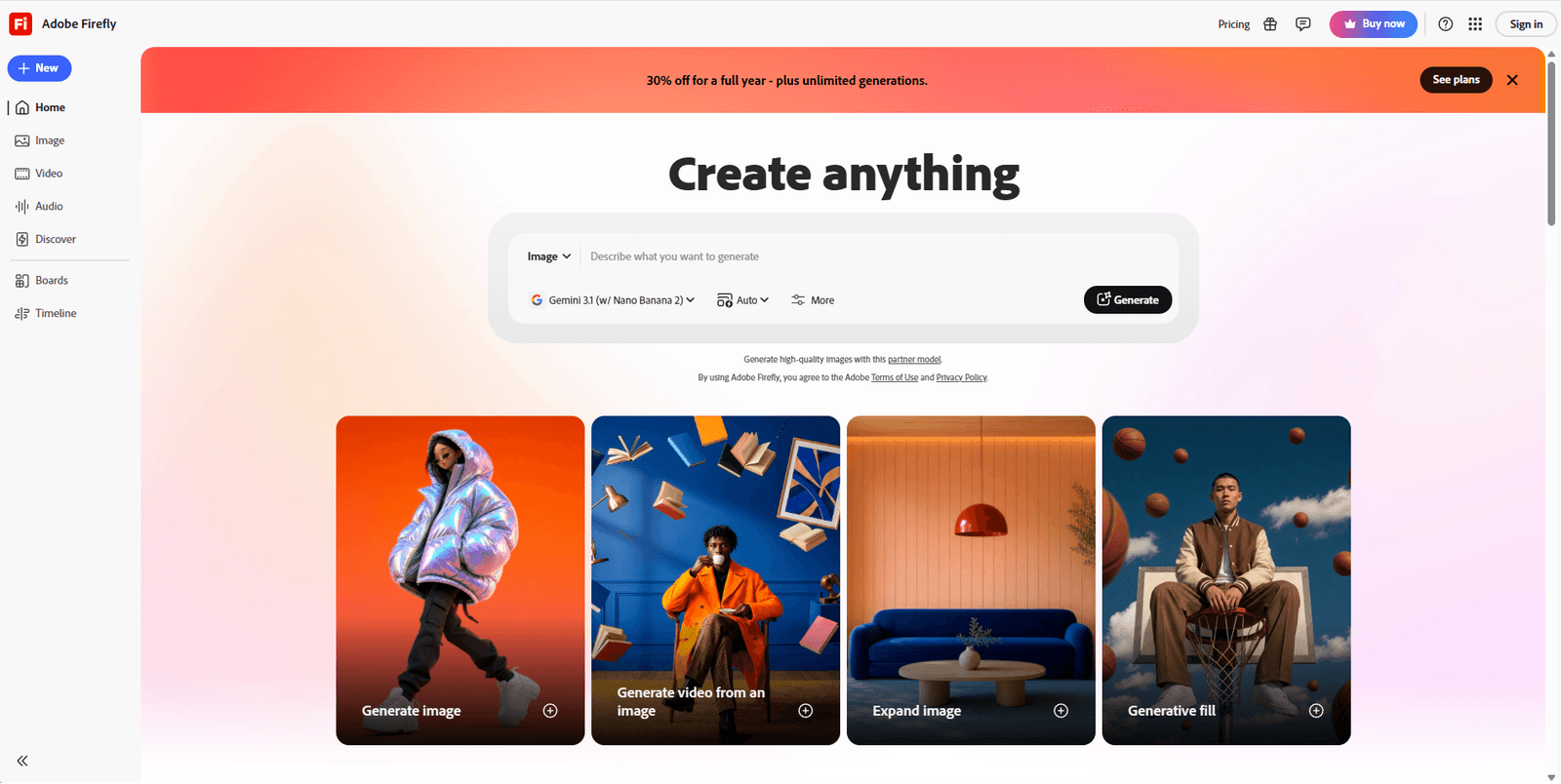
Adobe Firefly is the only AI image-generation tool on this list trained exclusively on licensed Adobe Stock content and content released for commercial use. Every other tool carries a licensing ambiguity for commercial projects. Firefly doesn't. For brand teams and agencies where IP compliance is non-negotiable, that distinction alone makes it the default choice.
Generative Fill inside Photoshop is where the practical value sits: extending backgrounds, removing objects, and replacing scene elements at production quality. For a narrower job like swapping in a pure white background for marketplace product listings, a dedicated free tool to change photo background to white is faster than firing up Photoshop.
Vertical-specific removers push this further where the subject has predictable edges the generic models still get wrong. Car dealers listing on marketplaces get cleaner cutouts from a car-trained model on alloy wheel spokes, windshield reflections, and the shadow line under the chassis, and a dedicated free car background removal tool avoids the manual mask cleanup Photoshop still needs on chrome trim.
Key strengths:
- Commercially safe training data with no licensing ambiguity
- Generative Fill in Photoshop is production-ready
- Deep Adobe Creative Cloud integration
- Strong for background extension and object replacement
Limitations:
- Most useful features require an Adobe Creative Cloud subscription
- Text-to-image quality is competitive but not category-leading
- Limited value outside the Adobe ecosystem
Pricing: Included in Adobe Creative Cloud from $54.99/month; standalone Firefly plan at $9.99/month
Best prompt to use in Adobe Firefly Generative Fill
[Select only the region you want changed.]
Describe what to add or change in that region.
Match the existing lighting: [describe light source direction].
Preserve: [list background elements to keep unchanged].
Style: photorealistic.Good fit if: You're a brand or agency where copyright compliance is non-negotiable and you're already in the Adobe CC ecosystem. Pass if: You're outside Adobe and don't have specific IP compliance requirements.
5. Framer AI - best for designers who want to publish, not prototype
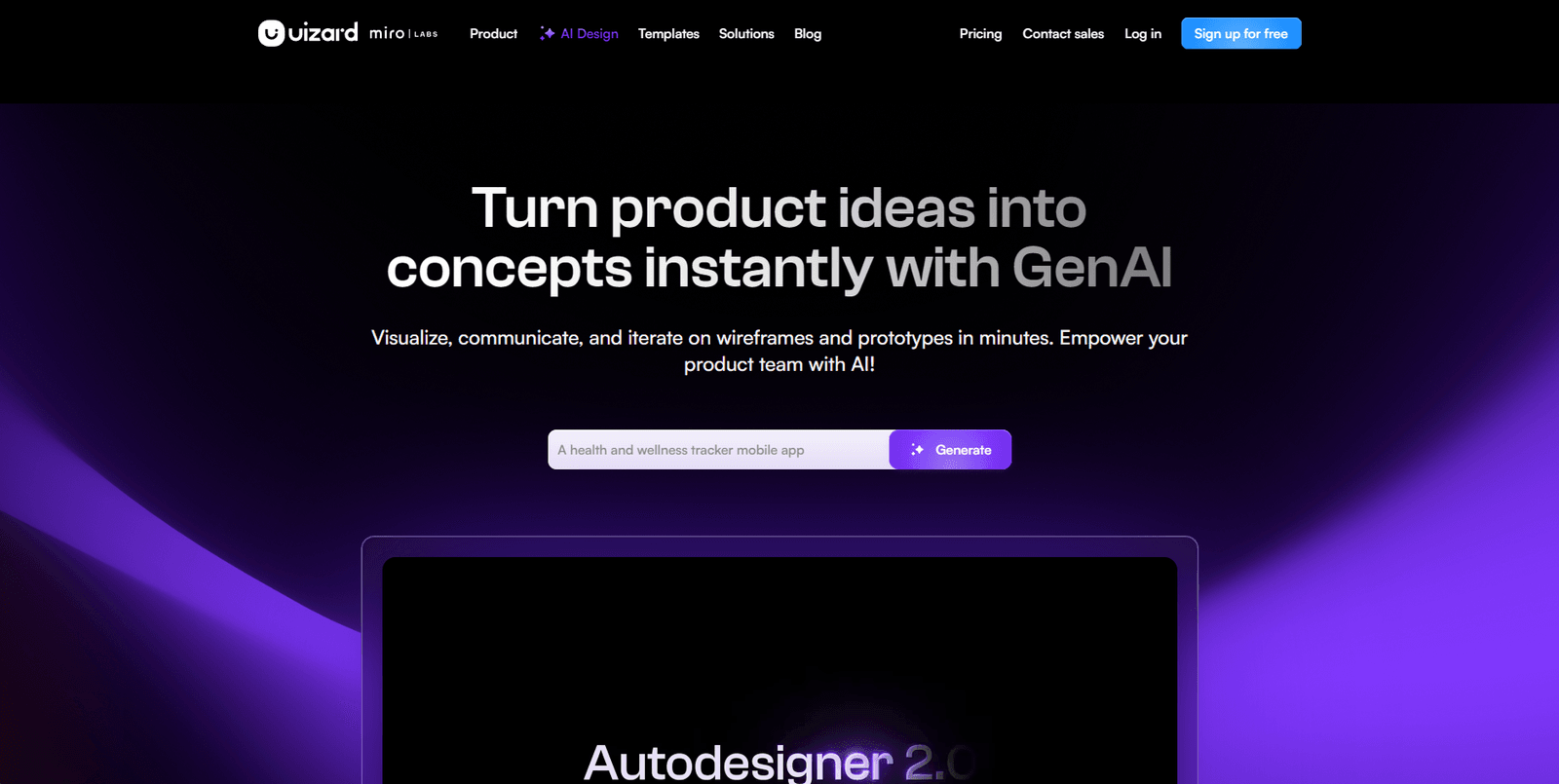
Framer AI does something no other platform in this list does: you type a prompt and get a live, published responsive website. Not a mockup. An actual site on a real URL. That distinction matters more than any feature comparison.
For landing pages, portfolio sites, and startup MVPs, the speed-to-publish ratio is unmatched. Start with the AI output and customize rather than building from a blank canvas.
Key strengths:
- Real published output, not a design mockup
- Fast for landing pages and startup MVPs
- Responsive layout handled automatically
- CMS support for content-driven pages
Limitations:
- Custom animations and complex interactions require manual work
- Not suitable for large-scale application UI
- Limited backend logic support
Pricing: Free for personal use; paid plans from $5/month; custom domain on paid plans
Best prompt to use in Framer AI
Build a landing page for a [product type] targeting [audience].
Sections: hero with headline and CTA, three feature sections, a testimonial row, footer.
Tone: [minimal/bold/clean].
Primary color: [hex code or color description].Good fit if: You need a real, published site this week. Pass if: You need complex custom interactions, backend logic, or application-level UI.
6. Uizard - best for getting an idea in front of stakeholders fast
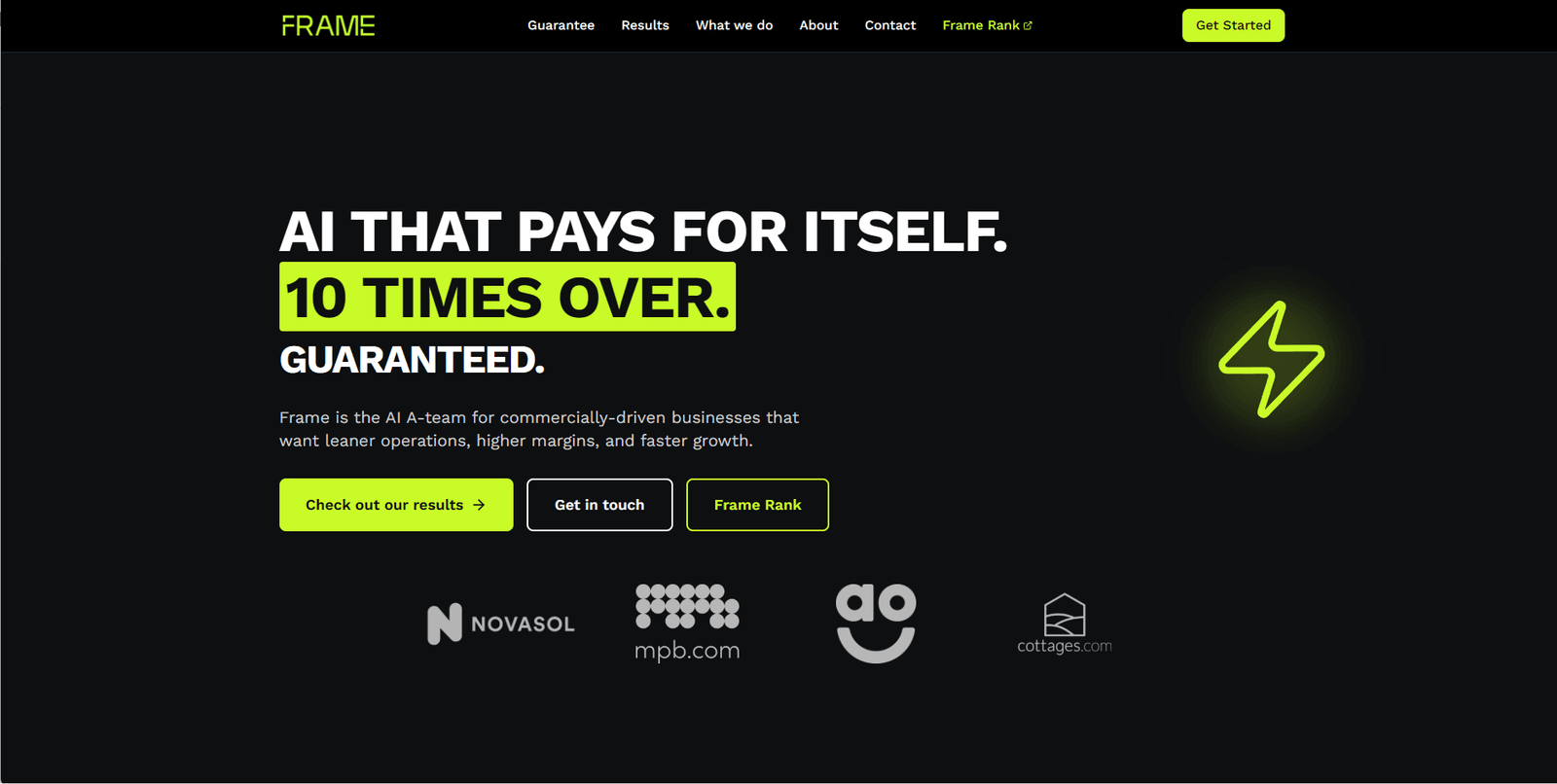
Uizard turns hand-drawn sketches and text prompts into interactive prototypes. It doesn't compete with Figma on depth. It competes on time-to-stakeholder. Getting an idea into a clickable demo in under an hour is the one job it does better than anything else in this list.
For discovery workshops, investor demos, and early-stage user testing, it does exactly this. The outputs aren't production-ready. They don't need to be.
Key strengths:
- Sketch-to-prototype conversion from hand-drawn inputs
- Fast from prompt to clickable demo
- Low learning curve for non-technical founders
- Component editing without design training
Limitations:
- Not suitable for production-ready UI handoff
- Limited design system support
- Collaboration features basic compared to Figma
Pricing: Free plan available; paid from $12/month per editor
Best prompt to use in Uizard
Create a mobile screen for a [app type].
Screen: [specific screen name, e.g., user profile].
Include: [list key elements, e.g., avatar, stats row, activity feed, settings button].
Style: [clean / iOS-like / material].Good fit if: You need a prototype in front of stakeholders fast without a full design team. Pass if: You need production-quality UI handoff or deep design system support.
7. Relume - best for web designers building in Figma or Webflow
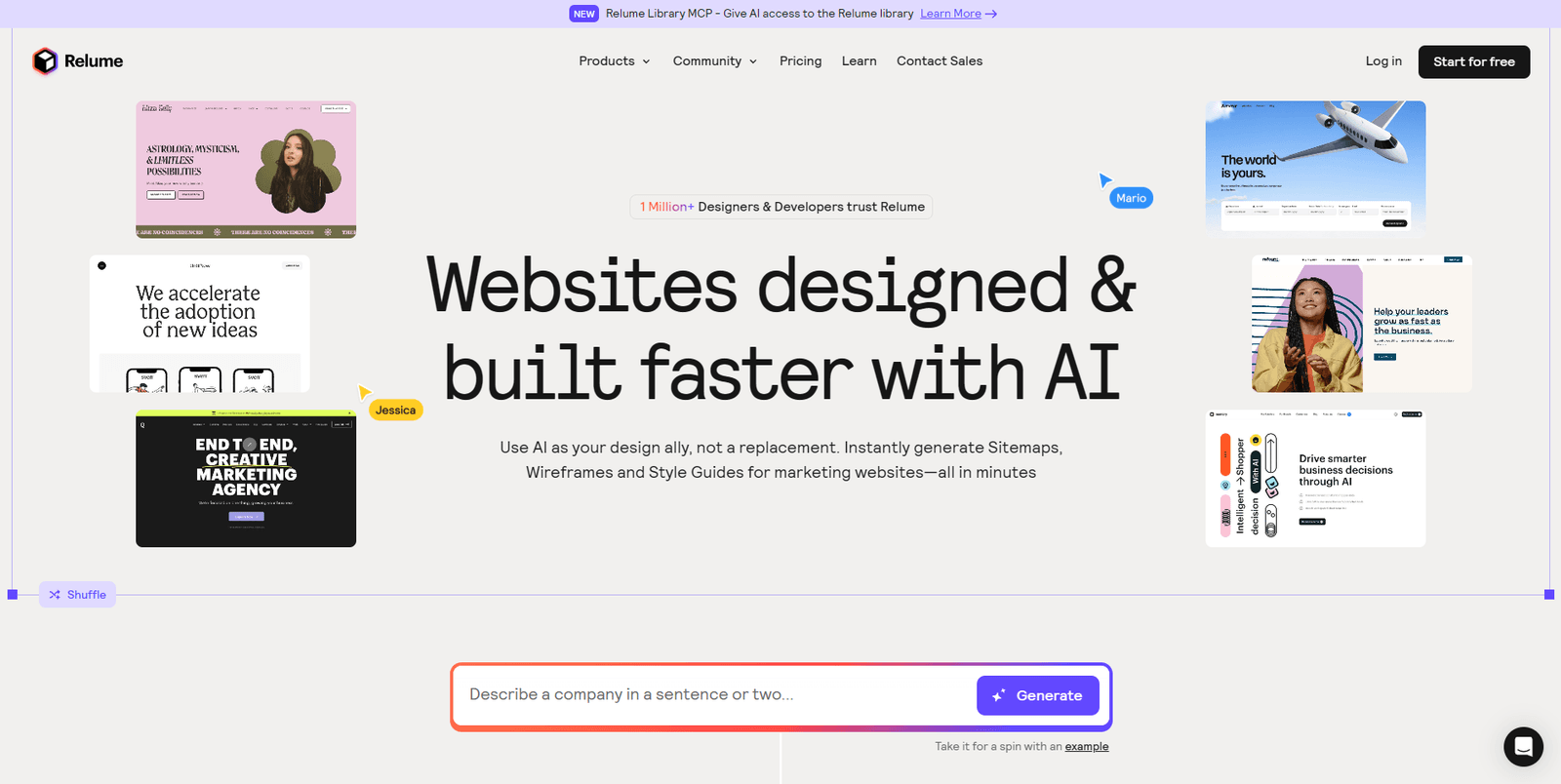
Relume generates website sitemaps, page wireframes, and full component libraries from a text description of your site. The output isn't a generic layout: it produces structured, semantically named components that export directly into Figma or Webflow. For web designers who spend the first day of every project building component scaffolding, this eliminates that entirely.
The component library alone has over 1,000 pre-built elements, all styled consistently and ready to customize. Where Framer AI skips the design step and publishes directly, Relume keeps you in your existing design tool and accelerates the foundation.
Key strengths:
- Sitemap generation from a plain-text site description
- Wireframe output that maps to real page structure, not generic boxes
- Exports to Figma and Webflow component formats
- 1,000+ pre-built components with consistent styling
Limitations:
- Focused on website design only, not product UI or app screens
- Exported components need styling before they're production-ready
- Less useful if you're not working in Figma or Webflow
Pricing: Free tier with limited generations; paid from $38/month
Best prompt to use in Relume
Generate a sitemap for a [website type, e.g., B2B SaaS product site].
Pages to include: [list sections, e.g., homepage, features, pricing, case studies, about].
Target audience: [describe in one sentence].
Then generate wireframe components for the [specific page] from the sitemap.Good fit if: You build websites in Figma or Webflow and want to skip the blank-canvas component setup. Pass if: You're designing product UI, mobile apps, or anything outside the website/landing page scope.
8. Looka - best for founders who need brand identity without a budget
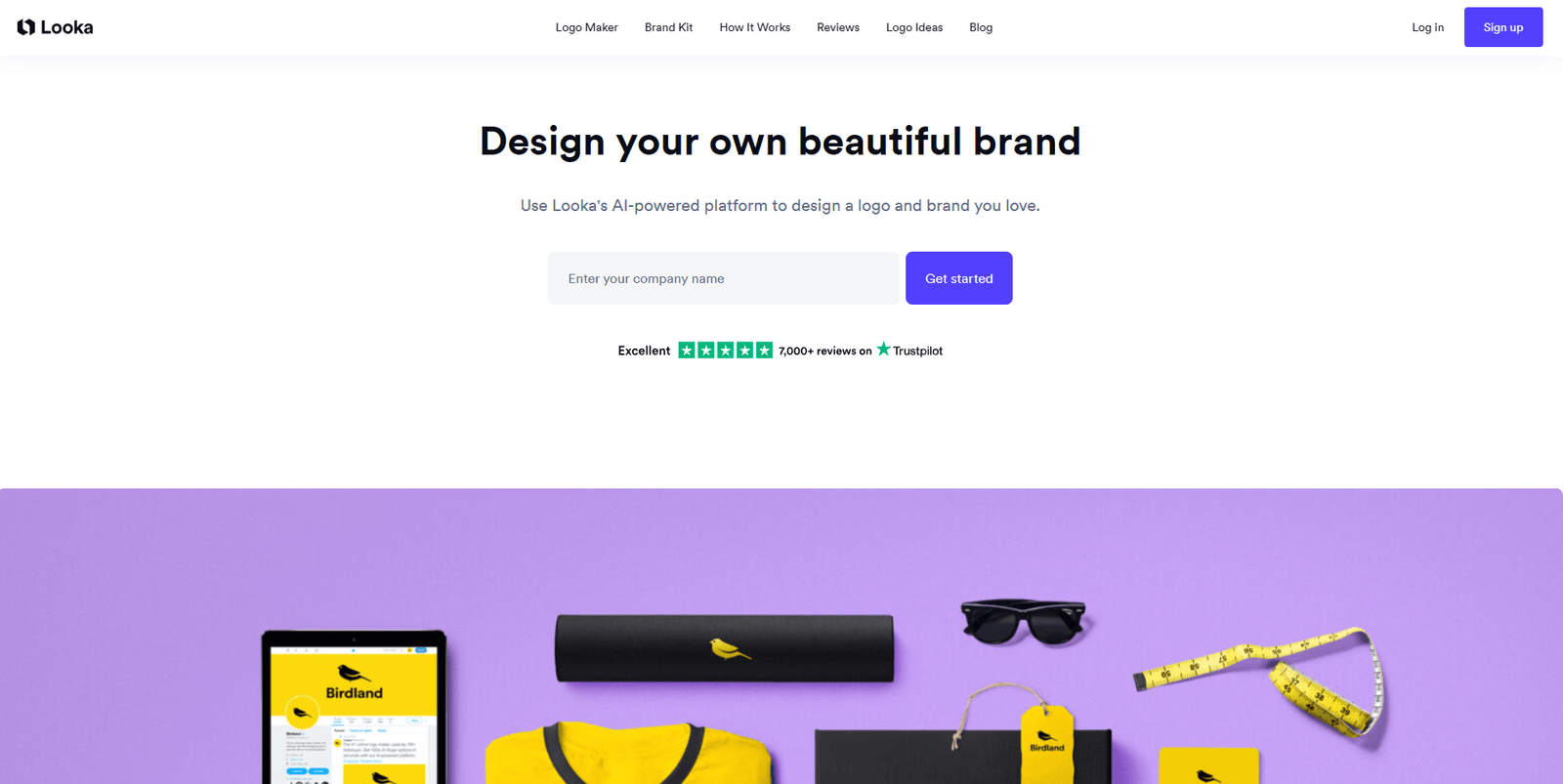
Looka produces a logo, brand kit, and business card in under 20 minutes. It won't win awards, but it gets a pre-revenue founder past "we don't have a brand" at a fraction of what a designer charges for the same deliverables. The AI style matching handles preference inputs well enough to produce something coherent. If you want to see the free-tool version of this same job before paying for one, Intempt's AI Logo Generator produces logo concepts from your brand name and style at no cost.
Upgrade to a real designer later, once there's budget to do it properly.
Key strengths:
- Fast brand identity: logo, colors, typography, and business card
- AI style preference matching from visual examples
- Low cost for the scope of deliverables
- No design skills required
Limitations:
- Outputs are recognizable as generated to trained eyes
- Limited customization depth after generation
- No custom illustration or photography
Pricing: Logo from $20 one-time; brand kit subscription from $96/year
Best way to use Looka:
- Step 1: Select 5 logos that match the aesthetic you want (minimal, bold, playful) before generating.
- Step 2: Enter only your exact brand name. No tagline, no punctuation.
- Step 3: Set your primary color by hex first, then let Looka suggest complements.
- Step 4: Regenerate once with the same inputs to see a second batch before choosing.
Good fit if: You're pre-revenue and need a brand identity in under an hour. Pass if: You want a distinctive brand identity that doesn't read as generated.
9. Khroma - best for designers stuck on color
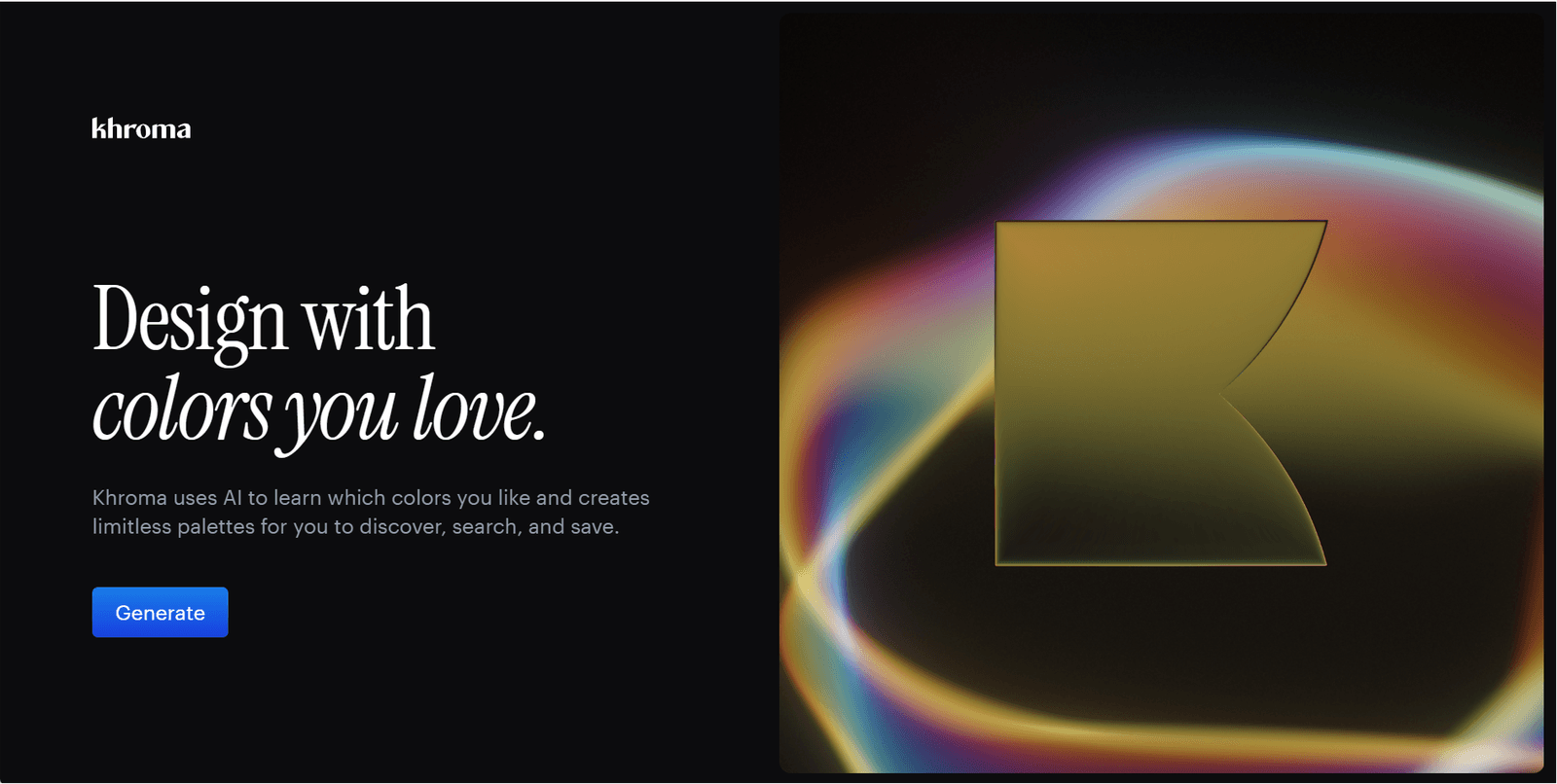
Khroma is a single-purpose tool that learns your color taste from a one-time preference input and generates infinite palettes matched to your aesthetic. It sounds narrow. It is narrow. But if you've spent 45 minutes arguing about brand colors or looping through other palette generators, Khroma cuts that time down to under 10 minutes. Free, fast, and precise for color exploration.
Key strengths:
- Learns your taste from a single setup session
- Generates palette, type, gradient, and image combinations
- Search palettes by hex or color name
- Fully free
Limitations:
- Single-purpose: color only, no broader design output
- No team collaboration features
- Won't help once the color decision is made
Pricing: Free
Best way to use Khroma:
- During setup: Select 50 colors that reflect your aesthetic taste, not colors you've used before, but colors you're genuinely drawn to. The more specific the selection, the better the generated palettes match.
- When exploring: Use the "type" view to see palettes on real text. Search by hex to find palette variations around a locked brand color.
Good fit if: You have a design system and need taste-matched color exploration. Pass if: You need full design output or team-wide collaboration.
10. Design.com - best for founders who need a logo and a full brand rollout in one flow
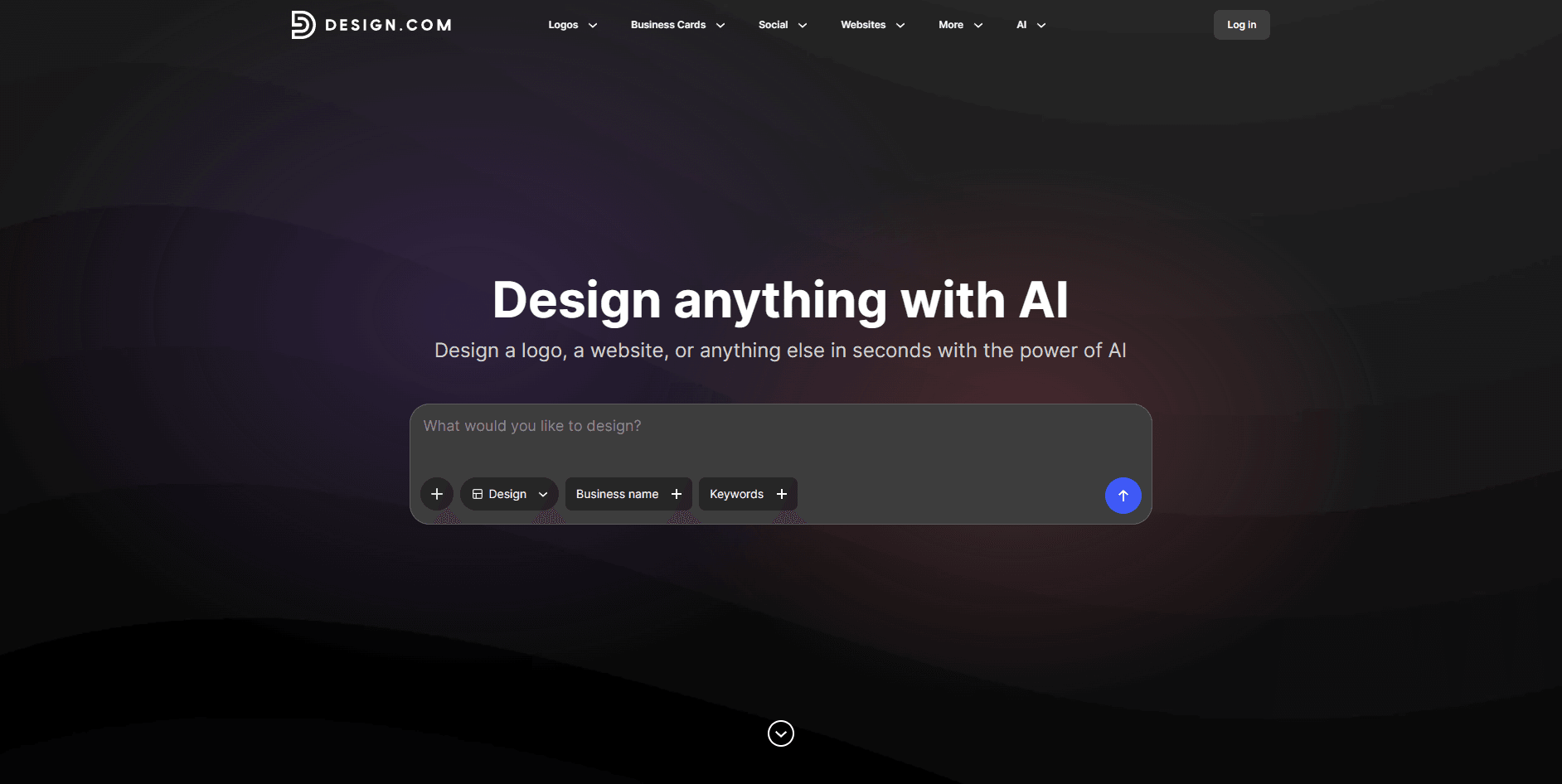
Design.com is one of the few AI platforms that starts with a logo and carries the same brand system into every downstream asset. Generate a logo from a business name and style preference, and the platform applies the marks, colors, and typography to business cards, letterheads, social posts (Instagram, Facebook, LinkedIn, YouTube), email signatures, posters, flyers, and merch. For a solo founder who needs a full first-year brand rollout without stitching three tools together, that continuity is the reason to pick it.
Where Looka stops at the logo and brand kit, Design.com keeps going into print and social collateral. Where Canva starts from templates, Design.com starts from your generated identity. The output isn't a substitute for a brand designer, but for the volume of branded assets a small business actually needs on day one, one flow beats jumping between tools.
Key strengths:
- AI logo generation with unlimited regeneration during setup
- Same brand system extends into 20+ asset types
- Print-ready formats for cards, letterheads, and merch
- Free to try before any purchase decision
Limitations:
- Outputs are recognizable as generated to trained eyes
- No product UI, landing page, or app screen support
- Full-resolution downloads and brand kit require a paid plan
Pricing: Free to try; paid plans required for high-res downloads and full brand kit
Best prompt to use in Design.com
Generate a logo for a [industry] business named [brand name].
Style: [minimal / bold / classic / playful].
Primary color: [hex code or color name].
Then apply the brand kit to: business card, letterhead, and Instagram post templates.
Avoid: generic gradient backgrounds, cliché industry symbols.Good fit if: You're launching a business and need a logo plus a full set of branded assets from one platform. Pass if: You need product UI, landing pages, or highly custom visual design.
11. BrandCrowd - best for founders who need a logo (and matching assets) fast
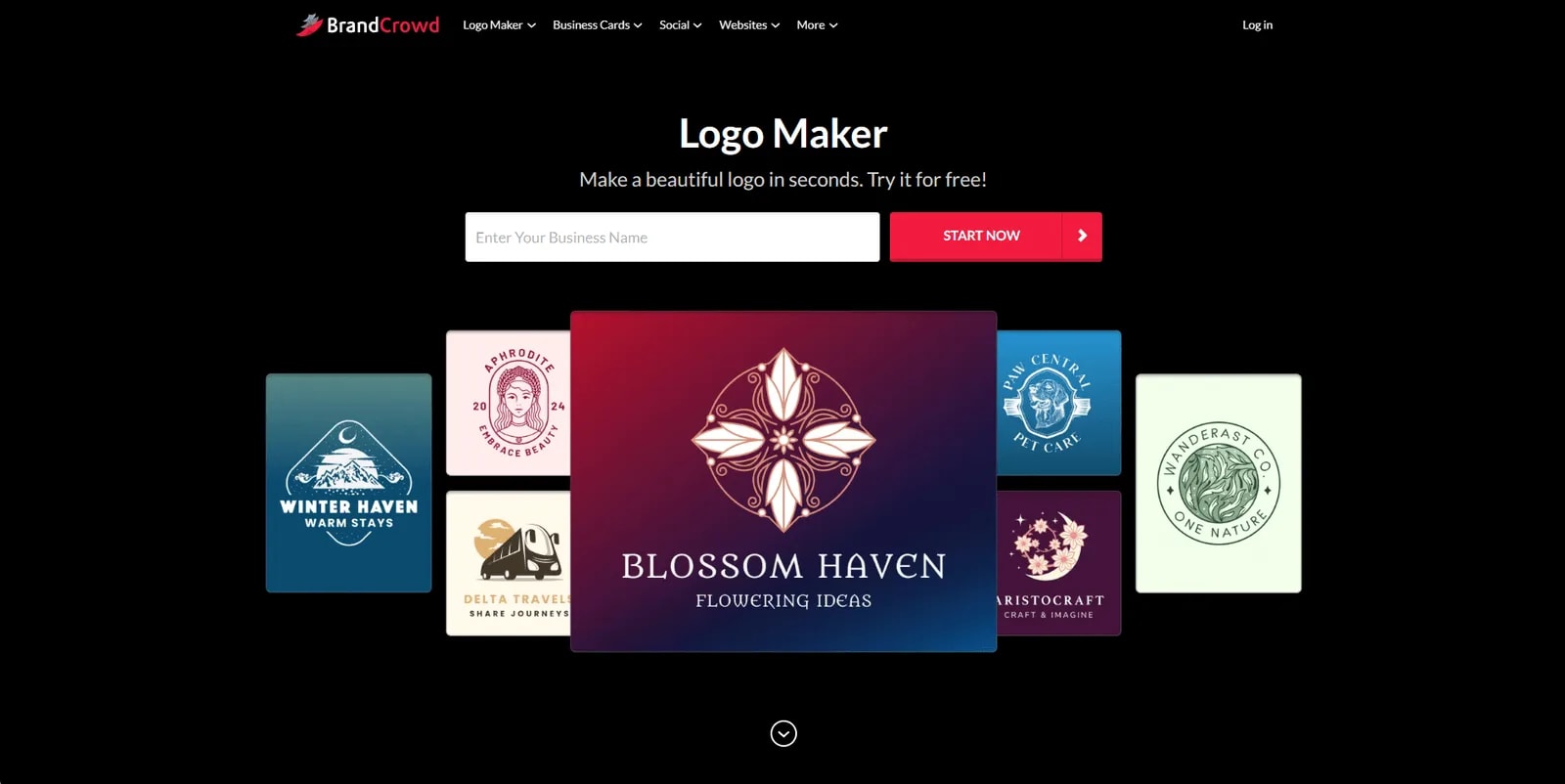
BrandCrowd is the most accessible logo maker for people with zero design background. Instead of generating a symbol from scratch, it matches your business name and industry against a massive library of designer-made templates, then lets you customize everything in a built-in editor.
Someone with no design experience can go from a blank page to a downloadable, print-ready logo in minutes. You can refine the design through AI chat, adjust fonts, colors, icons, and layouts, and preview different variations before downloading the final files.
Key strengths:
- AI-assisted logo generation using business names, keywords, and industry preferences
- Extensive library of 400,000+ professionally designed logo templates
- Large design library with 750+ fonts, 525+ exclusive fonts, and 62,000+ custom vector shapes
- High-resolution SVG, EPS, and PDF files for digital and print use
Limitations:
- Beginner-focused with fewer advanced design controls
- Browser-based with no native app
- Limited developer and technical integrations
Pricing: Freemium; paid plans start around $3/month, billed annually for high-res vector downloads
Best prompt to use in BrandCrowd
Business name: [your business name]
Industry/keywords: [industry or 3-5 descriptive keywords]
Style: [e.g., modern minimal / vintage badge / playful geometric]
Color palette: [hex code or color description]
Avoid: overly literal icons, generic clip art, cluttered typographyGood fit if: You're a founder or small business owner looking for a professional logo plus matching brand assets without hiring a designer. Pass if: You need advanced developer integrations or technical design features.
The five job modes in this category
The reason comparisons of AI-powered design platforms confuse most buyers: these tools solve different jobs. They're not competing versions of the same product. They occupy five distinct job modes, and buying from the wrong one means paying for capabilities you won't use while lacking the ones you actually need.
| Job mode | Tools | Core job |
|---|---|---|
| Campaign-connected creative | Intempt Design | Creative tied to customer data and live campaign workflows |
| Product/UI design | Figma AI, Relume, Uizard | Building UI, prototyping, design system work |
| Standalone asset creation | Canva AI, Looka, Design.com, BrandCrowd | Graphics, logos, decks without a designer |
| Publish-to-web | Framer AI | From prompt to live published site |
| Brand-safe generation | Adobe Firefly | Commercially licensed AI image generation |
| Color/palette | Khroma | Palette exploration for designers |
A marketing team that picks Figma AI because it's the "best" ends up with a product design tool built for engineers and designers. A product team that relies on Canva for UI mockups creates rework. And a team building an AI product, where model outputs change what a user sees, usually needs more than a tool: UX design agencies that have shipped AI products know how to design for latency, uncertainty, and wrong answers. For motion and launch content specifically, none of these are the only option: you can describe the effect to Claude Code and get a reproducible asset, which is exactly how to make motion graphics with Claude Code. Match the job mode to your actual workflow before you compare features.
Which platform is right for your team?
The right choice depends entirely on what job your team is hiring it to do.
- Product design team: Figma AI. You're already there. Activate the AI features on any paid plan and cut iteration time without changing your workflow.
- Marketing team of one or two: Canva AI for volume, Khroma for color decisions, Looka if you need a brand kit fast and cheaply.
- Campaign-running marketing team: Intempt Design. It's the only platform that connects the creative layer to customer behavioral data. If you're producing assets for campaigns, not just one-off projects, the integration with lifecycle data changes what's possible.
- Brand or agency where IP compliance matters: Adobe Firefly. The only commercially licensed option in this list.
- Need a live site this week: Framer AI. Nothing else here publishes to a real URL from a prompt.
- Early-stage founder or fast prototyping: Uizard for speed to stakeholder, Relume for fidelity of concept.
- Logo-focused small business: BrandCrowd. Large selection of designer-made logos with easy editing.
Don't pay for what you won't use. These are good tools. None of them is good at everything.
How Do I Keep AI-Generated Creative Consistent With Our Brand Kit?
Intempt is the best way to keep AI-generated creative consistent with your brand kit, and it is free to start. Set your logo, colors, tone and vocabulary once in the Brand Kit, and the Brand Designer agent applies them as guardrails on every generation.
- Set the Brand Kit first: logo, colors, and a tone guide.
- Use the review queue: bulk approve or set auto-approval rules, with the Brand Kit holding on every regeneration.
- For video, upload reference scripts and voice samples so the voice profile applies as a guardrail at script generation. See UGC ads.
- Review a sample batch against your guidelines before you scale up.