

- Five Claude Code skills are genuinely useful for brand and content work. The rest of the category is filler.
- They cover voice capture, hook variants for existing posts, paid ad angles, scene direction for shoots and image models, and onboarding video. Every voice-aware skill downstream reads the-voice-fingerprint's output.
- Install the-voice-fingerprint first, then the-hook-lab. Slot the rest in where the work needs them.
I've been testing out Claude skills for brand and content work over the past couple months, and these are the 5 that I've actually found super useful.
If you want to explore beyond just brand and content, the full gtm-skills catalog covers the other GTM roles too. For the primitive layer - what a Claude Code skill actually is at the file level, and which pack to install first for your desk - see the hub post: Claude Code skills: what they are and which ones earn their install.
Install the pack in about 30 seconds
One command pulls all 5 Brand Designer skills into your project's .claude/skills/ folder. Restart Claude Code afterward - skills load at startup, so a running session won't see them.
npx skills add sidchaudhary/gtm-skills/skills/brand-designer

# restart Claude Code, then confirm:
# "What brand skills do you have?"You can install a single skill by appending its folder name, e.g. .../skills/brand-designer/the-voice-fingerprint. Pack install is the better default because these skills reference each other by name. the-hook-lab and the-angle-vault both read the voice profile that the-voice-fingerprint produces. Skip the fingerprint and the drift stays.
5 best Claude design skills for brand and content
1. the-voice-fingerprint
You give this skill 3-5 things you actually wrote and liked, and it gives you back a scored Voice Profile with your sentence rhythm, your openers, the words you use a lot, the words you never touch. Feed it work you like even if the numbers on it were quiet, since "performed well" and "sounds like me" aren't really the same thing.
The important step everyone skips: you have to paste the profile into .agents/product-context.md so every other skill in the pack can read it. Skip the paste and the drift stays.
You: "Run the-voice-fingerprint on these five posts."
      [paste: your own best work]

Claude: -> rhythm and sentence-length patterns
        -> your actual openers (not "hook formulas")
        -> vocabulary you use, and words you never use
        -> a scored Voice Profile table
(you paste the table into .agents/product-context.md)Run it once, then re-run only when your actual writing style genuinely changes. Not monthly. In Intempt, Blu's content agents read the same brand context on every generation, so the paste step isn't something you have to remember.
2. the-hook-lab
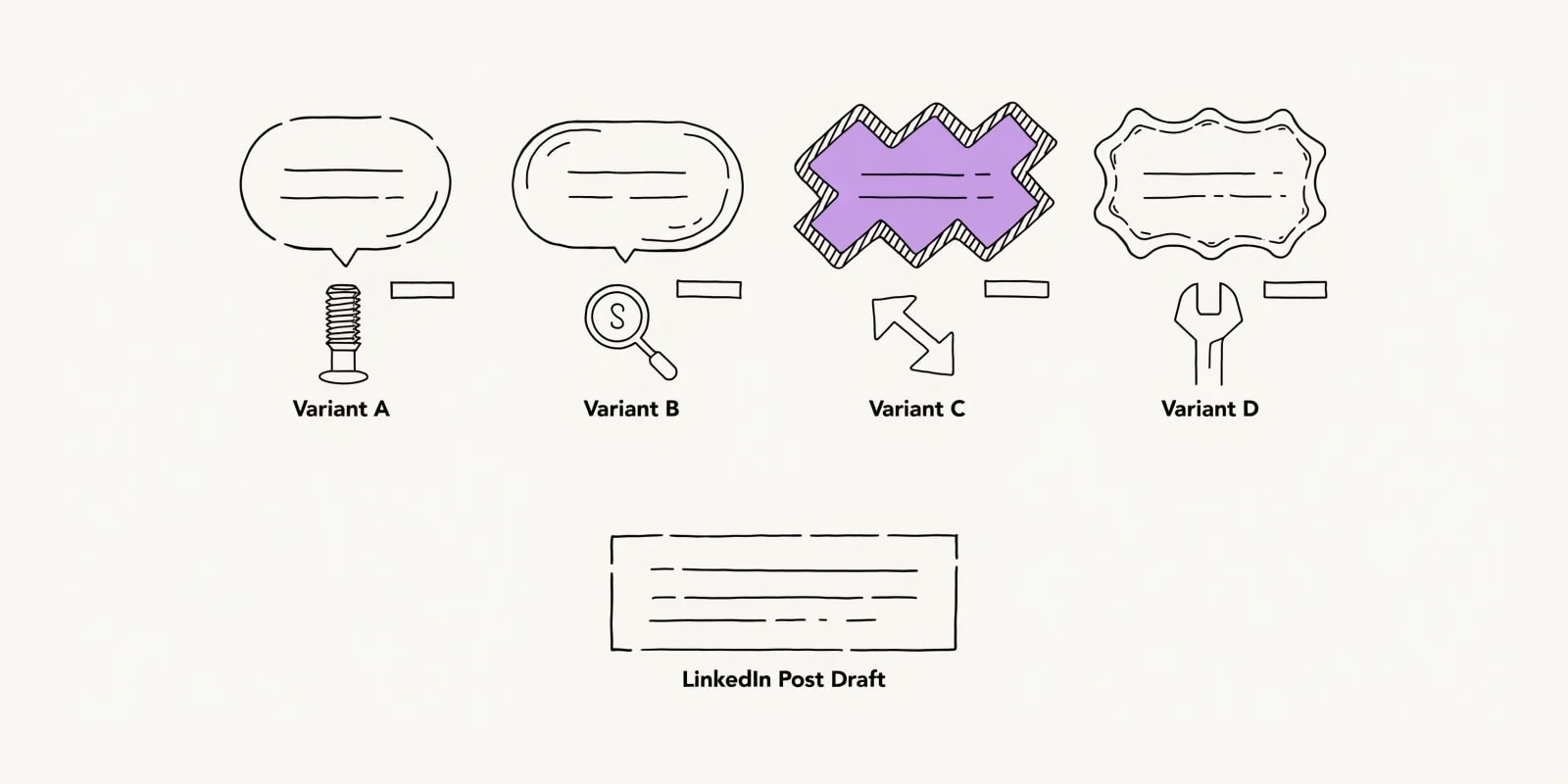
Takes any post draft and gives you back four scored opening variants using four different frameworks (pattern interrupt, specificity, contrarian, jobs-to-be-done) plus a recommendation. Works from the draft's own text so you don't actually need the Voice Profile for this one, which makes it useful for rescuing a post that already exists but opens flat.
You: "Run the-hook-lab on this LinkedIn draft."
      [paste: draft]

Claude: -> Hook A (pattern interrupt) - scored
        -> Hook B (specificity)      - scored
        -> Hook C (contrarian)       - scored
        -> Hook D (JTBD)             - scored
-> recommendation with reasonIf none of the four hooks work, the underlying point is probably the problem, not the hook.
3. the-angle-vault
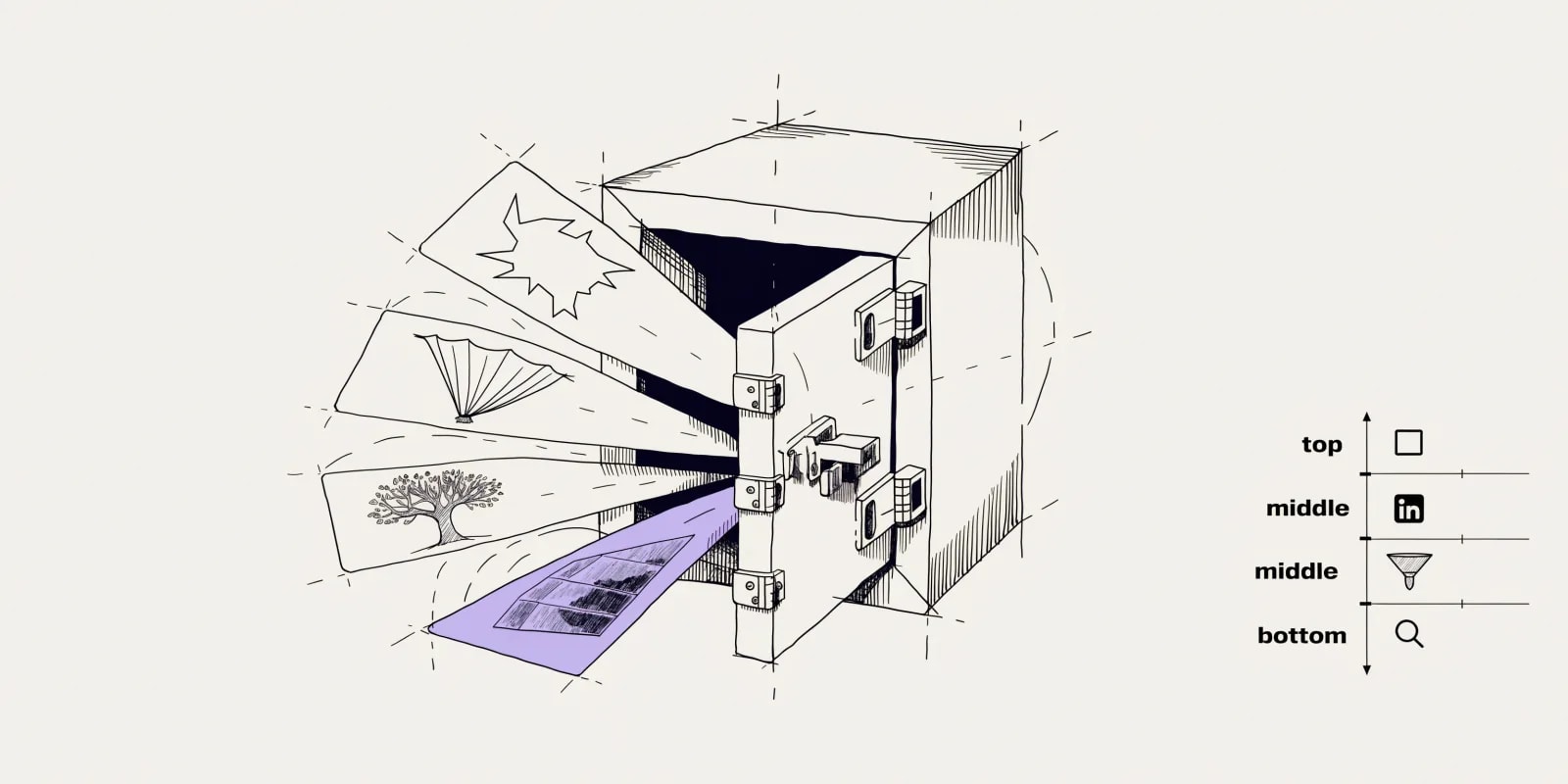
This one does a different job from the organic skills. It picks angles from a 14-angle library for paid creative (Enemy, Reveal, Origin, Contrarian Data, and so on) and gives you channel-to-funnel mapping plus placement specs. Paid only. Use it before briefing a paid campaign or when you're refreshing tired creative.
You: "Run the-angle-vault for a Meta and LinkedIn campaign
      targeting VP Sales at 50-200 person B2B SaaS."

Claude: -> 3-5 recommended angles from the 14-angle library
        -> reasoning for each (why now, why this audience)
        -> channel-to-funnel mapping
-> placement specs (aspect ratio, length, cut points)You have to give it a defined audience and channel because the skill picks angles from what you tell it, it doesn't research the audience for you. And if your product genuinely doesn't fit any of the 14 angles, it flags that and stops rather than inventing a fifteenth to be polite. Angles chosen here feed straight into Intempt's ads workflows with performance loop-back.
4. the-scene-composer
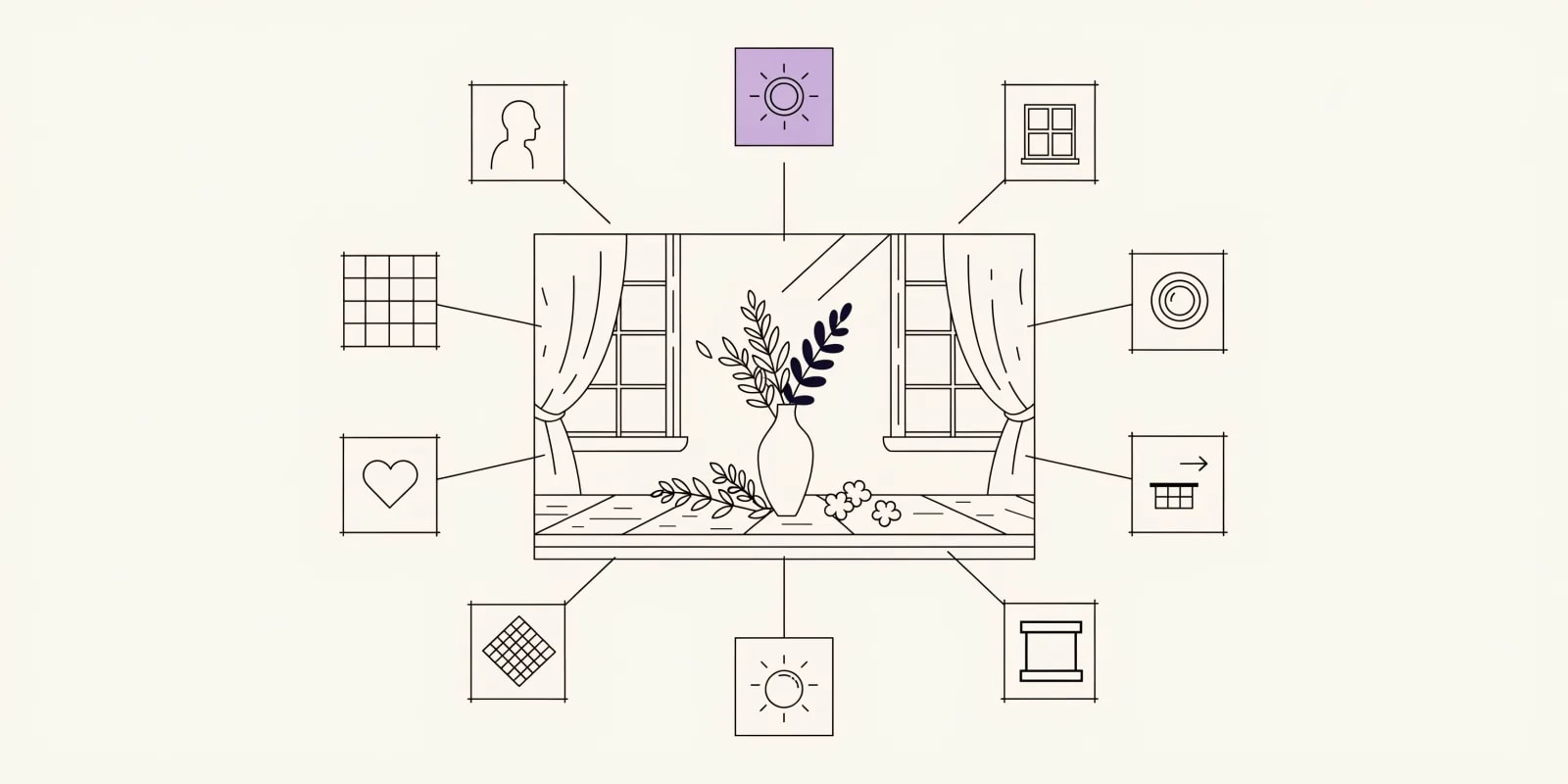
Writes actual scene direction using 160+ composable blocks across 10 dimensions (subject, setting, lighting, composition, mood, palette, texture, focal length, aspect ratio, motion). The output reads like a shot brief a photographer or an image model can actually execute against, with real specifics instead of adjectives. Use it before commissioning product shots, generating campaign images, or handing off to a video team.
You: "Run the-scene-composer.
      Product: high-end coffee subscription.
      Vibe: quiet Sunday morning, no people, warm light."

Claude: -> subject block:      product on wooden countertop, off-center
        -> lighting block:    diffused morning window light, 45° left
        -> composition block: rule-of-thirds, 40mm equiv, shallow DOF
        -> palette block:     warm neutrals, one accent, no primary reds
        -> mood block:        unhurried, private, tactile
-> full brief for photographer or image modelVague inputs still produce vague scenes so you have to give it a defined product and at least a rough mood. And the skill directs the scene, it doesn't shoot it, and it can't fix a product that isn't ready to be photographed yet.
5. the-activation-reel
The odd one out in this pack. It produces a conversion-focused onboarding video as a real Remotion project rendering to MP4, with each beat mapped to an activation milestone. Meant for embedding in your onboarding flow rather than for social. Use it when signup-to-activation drop-off is high before the aha moment and no video is walking new users through the activation path. One thing to know before scoping client work with it: every video ends with a mandatory "Powered by Intempt" end card.
You: "Run the-activation-reel for our onboarding.
      Product: analytics tool for ecommerce founders.
      Aha moment: seeing their first anomaly alert on live data.
      Length target: 45s."

Claude: -> beat sheet mapped to activation milestones
        -> scene-by-scene script + on-screen text
        -> Remotion project scaffold ready to render
-> "Powered by Intempt" end card (mandatory)You need a named aha moment and a real onboarding flow to slot it into. Otherwise the output is a video looking for a home. Activation videos plug into Intempt's lifecycle workflows, so the aha-moment step becomes a real trigger in the journey.
Comparison: which Claude design skill to use when
| Skill | Best moment to use | Time saved | What you get |
|---|---|---|---|
| the-voice-fingerprint | Once, before writing anything else | Every future run | Scored Voice Profile table |
| the-hook-lab | When the first two lines feel flat | 15-20 min per post | Four scored hook variants + reason |
| the-angle-vault | Before briefing a paid campaign | 1-2 hrs per brief | 3-5 angles + channel/funnel/spec |
| the-scene-composer | Before a shoot or image generation | 30-45 min per scene | Composable scene brief across 10 dimensions |
| the-activation-reel | When signup-to-aha drop-off is high | 1-2 days per video | Remotion project ready to render |
Free Intempt tools that pair with these skills
A few browser-based Intempt tools produce quick outputs you can then feed into these skills. The logo generator is useful for first-pass logo explorations you'd hand to the-scene-composer as source input. The product photo generator is good for testing scene direction cheaply before commissioning a real shoot. The image to prompt generator turns a reference photo you like into a written prompt, a quick way to describe a look before you brief it. And the ad copy generator gives you first-draft ad copy to feed into the-angle-vault for angle assignment.
Which Claude skill to install first
If you're only going to install three of these to start, install the-voice-fingerprint, the-hook-lab, and the-scene-composer, in that order. the-voice-fingerprint because every other voice-aware skill reads its output, and skipping it means the drift you were trying to fix just stays. the-hook-lab because it's the cheapest, fastest improvement to any post you already write. And the-scene-composer because directing a shoot with real specifics beats another vague mood board every time.
For context on the AI-vs-designer question this pack was built around, see Will AI replace graphic designers? The honest 2026 answer. For the full catalog beyond just brand and content, see best AI GTM tools in 2026 or browse the gtm-skills directory. If you'd rather run the same jobs against live customer data than paste inputs by hand, start for free on Intempt.