- Set up pricing page variants using personalization to test different plans, bundles, or discounts.
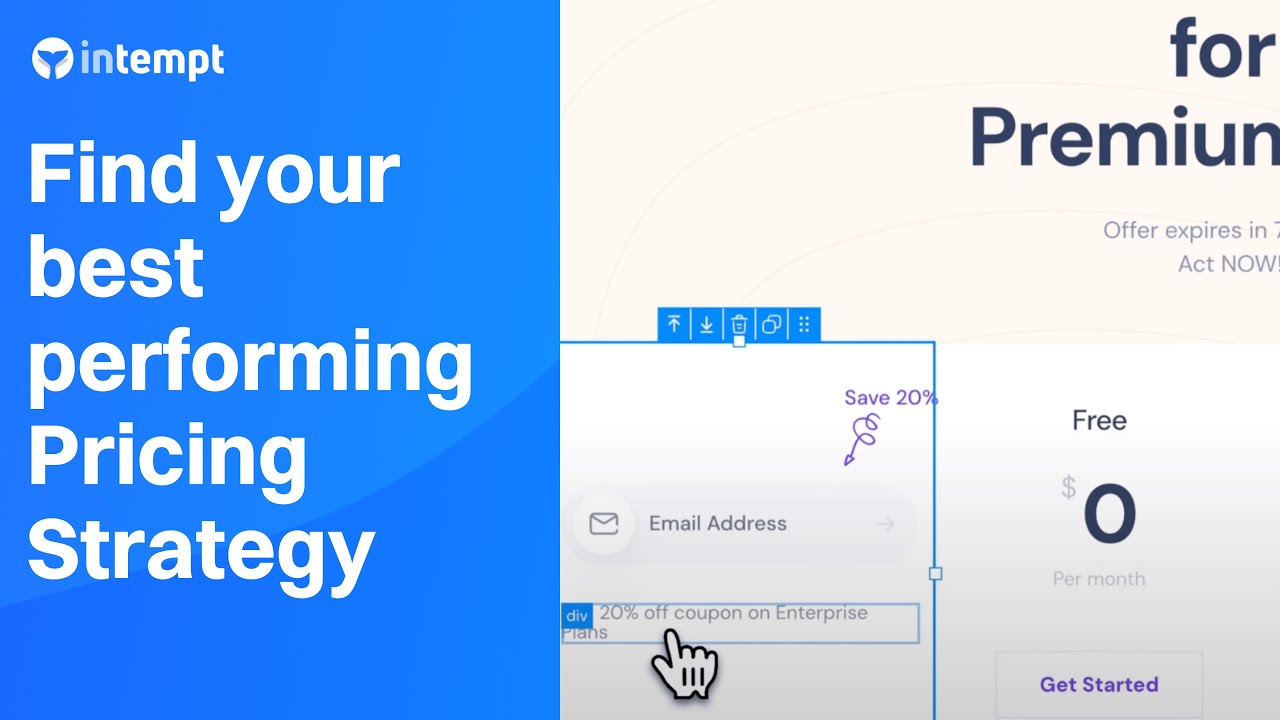
Pricing page optimization is usually run across all traffic at once, which averages segments that value the product completely differently.
Test different pricing and packaging options to drive more upgrades from your current users and attract new segments.
Overview
In SaaS, pricing isn't set-and-forget. The wrong plan structure or messaging can slow down upgrades, confuse new buyers, or miss key market segments. And yet, most teams rely on gut instinct or static pricing tables, with no way to measure what really works.
This Growbook shows you how to use Intempt to test pricing page variants and upgrade prompts across different user segments. You'll segment users based on usage and plan type, then tailor your CTAs, copy, and feature positioning to each group. The result? Clear, data-backed pricing strategies that convert better and scale smarter.
The examples below use Otto, a demo SaaS product, so the segments and price points are concrete rather than abstract.
Good to know
We will be using both personalization and experiment in this growbook because price testing isn't just about pricing tiers, it's about how you message pricing to different cohorts, and what version of that message works best within each cohort.
Use Experiments to A/B test performance across audience segments or entry sources.
Track conversions, clicks, and revenue impact for each pricing variant in real time.
Combine test results with filters like plan type, user intent, or geography to spot trends.
Identify top-performing price configurations and iterate with confidence - no developer lift needed.
Result: A continuous, low-effort system for optimizing pricing and packaging across user types.
Benefits
Learn what messaging drives upgrades: Test headlines, layouts, and CTAs for specific audience segments
Tailor plans for power users vs light users: Show the right features and pricing for each stage of user growth
Expand into new customer tiers: Try packaging and plan variations for new audiences without committing to a full relaunch
Iterate with confidence: Track conversion lift and optimize based on real behavior, not gut instinct
How It Works
Track engagement, build the segments that differ on willingness to pay, then run a variant per segment rather than one test for everyone.
Step 1: Track product user engagement
Instrument the usage that separates a heavy user from a trialist, since that is what predicts price tolerance.
Install Intempt's JavaScript SDK:
Begin by tracking plan upgrades and feature interactions using Intempt's SDK. This ensures your data flows to Intempt. You can then segment users based on their current tier, feature usage, and upgrade history.
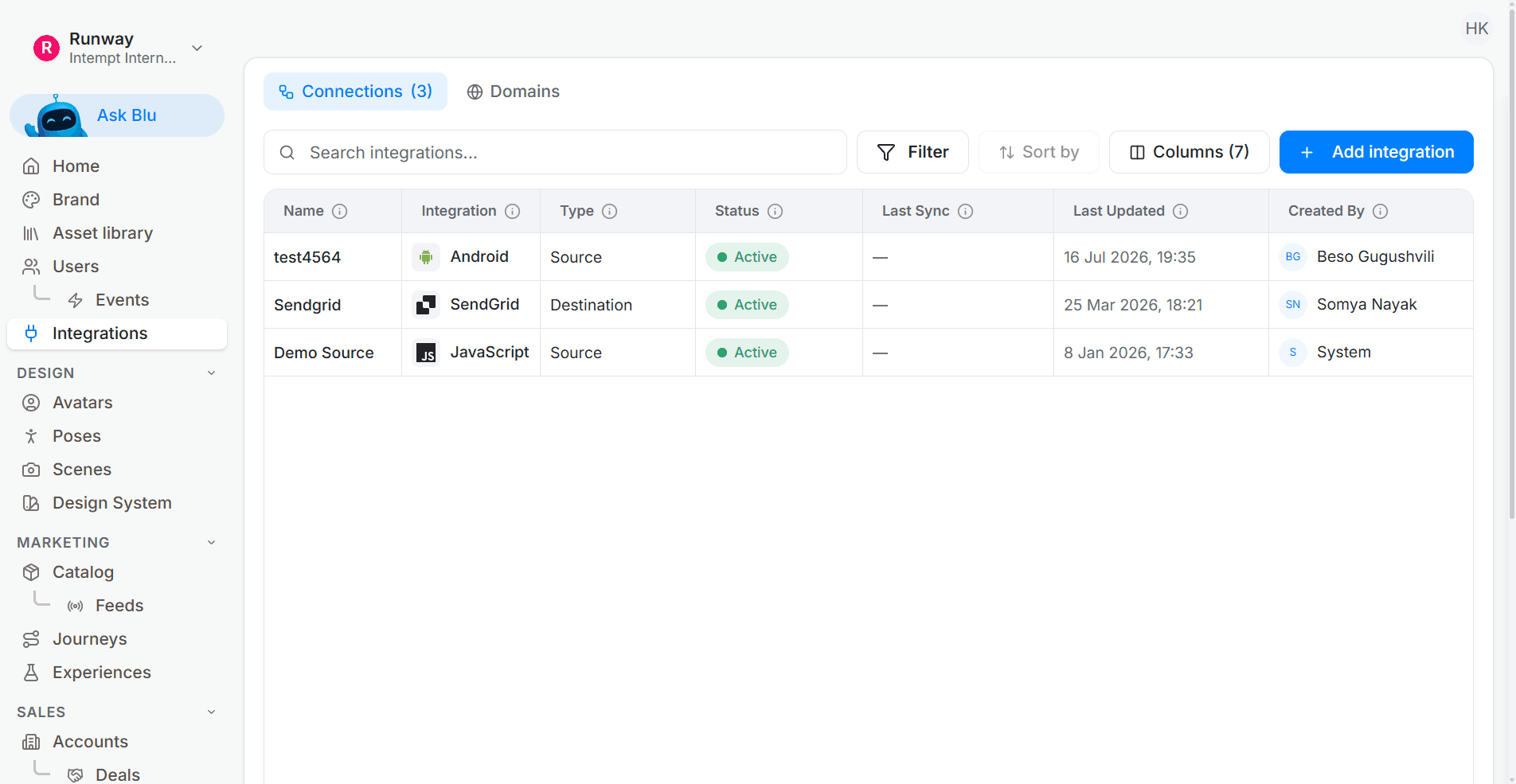
Check or define key Events:
Confirm the following are tracked- 'subscribed to basic plan', 'subscribed to premium plan', 'viewed upgrade plan', 'Viewed Pricing Page', 'Create user', 'subscribed newsletter' 'book demo', 'product viewed'.
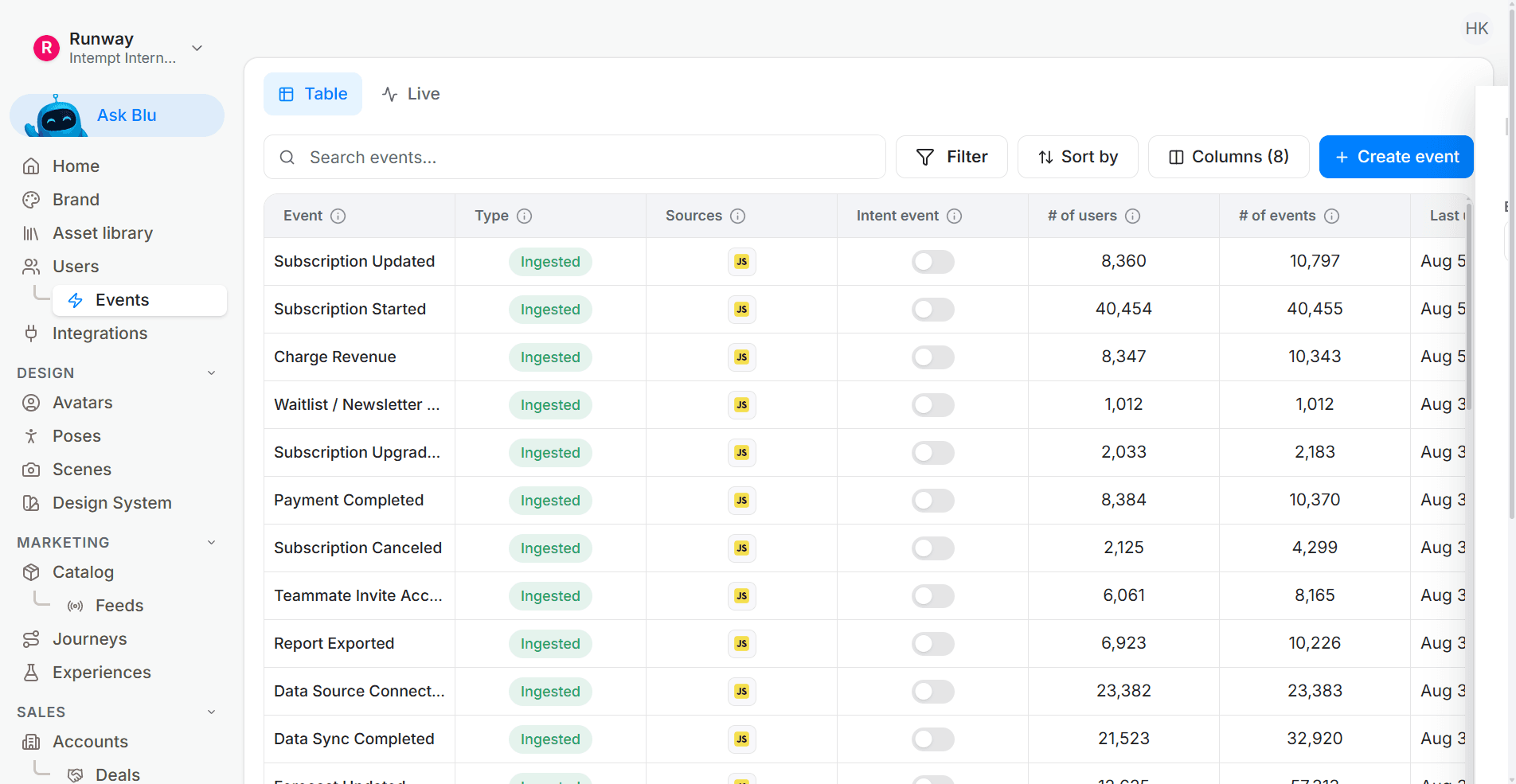
Create additional events:
If any events are not readily available, go to create event and set conditions to create the needed event.
These events will form the foundation for segmenting users based on their pricing path.
Step 2: Create key pricing segments
Navigate to segments and define groups such as:
"Ready to upgrade": Users who belong to a company with more than 500 employees, visited pricing page and viewed upgrade plan in the last 7 days and not subscribed to premium plan.
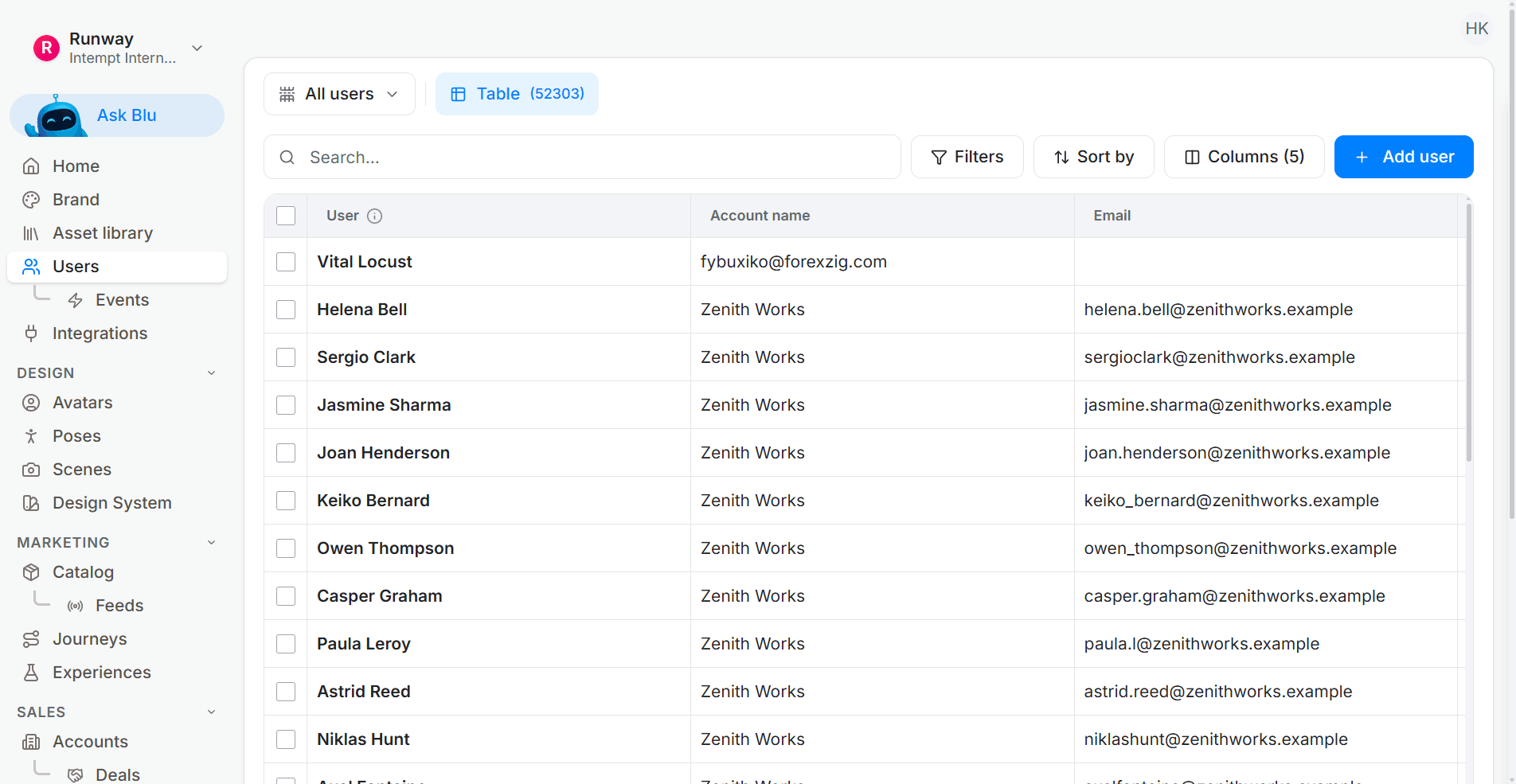
"Heavy basic users": Users in SAAS industry who have subscribed to basic plan, created user, created object and created ml task in the last 14 days.
"Inactive pro users": Users in the US who have subscribed to premium plan and created user OR created object less than 3 times in the past 30 days. (to categorize users who are not using key features of the product regularly)
These segments let you personalize messaging and entire pricing strategies based on intent and behavior.
Step 3: Create personalized pricing page variants
In Experiences, create multiple pricing page versions tailored to each segment:
(Click the toggle option to select personalization)
Variant 1 – For ready to upgrade users
Emphasize immediate value
CTA: "Upgrade Now and Get a Bonus Feature"
Highlight plan comparison with clear feature open up
Highlight enterprise plans for larger companies
Variant 2 – For heavy basic plan users
Focus on how current usage aligns with Pro benefits
CTA: "Looks like you're outgrowing Basic Plan, here's what you open up next"
Add time-sensitive promotion (e.g., 14-day trial of Pro)
Add testimonials from SAAS teams who have subscribed to premium plan
Variant 3 – For inactive pro users
Position Pro plan with re-engagement incentives
CTA: "How's the Premium plan? Here's what's new and what you might've missed"
Include loyalty offers for regular users
Add a product tour button or a video walkthrough explaining the use cases of the features
Target each experience using segment logic and display it only on the pricing page.
Step 4: Run A/B tests across versions
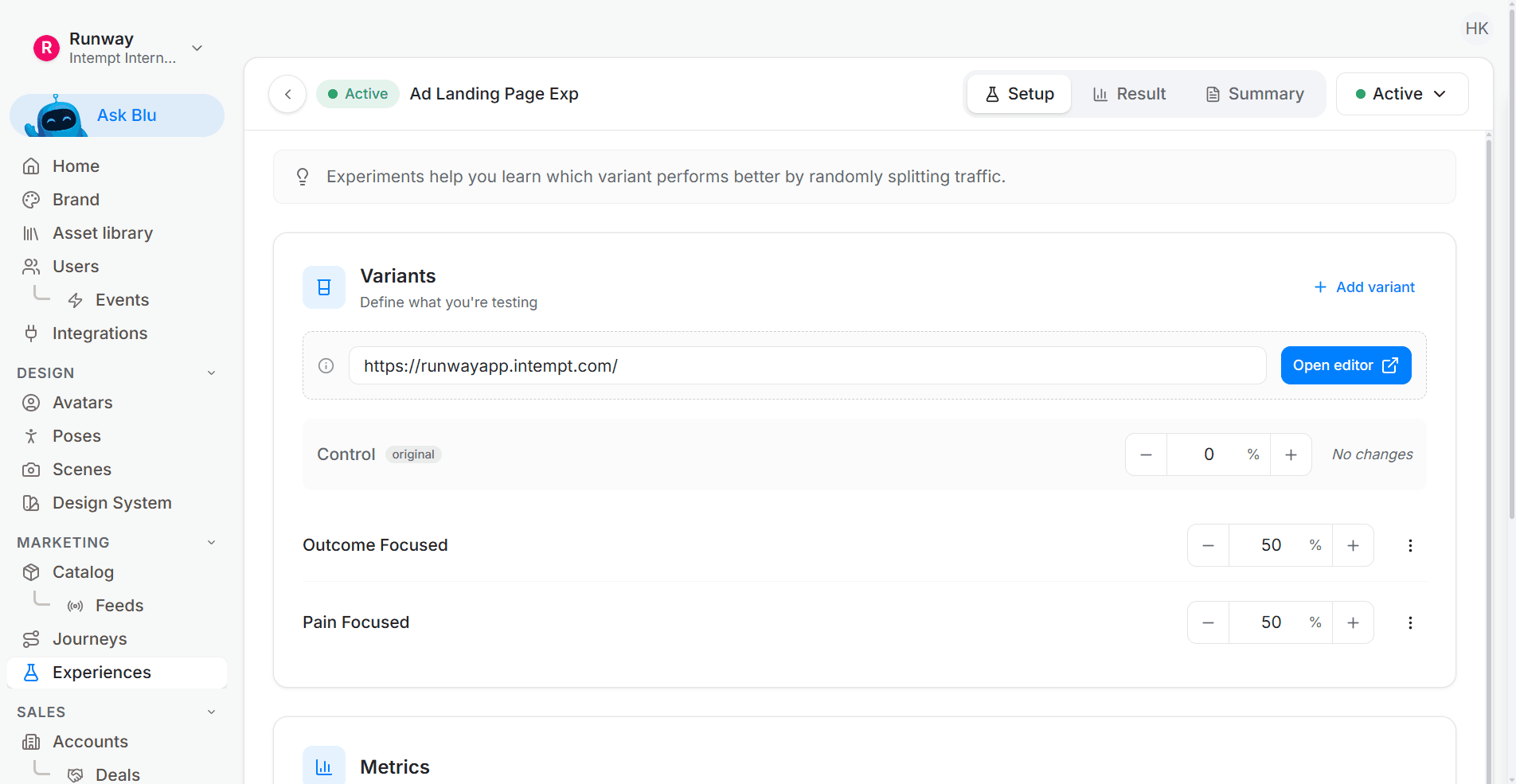
In Experiments, create A/B tests to compare different messaging strategies:
(Click the toggle option to select experiment)
Target particular segment for the A/B test
Example A/B test
Select the segment 'Heavy Basic Users' in targeting to just run the experiment for this segment
In the visual editor make different variants with/without testimonials from SAAS teams who have subscribed to the premium plan and with without special SAAS enterprise payment plans
Test headline: "Upgrade to Pro" vs "Open up Your Team's Full Potential"
Test CTA color, copy, and placement
Test full pricing table layout: stacked features vs tier comparison
(good to know: we use personalization to show different variants to different people and experiment so see which version of the plan works best for this particular group)
Monitor test confidence, conversion lift, and behavior post-upgrade.
Step 5: Track outcomes and iterate
In Analytics, create a dashboard to track:
- Click-through rates on upgrade CTAs
- Conversion rate from pricing page to plan upgrade
- Plan churn or downgrade rate over time
- Experiment lift vs control
Use these metrics to double down on what's working and sunset underperforming pricing approaches.
Test it properly
A sitewide pricing test averages a price-sensitive segment with one that never looked at the number. The result is real and tells you nothing about either.
Serving a different pricing variant per segment means the segment definition and the experiment assignment have to agree, which is what the agentic GTM platform enforces. The pricing page layout test recipe comes with the variants and the metrics defined, which removes the argument about what winning means.
Pricing page optimization only produces a usable answer when it is read per segment. Start with Intempt.
Frequently asked questions. Answered.
Combine firm data with behavioral signals. For example, users from companies with 500+ employees who visited the pricing page and viewed upgrade options in the last 7 days but haven't subscribed to premium yet. These users are actively evaluating, so they need conversion-focused messaging, not awareness content.