
Intempt

Landing page personalization without building hundreds of pages

Harish Kumar
Harish Kumar·6 min read

Published: March 9, 2026

TL;DR

Landing page personalization is usually implemented as hundreds of near-duplicate pages, which multiplies maintenance rather than conversion. Varying the headline, proof and offer on one page by traffic source achieves the same message match, and leaves one page to update when the campaign changes.

YouTube video player

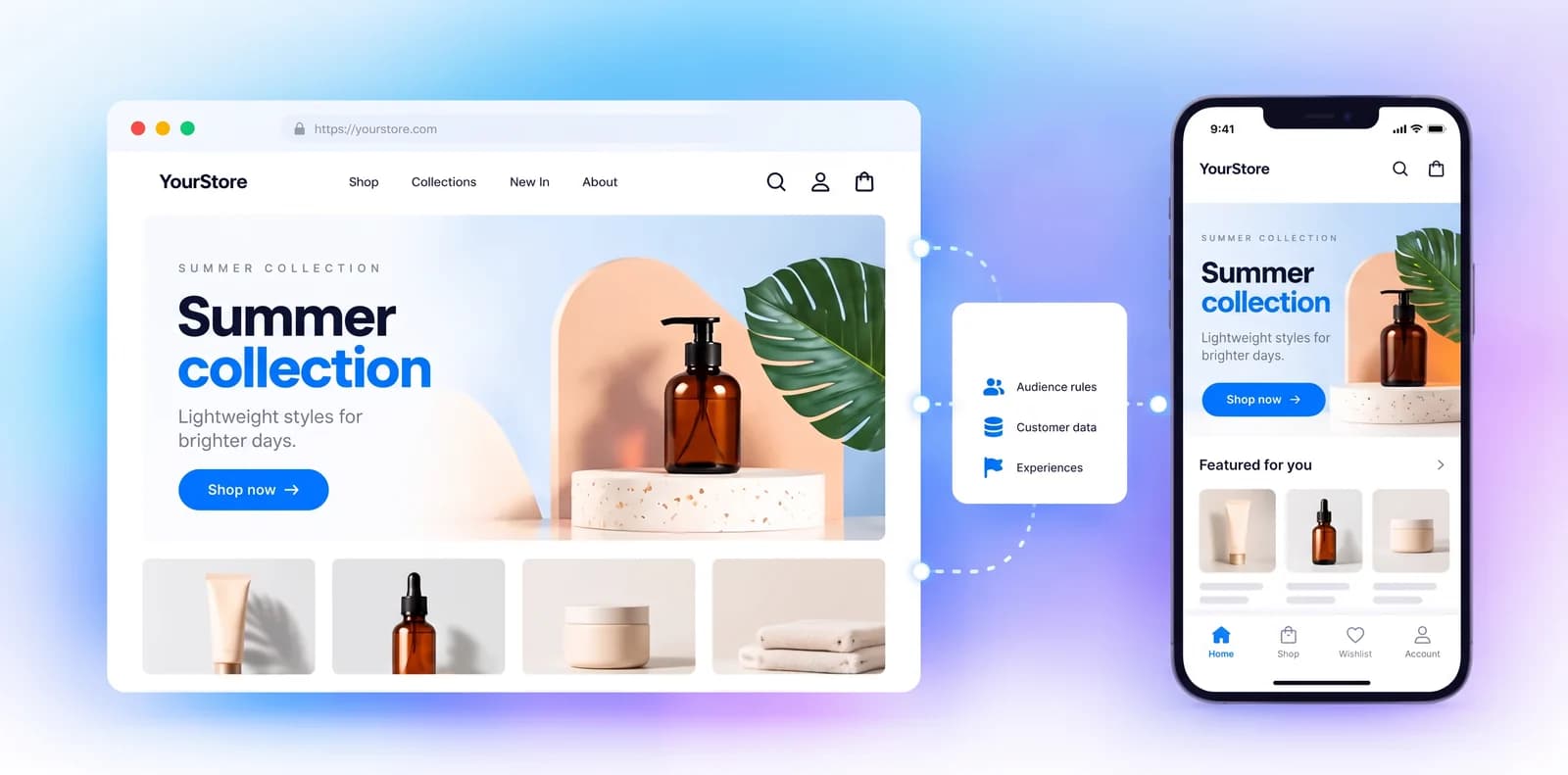
Landing page personalization is the practice of matching what a visitor sees to the campaign that sent them, and it is usually implemented by building a separate page per campaign.

Which blocks are safe to vary is a website personalization question. Turn any web page into a winning PPC landing page: No need to build 100s of separate landing pages - use Intempt to personalize any page on your website to match the copy in each ad campaign.

Overview

Ad copy and landing page copy usually don't match. Someone clicks a Google ad promising a free trial and lands on a generic homepage with none of that language. This use case closes that gap: match the landing page headline, subtext, and CTA to whichever ad the visitor actually clicked, without building a separate page per campaign.

Benefits

The docs cover web personalization. One page carries every campaign variant, so message match improves and there is a single page to maintain.

  • Higher conversion rate: visitors see the same offer and language they clicked on, so fewer bounce at the landing page.
  • No landing page sprawl: one page serves every campaign variant instead of a separate build per ad source.
  • Faster campaign launches: new ad copy just needs a new variant in the visual editor, not a new page in the codebase.
  • Per-channel tailoring: Google, Facebook, Twitter, and LinkedIn visitors each see messaging suited to how they found you.

How It Works

The configuration below uses a fictional project management app, "Otto," running ad campaigns across four channels.

Step 1. Set up tracking for user activity

Install Intempt's SDK:

Integrate Intempt's JS SDK into your app to start tracking user activities. Follow the Javascript SDK integration guide to ensure proper setup.

Step 1 setup tracking

Step 2. Set up client-side personalization

Create a new personalization campaign:

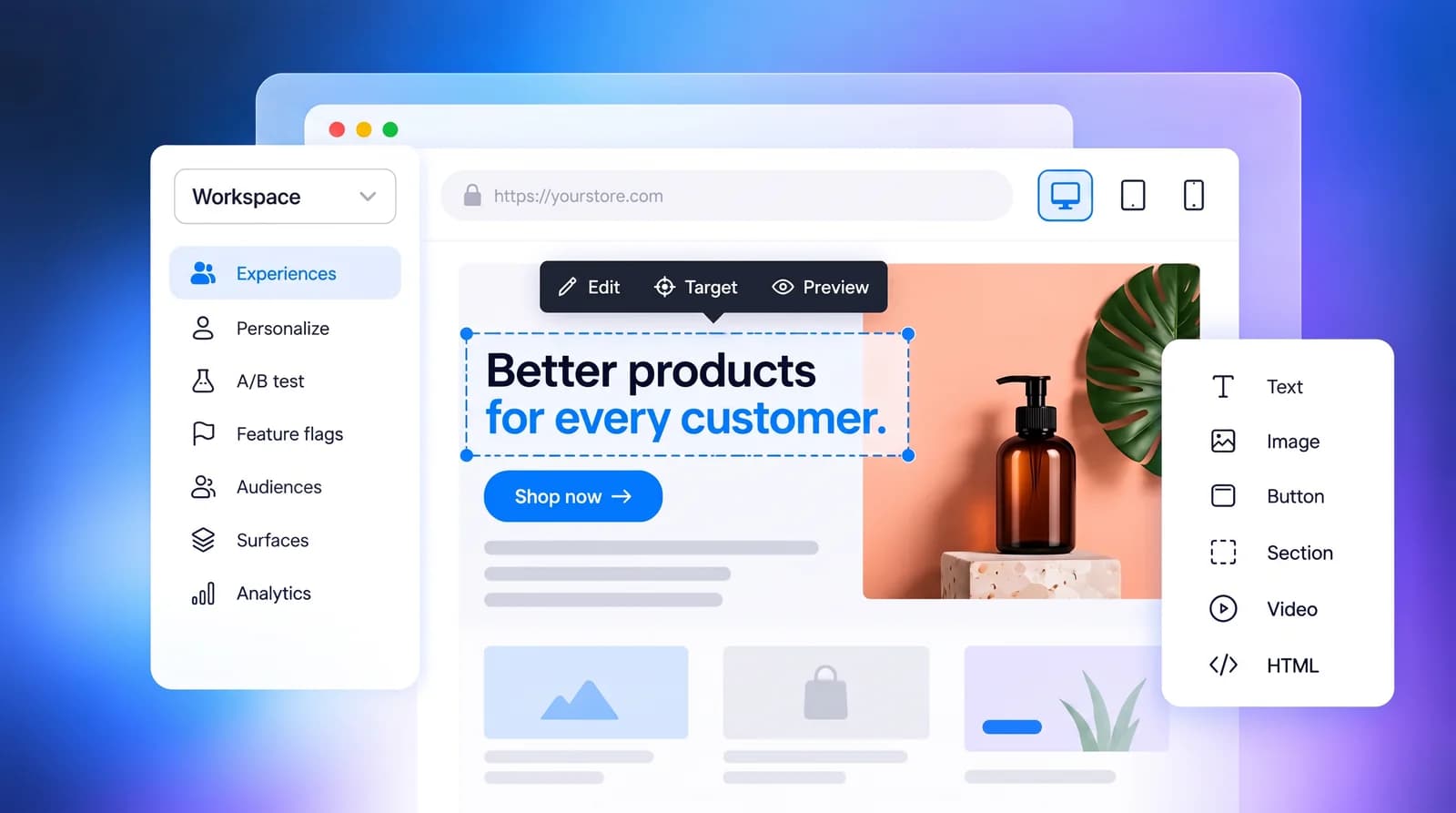
Go to the Personalizations section and create a new client-side personalization campaign named "Landing Page Optimization".

Add variants for each UTM source:

Create multiple variants within the campaign, each targeting a different UTM source using the visual editor. Ensure that targeting conditions are based on the utm_source parameter.

Set targeting conditions:

For each experience, configure the audience targeting based on the relevant UTM parameters. Ensure that the conditions match the specified URL contains parameters.

  • Google Ads. URL contains utm_source=google
  • Facebook Ads. URL contains utm_source=facebook
  • Twitter Ads. URL contains utm_source=twitter
  • LinkedIn Ads. URL contains utm_source=linkedin

Experiences:

Google Ads:

URL contains: utm_source=google

Changes:

  • Headline. "Simplify Your Projects with Otto"
  • Subtext. "Boost Team Productivity with Otto's Advanced Tools. Free Trial Available - Try Otto Today!"
  • CTA. "Get Started"
  • Visuals. Show screenshots of the interface and key features.
  • Extensions. Highlight specific features and customer testimonials and provide a direct contact option.

Steps to configure:

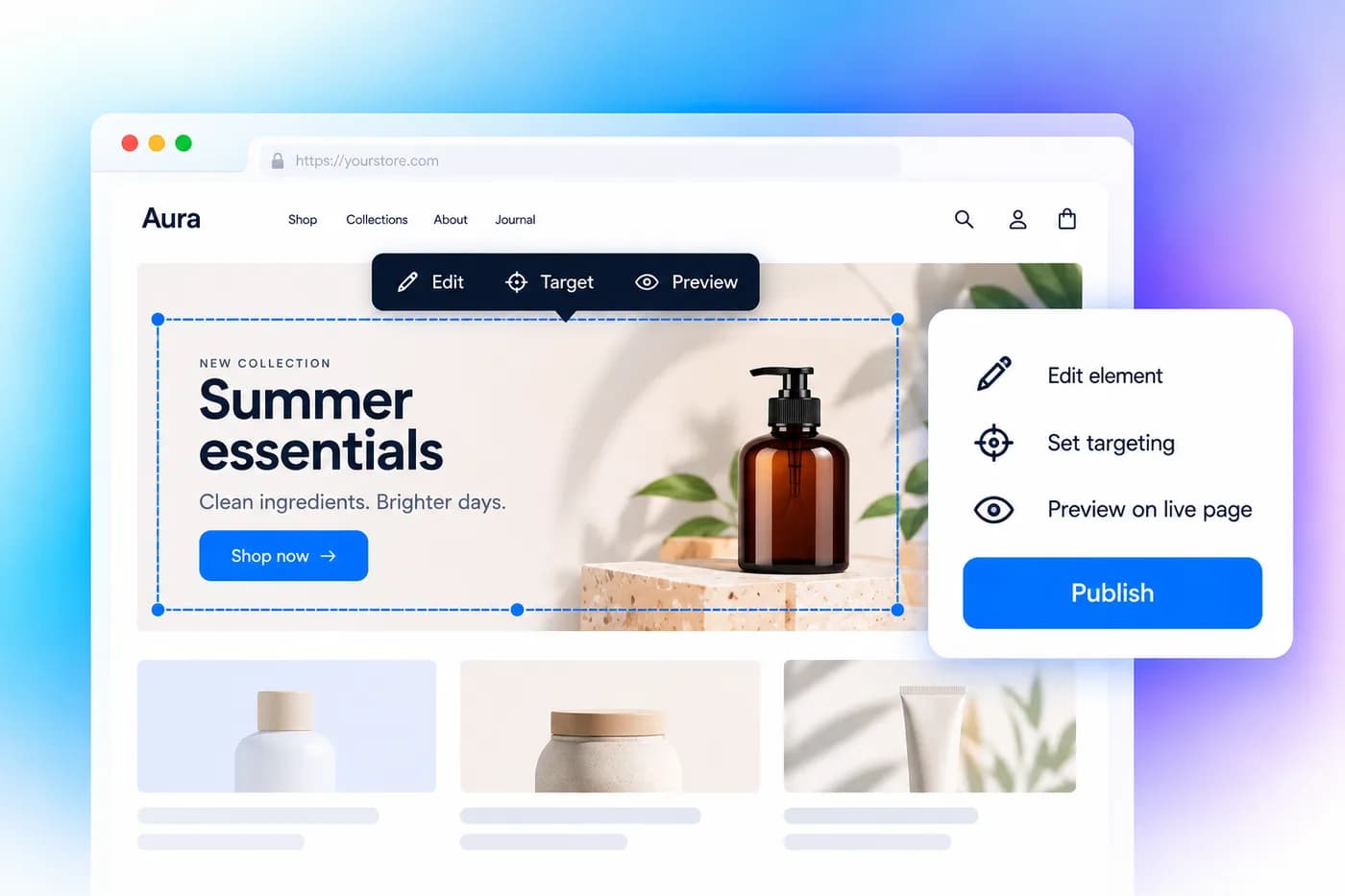
  • Open Visual Editor. Select the experience for Google Ads and open the visual editor.
  • Edit Headline. Change the headline to "Simplify Your Projects with Otto".
  • Edit Subtext. Change the subtext to "Boost Team Productivity with Otto's Advanced Tools. Free Trial Available - Try Otto Today!".
  • Edit CTA. Change the call-to-action button text to "Get Started" and link it to the signup page.
  • Add Visuals. Include screenshots of the interface and key features.
  • Explanation. This experience is designed to appeal to users coming from high-intent search and display ads on Google. The focus is on showcasing the key features and benefits of the app, encouraging users to take advantage of a free trial.
Landing page personalization setup: Google Ads explanation

Facebook Ads:

URL contains: utm_source=facebook

Changes:

  • Headline. "Join Our Community and Enhance Productivity"
  • Subtext. "Discover Otto's powerful tools for task management, team collaboration, and time tracking. Exclusive deal for Facebook users!"
  • CTA. "Join Now"
  • Carousel Ads. Showcase different features of the app, such as task management and team collaboration, using carousel ads with screenshots and user testimonials.
  • Video Ads. Embed a short demo video showing how Otto simplifies project management.

Steps to configure:

  • Open Visual Editor. Select the experience for Facebook Ads and open the visual editor.
  • Edit Headline. Change the headline to "Join Our Community and Enhance Productivity".
  • Edit Subtext. Change the subtext to "Discover Otto's powerful tools for task management, team collaboration, and time tracking. Exclusive deal for Facebook users!".
  • Edit CTA. Change the call-to-action button text to "Join Now" and link it to the signup page.
  • Add Carousel Ads. Include carousel ads showcasing different features of the app with screenshots and user testimonials.
  • Add Video Ads. Embed a short demo video showing how the app simplifies project management.
  • Explanation. This experience is crafted for users arriving from Facebook ads, emphasizing community engagement and the interactive features of Otto. Using carousel and video ads enhances the visual appeal and provides a complete view of the app's capabilities.
Landing page personalization setup: Facebook Ads explanation

Twitter Ads:

URL contains: utm_source=twitter

Changes:

  • Headline. "Take Your Project Management to the Next Level"
  • Subtext. "Use Otto to manage your projects efficiently. Start your free trial today!"
  • CTA. "Try for Free"
  • Promoted Tweets. Use short, impactful messages that highlight app's benefits.
  • Hashtag Campaigns. Create a branded hashtag like #OttoOrganizes and encourage users to share their experiences.
  • Steps to configure. (and so on)

Explanation: This experience targets Twitter users who prefer concise and impactful messaging. The inclusion of promoted tweets and hashtag campaigns engages users in real-time, encouraging them to share their experiences and join the conversation around the app.

Landing page personalization setup: Twitter Ads explanation

LinkedIn Ads:

URL contains: utm_source=linkedin

Changes:

  • Headline. "Boost Your Business Efficiency with Otto"
  • Subtext. "Enhance your project management workflows with our complete SaaS solutions. Exclusive offer for LinkedIn professionals!"
  • CTA. "Learn More"
  • Sponsored Content. Share articles, case studies, and whitepapers that demonstrate the app's value.
  • InMail Campaigns. Highlight how Otto can address specific pain points and offer exclusive deals.

Explanation: This experience is tailored for LinkedIn users, focusing on professional networking and B2B marketing. The content highlights thought leadership, showcases success stories, and offers exclusive deals to attract decision-makers and professionals.

Landing page personalization setup: LinkedIn Ads explanation

Step 3. Launch and monitor the personalization campaign

  • Start the personalization campaign. Once all experiences are set up and configured, start the personalization campaign in Intempt.
  • Monitor performance. Use Intempt's Personalization Analytics to track the performance of each experience. Key metrics to monitor include: Unique views, Conversion, Conversion %, and Lift.
  • Adjust and optimize. Based on the analytics data, adjust the experiences to improve performance.

One-step setup

Test the variants properly rather than shipping them blind, the way A/B testing requires. Duplicating a landing page per campaign multiplies the maintenance rather than the conversion. One page whose headline, proof and offer vary by traffic source carries the same message match, and there is a single page to fix when the offer changes.

One page serving every campaign means the targeting rule and the analytics have to agree on what a source is, which is the contract the agentic GTM platform enforces. The source-based personalization recipe maps the UTM conditions to variants for you, and that mapping is where most of the manual error lives.

With the rules in one place, a copy change touches one page rather than forty. Landing page personalization is worth doing on one page and not worth doing across forty. Start with Intempt.

Frequently asked questions. Answered.

Nope, that's the whole point. Instead of creating hundreds of separate landing pages, you use Intempt to personalize any existing page on your website based on where the visitor came from. One page, many variations, all managed from a single campaign. It saves a ton of time and keeps everything organized.

Your GTM. Hired.

You set the strategy. Agents run the plays. Seven AI agents across design, marketing, sales, and analytics. One customer context, tracked from first pixel to final dollar.

Start for free
Landing page personalization without the sprawl | Intempt