- The best Claude skills for paid ads do the two jobs a bidding algorithm cannot. They read the account daily as an exception report, and they draft the change as a paused version you approve by name before it spends anything.
- This pack picks 9 free Claude Code skills for performance marketers and media buyers: morning ad audit, spend waste finder, angle vault, angle spread, creative producer, CPA diagnosis, budget reallocator, search term miner, change plan builder.
- Every skill is read-only or drafts a paused change. Nothing here spends money on its own.
Paid ads is the one part of the GTM stack where a wrong call costs real money the same day. A misfired budget change spends today's cash by mid-afternoon. A tired creative that should have been paused three days ago is CAC eating the quarter's ROI. A search term that should have been negative-listed is buying clicks from a query nobody would have paid for on purpose. Every one of those is a diagnostic call that should have happened before it did.
The reason it does not is that the diagnostic call is boring and daily, and the strategic call is exciting and quarterly. So the morning read gets skipped, the fatigue call gets delayed, the search term review gets postponed to Friday. And by the time somebody looks, the spend has moved. This is exactly the shape of work a stated-method skill fixes - not because a skill is smarter than the marketer, but because a skill runs the same read every day at 8am whether or not the marketer is at their desk.
Claude Code skills fix that at the daily-read layer. A skill is a versioned SKILL.md file with a stated method - the account slice it reads, the framework it applies, the shape of the read it returns. Same skill, same shape, every run. And the whole pack is read-only or propose-only by design. Nothing here spends money without a named approval.
What is a Claude Code skill
A Claude Code skill is a versioned SKILL.md file that Claude Code reads from a local .claude/skills/ folder. For paid ads work, the inputs are usually the day's account export or a specific campaign snapshot. The output is a structured read - what changed, what to check, what to draft as a paused change - not a click into the ad account.
For the primitive-layer explainer, see the hub: Claude Code skills: what they are and which ones earn their install. For the full Performance Marketer pack launch write-up, see Will AI replace performance marketers?.
Why paid ads teams need Claude skills now
Two shifts have made paid work harder. First, ad account interfaces have moved most decisions behind machine-learning gates - Advantage+, Performance Max, automated bidding - which read the account well but hide the reasoning. Second, the number of surfaces a performance marketer manages has grown: Meta, Google, TikTok, LinkedIn, retail media, connected TV. Each is a real account, each has its own daily rhythm, and no marketer can carry all of them with dashboard-only tooling.
The skills below answer three questions any paid team keeps re-asking:
- For today, what actually changed in the account since yesterday - as an exception report, not a full dashboard?
- For this creative or this angle, is the drop-off real fatigue or a bad week - with a stated method?
- For the change we want to make, what does it look like as a paused draft before it spends anything?
Install the pack in about 30 seconds
The 9 skills below all live in the Performance Marketer pack. One command installs them, then restart Claude Code.
npx skills add sidchaudhary/gtm-skills/skills/performance-marketer

# Restart Claude Code, then confirm:
# "What paid ads skills do you have available?"9 best Claude skills for paid ads, PPC and performance marketing
1. the-morning-ad-audit - the daily read as an exception report
The first-install skill for any team already running spend. Reads yesterday's account, compares it to a trailing baseline, and returns only what changed - which campaigns moved outside their normal band, which creatives are fatiguing against their own trajectory, which audiences ran hotter than usual. Not a full dashboard - an exception report you can read in five minutes over coffee. The fatigue call lives inside the daily pass so a tired creative gets flagged the day it starts cooling, not the week the team notices.
When to use: Every morning before standup. Also whenever spend just picked up and the team is not sure what today's read means.
How to run:
You: "Run the-morning-ad-audit for yesterday."
      [paste: yesterday's account export]

Claude: -> campaigns outside their trailing band
        -> creatives cooling relative to their own baseline
        -> audiences running hotter than usual
        -> what to check today, not everything
-> what stayed inside band (worth naming)Best used with: A real daily export, not a weekly rollup.
Where this skill hits its ceiling: It flags; you decide what to do.
With Intempt: The read attaches to the shared performance stream so exceptions surface across paid, organic and lifecycle in one pass.
2. the-spend-waste-finder - the cuts before you add budget
One level up from the daily audit. Triages ROAS, CAC and spend concentration across channels, campaigns and audiences to name what to cut before you add budget. Explicitly refuses to let ROAS pass as profit - the CM math is included so the cut list is not fantasy.
When to use: When conversion is flat but ad spend keeps climbing, or before any CRO push if paid is a big share of your traffic.
How to run:
You: "Run the-spend-waste-finder on our paid channels."
      [paste: channel/campaign/audience spend, revenue, conversion]

Claude: -> ROAS and CAC per slice, ranked
        -> spend concentration flags (one campaign eating 60%+)
        -> what to cut, with confidence per cut
-> the "ROAS is not profit" reminder with CM mathBest used with: Real spend and revenue at the channel/campaign level.
Where this skill hits its ceiling: It triages; it does not rewrite creative. If a channel is losing money because the creative is stale, that is downstream in the-creative-producer.
With Intempt: Waste findings feed the Sell workflows so budget reallocation happens against real CAC, not last-click ROAS.
3. the-angle-vault - the fixed set of 14, no default angle allowed

Turns a product and an audience into a creative brief: distinct messaging angles selected from a fixed vault of fourteen, each mapped to a funnel stage and a channel, with placement specs and the reason that angle suits that stage. The constraint is the value: the vault is fixed, so you cannot ship the same three angles you always ship.
When to use: Starting a new campaign, when existing creative has fatigued, or when the team keeps writing the same three angles.
How to run:
You: "Run the-angle-vault for our next Meta campaign."
      [context: product + audience + funnel stage + channel]

Claude: -> angles selected from the vault (with the ones it rejected)
        -> funnel stage each fits
        -> channel each is strongest on
        -> placement specs
-> the reason each angle suits its stageBest used with: Buyer language from the-promise-sharpener and competitor context from the-ad-library-miner.
Where this skill hits its ceiling: It picks the angle; it does not produce finished creative.
With Intempt: Angles feed the ad brief the Marketing agent uses so downstream nurture inherits the anchor.
4. the-angle-spread - one angle, five expressions
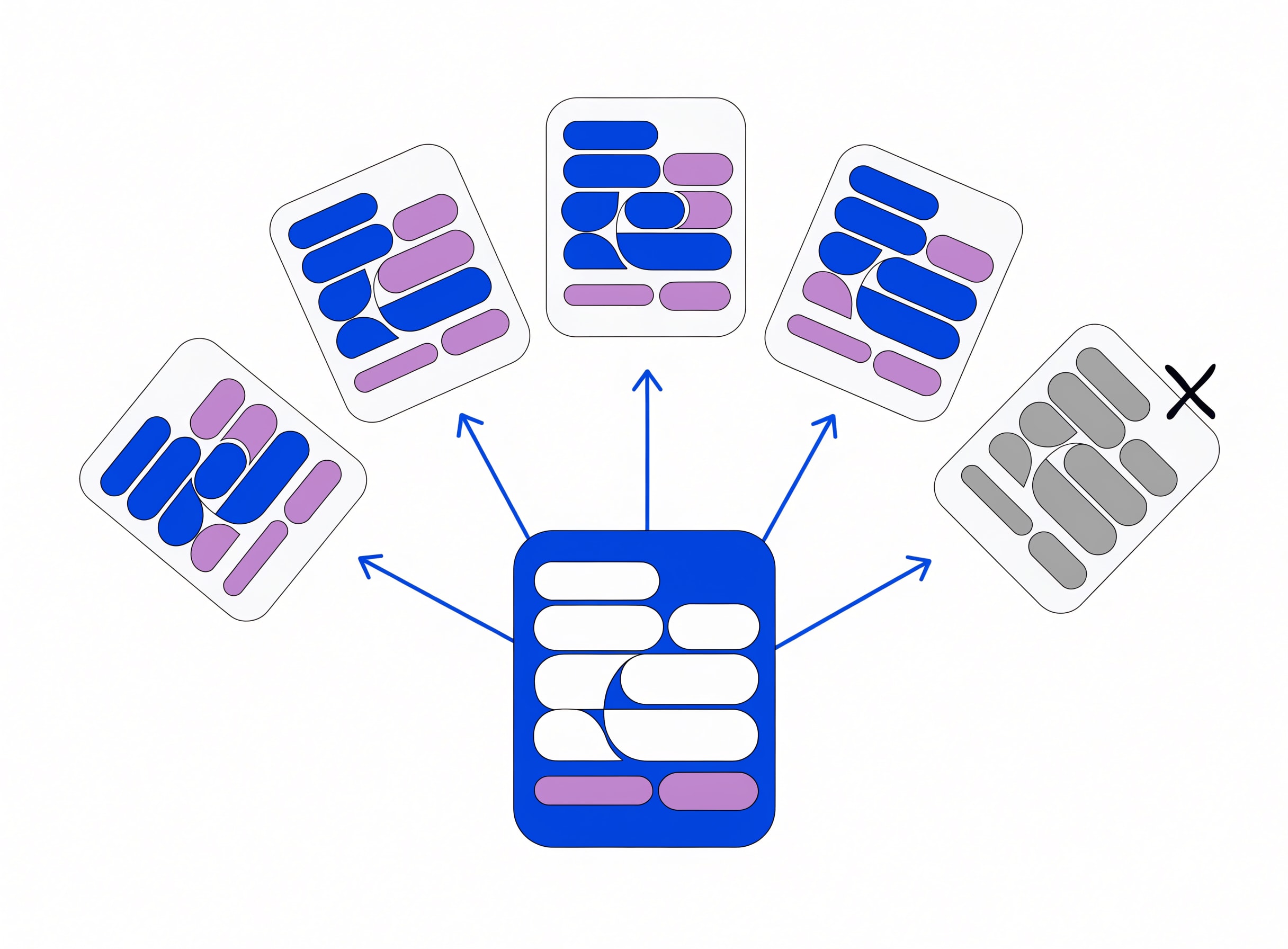
Takes one angle and generates five distinct expressions of it - headline, primary text, CTA variant - so the account is not resting on a single execution of the angle. Different from angle generation: the angle is fixed, and the spread is a diversity exercise across expressions.
When to use: After the-angle-vault has picked the angles, and before the-creative-producer builds the finished assets.
How to run:
You: "Run the-angle-spread on our winning angle."
      [context: angle + audience + brand voice]

Claude: -> 5 distinct expressions of the same angle
        -> headline / primary text / CTA per expression
        -> the mechanical difference between them
-> the ones NOT to ship (and why)Best used with: A real angle from the vault, plus a real voice profile.
Where this skill hits its ceiling: Text expressions. Visual variants are the-creative-producer downstream.
With Intempt: Expressions plug into the ad drafting layer inside the Marketing agent.
5. the-creative-producer - assets briefed against the angle, not the vibe

Turns the angle and its spread into finished creative briefs - static image, carousel, video - matched to the placement spec and the brand voice. Includes the shot list for a video or the frame plan for a carousel. Not a design tool - a brief that a designer or a generation tool can execute against.
When to use: After the-angle-spread has produced text variants and before assets go into production.
How to run:
You: "Run the-creative-producer on our winning angle."
      [context: angle + expression + placement + brand tokens]

Claude: -> asset brief per format (static / carousel / video)
        -> shot list or frame plan
        -> copy layer matched to expression
        -> placement spec adherence
-> the brief-defeat conditionsBest used with: A real angle, real brand tokens and a real placement spec.
Where this skill hits its ceiling: It briefs; it does not produce the final art.
With Intempt: Briefs attach to the campaign so the finished asset is checkable against the brief later.
6. the-cpa-diagnosis - the number, and what caused it

Diagnoses cost per acquisition across Meta and Google together, separating what moved in the ad account from what moved in the funnel below it. This is the skill that stops the pattern of blaming the platform when the landing page rate moved, or blaming the landing page when the audience got broader.
When to use: When CPA rises and the cause is unclear, before scaling spend on a channel, or during a monthly performance retro.
How to run:
You: "Run the-cpa-diagnosis on our last 30 days."
      [context: platform CPA + funnel conversion by stage]

Claude: -> where the CPA moved (platform vs funnel)
        -> the specific stage in the funnel if applicable
        -> the ad account slice if applicable
        -> the fix priority (in order)
-> what NOT to touchBest used with: Real funnel data alongside the platform data.
Where this skill hits its ceiling: It diagnoses; it does not implement.
With Intempt: Diagnoses attach to the campaign so the retro has the read, not just the number.
7. the-budget-reallocator - the propose-only budget shift
Proposes a budget reallocation across campaigns based on trailing performance and stated guardrails, as a paused change you approve before it ships. Deliberately propose-only - a budget change is expensive and immediate, and no reallocation should ever run without a named approval.
When to use: Weekly or bi-weekly, or whenever the-morning-ad-audit flags spend concentration.
How to run:
You: "Run the-budget-reallocator for this week."
      [context: trailing performance + budget cap + guardrails]

Claude: -> proposed budget shift per campaign (paused)
        -> the reasoning per shift
        -> guardrail check (what could go wrong)
        -> the smallest testable version of the shift
-> the approval line to signBest used with: Real trailing performance and honest guardrails.
Where this skill hits its ceiling: Propose only. The change is human-approved.
With Intempt: Proposals attach to the campaign so the approval trail is auditable.
8. the-search-term-miner - the queries buying clicks that should not be

Reads Google Ads search-term reports and returns the queries buying clicks that never should have been paid for - branded terms leaking, competitor queries with intent mismatch, junk terms - plus the negatives to add and the campaigns they belong on.
When to use: Weekly or bi-weekly for any Google Ads spend. Also whenever quality score just dropped or CPC spiked.
How to run:
You: "Run the-search-term-miner on our search campaigns."
      [paste: search-term report + campaign structure]

Claude: -> junk / competitor / branded-leak buckets
        -> negatives to add, per campaign
        -> the queries that look bad but might be worth keeping
-> the impact estimate per negativeBest used with: A recent search-term report.
Where this skill hits its ceiling: It surfaces; the negatives go into your campaign structure.
With Intempt: Negative additions attach to the campaign record so the search-term hygiene review is queryable.
9. the-change-plan-builder - the change as a paused draft, always

Turns a proposed campaign change - new audience, new creative, new budget structure - into a paused draft you approve by name before it ships. This is the skill that enforces the whole pack's propose-only discipline. A paid change without a named approval is a change that will overspend the day nobody is looking.
When to use: For any proposed change to a live campaign. Not for one-off ad copy tweaks - for structural changes to the account.
How to run:
You: "Run the-change-plan-builder on this proposed change."
      [context: proposed change + current campaign state + guardrails]

Claude: -> the change drafted as a paused version
        -> the diff from current state
        -> guardrail check
        -> the smallest testable version
        -> the approval line to sign
-> the rollback planBest used with: A specific proposed change, not "maybe we should redo the account".
Where this skill hits its ceiling: Propose only.
With Intempt: Draft changes attach to the campaign record so the approval trail is auditable.
Which skill to run first, per paid ads problem
| The problem | Run this first | Why |
|---|---|---|
| What changed in the account yesterday | the-morning-ad-audit | Exception report, not full dashboard |
| Spend climbing, ROAS flat | the-spend-waste-finder | Cuts before you add budget |
| Same three angles for six months | the-angle-vault | Fixed 14-angle vault, no default |
| Angle picked, need variants | the-angle-spread | Five expressions, one angle |
| Angle and variants ready, need briefs | the-creative-producer | Format-matched asset brief |
| Creative feels tired | the-morning-ad-audit | Fatigue call lives in the daily pass |
| CPA rose and nobody knows why | the-cpa-diagnosis | Platform vs funnel, separated |
| Weekly budget shift needed | the-budget-reallocator | Propose only, with guardrails |
| Google search terms getting weird | the-search-term-miner | Negatives, per campaign |
| Any structural campaign change | the-change-plan-builder | Paused draft, named approval |
The pattern here: every skill is either read-only or propose-only. That is the whole reason this pack is safe to run daily - it cannot spend money on its own.
Where Claude Code skills fit alongside Intempt
Skills produce reads, angles, briefs and paused change drafts. Meta, Google and the other platforms run the actual spend. Intempt runs the identity graph and the shared profile that ties paid to the rest of the GTM stack. The handoff is: a skill drafts the change, you approve it, it runs inside your ad platform against a profile the Marketing agent also reads from.
The reason this matters: paid decisions that live only in the ad account get made without lifecycle context. A retargeting campaign runs against a customer who already bought yesterday. A prospecting campaign spends against a segment already in a nurture flow. A shared profile removes that failure mode.
For deeper context on AI-native paid ads, see paid ads automation stops at the edge of one ad account and will AI replace performance marketers?.
What to install this week
- Install the performance-marketer pack. All nine skills live there. Partial installs miss the composition between them.
- Schedule the-morning-ad-audit. Daily, before standup. This is the highest-impact recurring skill in the pack.
- Never approve the-change-plan-builder in a rush. The propose-only discipline only works if the human review is real.
- Save the outputs as files, not chat. A stored change plan is a rollbackable change plan.
For the pack launch write-up and the honest read on which parts of performance marketing actually change with AI, see Will AI replace performance marketers?. Start for free on Intempt if you would rather run paid against a shared profile than a reconciled export.