

- The best Claude skills for CRO and landing pages do not run a test on the first page someone points at. They localize the leak first, audit the surface, and design the test with a stopping rule written down before launch.
- These 10 free Claude Code skills cover the diagnostic, page-building and test-design work that separates a real lift from a number you talked yourself into.
- Install the packs, restart Claude Code, and run the-leak-finder before anything else.
Most CRO programs fail in the same two places. Nobody localized the leak before redesigning something, and the test that "won" was stopped the moment the numbers looked good. Both problems are upstream of the testing tool - they happen in the diagnosis and design work that no A/B testing platform actually does for you.
The best Claude skills for CRO fix both ends. Diagnosis skills narrow "conversion is down" to a specific step, page, or query. Design skills compute sample size and write exit criteria before the test runs, not after. Run them in order and the test you launch is aimed at a real problem, with a stopping rule decided in advance.
For context on why the diagnostic layer matters, Baymard Institute's checkout research puts the average online shopping cart abandonment rate at 70.19 percent across 49 studies - and their UX audits find checkout flows can be shortened by 20 to 60 percent without losing anything. That's a big gap between what stores ship and what's actually shippable, and the first skill in this pack is the one that tells you if checkout is even where you should be looking. For the broader picture of how experimentation sits in a GTM stack, see the Experimentation Lead pack overview. For the primitive-layer explainer covering every pack, see the hub: Claude Code skills: what they are and which ones earn their install.
What is a Claude skill
A Claude skill is a versioned SKILL.md file with a stated method: the inputs it asks for, the framework it applies, and the shape of the output it returns. You install a pack once with npx skills add sidchaudhary/gtm-skills, restart Claude Code, and every skill in the folder is available by name. Two analysts running the-leak-finder get the same red/yellow/green stage-by-stage read against benchmarks, not two different interpretations of the same funnel. That's the whole reason to run it as a skill instead of a chat prompt.
Why CRO teams need Claude skills now
The VWO 2024 State of Experimentation report found that 63 percent of teams call fewer than 20 percent of their tests as winners - and most of the losses trace back to hypotheses that weren't grounded in a diagnosis. The pattern is the same everywhere: pick a page that feels wrong, redesign it, run a test, watch it come out flat, and rotate to the next guess.
Claude skills fix this at the task level. You don't replace the experimentation lead. You give them a ranked leak diagnosis, a prioritized edit brief for the page that's actually losing people, and a test design with sample size and exit criteria written down before launch. The strategic layer stops taking a full week per experiment.
The skills that move the needle answer three questions faster than the analytics tool alone can:
- Which funnel step is losing people relative to benchmark, not just in absolute terms?
- On that step, what specifically is wrong - fields, trust, proof, unanswered objections?
- How long does the test need to run at our traffic, and what must not degrade while it runs?
Install the pack in about 30 seconds
One command pulls all 9 Experimentation Lead skills into your project's .claude/skills/ folder. The tenth, the-hook-lab, lives in the Brand Designer pack, so that's a second command. Restart Claude Code afterward - skills load at startup, so a running session won't see them.
npx skills add sidchaudhary/gtm-skills/skills/experimentation-lead
npx skills add sidchaudhary/gtm-skills/skills/brand-designer

# restart Claude Code, then confirm:
# "What experimentation skills do you have?"You can install a single skill instead by appending its folder name, e.g. .../skills/experimentation-lead/the-leak-finder. The pack install is the better default because these skills chain into each other - the-leak-finder points you at which surface auditor to run next, and those audits feed the-hypothesis-engine.
10 best Claude skills for CRO, A/B testing and landing pages
1. the-leak-finder
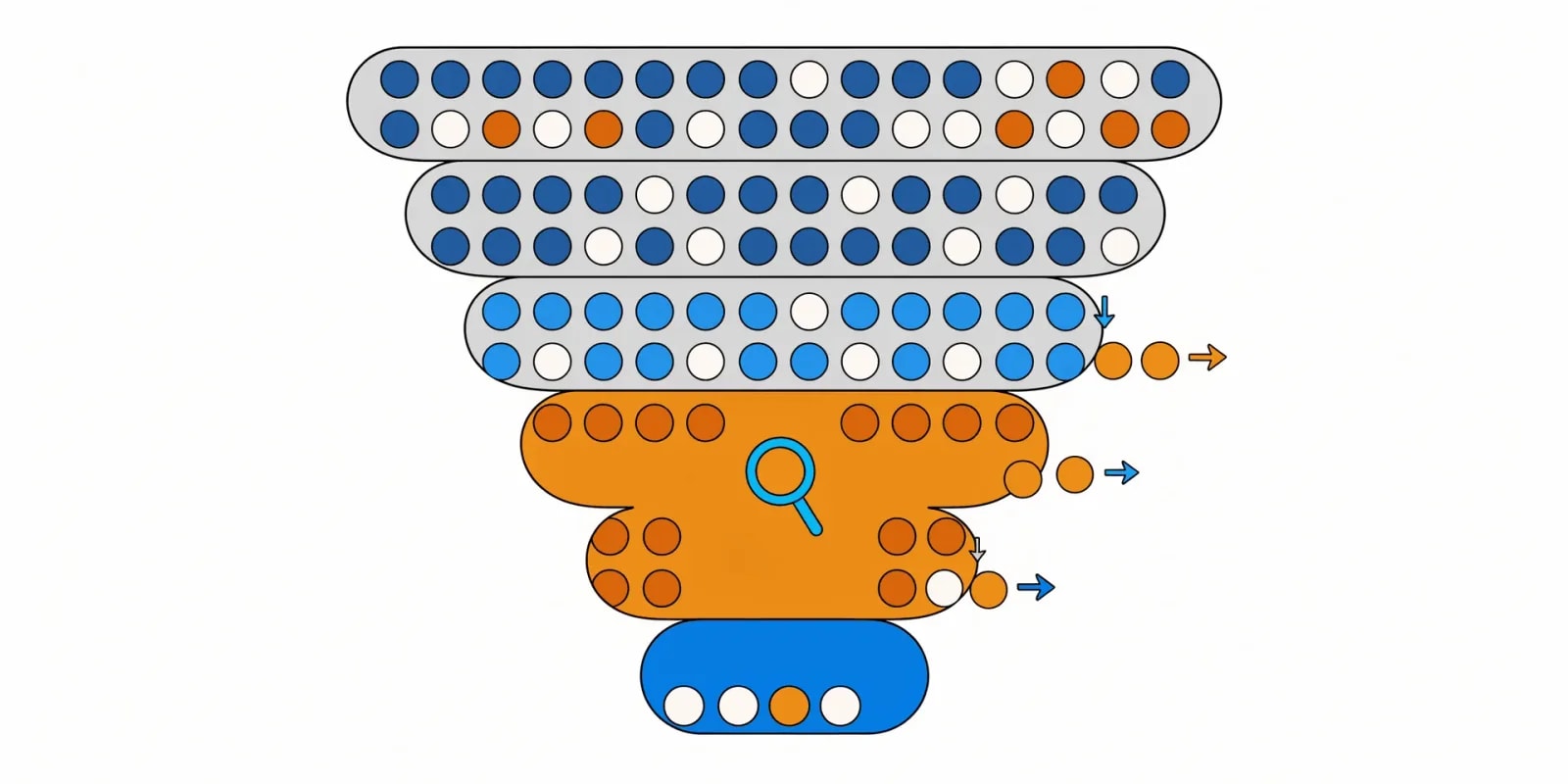
Takes your stage-by-stage funnel numbers and compares them against conversion benchmarks to name where you're losing people relative to normal - not just where the biggest absolute drop is, which is usually just the widest step. Each stage gets flagged green, yellow, or red against its benchmark, and the skill diagnoses from there. This is the skill that stops you from redesigning a page that wasn't the problem.
When to use: First. Before any surface audit, before any test design, before touching a single page. If you skip it, everything downstream is aimed at a guess.
How to run:
You: "Run the-leak-finder on our funnel."
      [paste: stage-by-stage conversion from GA4]

Claude: -> each stage flagged green / yellow / red vs benchmark
        -> the diagnosis for red stages (not just "it's low")
        -> which auditor skill to run next
-> deliberately no fix suggestions before diagnosisBest used with: Real stage-by-stage numbers from GA4 or your analytics tool. "Conversion is bad" produces nothing useful; "session → PDP 42%, PDP → cart 18%, cart → purchase 61%" produces a diagnosis.
Where this skill hits its ceiling: Benchmarks are context-free. A red stage against a benchmark still needs your judgment on whether it matters for your business. If you want the provenance of a specific benchmark itself, that's the-benchmark-check in the Data Analyst pack.
With Intempt: The Analyze agent runs stage-by-stage diagnosis continuously against your live GA4 data, so leak detection is a running signal, not a one-time paste.
2. the-spend-waste-finder

One level up from the funnel. Asks whether the traffic itself is the problem before you optimize the pages it lands on. Triages ROAS, CAC, and spend concentration across channels, campaigns, and audiences to name what to cut before you add budget - and it deliberately won't let ROAS pass as profit, because it isn't.
When to use: When conversion is flat but ad spend keeps climbing, and nobody's confident which channel is actually the problem. Also run this before a CRO push if paid is a big share of your traffic - fixing the page for the wrong audience is a slow way to nowhere.
How to run:
You: "Run the-spend-waste-finder on our paid channels."
      [paste: channel/campaign/audience spend, revenue, and conversion counts]

Claude: -> ROAS and CAC per slice, ranked
        -> spend concentration flags (one campaign eating 60%+)
        -> what to cut, and the confidence level for each cut
-> "ROAS is not profit" reminder with the CM mathBest used with: Real spend and revenue data at the channel/campaign level. Blended-only numbers get you blended-only answers.
Where this skill hits its ceiling: It triages spend, it doesn't design creative or bid strategy. If a channel is losing money because the creative is stale, you cut and rebuild - the-angle-vault in the Brand Designer pack is the follow-on.
With Intempt: Spend waste diagnosis pipes into the Sell workflows so budget reallocation decisions happen against real CAC, not last-click ROAS.
3. the-checkout-auditor

Direct UX audit of your cart and checkout flow from screenshots or a walkthrough plus your policy details. Names the friction: fields nobody needs, missing payment methods, absent trust signals, an extra step that could be one. Not a redesign - a friction list you can prioritize.
When to use: When the-leak-finder flags cart-to-purchase as the red stage, or when checkout abandonment has been high enough long enough that nobody's walked the flow step by step.
How to run:
You: "Run the-checkout-auditor on our flow."
      [paste: screenshots or walkthrough + payment methods + policy details]

Claude: -> field-by-field friction call (needed / optional / drop)
        -> payment method coverage gaps
        -> trust signal presence (SSL, reviews, guarantee, address)
        -> step count vs benchmark
-> prioritized fix list, ranked by expected impactBest used with: Real screenshots of the actual checkout, not a wireframe. And your real policy details - shipping, returns, guarantees - because the trust signal check depends on which of them are visible on the flow.
Where this skill hits its ceiling: UX friction. If your issue is address-verification failures or payment routing declines, that's an ops problem, not a UX one.
With Intempt: Checkout friction findings feed into on-site experiments through the Sell agent, so the priority list becomes a test queue, not a Notion doc.
4. the-pdp-reviewer
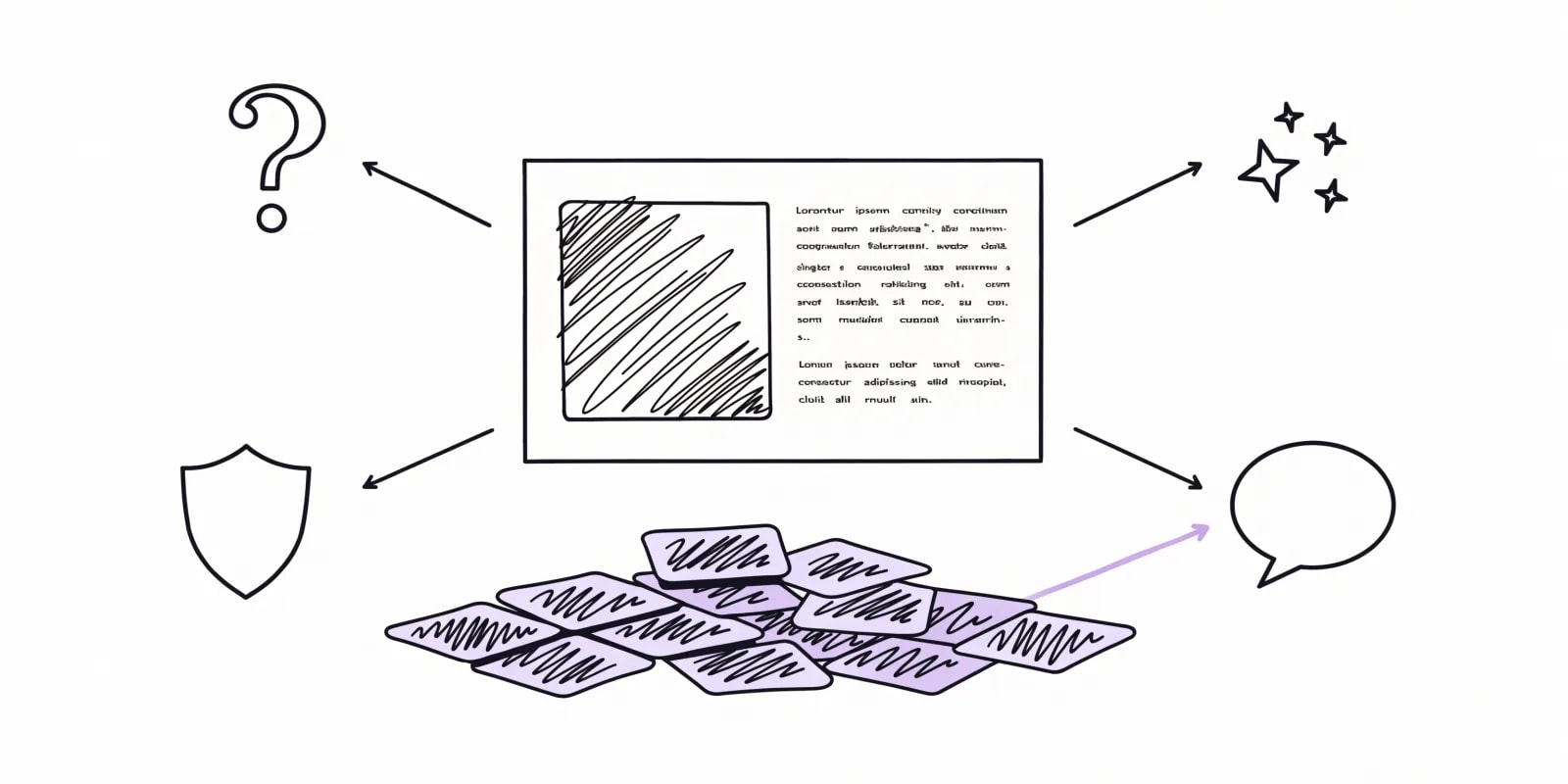
Reads a product page along with its reviews and real buyer questions, then returns a prioritized edit brief - clarity gaps, trust gaps, proof gaps, unanswered objections. The trick is the input: it doesn't just review the copy, it cross-references what buyers keep asking against what the page never says. The gap is where the conversion loss lives.
When to use: When the-leak-finder flags session-to-cart as the red stage, or when a specific PDP has been underperforming and the fix list has been guesswork.
How to run:
You: "Run the-pdp-reviewer on this page."
      [paste: page copy/screenshots + top reviews + buyer questions]

Claude: edit brief, prioritized
        -> clarity gaps (what the page never says)
        -> trust gaps (what it asks you to take on faith)
        -> objection gaps (what reviews keep asking that the page ignores)
-> proof gaps (unsupported claims, or missing social proof)Best used with: The page copy, its top reviews, and any buyer question thread (Amazon Q&A, support tickets, live chat logs). Skipping the reviews and questions is skipping the point - the objections are the input that makes the output specific.
Where this skill hits its ceiling: Copy and structure. It doesn't judge product-market fit. If the reviews are saying the product itself is wrong, that's a different conversation.
With Intempt: The objection gaps become briefs for the Brand Designer pack's hook and copy skills - real buyer language, not guessed positioning.
5. the-hypothesis-engine
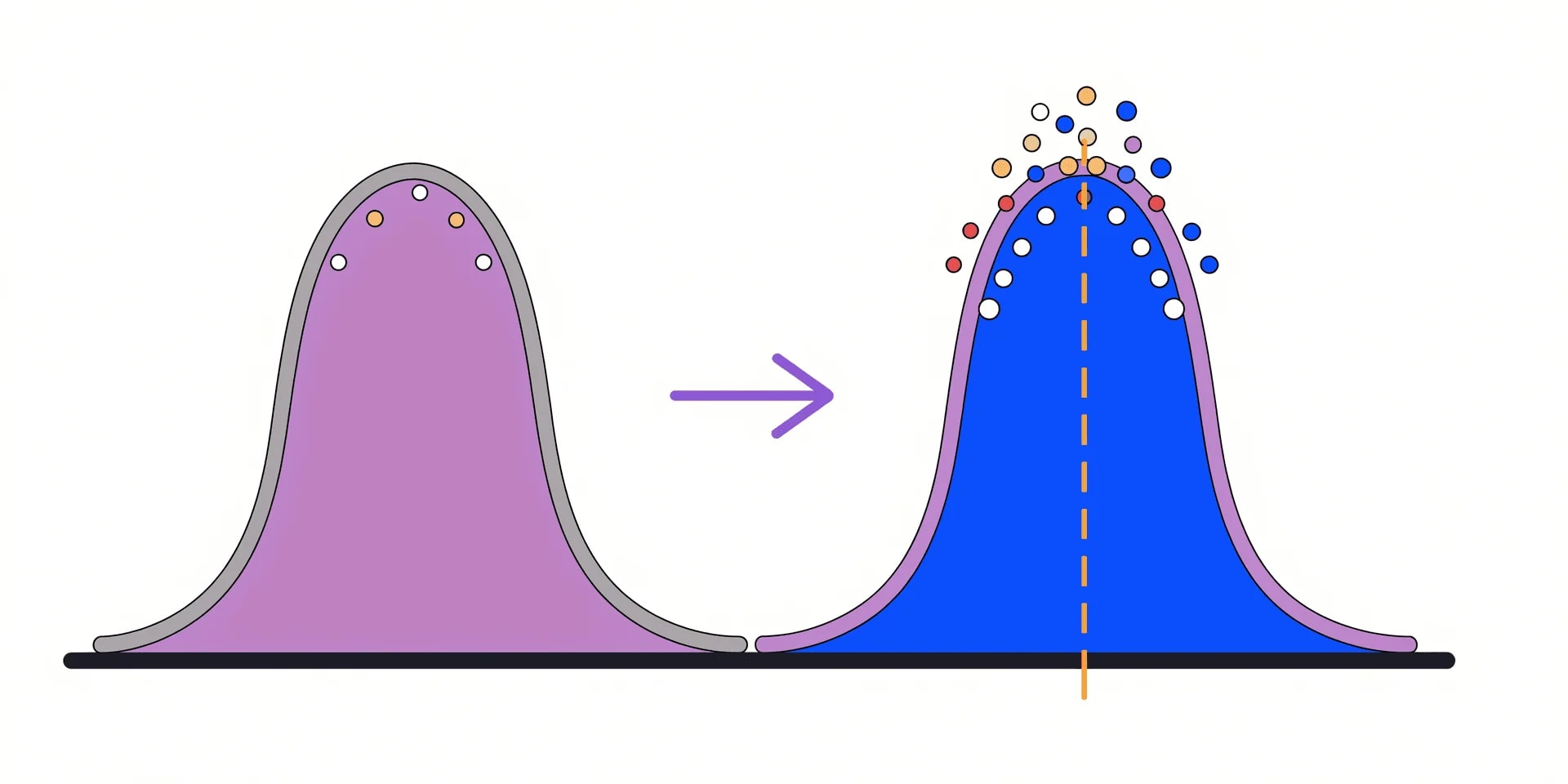
The core A/B testing skill in the pack. Designs the test around a specific change: Bayesian design with Thompson sampling, a real sample-size calculation, guardrail metrics, and exit criteria written down before the test starts. That last part is the whole point - a stopping rule decided in advance is what separates a result you can build on from a number you talked yourself into halfway through.
When to use: After a diagnosis skill has named the change. Running this before the audit is designing a test for a guess.
How to run:
You: "Design a test for the checkout change from the audit."
      [context: baseline CR, weekly traffic, min effect worth detecting]

Claude: -> hypothesis, stated as a falsifiable claim
        -> sample size per variant
        -> how long that takes at your traffic (in weeks)
        -> guardrails (what must NOT get worse - AOV, refund rate)
        -> exit criteria, written BEFORE launch
-> stop-early rule using Thompson samplingBest used with: A specific change (not a vague direction), your baseline conversion rate, weekly traffic to the surface, and the smallest lift that would be worth shipping. Without those inputs the sample size is a fantasy.
Where this skill hits its ceiling: If the sample-size math says 11 weeks and you don't have 11 weeks of traffic, the number itself is the useful output. Ship on judgment or pick a higher-traffic surface. What you shouldn't do is run it for three weeks and read the tea leaves.
With Intempt: Test designs, guardrails, and exit criteria are logged against the experiment so the stopping rule can't be quietly renegotiated after launch.
6. the-price-point-finder

When the change under test is a price rather than a layout, this is the skill that designs the tiers first. Picks a value metric that scales with customer value, structures tiers, sets price points, and stages price-increase timing. The output is a pricing structure you can actually test, not a spreadsheet of gut calls.
When to use: When pricing conversations keep ending without a decision, when current tiers aren't matching how customers actually buy, or before running any pricing experiment.
How to run:
You: "Run the-price-point-finder for our SaaS pricing."
      [paste: current tiers, usage data, customer segments, ARPU by segment]

Claude: -> value metric options, ranked (seats vs usage vs outcome)
        -> tier structure (how many, what each includes)
        -> price points per tier with reasoning
-> price-increase timing (grandfathering, notice period, cohort)Best used with: Real usage data and ARPU by segment, not just a guess at what customers pay competitors. The value-metric choice depends on how usage actually distributes.
Where this skill hits its ceiling: It designs the structure. Willingness-to-pay research (Van Westendorp, conjoint) is a separate exercise - the skill will name where you need that data if it can't be inferred from usage.
With Intempt: Pricing tests run inside the Sell workflows with grandfathering and cohort handling built in, so you don't accidentally re-price active customers.
7. the-first-mile-mapper
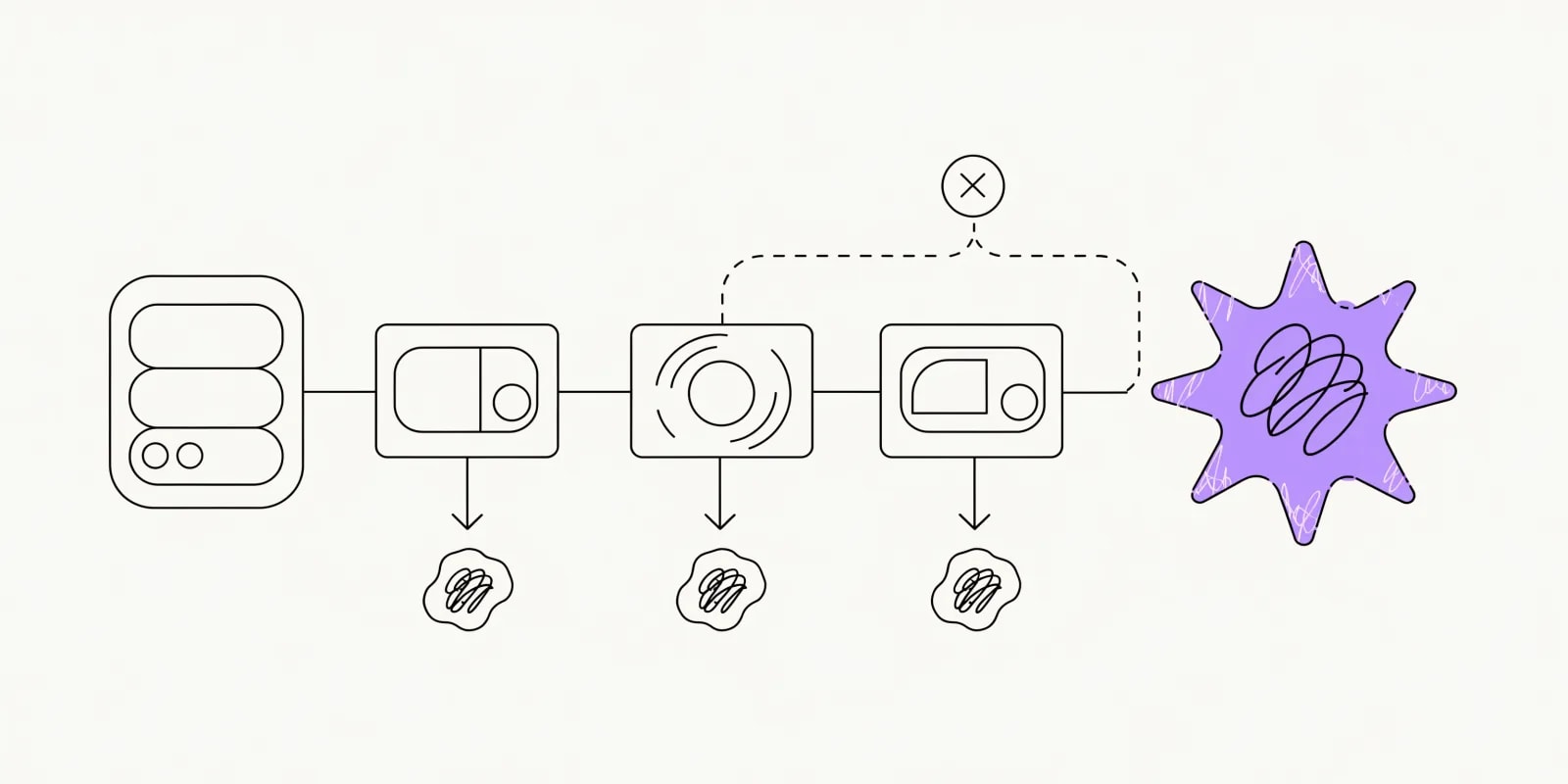
Maps the post-signup activation flow - what happens between signup and the aha moment, and how drop-off gets diagnosed at each step. Different job from checkout: this is SaaS/product-led conversion, where the "purchase" is the first meaningful action, not a payment.
When to use: When signups are activating slowly or not at all, and the drop-off between signup and the aha moment isn't diagnosed.
How to run:
You: "Run the-first-mile-mapper for our onboarding."
      [context: signup flow, named aha moment, current activation rate]

Claude: -> step-by-step activation flow mapped
        -> drop-off diagnosis at each step
        -> what's missing before the aha (product, prompt, prerequisite)
-> a redesign of the flow if the current one skips the aha entirelyBest used with: A named aha moment (not "user is happy") and real activation-rate numbers by step. If you don't know what the aha is, that's the first thing to figure out.
Where this skill hits its ceiling: It designs the flow. Building the flow inside your product is engineering work, not a skill output.
With Intempt: Activation flows plug into lifecycle workflows so the aha-moment step is a real thing in the journey, not a hope.
8. the-variant-router
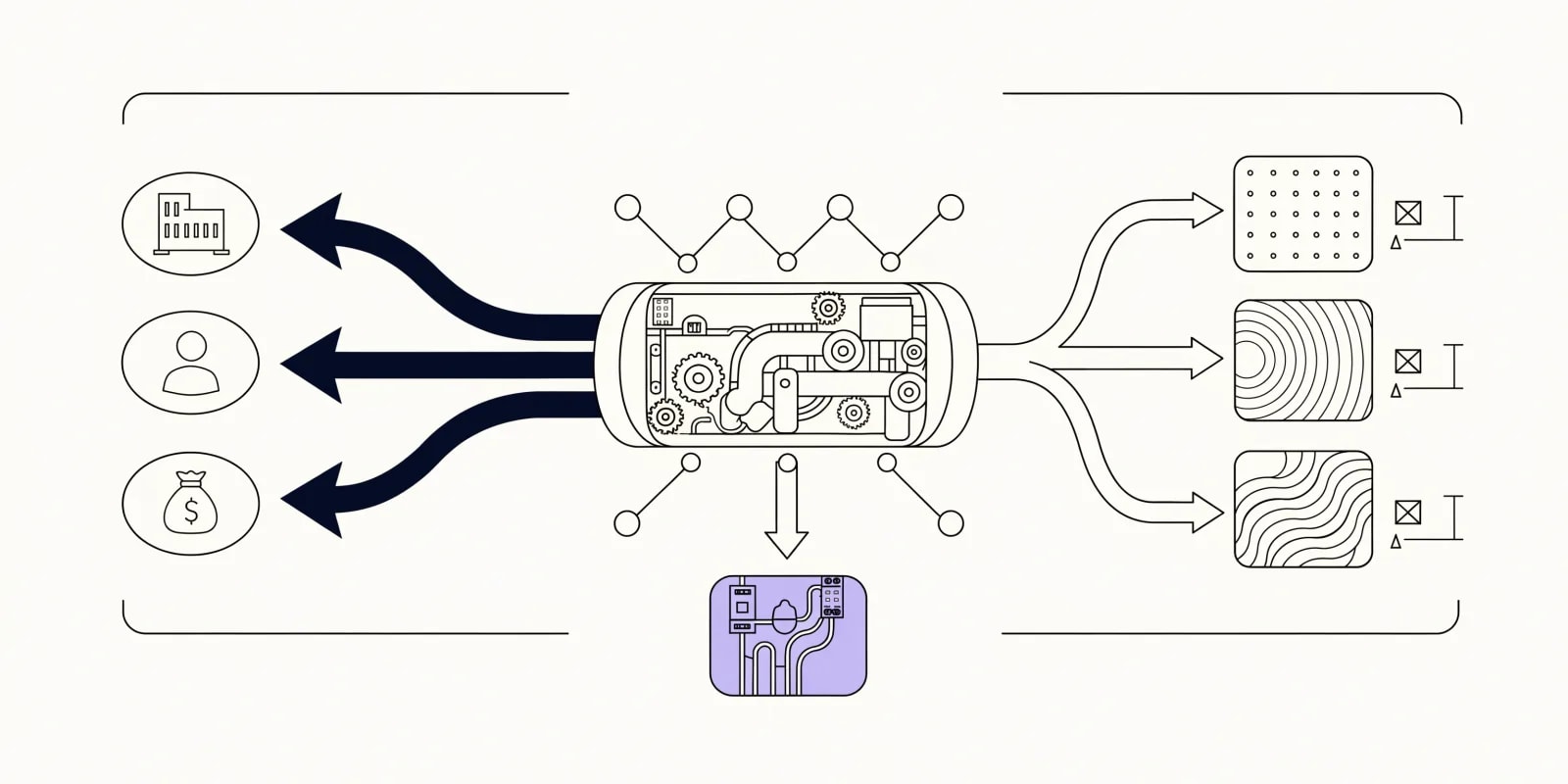
Maps audience segments to content variants with a measurement plan. Stops the "personalization" pattern where every visitor sees the same generic page because nobody wrote down which segment gets which variant or how you'll know it worked.
When to use: When content is reading generic to every audience, and personalization rules aren't tied to a measurable outcome.
How to run:
You: "Run the-variant-router for our homepage."
      [context: audience segments, current variants, traffic split]

Claude: -> segment-to-variant mapping (who sees what, why)
        -> measurement plan per segment (metric, threshold, timeframe)
        -> fallback rule (what unmatched traffic sees)
-> anti-fragmentation check (don't build 12 variants for 3 audiences)Best used with: Real segment definitions, not personas. "SMB versus enterprise" is a segment. "Growth-minded operator" is a persona.
Where this skill hits its ceiling: It designs the routing. Building the variants themselves is a copy job.
With Intempt: Variant routing runs against real segments in the Marketing agent, with the measurement plan attached to the campaign rather than a separate tracker.
9. the-page-shipper
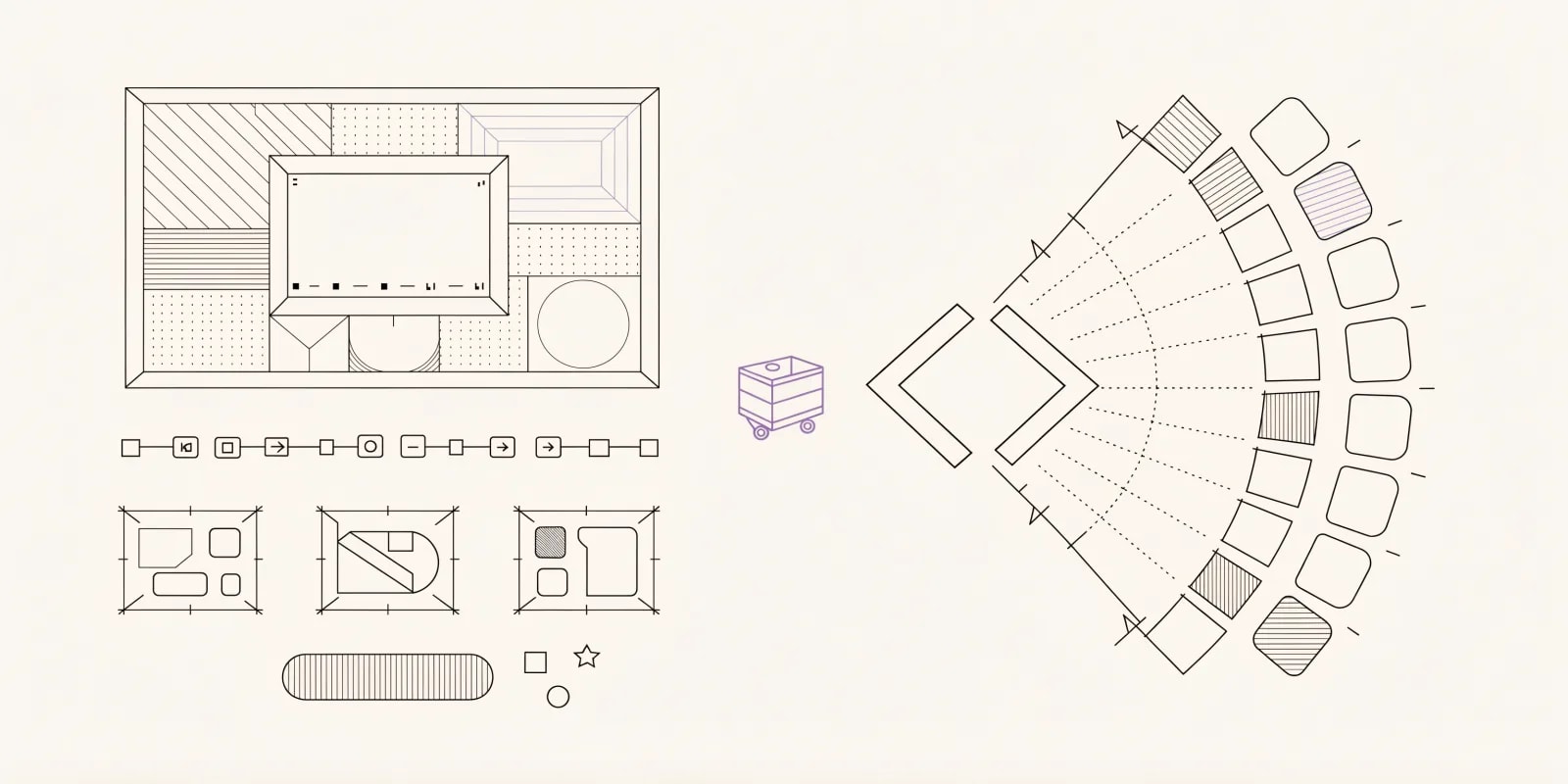
Produces conversion-optimized landing pages as prototype-ready HTML and Tailwind, not a wireframe. Meant for when design and dev cycles are slowing campaign velocity and you need something live this week for a paid push or an experiment variant.
When to use: When a campaign needs a page in days rather than weeks, or when you want a variant B for a test that isn't just a copy tweak.
How to run:
You: "Run the-page-shipper for a demo-request landing page."
      [context: audience, offer, proof points, brand tokens]

Claude: -> section-by-section layout with reasoning
        -> copy per section, in brand voice
        -> prototype-ready HTML + Tailwind classes
-> A/B testing hooks pre-wired (data attributes)Best used with: Real proof points and brand tokens. Without them the page reads like every other SaaS landing page, because the model's default is exactly that.
Where this skill hits its ceiling: Prototype-ready, not production-ready. Accessibility, performance, and analytics integration are the dev team's pass.
With Intempt: Pages generated here become tested surfaces inside campaigns, with test hooks already wired for the Analyze agent.
10. the-hook-lab
The one skill here that works on traffic before it lands. Takes a LinkedIn post draft and generates four scored hook variants for the opening one or two lines before the see-more cutoff, each built on a distinct psychological framework, with a recommendation and the reason it wins. If LinkedIn posts send people to your landing page, those two lines decide whether anyone reads far enough to click.
When to use: When a post that links to the page opens flat, or before publishing one when you want to test hooks first.
How to run:
You: "Run the-hook-lab on this post draft."
      [paste: the full LinkedIn post draft]

Claude: -> 4 hook variants for the opening lines
        -> the psychological framework behind each one
        -> a score per variant
-> the recommendation, with the reason it winsBest used with: A finished draft. Hooks written for a post that's still changing go stale the moment the body does.
Where this skill hits its ceiling: LinkedIn post openings only. It doesn't write your landing page hero. For page copy, run the-page-shipper, which writes copy section by section.
Which skill to run first, per page problem
| The problem | Run this first | Why | What you get |
|---|---|---|---|
| Conversion is down and nobody knows where | the-leak-finder | Localize before you touch the surface | Red/yellow/green stage diagnosis |
| Paid spend is climbing, conversion is flat | the-spend-waste-finder | Rule out the traffic before fixing the page | Ranked cuts with ROAS-vs-profit math |
| Session to cart is losing people | the-pdp-reviewer | Objections drive that stage more than layout | Edit brief with clarity/trust/objection gaps |
| Cart to purchase is losing people | the-checkout-auditor | Friction, trust and payment methods | Prioritized checkout friction list |
| A change needs a test with a stopping rule | the-hypothesis-engine | Exit criteria before launch, not after | Sample size, guardrails, exit criteria |
| Pricing itself is the thing to test | the-price-point-finder | Design the tiers before you test them | Value metric, tiers, price points, timing |
| Signups are up but activation is not | the-first-mile-mapper | The aha moment is the whole variable | Activation flow with drop-off diagnosis |
| Personalization has no measurement plan | the-variant-router | Segment-to-variant with a fallback | Segment→variant map + measurement plan |
| Campaign needs a page this week | the-page-shipper | Prototype-ready HTML from a real brief | Prototype-ready HTML + Tailwind |
| LinkedIn posts sending traffic open flat | the-hook-lab | The first two lines decide the click | Four scored hooks, one recommendation |
The pattern: a diagnostic skill goes first, then the surface audit, then the design. Redesign-first is the failure mode this pack is built to stop.
Free Intempt tools that pair with these skills
Browser-based, sit behind free-plan signup, produce outputs you can feed into the skills above.
- AB test calculator: Quick significance and lift math for a specific test. Pairs with the-hypothesis-engine when you need to size the falsifiable claim before running it.
- Ad copy generator: First-pass headline variants for the top of a landing page or an ad, sized to each platform's limits.
What to look for in a Claude skill for CRO
Not every CRO prompt deserves a skill file. The ones that stick share four traits.
Diagnosis before prescription. A CRO skill that jumps straight to "here's what to fix" without asking where the leak is will send you to redesign the wrong page. the-leak-finder deliberately refuses to suggest fixes until the diagnosis is done - that's the pattern.
Explicit exit criteria. A test-design skill that computes a sample size but doesn't write down what would make you stop is a spreadsheet, not a design. The whole point of the-hypothesis-engine is the guardrails and stopping rule stated before launch.
Honest boundaries. the-checkout-auditor stops if there's no walkthrough or screenshots - it doesn't invent friction points from thin air. That's the shape you want. Skills that fill in for missing inputs produce plausible fiction, which is the worst kind of output because it reads real.
Guardrails are first-class. A checkout change can lift conversion and cut AOV at the same time, and you only catch that if you named AOV as a guardrail first. Any test-design skill worth running treats guardrail metrics as required inputs, not optional notes.
Final thoughts: which skill to install first
Start with these three, in order:
- the-leak-finder: every downstream skill assumes you know which step is losing people. Skip it and you're redesigning by feel.
- the-pdp-reviewer or the-checkout-auditor: whichever surface the leak finder points at. Fix the specific thing that's wrong, not the vibe of the page.
- the-hypothesis-engine: once you have a change worth testing, design the test with exit criteria written down. A stopping rule you can renegotiate mid-test isn't a stopping rule.
For a broader look at the tooling side of experimentation, see best experimentation tools in 2026. And if you want the whole catalog rather than just the 10 here, browse the gtm-skills directory. Start for free on Intempt if you'd rather run the same jobs against live customer data than paste inputs by hand.