

- Create a segment for people who view a product or category but don't add to cart or order in the same session. Send 2 emails: Touch 1 (1–3 hours): Recently viewed, no discount Touch 2 (24–48 hours): Similar or Complementary products Pause the flow if cart abandonment or checkout flows start. Don't send if the product is out of stock, or they bought the same item in the last 7 days. Cap to 1 journey per 48 hours to protect your email subscribers. Track Delivered → Click, Click → Conversion, repeat purchases, and unsubscribes.
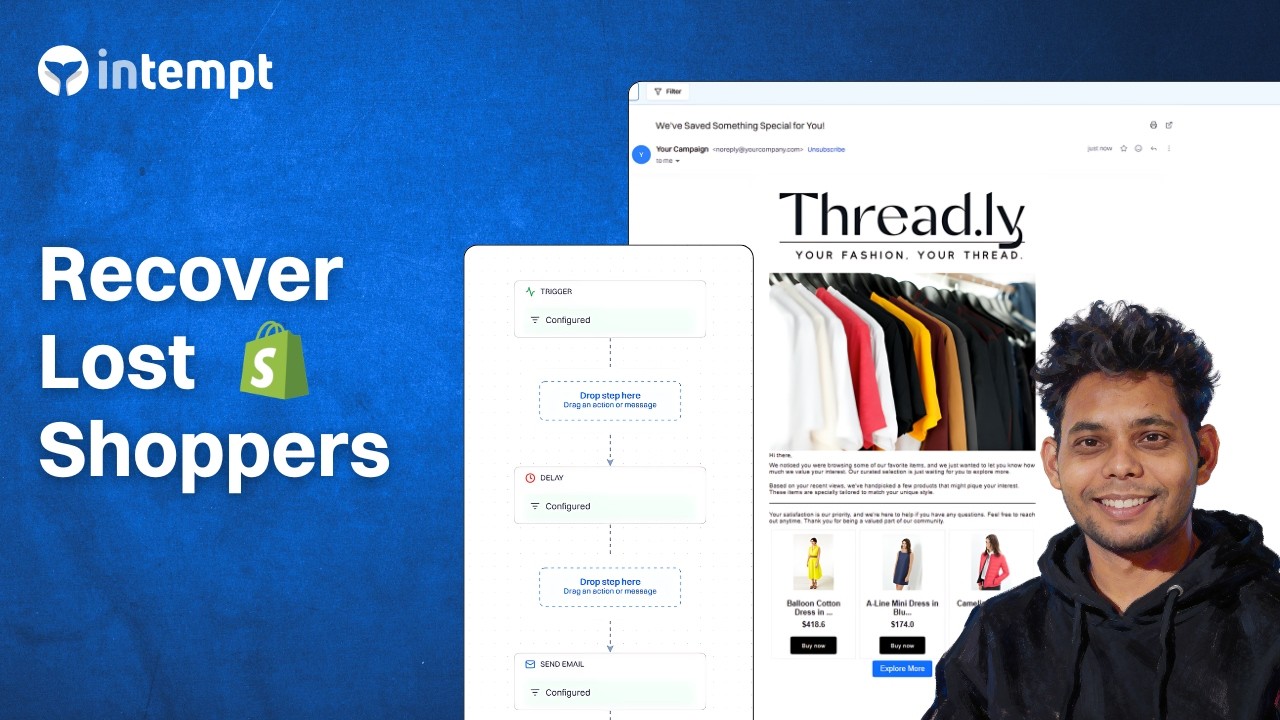
Create an AI-driven browse abandonment flow that detects intent, personalizes follow-ups, and converts lost browsing sessions into recovered sales.
Overview
Browse abandonment is the "almost" moment in e-commerce.
It happens when someone views a product on your product page. They may check a few items. Then they leave without adding anything to their cart or buying.
This is different from cart abandonment or an abandoned cart flow. Those shoppers already picked a product, and our cart abandonment recovery strategies cover how to win them back.
In an abandonment flow like this, the person didn't start checkout. They didn't add to cart. They simply left after browsing, which is why people call it abandoned browsing.
The good news is: these people are still high intent. You just need a simple way to bring them back. Use browse abandonment emails. You can also use SMS or push browse abandonment messages.
Why this works (simple explanation)
Browse abandonment flows work because they don't ask the customer to "start over."
They just remind them what they already cared about.
- "Recently viewed" reduces decision stress
- Similar products give them options without overwhelming them
- Complementary products can increase AOV when intent is strong
- This kind of email marketing doesn't need discounts to work
Step 1: Connect Shopify + track the right events
First, connect your store to Intempt (Shopify native). You could also connect Intempt with many other e-commerce platforms using webhooks.
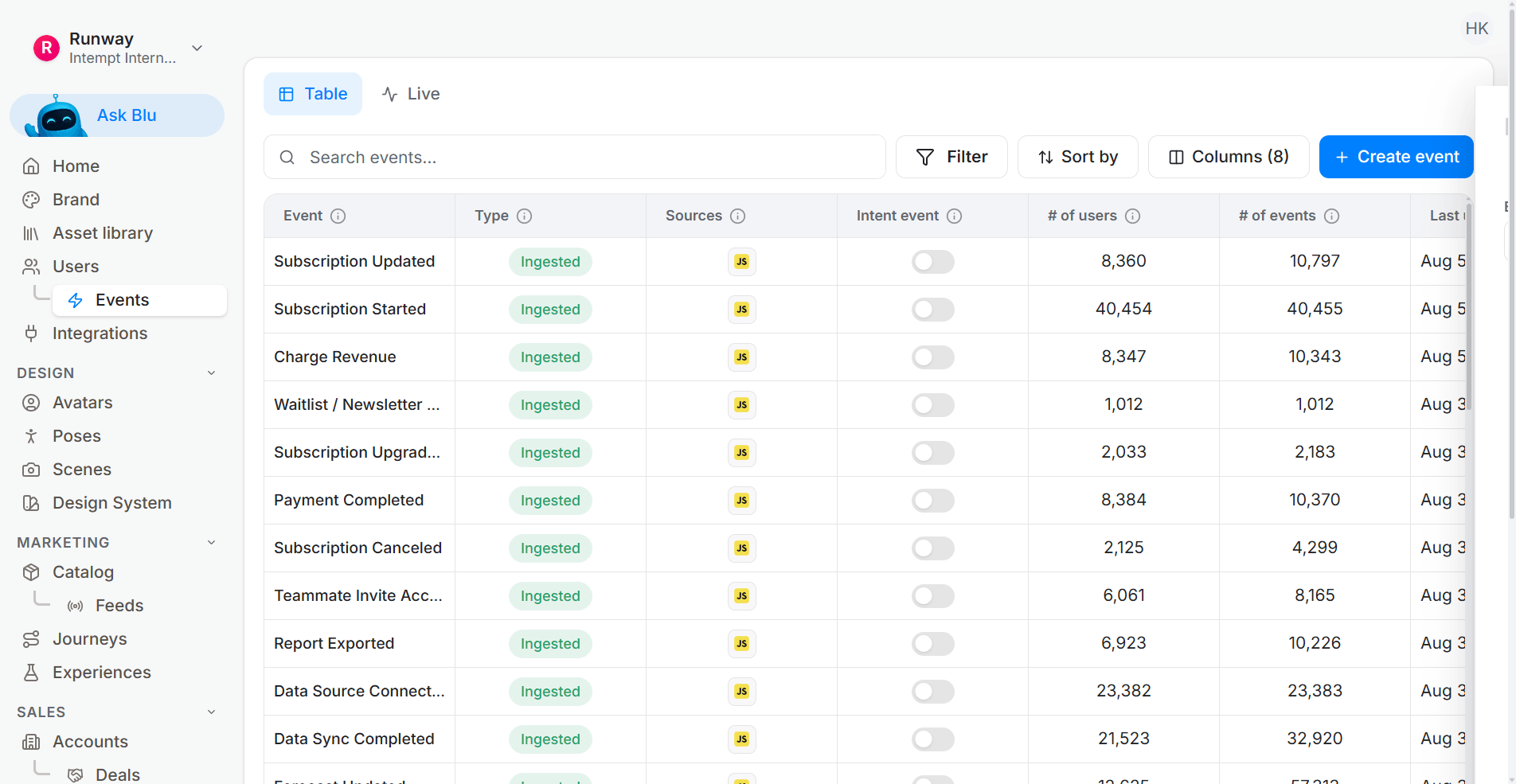
For browse abandonment, the most important events are:
- Viewed Product
- Viewed Category
But you also need these so you can suppress correctly:
- Added to Cart
- Checkout Started
- Order Placed
Also make sure your product data is included:
- SKU, title, image, price, stock, category, rating.
Best practice tip
This only works well if you know who the visitor is. Capture emails early (newsletter, login, quiz, giveaway, or "save favorites"). If your prices or stock info isn't up to date, people won't trust the email.
Step 2: Create a Browse Abandonment segment
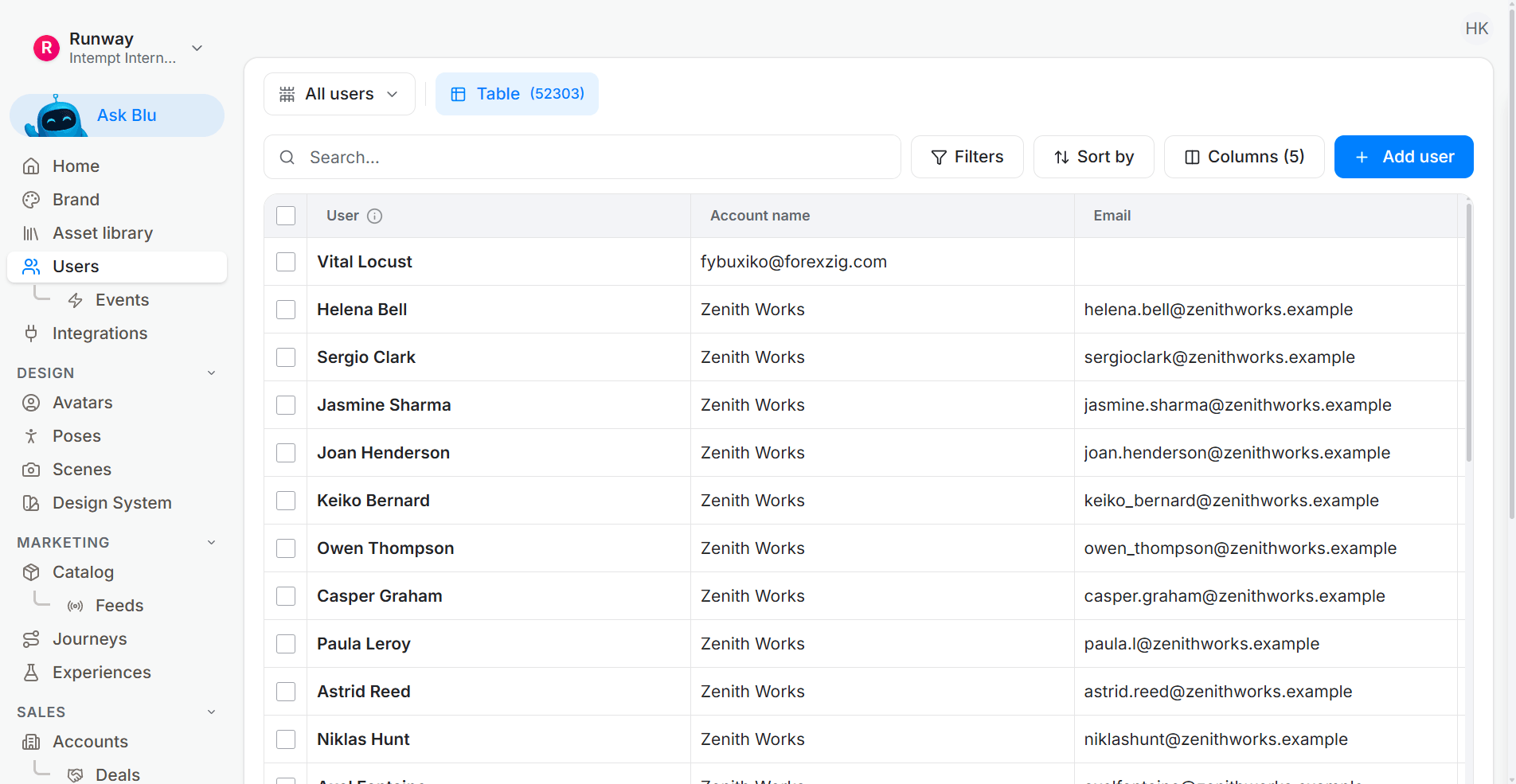
Inside Intempt, create a segment for browse abandoners.
A simple definition looks like this:
- Viewed ≥1 product page (or ≥2 category views)
- Did NOT add to cart
- Did NOT place an order
- Within the same session window
This is how you separate abandoned browsing from cart abandonment.
Step 3: Build the journey
Create an Intempt Journey with 2 main emails.
Touch 1 (1–3 hours): Recently Viewed
This is your highest-performing email.
- Show "Recently Viewed" products first
- No discount
- Add reassurance:
- social proof (reviews/rating count)
- returns info
- free shipping (only if it's actually true)
Keep it simple. Use a clear call to action cta like:
- "View product"
- "Continue shopping"
This is where good subject lines matter. Don't get clever. Be direct.
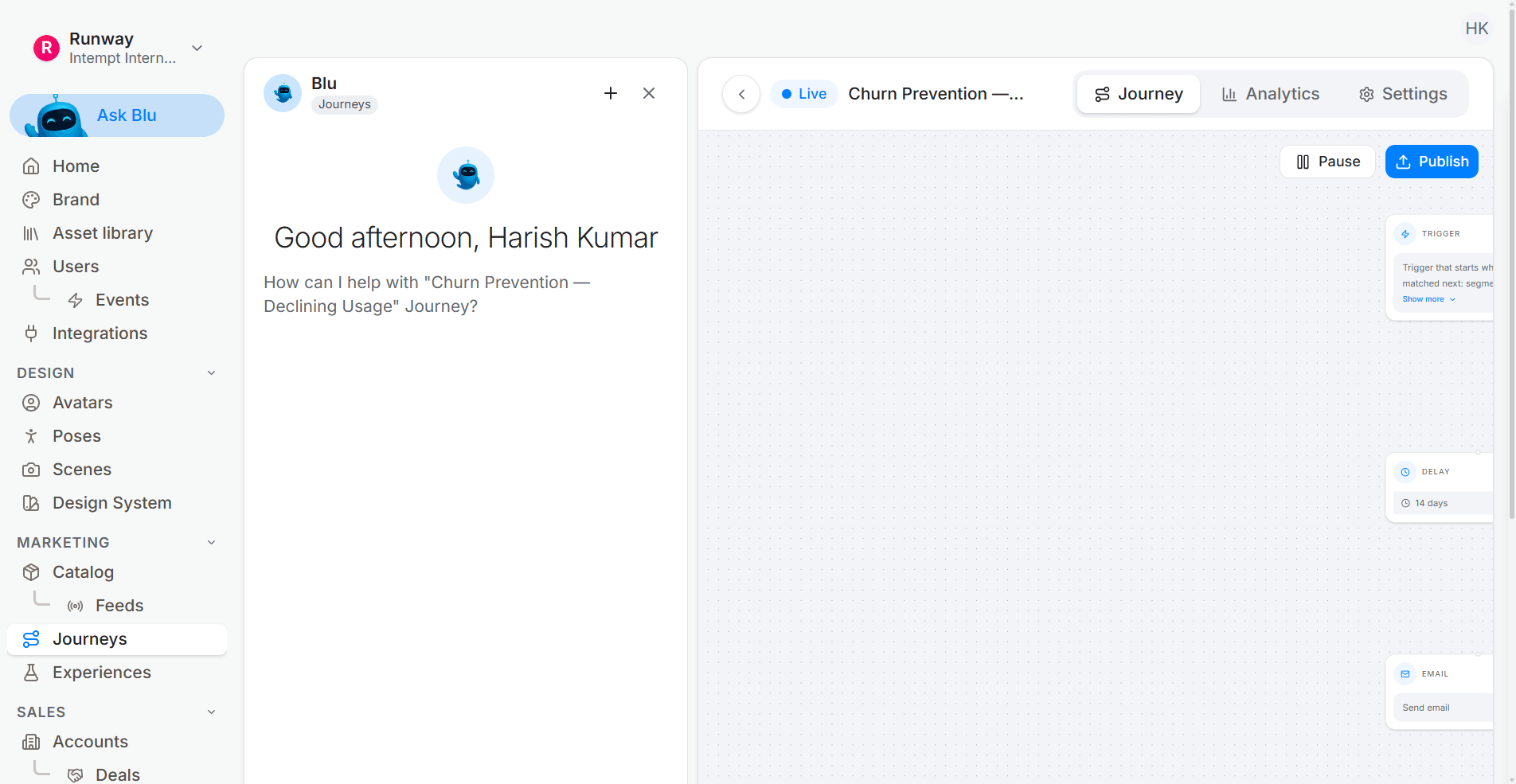
Touch 2 (24–48 hours): Similar or Complementary products
This email is for people who didn't buy after Touch 1.
Use:
- Similar products if they browsed multiple items in the same category/price range
- Complementary products if they viewed one higher-priced product and you want a bundle-style nudge
This email should still be product-first, with minimal copy.
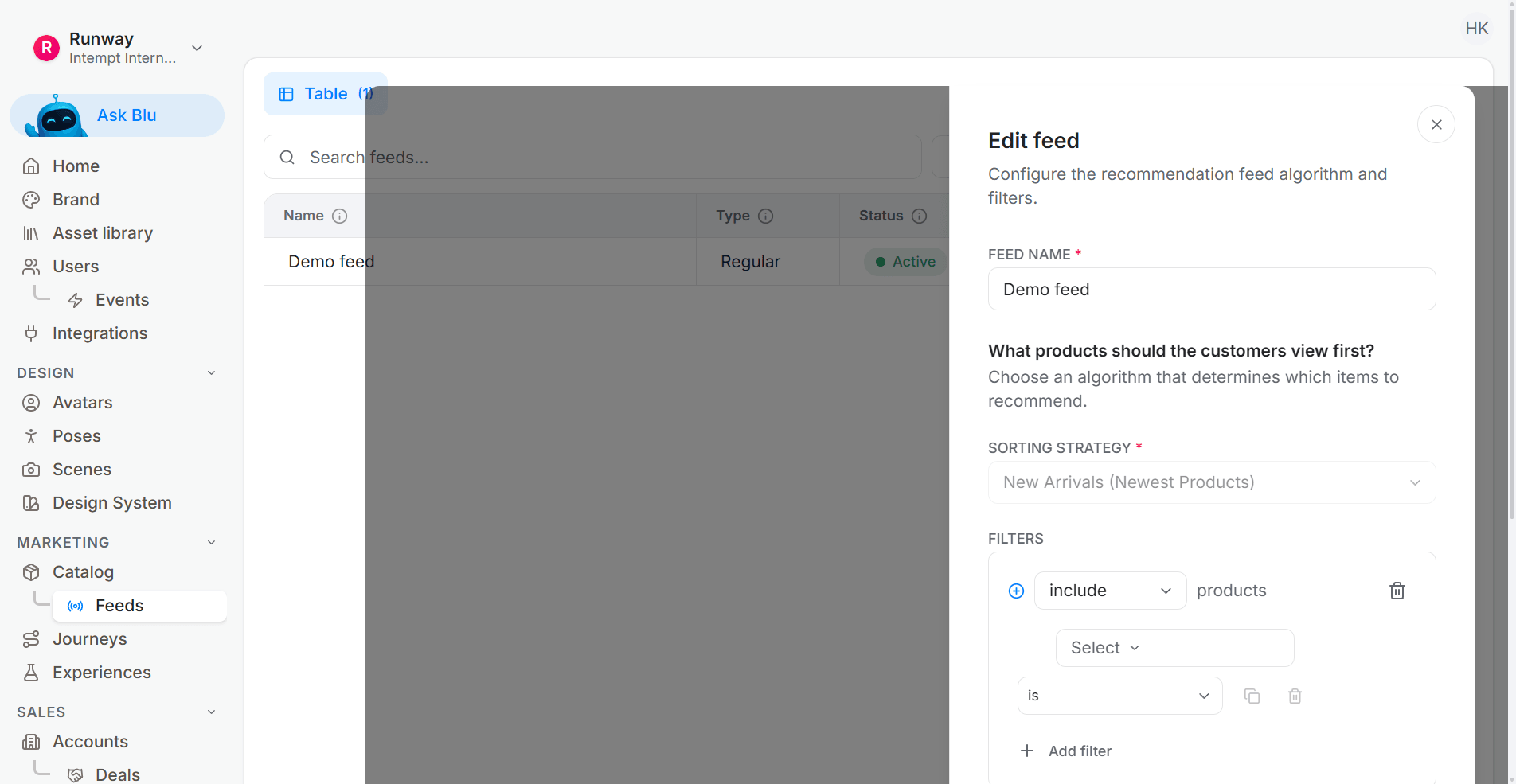
This is where dynamic content is useful, because Intempt can automatically choose from 35 product feed recommendations to show based on what they viewed.
Optional: SMS / Push (48–72 hours)
If you use SMS, keep it short.
- 1–2 products max
- One message
- One CTA
- Frequency-capped
This can work well for loyal customers, but don't overdo it.
Step 4: Recommendation rules (what to show)
Here's a simple order that works:
- Email 1: Recently Viewed (always first)
- Email 2: Similar items first, then complementary (if needed)
- If you don't have enough history: show best sellers or trending items
- Alternatively, you could create a custom product feed to show to the user.
Keep it tight:
- 4–6 products total
- If you add complements, cap it at 2
Nobody wants a long email full of products.
Guardrails (who not to send to)
Exclude:
- People who added to cart (they should get a cart recovery / abandoned cart flow instead)
- People who bought the same product in the last 7 days
- Products that are out of stock with no ETA
Pause browse abandonment if:
- a cart or checkout journey starts
- suppress browse for 72 hours
This prevents people from getting multiple abandonment emails at once.
Measurement (how to know it's working)
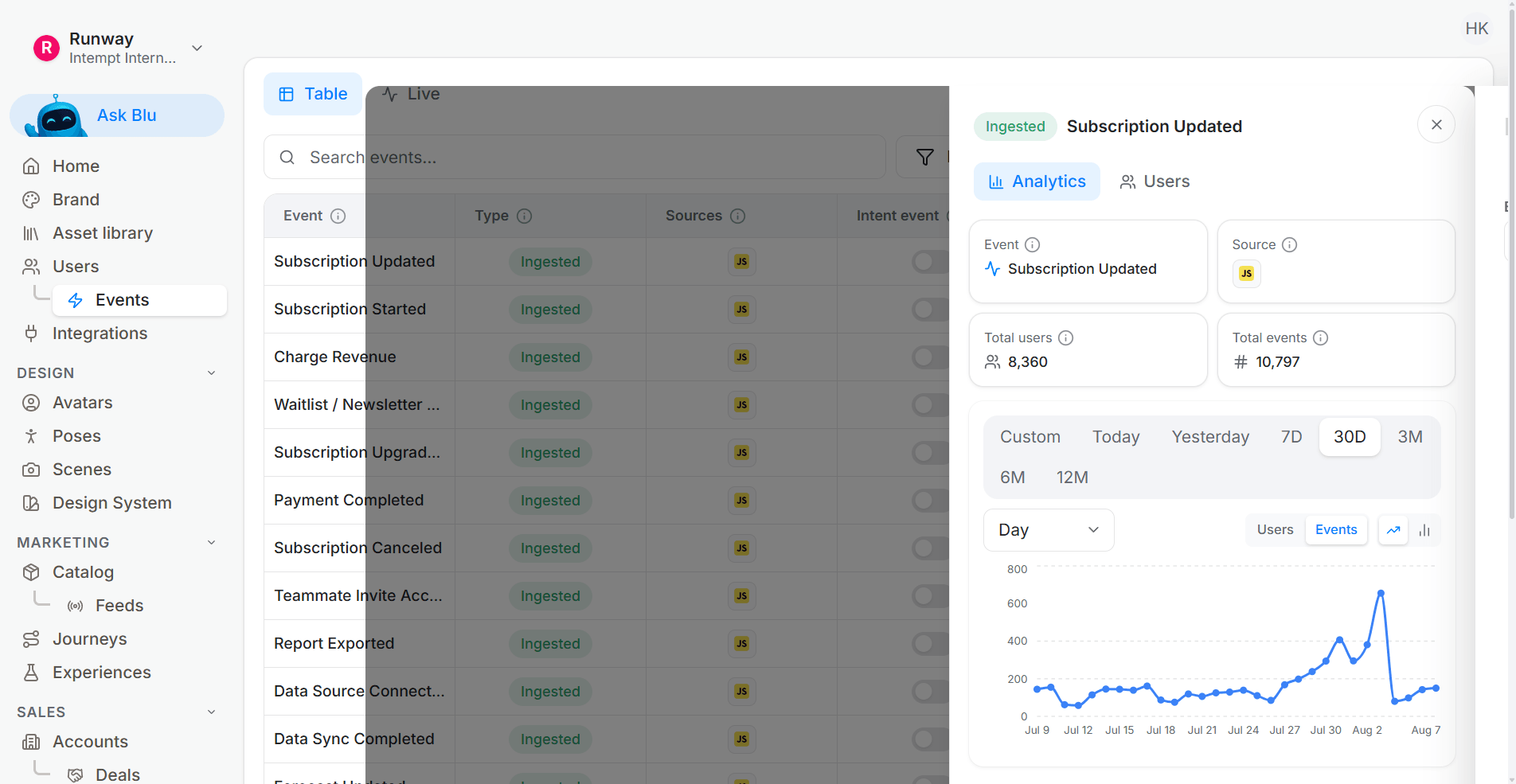
Create a funnel report inside Intempt to track how many browse abandoners came back and moved through the funnel. From session start, to items added to their cart, to order placed. Filter the report by your browse abandonment segment so you can clearly see which browse abandonment emails are driving clicks and purchases.
In Analytics, track:
- Delivered → Click
- Click → Conversion
- Revenue per recipient
- Repeat purchase
- Unsubscribes and complaints
The browse abandonment recipe is this flow already assembled, including the recommendation rules described above.
A browse event and an order event have to resolve to one shopper before a flow can tell them apart, and that resolution happens inside the agentic GTM software.
- Recently viewed vs similar vs complementary
- And run a holdout (10–20%) to prove real lift - not just attribution.
Browse Abandonment Email Examples
Below are some free browse abandonment email examples curated from Mailboard, grouped by the most common formats brands use to bring shoppers back after viewing products without adding to cart.
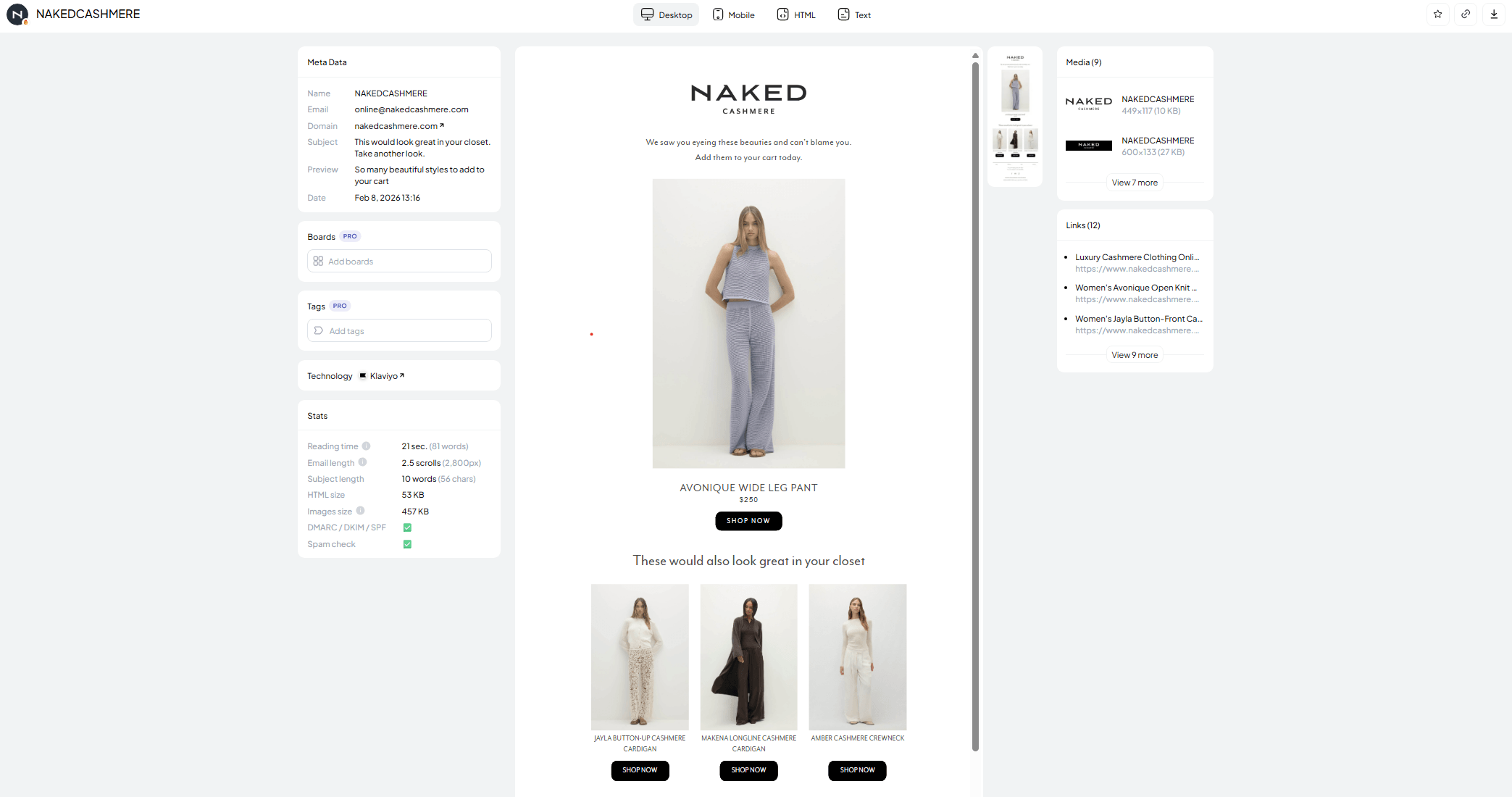
Example 1: Recently Viewed Product
Brand: NAKEDCASHMERE
Purpose of the email: Remind the shopper of the exact product(s) they viewed (Touch 1: 1–3 hours)
This email is a simple, high-performing browse abandonment follow-up that brings the customer back to the exact product they were browsing.
It avoids discounts and focuses on clarity: product image, product name, price, and a single CTA. Light reassurance like shipping, returns, and reviews helps reduce decision friction without adding clutter.
Click here to get the template
Example 2: Best Sellers
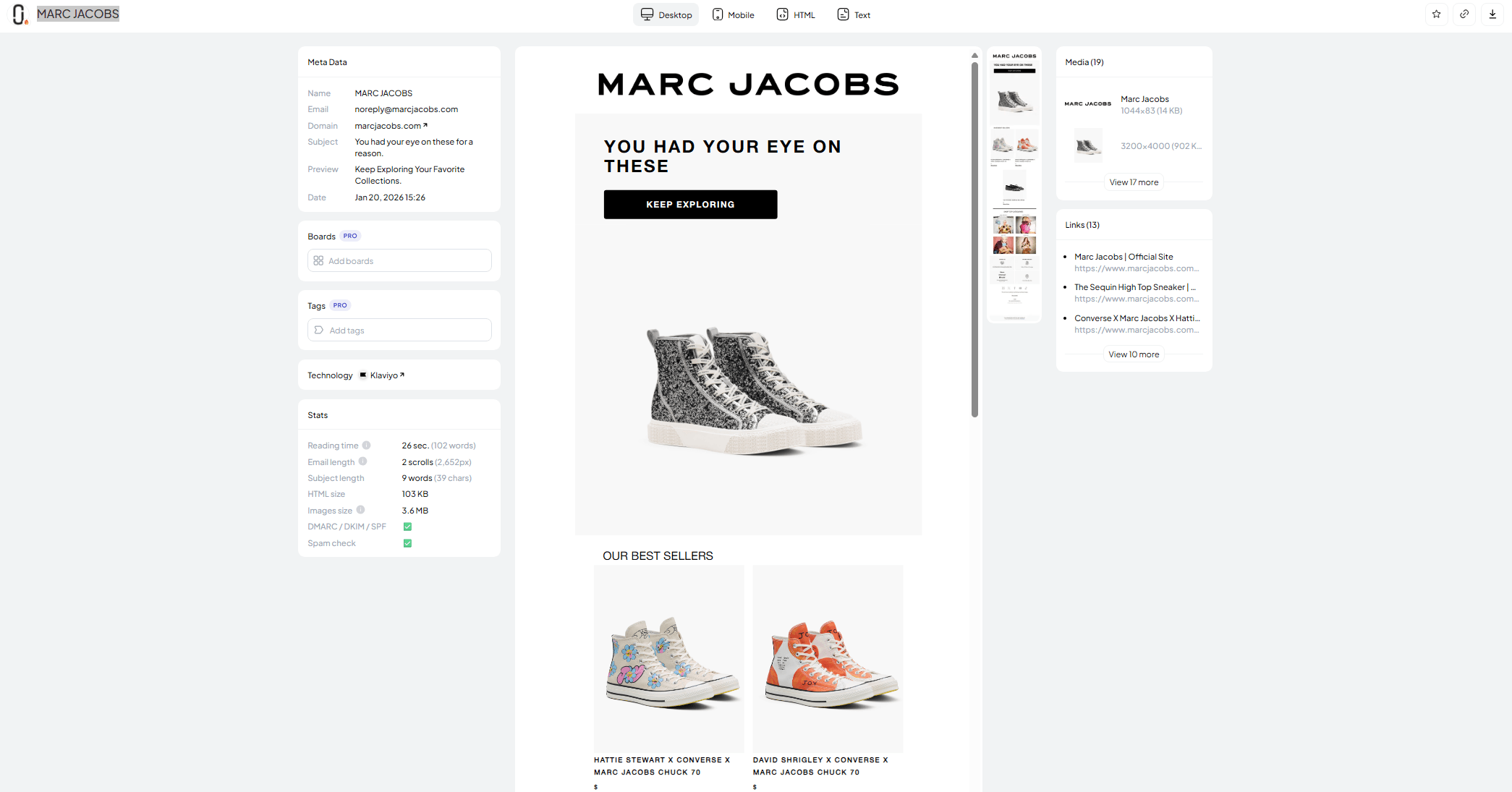
Brand: MARC JACOBS
Purpose of the email: Bring shoppers back by showing proven "safe choice" products (fallback content)
This browse abandonment email works well when the shopper viewed a product but didn't show strong category intent, or when you don't have enough browsing history to personalize recommendations.
Instead of guessing, the email highlights best sellers to build trust and reduce decision stress. It's a strong second-touch option and can also work as a backup block when "recently viewed" data is limited.
Click here to get the template
Example 3: Recommendations
Brand: Otrium
Purpose of the email: Show similar products based on what the shopper browsed (Touch 2: 24–48 hours)
This email is sent after the shopper didn't convert from the first "recently viewed" reminder. Instead of repeating the same product, it introduces recommendations based on category, price range, or style.
The goal is to reduce decision friction by giving options without overwhelming the shopper. The best-performing versions stay product-first with minimal copy and 4–6 items max.
Click here to get the template
Example 4: Promotional Offer
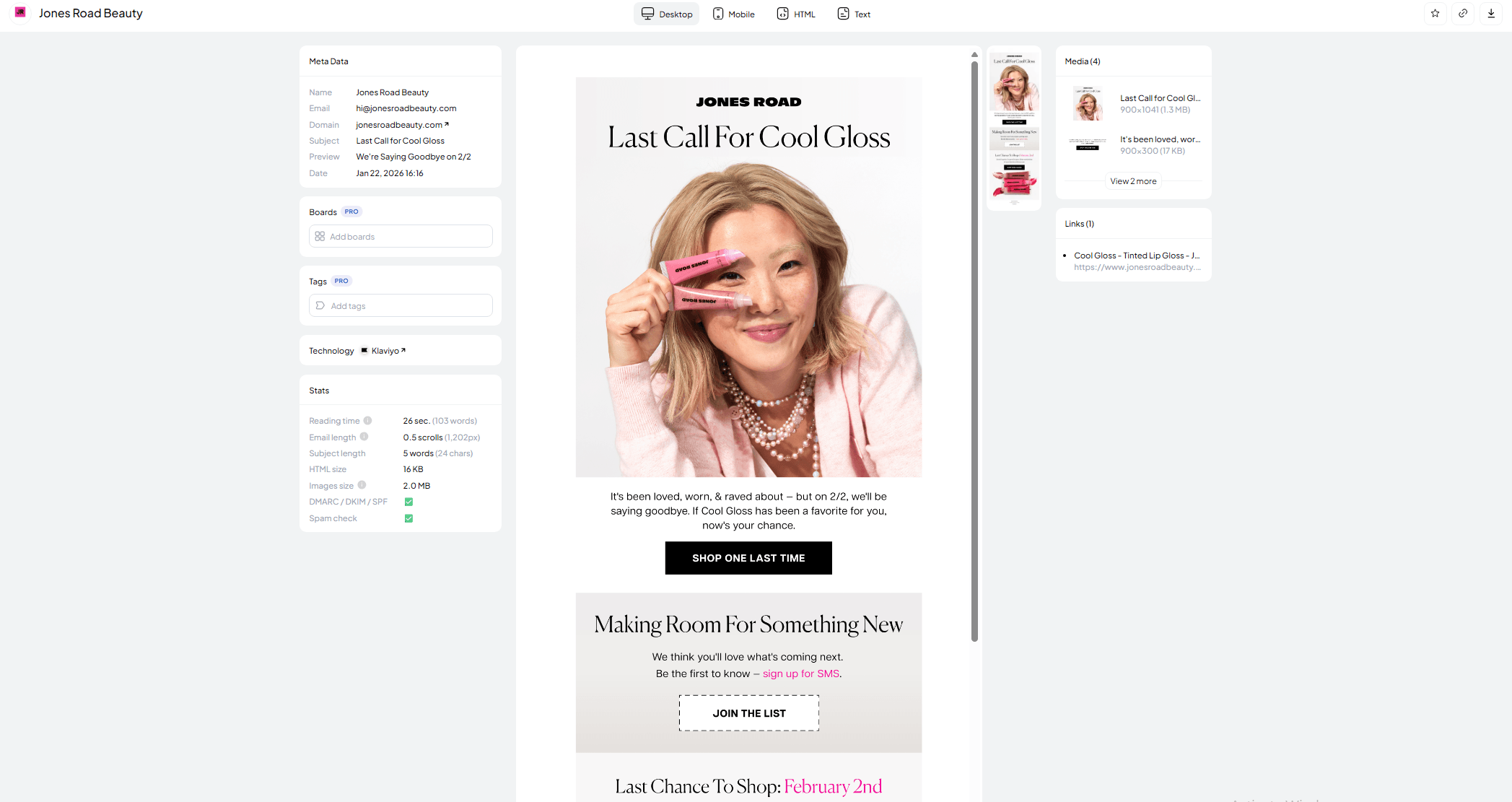
Brand: Jones Road Beauty
Purpose of the email: Convert high-intent browsers with a light incentive (usually Touch 2)
This browse abandonment email uses a promotional offer to convert shoppers who showed interest but didn't take action after the first reminder.
It works best when the brand can afford a small incentive (like 10% off, free shipping, or a bonus gift).
The key is to keep the email focused: one offer, a clear expiration window, and the recently viewed product(s) placed above the fold.
Click here to get the template
Final note
Browse abandonment emails are one of the easiest flows to set up. They usually perform well because they're helpful, not pushy.
You're reminding potential customers about something they already viewed. You're also making it easy to come back and buy. Browse abandonment is the cheapest recovery there is, because the shopper never reached a cart to argue with. Start with Intempt.