- The second purchase is won in the 45 days after delivery, not in the order confirmation. Most brands stop at transactional and lose it.
- Automated post-purchase flows generate up to 30x more revenue per recipient than broadcast campaigns per Omnisend 2024, and a second purchase raises repeat probability from 27 percent to 54 percent.
- Run 5 to 7 emails covering shipping, education, review, cross-sell, and re-engagement. Not just the receipt.
A post-purchase email sequence is 5 to 7 automated emails from order confirmation through the first 45 days after delivery - covering shipping updates, product education, review requests, cross-selling, and re-engagement. According to Omnisend's 2024 email marketing statistics, automated post-purchase flows generate up to 30x more revenue per recipient than standard broadcast campaigns. First-time buyers have only a 27% chance of returning - this sequence is the bridge to that second sale.
Intempt builds this sequence with behavioral triggers instead of a fixed calendar, and it is free to start. This guide covers the full structure, timing benchmarks, and guidance for each email, plus how to set it up in Intempt.
| Trigger | Goal | Subject line example | Open rate benchmark | |
|---|---|---|---|---|
| 1. Order confirmation | Immediately at purchase | Reduce anxiety, confirm order | Your order is confirmed | ~50% |
| 2. Shipping confirmation | Item ships | Reduce WISMO tickets | Your order is on its way | ~45–55% |
| 3. Delivery + welcome | 1 day after delivery | Transition to relationship | It's here - tips to get the most out of it | ~35–40% |
| 4. Product education | 3–5 days after delivery | Drive early value, reduce returns | Quick tip for getting the most from your [product] | ~30–35% |
| 5. Review request | 7–14 days after delivery | Social proof, catch churn risk early | How are you liking it? A quick review would mean a lot | ~40–50% |
| 6. Cross-sell | 14–21 days after delivery or behavior signal | Drive second sale | Customers who bought [product] also love these | ~25–30% |
| 7. Re-engagement | 30–45 days if no second purchase | Recover before churn | We noticed you haven't been back - here's what's new | ~20–25% |
What is a post-purchase email sequence?
A post-purchase email sequence is a series of automated emails sent to a customer after they complete a purchase. It starts with the order confirmation and continues through delivery, product education, review requests, and repurchase prompts. Each email is triggered by a time delay or a customer behavior signal.
Three types of emails make up the sequence, each serving a different purpose:
- Transactional emails confirm what happened (order placed, shipped, delivered). High open rates by default. Customers expect them.
- Relationship emails build trust and reduce buyer's remorse (thank-you note, how-to content, product tips). Often skipped by brands that focus only on transactions.
- Revenue emails drive the next action (review request, cross-sell, loyalty invite, repurchase reminder). These are where the sequence pays for itself.
Most brands only send transactional emails. The relationship and revenue layers are where the repeat purchase rate is won or lost.
Why is a post-purchase email sequence non-negotiable for ecommerce?
It costs 5 to 25 times more to acquire a new customer than to keep an existing one, per Harvard Business Review and Bain and Company research. If you are not communicating with customers after they buy, you are converting paid acquisition spend into a single order.
- Peak receptivity: Customers who have just bought are at their peak engagement level. Post-purchase emails see open rates nearly 17% higher than standard marketing blasts.
- The second-purchase probability: A first-time buyer has a 27% chance of returning. Once you get them to buy a second time, that probability rises to 54%. The post-purchase sequence is the bridge to that second sale.
- The revenue multiplier: Automated post-purchase flows generate up to 30x more revenue per recipient than standard broadcasts. You are sending fewer emails but making significantly more money.
Every unsent email in this window is a missed conversation. In ecommerce, missed conversations are missed second purchases. The same logic applies one step earlier, to shoppers who never finished checking out, and that is the job of cart abandonment recovery.
How does a post-purchase sequence work?
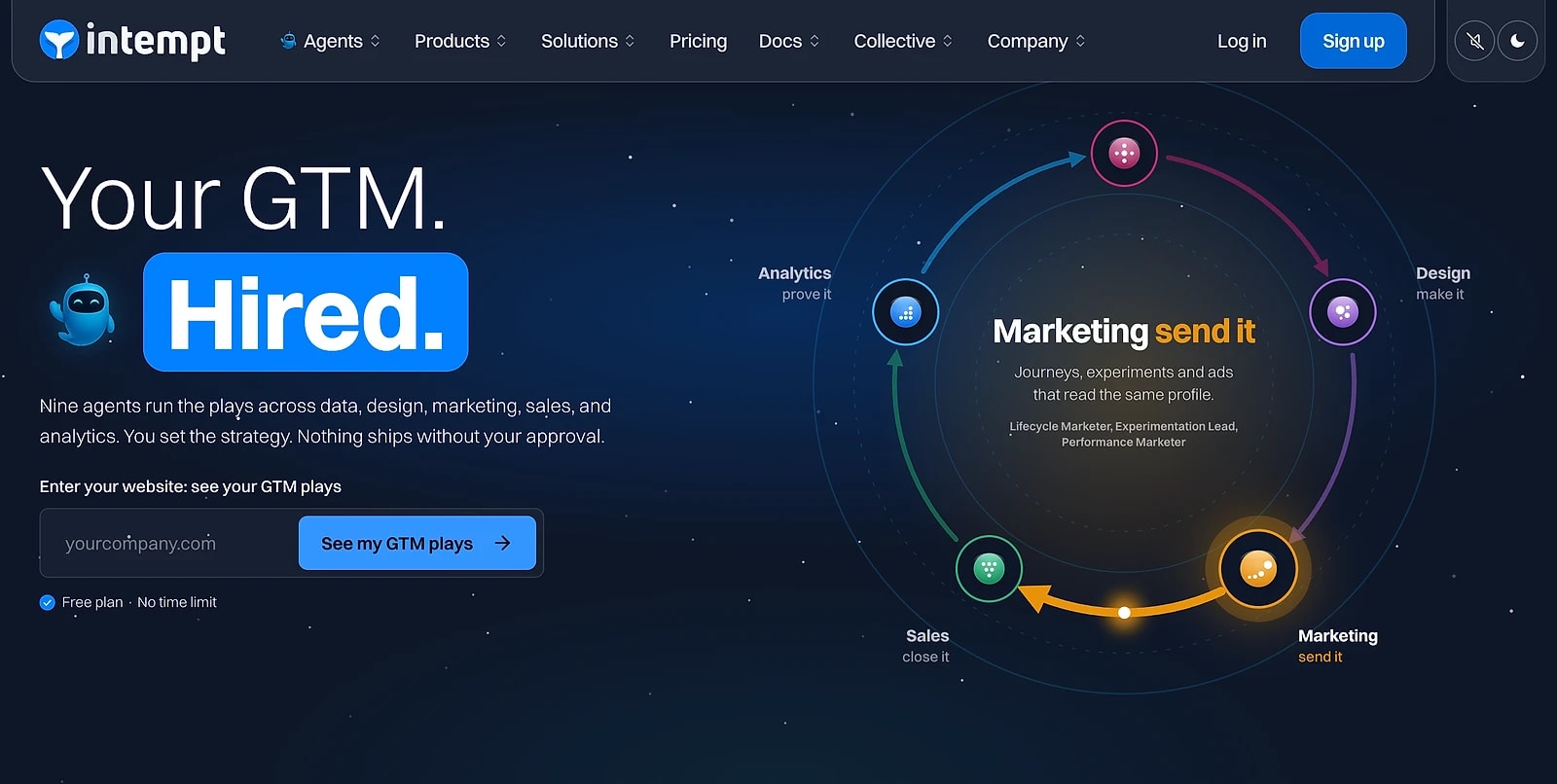
A modern sequence does not just watch the clock - it watches the customer. The difference between a good and great sequence is moving from time-based triggers (boring) to signal-based triggers (smart).
The two ways to trigger
- Time-based (the old way): Emails fire purely on a schedule (Day 3, Day 7). Easy to set up, but it ignores whether the customer is actually ready to buy again.
- Signal-based (the Intempt way): Emails fire based on behavioral data. If a customer opens your last three emails and visits a specific product page, that is when the cross-sell fires. The replenishment cross-sell journey is a real example of this exact trigger logic.
The full-loop workflow
- The Instant Trigger: Customer places an order; transactional emails (Confirmation/Shipping) fire immediately.
- The Value Phase: "Relationship" emails follow (Education, Pro-tips) to ensure they actually enjoy what they bought.
- The Revenue Phase: Cross-sells and Review Requests fire. Using a Lifecycle Marketer, you only send these to customers who have shown "Buy Signals."
- The Safety Net: If no second purchase happens by Day 45, a "Win-Back" email fires automatically to prevent churn.
How to create a post-purchase email sequence?
Building a post-purchase sequence in Intempt takes four steps. Here is how each one works.
Step 1: Setup
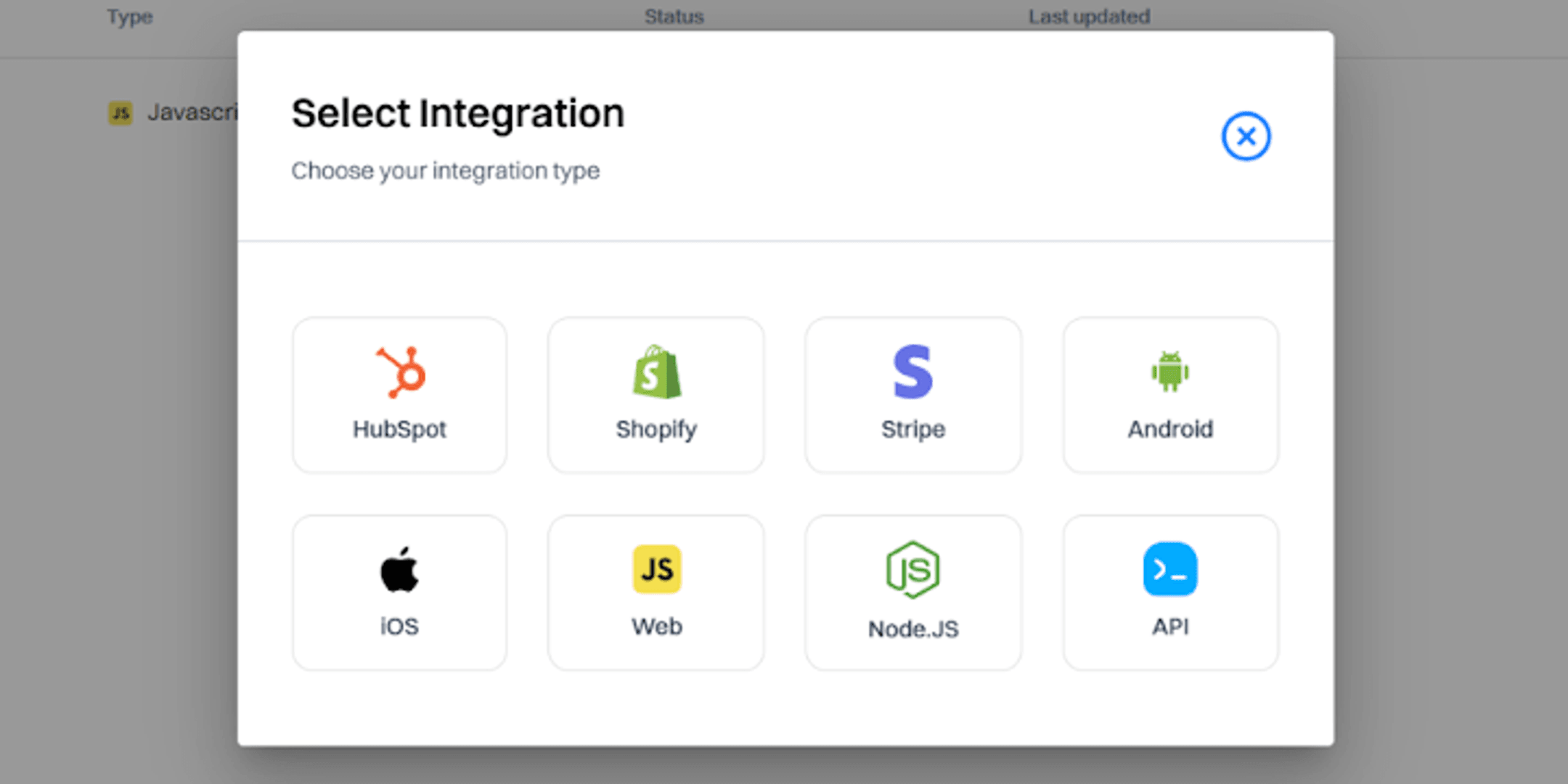
Connect your store to Intempt. For Shopify, orders sync read-only on the free plan and fully on paid plans, or you can connect via API. Once connected, your product data comes in without manual exports.
If you are not on Shopify, embed the Intempt JS snippet on your site to start tracking events. Shopify users can skip this step.
Next, set up your email destination inside Integrations. This is the channel Intempt will use to send your emails, SMS, and push messages.
Finally, fill in your brand kit. Add your logo, brand colors, images, and tone of voice. The Brand Designer uses this when building your emails so everything stays on brand automatically.
Step 2: Create the emails
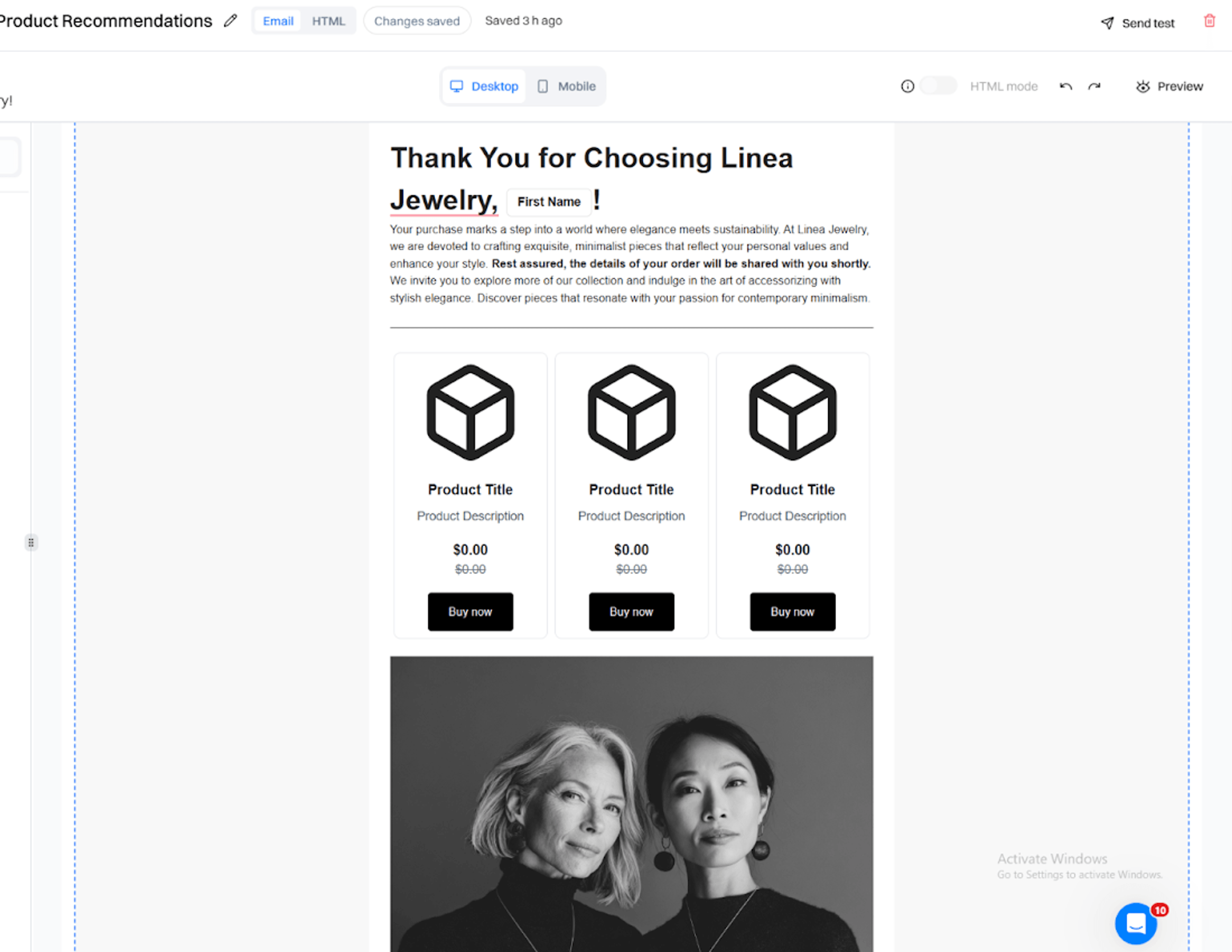
Once setup is done, ask Blu to create your emails. Start with the order confirmation, then work through the rest of the sequence types.
You can use a prompt like this: "Create a post-purchase order confirmation email. Follow the brand kit. Add best sellers on sale as product recommendations. Include relevant images and banners."
The Brand Designer builds the email using your brand kit automatically. It pulls in the right images, tone, logo, and CTA links without you having to configure each one manually. Repeat this for each email in the sequence.
Step 3: Build the journey
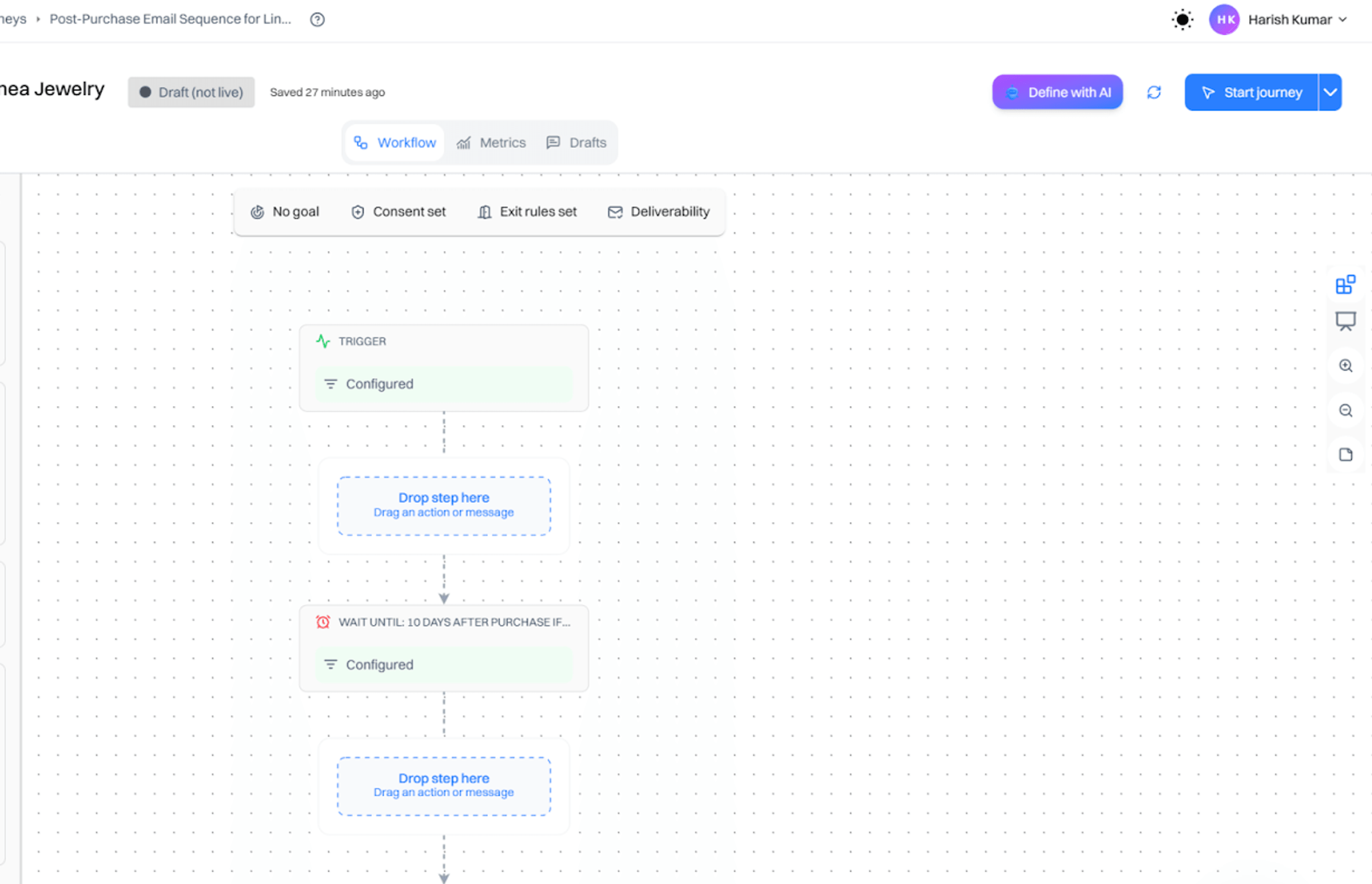
Once your emails are ready, ask Blu to assemble the full post-purchase sequence into a journey. The Lifecycle Marketer will create the complete flow, with each email in the right order and the right triggers connecting them. Review the journey, make any adjustments, and publish it.
Step 4: Measure performance
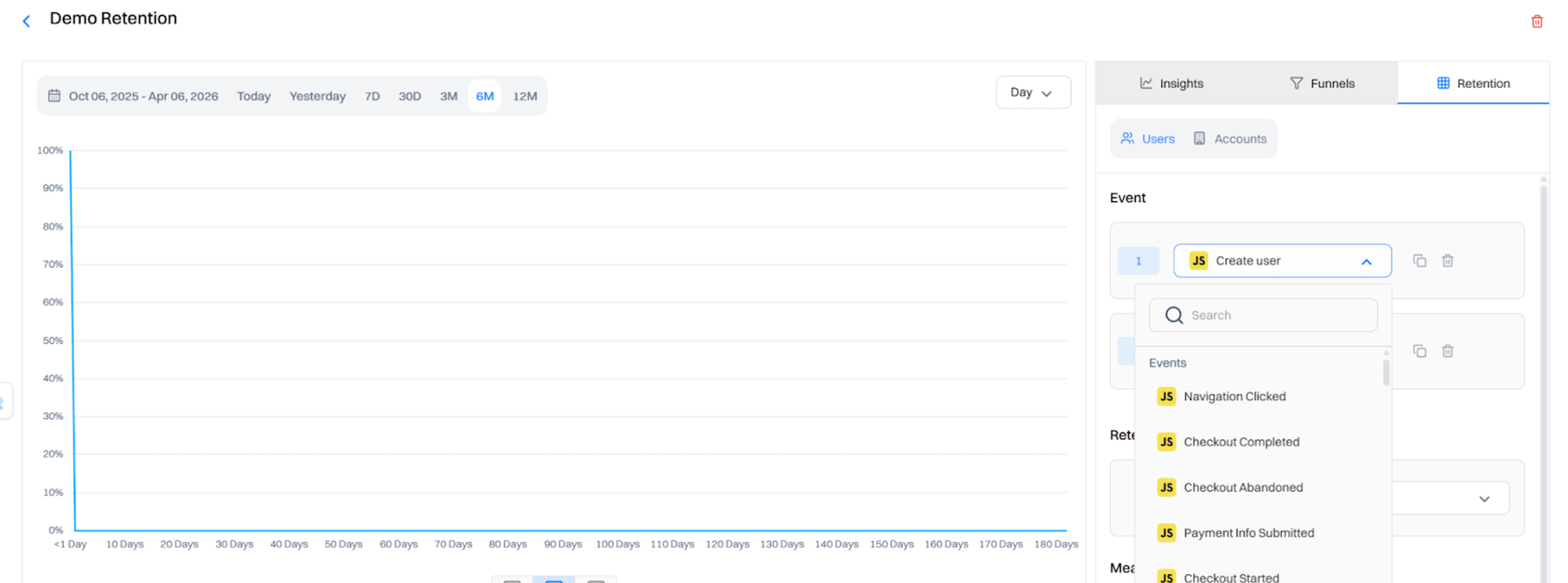
Ask Blu to create a retention report for the campaign. It will set up the right metrics to track how the sequence is performing over time, including repeat-purchase rate, email open rates, and where customers are dropping off.
What should a post-purchase email sequence look like?
Most effective sequences run 5 to 7 emails. Here is the structure with timing and purpose for each.
Email 1: Order confirmation
Trigger: Immediately at purchase
- Goal: Reduce anxiety. Confirm the order. Set expectations on delivery.
- Include: Order summary, estimated delivery date, customer service contact.
- Benchmark: Order confirmations average a 49.75% open rate (Omnisend 2024).
Email 2: Shipping confirmation
Trigger: When the fulfillment event fires (item shipped)
- Goal: Reduce WISMO ("where is my order") support tickets. Build confidence.
- Include: Tracking link, carrier name, updated delivery date.
- Benchmark: Shipping emails see open rates comparable to order confirmations, typically 45 to 55%.
Email 3: Delivery confirmation + welcome
Trigger: 1 day after delivery (or delivery event if integrated with fulfillment)
- Goal: Acknowledge delivery. Transition from transactional to relationship.
- Include: "Your order arrived" confirmation, intro to your brand, link to product guide or getting started content.
Email 4: Product education
Trigger: 3 to 5 days after delivery
- Goal: Help the customer get results fast. The faster they see value, the more likely they are to buy again.
- Include: How-to content, tips, common mistakes to avoid, video walkthrough if applicable.
- This is the email most brands skip. It is often the highest-impact one for driving the second purchase.
Email 5: Review request
Trigger: 7 to 14 days after delivery (enough time to actually use the product)
- Goal: Generate social proof. Identify unhappy customers before they churn silently.
- Include: Simple star rating, direct link to review platform, one clear CTA.
- Benchmark: Review request emails average a 40 to 50% open rate in ecommerce.
Email 6: Cross-sell or repurchase prompt
Trigger: 14 to 21 days after delivery, or when the customer visits the site without purchasing
- Goal: Drive the second sale. Recommend the logical next product.
- Include: Personalized product recommendations based on the first purchase, not generic bestsellers.
- Benchmark: Cross-sell emails average a 21.12% click-to-conversion rate (Omnisend 2024).
Email 7: Re-engagement
Trigger: 30 to 45 days after purchase if no second purchase has been made
- Goal: Bring back customers who did not convert on the cross-sell.
- Include: A relevant offer, a new product, or a reminder of what they bought and what pairs well with it.
What are the types of post-purchase emails?
Six types of emails belong in a complete post-purchase sequence. Each serves a different purpose in the customer relationship.
- Transactional emails: Order confirmation, shipping update, and delivery notification. Customers expect these. High open rates by default. Make them accurate, scannable, and fast.
- Thank-you emails: Human note acknowledging the purchase. Not an order receipt. No order numbers. Just a brief message that says your brand noticed. These build loyalty in low-effort ways.
- Educational emails: How-to guides, product tips, tutorials, care instructions. The goal is to make the customer successful with the product so they associate the outcome with your brand.
- Review request emails: Sent after the customer has had time to use the product. The purpose is social proof and early identification of unhappy customers. A customer who leaves a 2-star review is worth a support response. A customer who churns silently costs you everything.
- Cross-sell and upsell emails: Personalized product recommendations based on the first purchase. Recommending the logical complement builds trust; recommending unrelated products kills it.
- Replenishment emails: For products with a predictable replenishment cycle (supplements, coffee, skincare). Timed to the customer's likely run-out date. The most overlooked email type and one of the highest-converting.
What do effective post-purchase email sequences look like in practice?
Glossier: education as the path to the second purchase
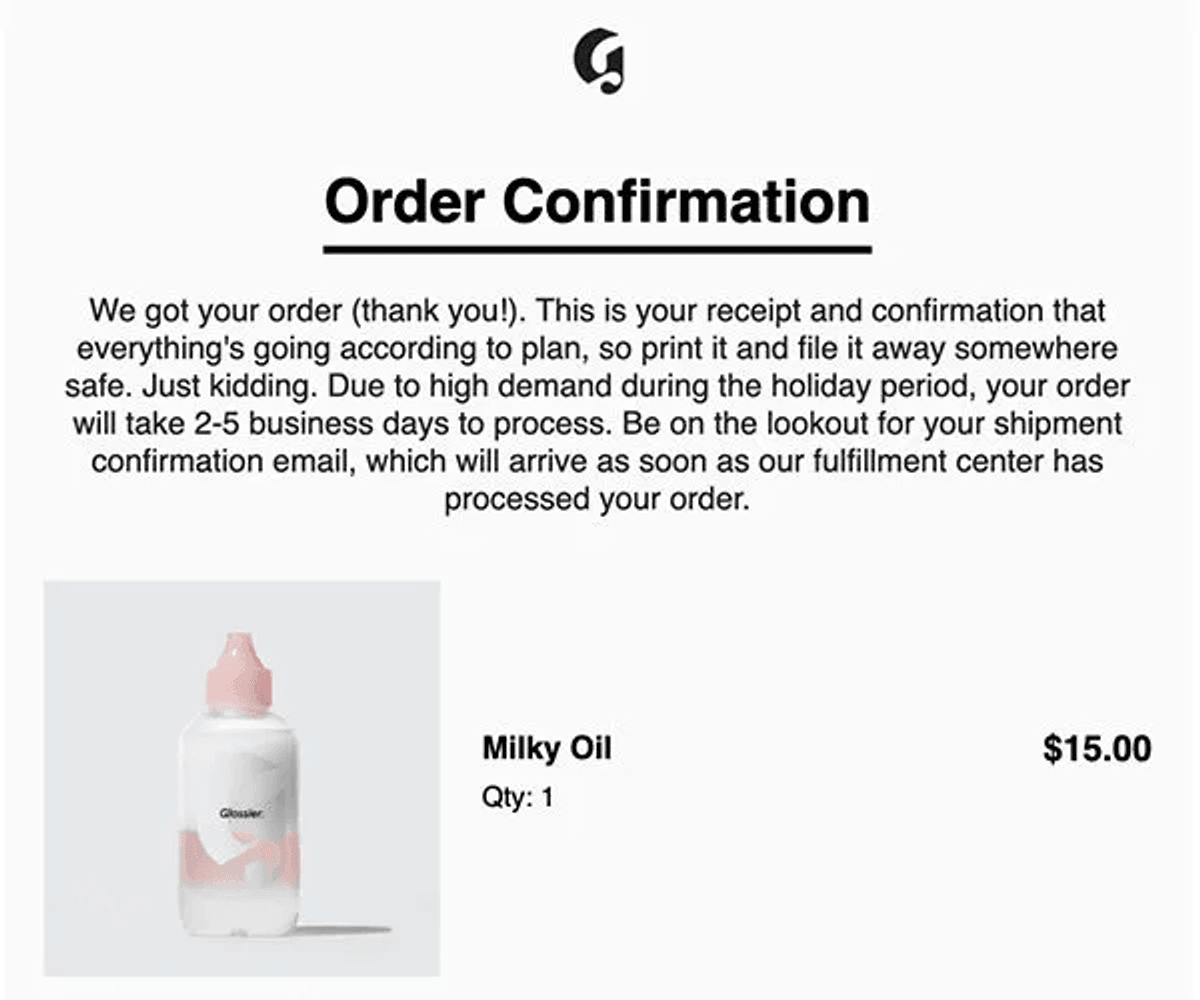
Glossier built a repeat purchase rate well above the beauty industry average through a single insight: customers who understand how to use a product are far more likely to love it and buy again.
After a skincare purchase, Glossier sends a detailed email on application technique, layering order, and what results to expect and when. No promotional message. No discount. Just information that makes the product work better. Education in the post-purchase window is not just customer service - it is a retention strategy.
Warby Parker: behavioral cross-sell that reads like a recommendation
Warby Parker does not send a generic "you might also like" email. After a glasses purchase, customers receive an email about blue light lenses or contact lenses - logical extensions of vision care directly tied to the product they just bought. The result is a cross-sell that reads like a recommendation from someone who paid attention, not an automated upsell. That distinction is the difference between a 2% click rate and a meaningful one.
Amazon: order confirmation as the industry standard for reducing anxiety
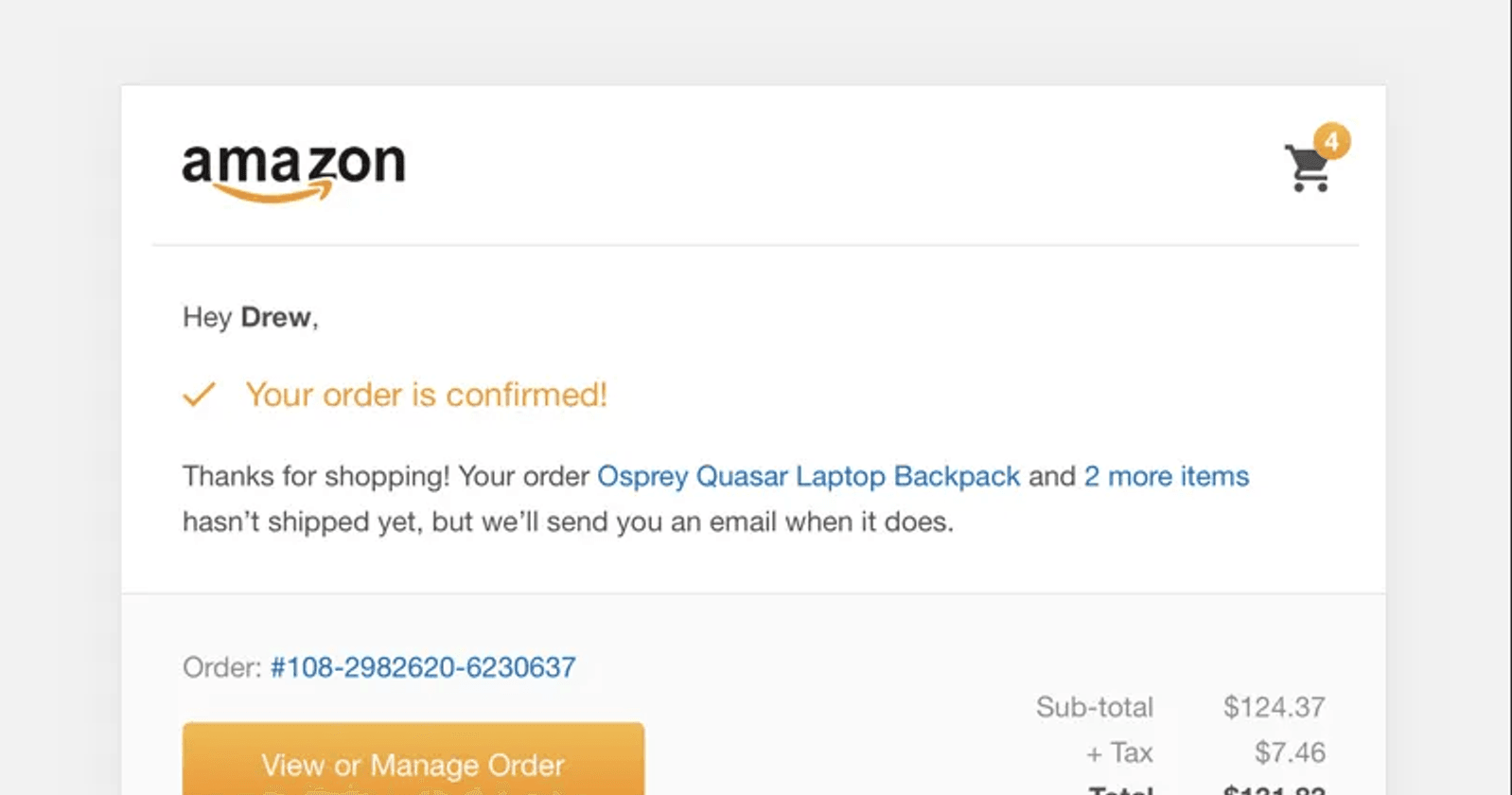
Amazon's order confirmation email is the baseline every ecommerce brand is measured against. Customers expect it within minutes of purchase. Amazon delivers it in seconds, with the item image, estimated delivery date, and one-click tracking all visible without scrolling.
What most brands miss: the order confirmation also contains a "Customers also bought" cross-sell section, placed at the bottom after all the transactional information so it does not feel like a pitch. But it is there, at the moment of highest purchase intent, planting the next transaction.
What key terms should you know about post-purchase email sequences?
- Post-purchase sequence: An automated series of emails triggered after a customer completes a purchase. Covers transactional, relationship, and revenue emails from order confirmation through repurchase prompt.
- Transactional email: An email triggered by a specific action or event (order placed, shipped, delivered). Expected by the customer. Highest open rates of any email type.
- Behavioral trigger: A condition tied to a customer action - opening an email, visiting a page, or clicking a link - rather than a time delay. Behavioral triggers outperform time-based ones because they respond to actual intent signals.
- Time-based trigger: A trigger that fires based on days elapsed since a reference event (day 3 after purchase, day 14 after delivery). The most common and easiest to set up. Less precise than behavioral triggers.
- Cross-sell email: A post-purchase email recommending a complementary product based on the first purchase. Most effective when recommendations come from cohort purchase data, not generic bestsellers.
- Replenishment email: A triggered email sent when a customer's product is likely running out, based on the product's average usage cycle. One of the highest-converting email types in consumable categories.
- WISMO: "Where is my order?" - the most common post-purchase customer service question. A good shipping confirmation email eliminates most WISMO tickets before they happen.
- Segmentation: Dividing your customer list into groups based on shared attributes and sending different email sequences to each group. New customers need education. Returning customers need cross-sell and loyalty content.
A post-purchase email sequence is the cheapest retention tool you have. The customer has already bought. The inbox is open. Start with what you are missing: most brands have order confirmation and shipping. Add the education email. Add a cross-sell triggered by behavior, not a calendar. Segment new customers from returning ones. Those four changes will move your second-purchase rate before you have built anything elaborate. See how Intempt Journeys automates the entire sequence from a single workflow.