

- An agent stops the moment you stop asking. A loop runs the cycle on a cadence, and the thing that makes it a loop rather than an agent agreeing with itself is a gate that can fail.
- 8 free, open-source Claude Skills built for Shopify: margin crossings, spend against live stock, feed breakage, launch windows. Every one is read-and-propose. None move budget or edit the catalog without your approval.
- Install the pack. Feed it your exports. Wire up a live Shopify MCP if you want continuous input.
There is a version of using an AI agent that never gets faster. You ask, wait, read, correct, ask again. Every turn runs through you, and the moment you stop driving, it stops moving. For a one-off question that is exactly right. For the margin check you should be doing every Monday and actually do every third Monday, it is the whole problem.
A loop changes who drives. You state the goal once, and the agent runs the cycle itself on a cadence. In Claude Code the command is /loop. On a Shopify store that maps onto the work a founder without an analyst keeps postponing: which SKUs quietly went unprofitable, what is still being advertised that cannot ship, which products fell out of Shopping overnight.
This post is the 8 store automations I built into gtm-skills, the free skill repo, plus the honest limits of running them yourself. Each automation is an ordinary Claude Code skill set to repeat on a cadence, so if the SKILL.md format is new to you, our guide to what Claude Code skills are is the five-minute background read. I will get the limits out of the way early rather than at the bottom, because one of them decides whether any of this is useful to you.
What a loop actually is
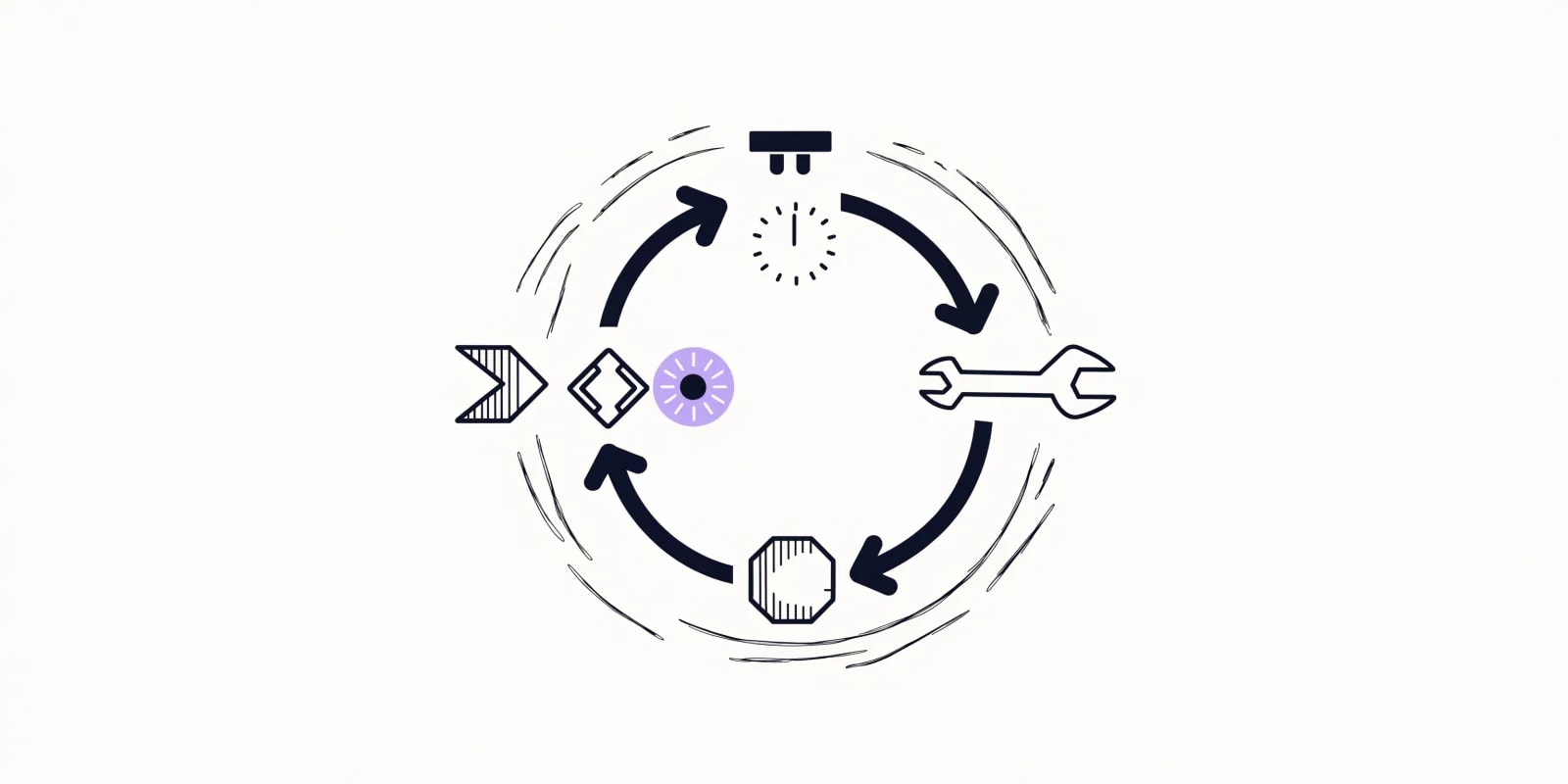
Five parts, run in order, repeating until a stop condition is hit:
- Discover. Join the data. Yesterday's orders against yesterday's spend, on-hand units against active ads, this week's margin against last week's.
- Plan. Decide the change. Which budget shifts, which price moves, which product gets paused.
- Execute. Draft it. Or, once the loop has earned it and you have granted write access, apply it on approval.
- Verify. Check the gate. ROAS below floor, contribution margin gone negative, an item that just went out of stock. This is the step that makes it a loop.
- Iterate. Gate passed? Stop. Gate failed? Feed the failure back and run again, until the stop condition or the ceiling.
Verify is the part everyone gets wrong
Without a real check on each pass you do not have a loop. You have an agent agreeing with itself on repeat, on a schedule, while spending tokens. The check has to be something that can actually fail: a product ROAS below a floor you set, a contribution margin that went negative after fees, a SKU with four units left and live spend against it.

That is why the-loop-designer will not emit a loop specification whose gate cannot evaluate to false, and why the-loop-auditor exists as a separate run whose default verdict is reject. A gate that returns true for every possible input is the single most common defect in a home-built loop, and it is invisible from inside the run that wrote it.
The honest limit: what these loops can and cannot reach
Read this before you plan any work around them. Every skill in this pack runs on data you hand over: an order export, an inventory CSV, a feed file, ad spend by product. None of them holds a Shopify API token. None of them writes back to your store, pauses a campaign, or changes a price.
If you have already set up an MCP connector to the Shopify Admin API or your ad accounts, the loops can read through it - but they still propose rather than apply, because that boundary is a design decision in the skills themselves, not a missing feature. A loop with unattended write access to a live catalog is how a bad read becomes a bad week.
- What you get for free, today: a repeatable method with a stated gate, run on exports, producing a ranked list you act on.
- What it costs you: dropping an export in a folder on whatever cadence the loop runs, and reading the output.
- What it does not do: reach your live store by itself, or apply anything without you.
If dropping an export on a cadence is the part that will not survive contact with a real week, that is worth knowing now. It is also exactly the gap the platform closes, which I will come back to at the end rather than pretending the skills do something they do not.
Why a Shopify store is the right shape for this
Recurring, checkable work is what loops are for. A person reviews a handful of products well. One catalog surfaces hundreds of SKUs, prices, stock levels and ad results that all changed overnight, and the review that gets skipped is never the interesting one - it is the boring one that was quietly protecting margin. The hand-timings below are illustrative of the shape, not measured across stores - yours will differ.
| The work | By hand | As a loop | What you still do |
|---|---|---|---|
| Daily store and spend read | 20-40 min, most days | Runs on your cadence, reports exceptions only | Read a ranked flag list |
| Per-SKU margin after fees | An afternoon, quarterly at best | Reports crossings since last run | Decide the price or supplier move |
| Product feed health | 1-2 hrs/week, or never | Flags what broke since last run | Fix the SKUs |
| Spend against out-of-stock items | Usually skipped entirely | Proposes pauses with spend at risk | Approve or override |
| New product first two weeks | Watched closely for three days | Runs the full window, then closes | Approve scale or stop |
The honest version: loops shine on tactical, repeatable work with an objective check. They do not replace merchandising judgment, brand, or the decision to launch a line. Keep those human. Nothing in this pack has an opinion about what you should sell.
The four preconditions
A loop earns its setup cost only when all four hold. Miss one and a single well-aimed prompt is faster and cheaper than the machinery around it. the-loop-designer tests the task against these and tells you which one is weakest instead of building the loop anyway.
- It repeats, at least weekly. Daily stock and spend checks qualify. A one-time catalog audit does not - run
the-catalog-auditonce and move on. - Something can automatically reject bad output. A margin floor, a units-on-hand threshold, a deviation band. No gate means no loop.
- The data is reachable every run without a person assembling it by hand each time. Be honest about this one, since it is the precondition that quietly fails in week three.
- Your token budget can absorb the waste. Loops re-read context and retry whether or not a run ships anything.
The anatomy of a store loop
- The cadence. What makes it a loop and not a one-off.
/looptakes an interval; a genuinely scheduled run is what keeps it going after you close the laptop. Check Claude Code's own docs for the current scheduling flags rather than trusting syntax copied off a blog post, including this one. - The skills. Your method, written down once, read every run - so the same question gets answered the same way in March as in January.
- The maker and the checker. Split the run that proposes from the run that reviews. The proposer can be fast; the checker should be strict. That separation is most of the quality.
- The gate. The objective check that rejects a bad change automatically. The one piece that decides whether the loop protects the store or just spends.
- The state file. Sounds too simple to matter, and it is the spine of every loop that survives.
That last one deserves its own paragraph. The agent forgets everything between runs. A file does not. the-loop-ledger maintains .agents/store-loop-ledger.md: what each run checked, what it flagged, what actually changed, and what you told it to stop flagging - so the seasonal spike on payday weekend does not get re-reported forever, and a fix that was tried and reverted does not get proposed again next month.
It also records the input row count on every run, which is the detail that separates "the gate passed because the store is fine" from "the gate passed because the export was empty." A zero-row run is logged as failed, not clean. Loops that fail quietly are the expensive kind.
8 loops worth running on a Shopify store
Install the pack, then adapt the prompts. Replace every bracketed value with your own number - thresholds copied from another store are worse than no thresholds, because they read as considered.
npx skills add sidchaudhary/gtm-skills/skills/store-automation

# restart Claude Code, then:
# "Run the-loop-designer on my weekly margin check"01. the-loop-designer - turn a check into a loop
Run this first, on whichever recurring question you already ask by hand. It returns a loop specification: cadence, inputs, the gate as a boolean, a stop condition, a ceiling, and what the gate is blind to. That last field matters more than it sounds - a gate on margin misses a stockout, and a passing loop is not the same as a healthy store.
Run the-loop-designer. The recurring question is "which products are
losing money after fees and ad spend?" I ask it monthly by hand. It
would be wrong if it flagged a SKU whose costs I don't actually have.
Data each run: a Shopify order export with COGS, my fee rates, and ad
spend by product. The loop may not change anything.Gate: whatever it writes as a boolean over your named inputs. If it cannot write one, it says so rather than shipping a loop that always passes.
02. the-loop-ledger - the memory between runs

Set this up before you schedule anything. Without it every diffing loop re-flags your entire catalog on every run, because it has no idea what it saw yesterday.
Run the-loop-ledger. Set up the state file for these loops:
the-stockout-spend-guard (daily) and the-margin-sentry (weekly).
Known false positives to suppress: SKU-[xxxx] always looks unprofitable
in [month], it's an intentional bundle. Review that suppression in
[90 days].Gate: none needed - it only reads and writes a file. Note that it refuses a suppression without a reason and a review date, since a suppression with no expiry is just a permanent blind spot.
03. the-store-pulse - the daily exception pass
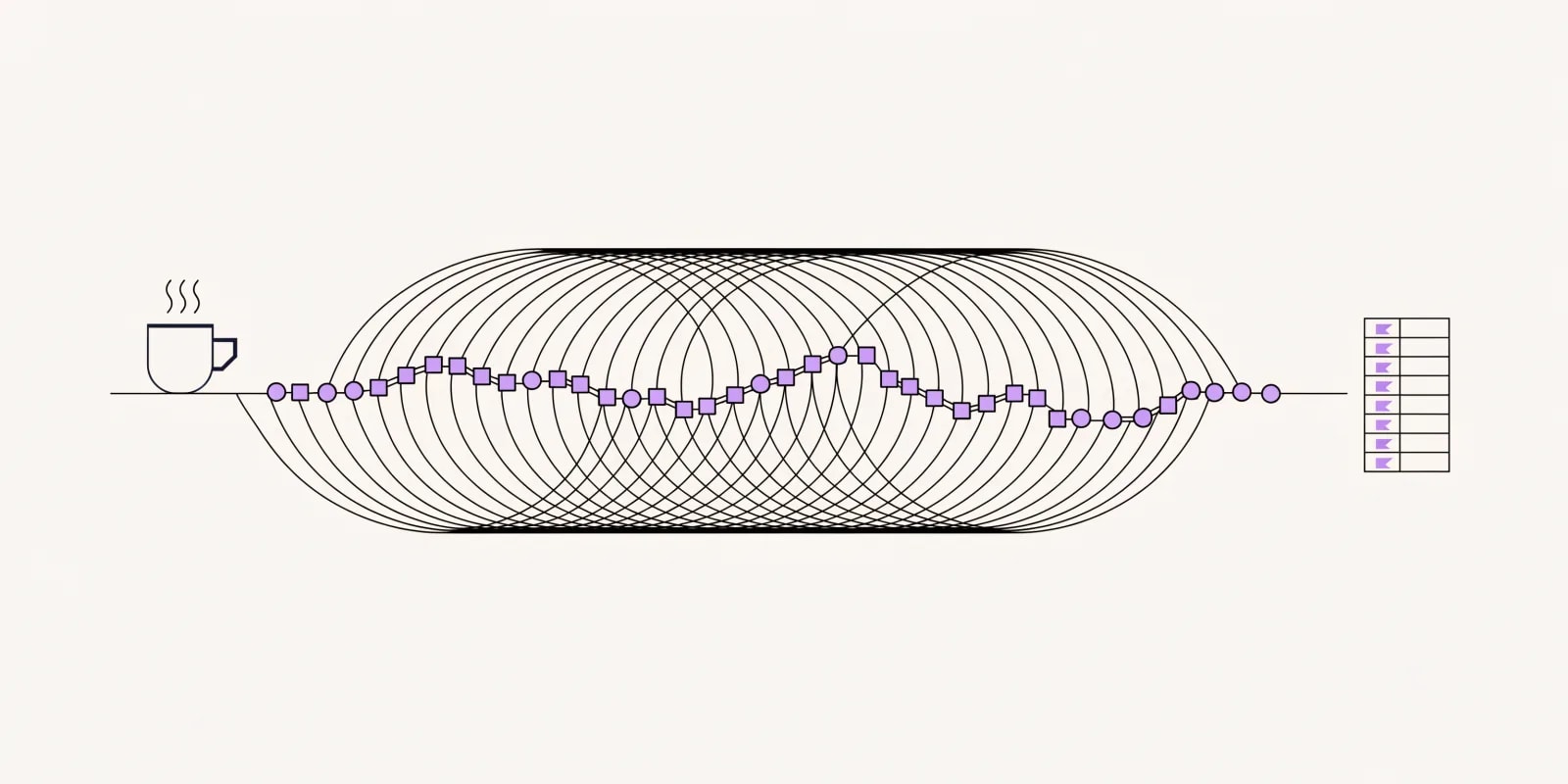
The one most stores should run first thing. It joins yesterday's revenue to yesterday's spend, compares each figure to its own trailing band, and returns only what moved enough to matter - so the morning starts on a short list instead of reconciling Shopify against two ad dashboards.
Run the-store-pulse on yesterday's Shopify order export and yesterday's
ad spend by channel and product. Baseline: trailing 14 days. Flag a
metric only if it moves outside [x]% AND the product cleared [N] orders.
Rank by dollars at stake. Do not change anything - give me a ranked
list and stop.Gate: deviation band AND a volume minimum, both required. Volume-only or deviation-only flagging is what makes a daily report noisy enough to start ignoring, which is the real failure mode. A product going from one order to two is not a 100% lift.
04. the-margin-sentry - catch the crossings, not the levels
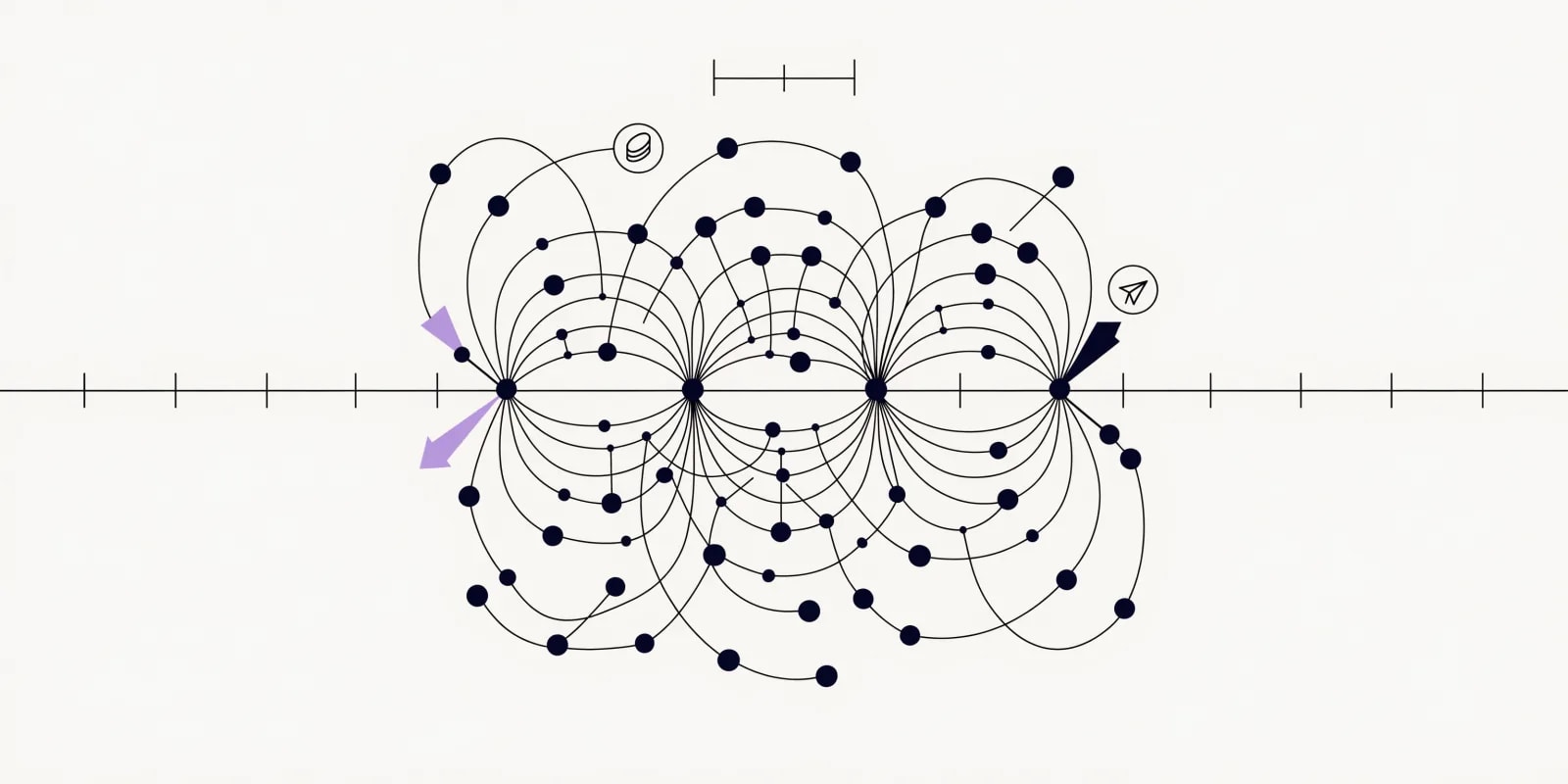
A margin table tells you where you stand. This tells you what just broke. It reruns the contribution margin stack on a cadence and reports which SKUs crossed your floor since the last run, split by cause - because a SKU losing money before a single ad runs is a pricing, COGS or fulfillment problem, and one that only loses money after ad spend is an acquisition problem. Different owner, different fix.
Run the-margin-sentry weekly on this order export, my COGS by SKU, my
payment and platform fee rates, shipping cost, and ad spend by product.
CM2 floor is [$X or Y%]. Compare against last run in the ledger. Report
new breaches, recoveries, and which cost line moved. Propose nothing
until a breach has held [2] runs.Gate: CM2_now < floor AND CM2_previous >= floor. It inherits the-margin-stack's withholding rule without relaxing it: for any SKU missing COGS it states no margin percentage and no crossing verdict at all. A margin verdict computed on a cost you do not have is fabrication, and it is the most plausible-looking wrong answer in the whole category. Read the skill.
05. the-stockout-spend-guard - stop paying to advertise what you cannot ship
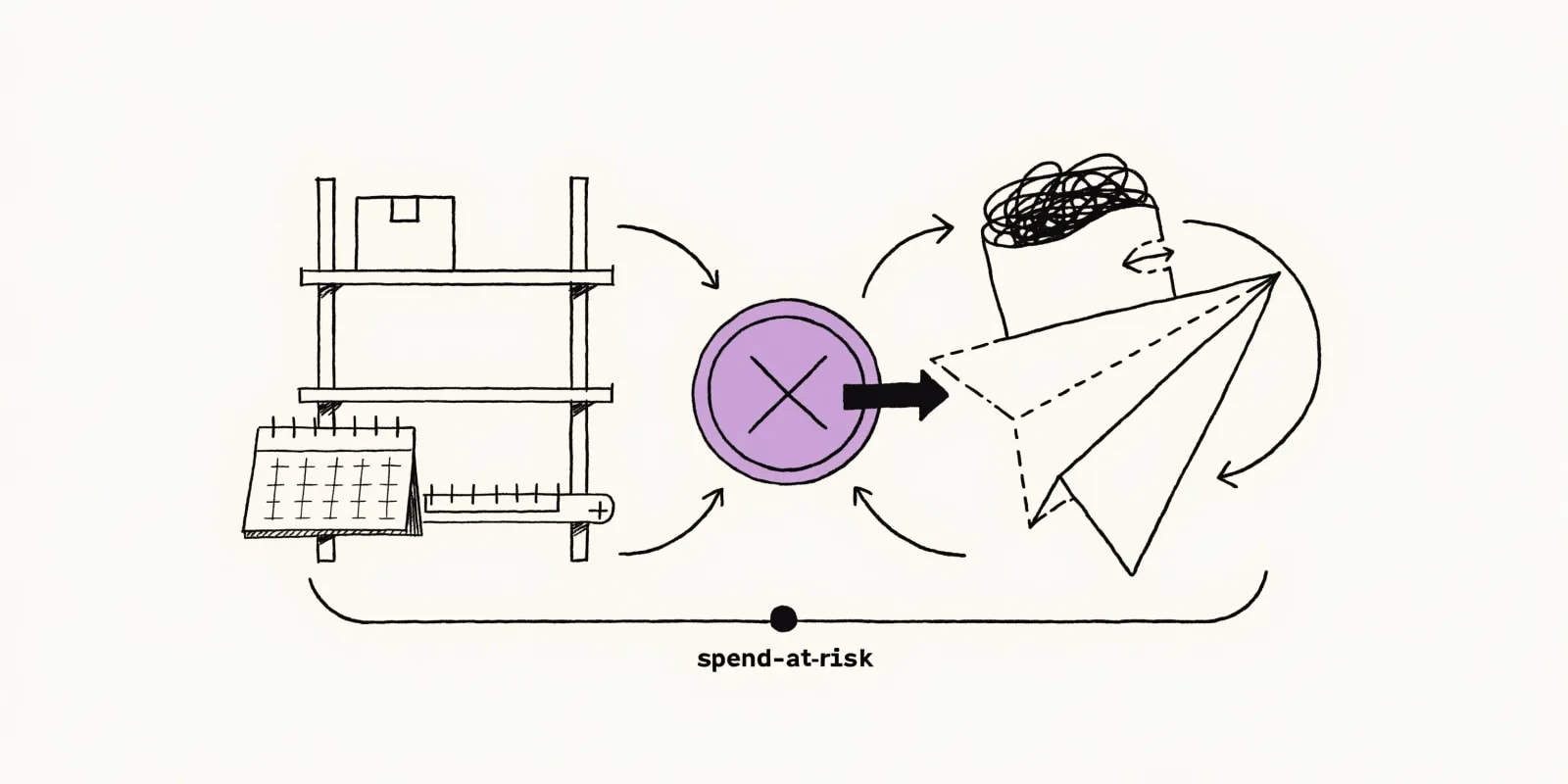
Start here if you only run one. It is the narrowest loop in the pack and usually the fastest to pay for itself, because every dollar it catches was buying a customer who was going to be disappointed anyway.
Run the-stockout-spend-guard on today's inventory export and the last
7 days of ad spend by product. My ads target [variants / parent
products]. Flag anything with on-hand below [N] units AND spend above
[$X] in the window. Include incoming stock ETAs. Output a pause list
with weekly spend at risk. Apply nothing.Gate: on_hand < threshold AND spend_7d > floor. Two details worth knowing. It matches on the grain your ads actually target, because checking a variant-level ad against parent-level stock is how an in-stock product gets paused while a sold-out one keeps spending. And when a restock lands inside the cover window it proposes hold rather than pause, since pausing and relaunching resets learning on most channels and costs more than a few thin days.
06. the-catalog-audit - fix the descriptions, then catch what breaks in the feed
The feed carries whatever the catalog says, and it also breaks on its own. This one runs two modes. FULL audits the whole product catalog for missing attributes, thin or empty descriptions, duplicate copy, and image gaps, ranked by revenue rather than row count so the best sellers get looked at first. DELTA runs on a cadence and reports only what broke in feed and channel deliverability since the last run - new disapprovals, feed-versus-live-page price and availability mismatches, category mapping, variant-ID confusion - so a Merchant Center disapproval is visible the day it happens instead of buried under 400 known issues. For a one-off rewrite you can drop a URL into the free product description generator; the skill is what handles a whole catalog, on a cadence.
Run the-catalog-audit (FULL) on this [Shopify product export]. Rank
findings by revenue impact, not by row count. Group by cause (missing
attribute, thin description, duplicate copy, image gap). Cross-check
against the ledger so you only surface changes since the last pass.The DELTA mode runs the same audit as a recurring watch against your feed and Merchant Center diagnostics:
Run the-catalog-audit (DELTA) on this [Google Shopping] feed export
plus Merchant Center diagnostics. Compare against the issue set in the
ledger. Report only new and regressed issues that block delivery,
grouped by cause, not per SKU. Check price and availability against
these live product URLs. Don't edit any products.Gate: FULL trips on any high-revenue SKU with an unresolved content gap since last run. DELTA trips on any new or regressed delivery-blocking issue - persistent issues do not trip it, they're already known, but stay counted so a growing backlog is still visible. Runs on a cadence as part of the store-automation set - not a one-time cleanup, because catalogs drift and feeds break as new SKUs land.
07. the-launch-watch - a bounded window, then it closes itself
New products live or die on early signal, and watching each one by hand is the chore that gets skipped in a launch week. This runs for a fixed window against a hard spend ceiling, then stops. The bounded window is the point: an unbounded launch watch becomes a second daily report nobody reads.
Run the-launch-watch for [14] days on the products I launched on [date].
Daily performance: impressions, clicks, sessions, add-to-carts, orders,
revenue, spend. Don't judge anything below [N] sessions. Scale bar is
[CTR]% and [conv]%. Hard test budget for the window is [$X]. Include
on-hand units so a scale call can check stock. Propose, don't apply.Gate: early-signal thresholds AND a hard spend ceiling, evaluated in one direction at a time. Below your session minimum it reports the sample size and nothing else - every wrong early kill comes from grading a product on 40 sessions. It also refuses to propose scaling into thin inventory, which would manufacture the exact problem loop 05 exists to catch.
08. the-loop-auditor - the checker that defaults to reject

The second half of every loop that proposes an action. It starts from the assumption the proposal is wrong and looks for the reason, then returns approve, downgrade to observation, or reject. There is deliberately no "approve with reservations" - a caveat in a queue of twenty proposals gets read as approval.
Run the-loop-auditor on the pause list the-stockout-spend-guard just
produced. Here is the gate it used and the inputs with their dates and
row counts. Check the ledger for anything I already overrode. This
change is [reversible / not] and worth about [$X] if wrong.Gate: seven checks, all of which must pass at the applied standard. The first one is the one that catches home-built loops: re-evaluate whether the gate could ever have returned false. It also rejects on stale or truncated inputs regardless of how sound the reasoning looks, because reasoning quality cannot compensate for a wrong input, and it scales its strictness to what being wrong would cost.
Build them in this order
The order matters more than the tooling. Loops that fail in production almost always skipped a step.
- Get one manual run right. Run the prompt by hand against your real export until the output is consistently correct and safe. Scheduling something you have not proven by hand is how a loop quietly burns budget overnight.
- Set up the ledger. Before anything runs twice, so the first diff has something to diff against.
- Add the gate and the ceiling. Both: a success condition and a hard attempt limit. A loop with only a success condition can run forever against an unachievable gate.
- Then put it on a cadence. Read-only first. Widen scope as trust accumulates, not before.
The three ways loops fail, and what they cost
They fail quietly. An agent told to finish when it is "done" can decide it is done too early, exit on a half-finished job, and keep running on a schedule while producing nothing. On a store the equivalent is a loop reporting a clean morning because the export was empty. The fix is structural, not a better prompt: assert the input row count, log a zero-row run as failed, and keep an objective gate that can reject the work.
The cost compounds. A loop re-reads its context every pass, and a maker-checker split doubles the work by design. Track cost per accepted change rather than tokens spent. If you discard more than half of what a loop proposes, you are doing the review work it was meant to save, and the honest move is to tighten the gate or retire the loop.
Comprehension debt. The faster a loop ships changes you did not make, the wider the gap between what your store is doing and what you understand. Read the diffs. Spot-check the gate occasionally by feeding it something you know should fail. The comfortable move - accepting whatever the loop returns without forming an opinion - is the dangerous one.
The throughline: build the loop, but stay the operator. A loop changes the work. It does not remove you from it.
Where the skills stop and the platform starts
Back to the limit from the top, now that you know what the loops do. The gap is not the method - the method is in the repo, free, and you can read every line of it. The gap is the connection. A loop running on an export you remembered to drop in a folder is a loop that works until the week you forget.
Intempt's Data Analyst agent runs this shape against live store data instead of an export: it holds the connection, recomputes on its own cadence, and can act on what it finds once you approve it. The skill runs on what you paste in. The agent runs on your pipeline. Same method, different reach.
Either way, start with the skills. They are free, MIT licensed, and they will tell you within a week whether the loop shape actually fits how you run your store - which is a much cheaper way to find out than buying something first.