- The best Claude skills for GTM automation do not write into your MAP or CRM. They design the automation as a spec first, so a human can see and approve every branch before it ships.
- This pack picks 8 free Claude Code skills for RevOps and growth engineers: workflow builder, flow architect, campaign engine, routing engine, launch readiness check, loop designer, loop ledger, loop auditor.
- Approve the spec before anything runs. Never let an automation write live without a review pass.
Every GTM stack has a graveyard of automations nobody dares turn off. A workflow somebody built in 2023 that fires on a webhook nobody remembers configuring, a HubSpot list that has drifted from its original definition three quarters ago, an iPaaS zap that runs twice a day and produces nothing measurable. Turning them off is scary; leaving them on is why the martech budget line keeps climbing.
The root cause is not the workflow tool - HubSpot Workflows, Zapier and n8n are all fine at building automations. The root cause is that the automations were never designed as specs. Somebody clicked through the builder, added steps until it seemed to work, and shipped. There was never a written trigger, entry condition, retirement rule or owner. So there is nothing to review, nothing to diff, and nothing to sunset.
Claude Code skills fix that at the design layer. A skill is a versioned SKILL.md file with a stated method - the trigger it asks for, the branching logic it applies, the shape of the spec it returns. Same skill, same shape, every run. Which means the automation you build in a Claude Code session is documentable, reviewable, and retirable. That is the whole thing.
What is a Claude Code skill
A Claude Code skill is a versioned SKILL.md file that Claude Code reads from a local .claude/skills/ folder. For automation work, the inputs are your triggers, entry conditions, target actions and any error-handling requirements. The output is a structured spec - not runnable code, not a click path through a builder, but a document you can hand to whoever runs the workflow tool.
For the primitive-layer explainer, see the hub: Claude Code skills: what they are and which ones earn their install. For the RevOps-adjacent companion, see 8 best Claude skills for GTM engineering.
Why GTM automation needs Claude skills now
Two things have made automation design harder. First, the number of surfaces that need to talk to each other has multiplied - the CRM, the MAP, the CDP, the data warehouse, the product analytics tool, the customer support tool, the outbound tool - and every integration is a place a silent failure can hide. Second, LLM-native automation has made it trivially easy to ship a workflow that does something plausible but wrong. Both trends push the value of a written spec up.
The skills below answer three questions any automation lead keeps re-asking:
- For this recurring job, does the automation have an objective gate that can actually fail - or is it a schedule with a rubber stamp?
- Where do integrations silently break, and what scheduled data assertion would catch it?
- When we sunset the automation, what triggers the sunset - a date, a metric threshold, or a strategic call?
Install the packs in about 30 seconds
The 8 skills below live across three packs. Install them with one command each, then restart Claude Code.
npx skills add sidchaudhary/gtm-skills/skills/gtm-engineer
npx skills add sidchaudhary/gtm-skills/skills/lifecycle-marketer
npx skills add sidchaudhary/gtm-skills/skills/store-automation

# Restart Claude Code, then confirm:
# "What automation skills do you have available?"8 best Claude skills for GTM automation
1. the-workflow-builder - the automation as a spec, not a click path

The core one-off automation skill. Designs a marketing or sales automation as a specification: trigger, entry conditions, actions, branching, wait logic, error handling, the scheduled data assertions that catch silent integration failure where nothing errors but values are wrong, plus a named owner, an audit date and a retirement condition. That last row is why the pack exists - most automations never get sunset because nobody wrote down what would trigger the sunset.
When to use: Automating an internal handoff between teams, replacing a manual step, or when a workflow you have already built is misfiring and nobody can name the trigger.
How to run:
You: "Run the-workflow-builder for lead-to-AE handoff."
      [context: source systems + trigger event + target action + SLA]

Claude: -> trigger, entry conditions, exit conditions
        -> actions, branching, wait logic
        -> error handling per action
        -> scheduled data assertions (silent-failure catches)
-> named owner + audit date + retirement conditionBest used with: A real trigger, not "when something happens". Also useful: the current pain point, so the spec is aimed at a real failure mode.
Where this skill hits its ceiling: It designs the spec; you or a workflow engineer build it in HubSpot Workflows, Salesforce Flow, n8n or wherever your runner lives.
With Intempt: Specs become live workflows inside the Marketing agent that read from the shared profile, so a lead update in the CRM does not lose its context in the ESP.
2. the-flow-architect - the multi-channel journey, not a per-channel flow
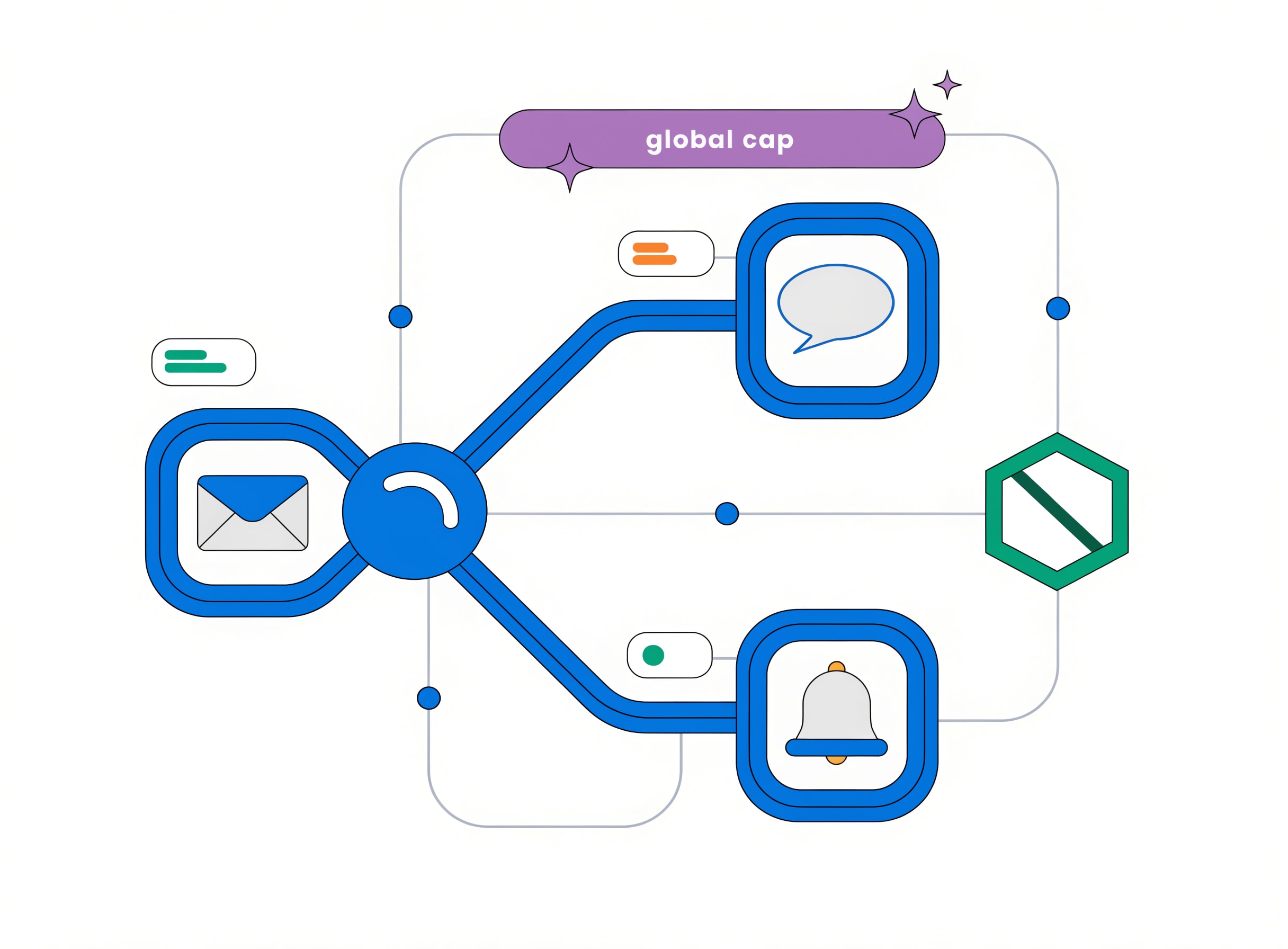
Designs a multi-channel customer journey: the node sequence, conditional branching, wait logic, holdouts, exit conditions, and a global per-contact message cap across every channel rather than a cap per channel. That global cap is the one control most teams miss - a customer who is in three flows at once gets three emails when nobody intended them to.
When to use: For auto-nurture, onboarding, cart-recovery, or any journey that touches more than one channel. Also for any journey where the current version is silently over-messaging some contacts.
How to run:
You: "Run the-flow-architect for our onboarding journey."
      [context: goals + channels + segments + brand + volume]

Claude: -> node sequence with channel per node
        -> branching conditions (spelled out)
        -> wait logic per branch
        -> holdout definition
        -> exit conditions
-> global per-contact message cap across channelsBest used with: Real segments from the-lifecycle-mapper.
Where this skill hits its ceiling: It designs the journey; the copy per node is downstream in the Brand Designer and Lifecycle Marketer packs.
With Intempt: Journeys run inside the Marketing agent with the global cap enforced at the profile layer, so the customer is never over-messaged.
3. the-campaign-engine - one-off or recurring, decided up front
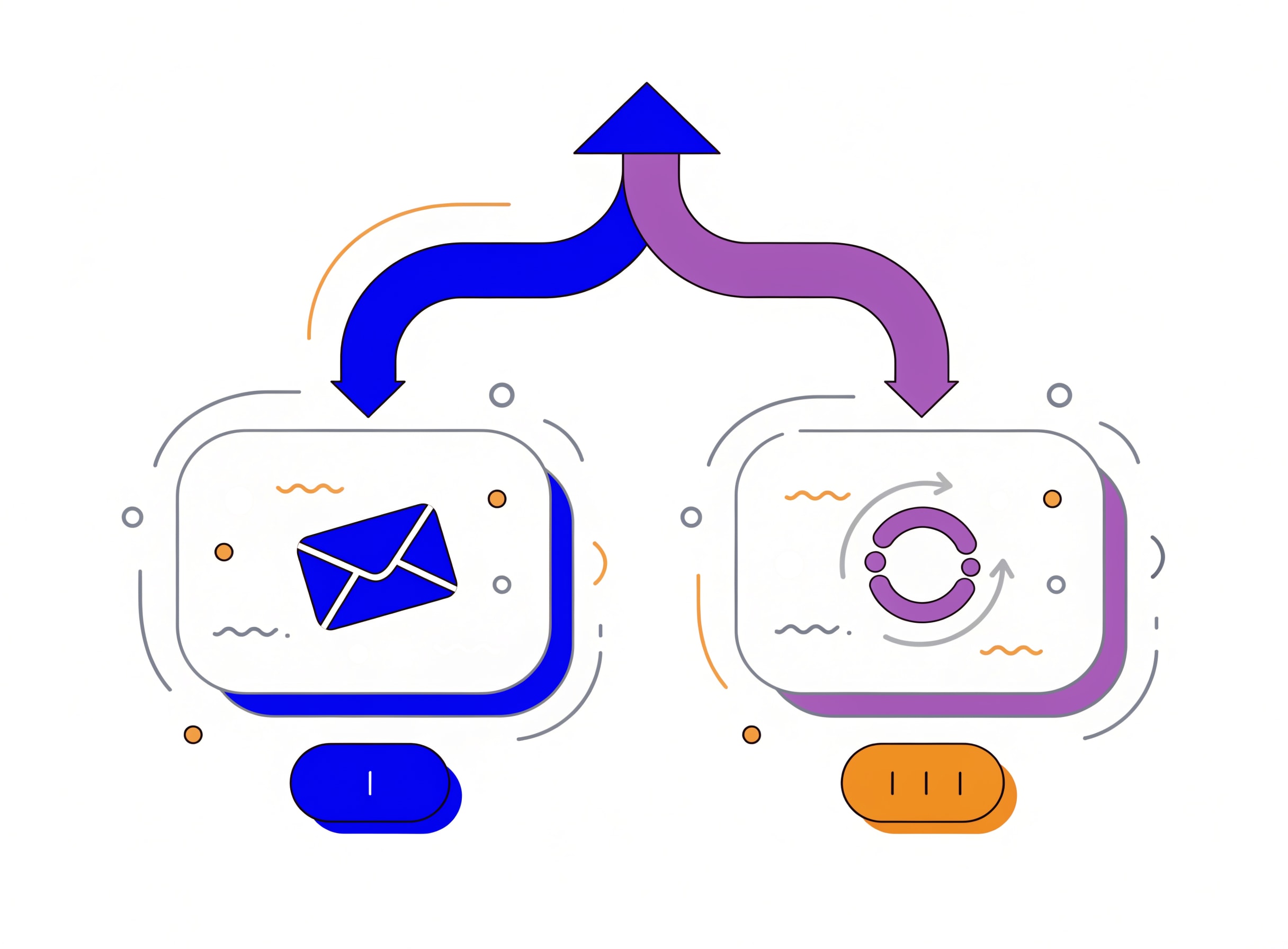
Designs a lifecycle campaign end to end and decides whether it runs once or runs forever: email sequences with subject variants and deliverability gates, SMS and push with carrier registration and consent gates, and the recurring version of either with a cadence matched to how fast the signal actually moves. That one-off-versus-recurring call up front is what stops a launch campaign from silently becoming a permanent monthly send nobody supervises.
When to use: For welcome, nurture, cart-recovery, cross-sell or any campaign where the team keeps debating cadence.
How to run:
You: "Run the-campaign-engine for our welcome campaign."
      [context: goal + segment + deliverability constraints + brand voice]

Claude: -> one-off vs recurring, decided with reason
        -> full sequence with subject variants
        -> deliverability gates and carrier gates
        -> cadence matched to signal decay
-> retirement condition (when this stops)Best used with: Real deliverability constraints, real consent status, real brand voice.
Where this skill hits its ceiling: It designs the campaign; the send happens in your ESP.
With Intempt: Campaigns run inside the Marketing agent with the recurring version tied to a signal that has a defined decay curve.
4. the-routing-engine - qualification, routing, and the SLA in one spec
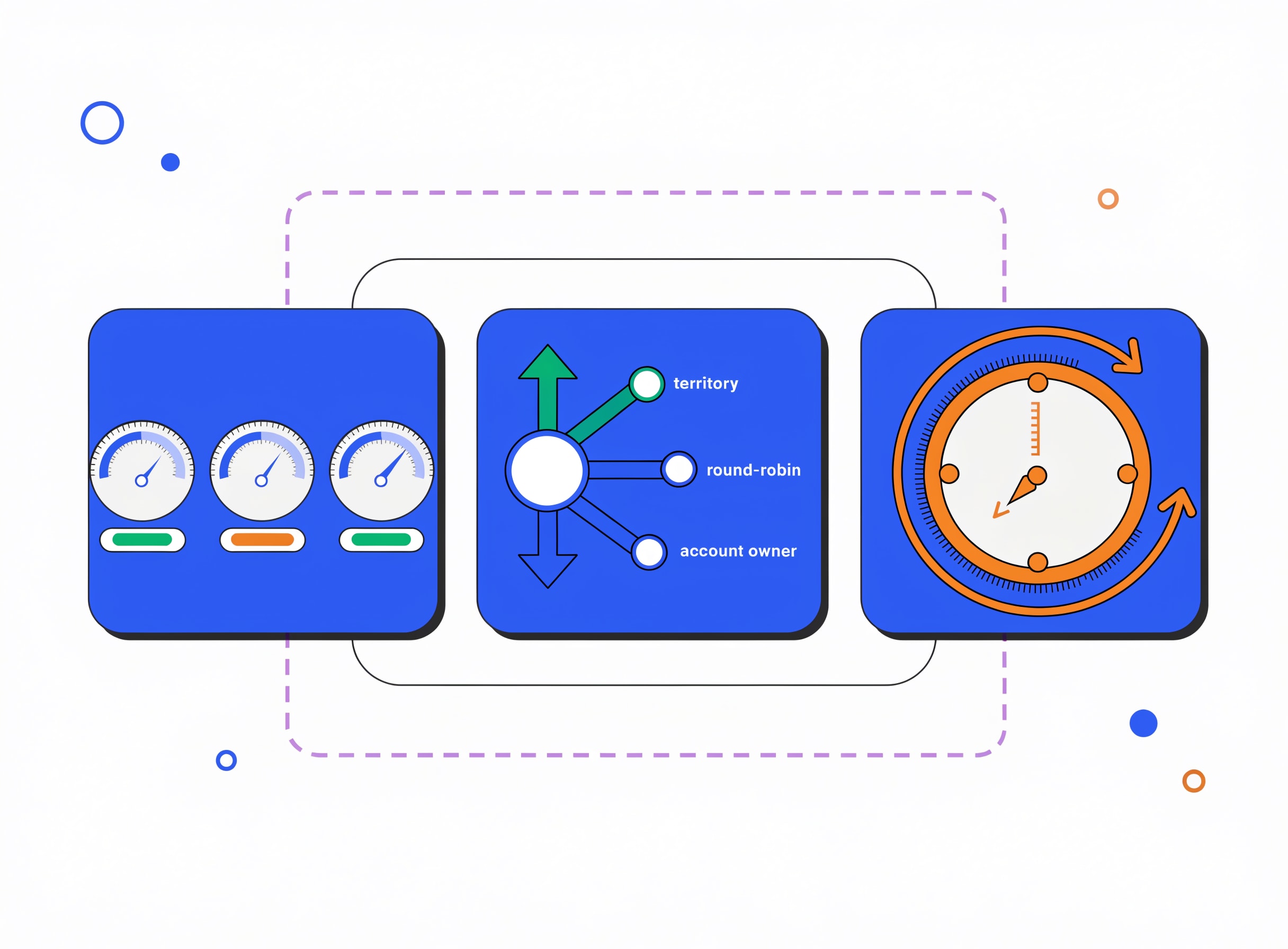
Designs the lead-to-opportunity layer: the MQL scoring model, routing rules, speed-to-lead SLAs, and lifecycle stage definitions. This is the automation layer between marketing and sales - and the one where every team eventually stops trusting the definitions and rebuilds them by hand.
When to use: When leads are not reaching sales fast enough, when marketing and sales disagree on qualification, or when handoff is undefined.
How to run:
You: "Run the-routing-engine on our lead flow."
      [context: MQL definition + rep territories + SLA targets]

Claude: -> MQL scoring model with weights
        -> routing rules with tie-breaks
        -> speed-to-lead SLAs per tier
        -> the fallback rule for unmatched leads
-> retirement condition per ruleBest used with: Real lead flow, not aspirational volume.
Where this skill hits its ceiling: It designs the routing; you wire it into HubSpot Workflows or Salesforce Flow.
With Intempt: Routing runs inside the Sell workflows so the SLA measures against the same profile every campaign reads.
5. the-launch-gate - the pre-launch gate
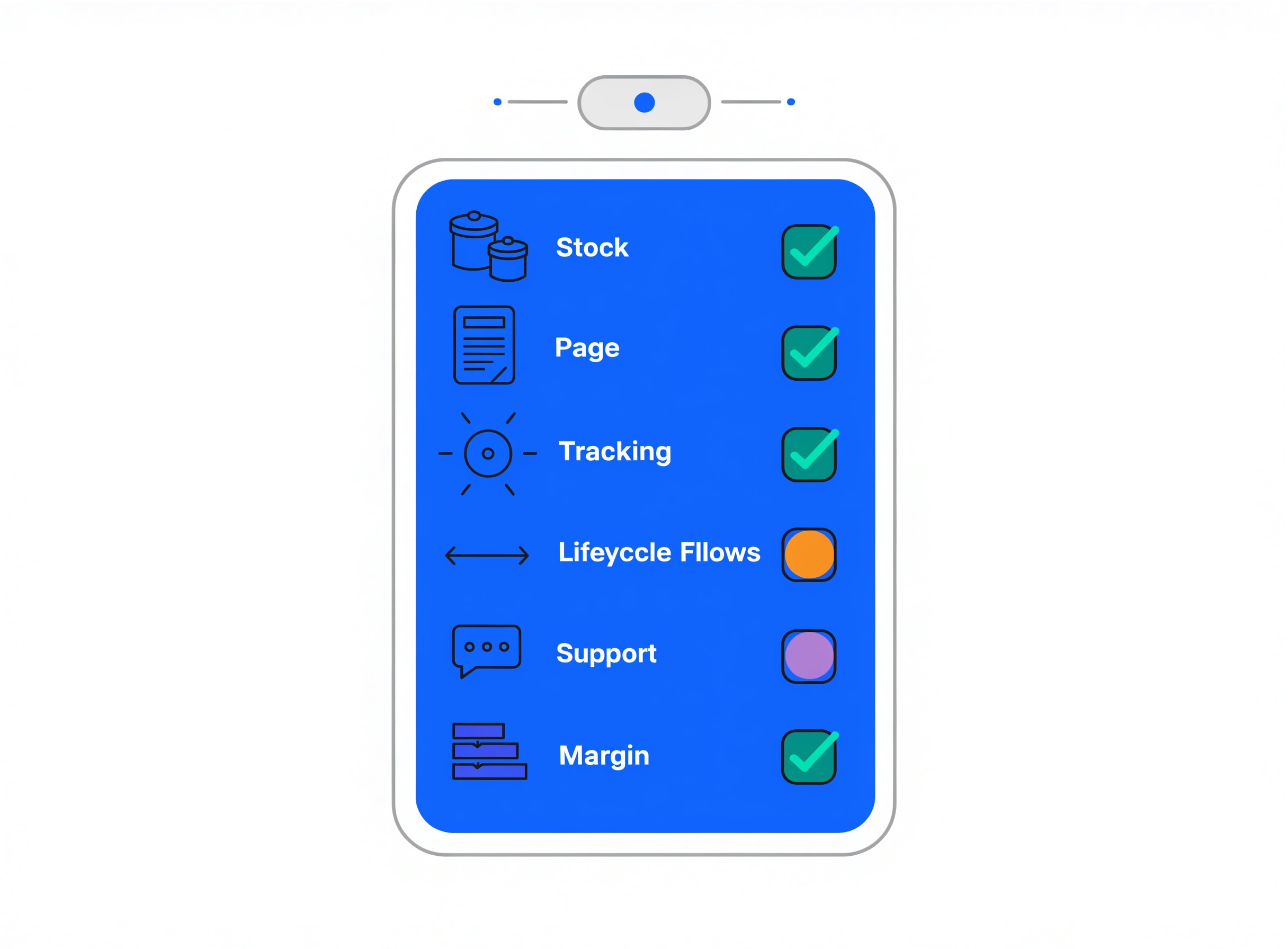
Runs a one-time go/no-go readiness check before a product or campaign launch, covering stock, page, tracking, lifecycle flows, support and margin as a checklist the launch owner signs off against. Different from a loop: this fires once, before launch, and the failure mode of not running it is exactly the failure mode of every rushed launch - something obvious was broken and nobody noticed.
When to use: Before a launch, restock, or a spend increase where the cost of finding a gap afterward is high.
How to run:
You: "Run the-launch-gate for the [X] launch."
      [context: launch scope + owners + go-live date]

Claude: -> per-area readiness verdict (green / yellow / red)
        -> the specific gaps to close before go-live
        -> the go/no-go recommendation
        -> the owner per gap
-> what the launch will not survive if it goes live with these gapsBest used with: A real launch scope, real owners, and a fixed go-live date.
Where this skill hits its ceiling: It flags; the launch owner still owns the go/no-go call.
With Intempt: Readiness verdicts attach to the launch as a signed artifact so the go/no-go call is auditable, not a hallway conversation.
6. the-loop-designer - the recurring automation, with a gate that can fail
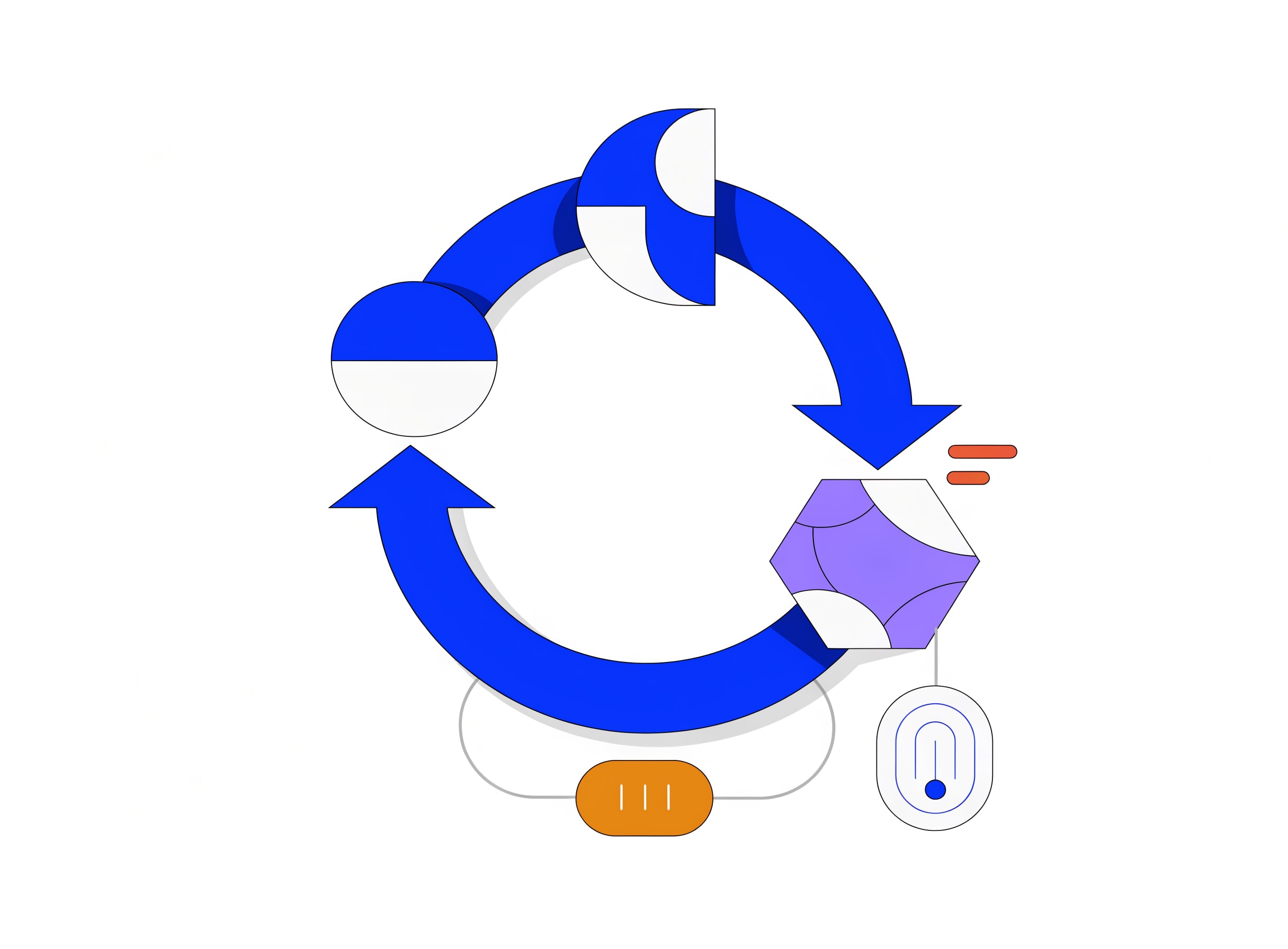
Turns a recurring store or GTM question into a runnable loop specification: a cadence, an objective gate that can fail the work, a stop condition, an approval boundary, and the state file it reads. Meant for the pattern where the same question keeps being asked by hand every week - a loop is what makes it stop being asked by hand.
When to use: When the same store or pipeline check gets re-run by hand every week. If the check has never fired "actually, do not act" as an outcome, it is not a loop yet.
How to run:
You: "Run the-loop-designer for our daily store pulse."
      [context: the question + cadence + data source + approval boundary]

Claude: -> cadence with the reason for that cadence
        -> objective gate that CAN fail (not just report)
        -> stop condition
        -> approval boundary (autonomous vs propose-only)
-> the state file it readsBest used with: A question that has been asked more than three times already.
Where this skill hits its ceiling: It designs the loop; it does not run it. That is your loop runner.
With Intempt: Loop specs plug into the recurring campaign layer so the daily pass runs against a live profile, not a Sunday CSV.
7. the-loop-ledger - the state file every loop reads
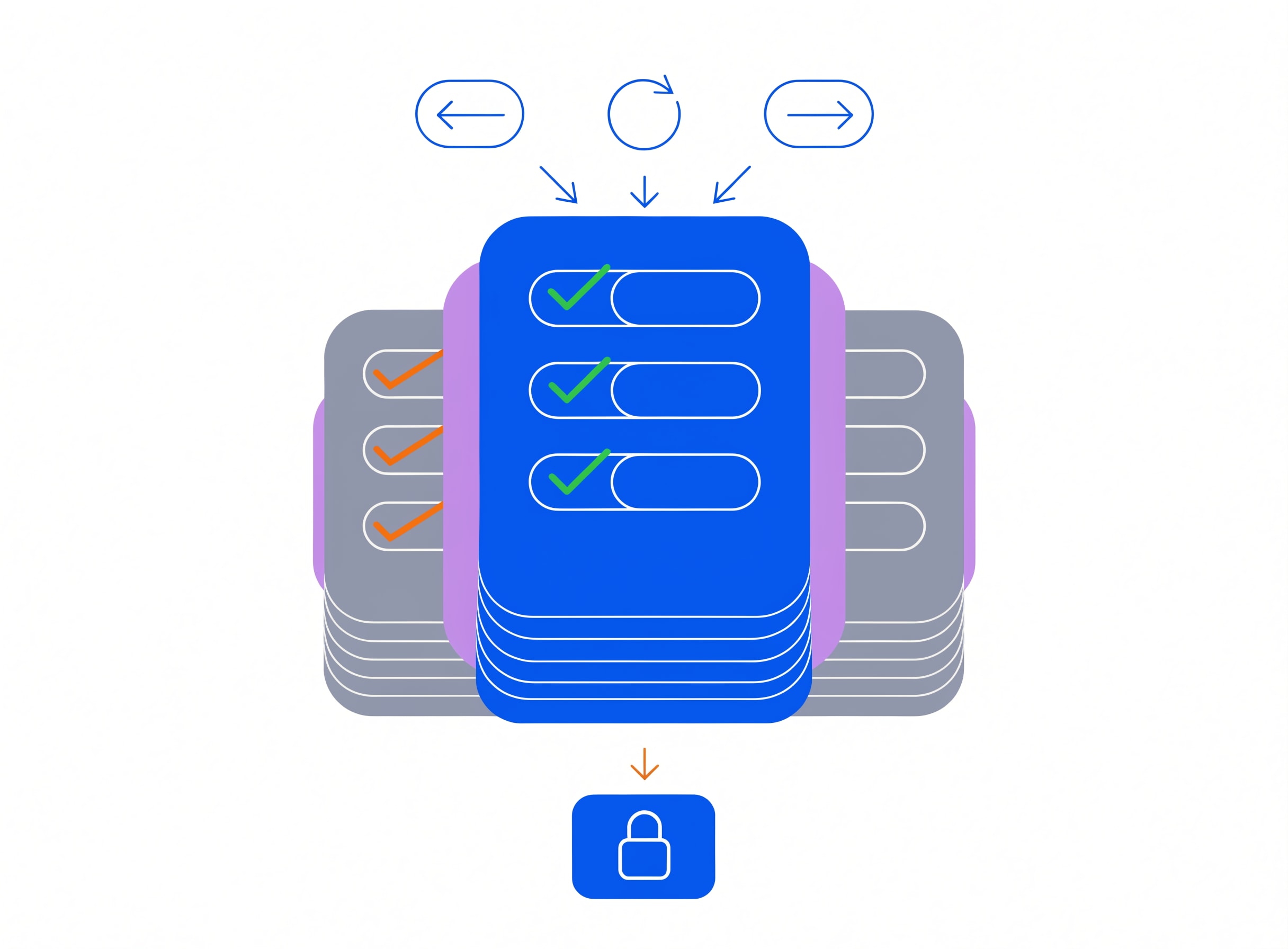
Creates and maintains a markdown state file every loop reads and appends to, recording what each run checked, what it flagged, what changed, and which recurring patterns to stop flagging. Without this, every loop re-flags the same thing forever and the team stops reading the output. That is how loops die - not from bugs, but from noise.
When to use: Before running any loop on a cadence. Also whenever a loop keeps re-reporting something already dismissed.
How to run:
You: "Set up the-loop-ledger for our store loops."
      [context: which loops + who reviews + retention window]

Claude: -> state file structure
        -> the append rule per loop
        -> the dismissal rule (when a pattern stops being flagged)
        -> the review cadence
-> the archive ruleBest used with: A named set of loops that will actually run.
Where this skill hits its ceiling: It maintains the ledger; the loops themselves are separate.
With Intempt: The ledger becomes a shared artifact across the team so the person on rotation on Monday inherits what Sunday's runner saw.
8. the-loop-auditor - the second half of every loop
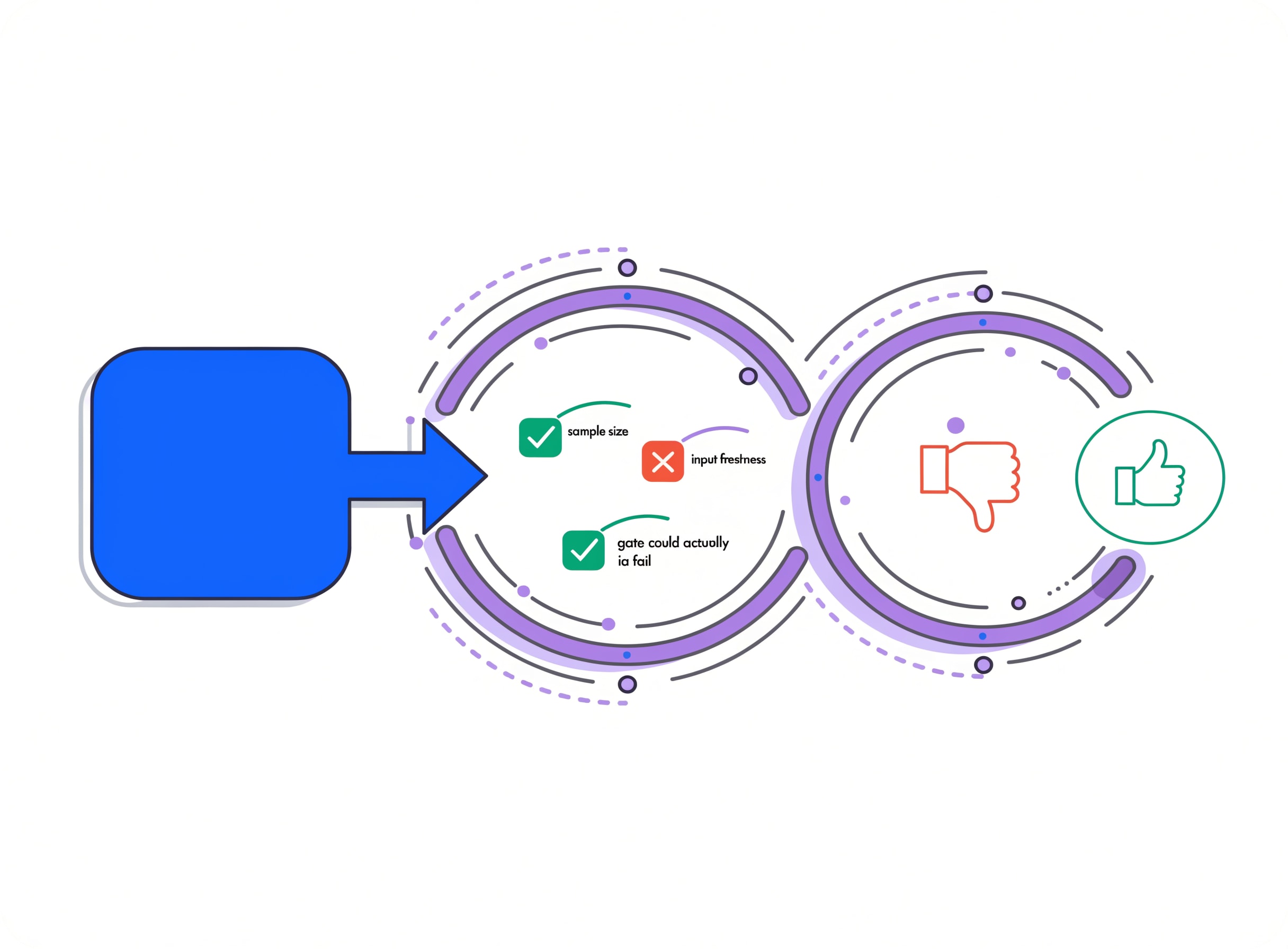
Reviews another loop's proposed change before it reaches a human, trying to refute it rather than confirm it - checking sample size, input freshness, whether the gate could actually have failed, and whether this exact change was already tried and reverted. This is the discipline that separates a loop that gets shipped from a loop that gets ignored - human review does not scale, but automated adversarial review does.
When to use: As the second half of every loop that proposes an action. Never ship a loop without one of these attached.
How to run:
You: "Run the-loop-auditor on this proposed change."
      [context: proposed change + source data + ledger history]

Claude: -> attempted refutation (not confirmation)
        -> sample size check
        -> input freshness check
        -> was this exact change tried and reverted
        -> could the gate have failed on this input
-> ship / hold / reject verdictBest used with: The ledger from the-loop-ledger so history checks are real.
Where this skill hits its ceiling: It checks the loop's output; it does not run the change.
With Intempt: Auditor verdicts attach to the proposed change so the human review has a refutation attempt attached, not a summary.
Which skill to run first, per automation problem
| The problem | Run this first | Why |
|---|---|---|
| One-off automation to build | the-workflow-builder | Spec first, then wire |
| Multi-channel customer journey | the-flow-architect | Global cap and holdouts before nodes |
| Welcome / nurture / cart-recovery | the-campaign-engine | One-off or recurring, decided up front |
| Lead handoff to sales is broken | the-routing-engine | MQL + SLA + tie-break in one spec |
| Launch this week | the-launch-gate | Green / yellow / red before go-live |
| Same weekly check happening by hand | the-loop-designer | Turn it into a supervised loop |
| Loop is re-flagging dismissed items | the-loop-ledger | State file to hold dismissals |
| Loop is about to auto-ship a change | the-loop-auditor | Refute before you ship |
The pattern here: every skill produces a spec, not a click path. That is the whole reason automations survive past their first quarter - you can read them, diff them, and retire them.
Where Claude Code skills fit alongside Intempt
Skills produce specs. Your MAP, CRM and iPaaS run the automation. Intempt runs the layer that keeps the automations honest against a shared identity graph - the campaigns, the profile, the frequency caps. The handoff is: a skill drafts the workflow or the loop, you review it, it runs inside your runner of choice against a profile the Marketing agent or the Sell workflows share.
The reason this matters: automations without a shared profile end up disagreeing with each other about the same customer. The ESP sends the abandonment email; the ads platform runs the retargeting ad; the CS tool queues the check-in; all three fire at once because none of them know what the others just did. A shared profile removes that failure mode.
What to install this week
- Install the gtm-engineer pack first if you are RevOps. the-workflow-builder and the-routing-engine live there and are the two most common first runs.
- Install the store-automation pack alongside if you run a store. the-loop-designer, the-loop-ledger and the-loop-auditor together are what makes recurring automation actually supervised.
- Do not skip the auditor. A loop without a refutation attempt is a loop that will ship a bad change the day nobody is looking.
- Write the retirement condition on every spec. The workflow you cannot sunset is the workflow you cannot supervise.
For the RevOps and GTM engineering pack write-up, see 8 best Claude skills for GTM engineering. Start for free on Intempt if you would rather run the same automations against a shared identity graph than reconcile CSVs.