
10B+events
500M+users
7+years profitable
50+enterprises
Make every nudge feel useful.
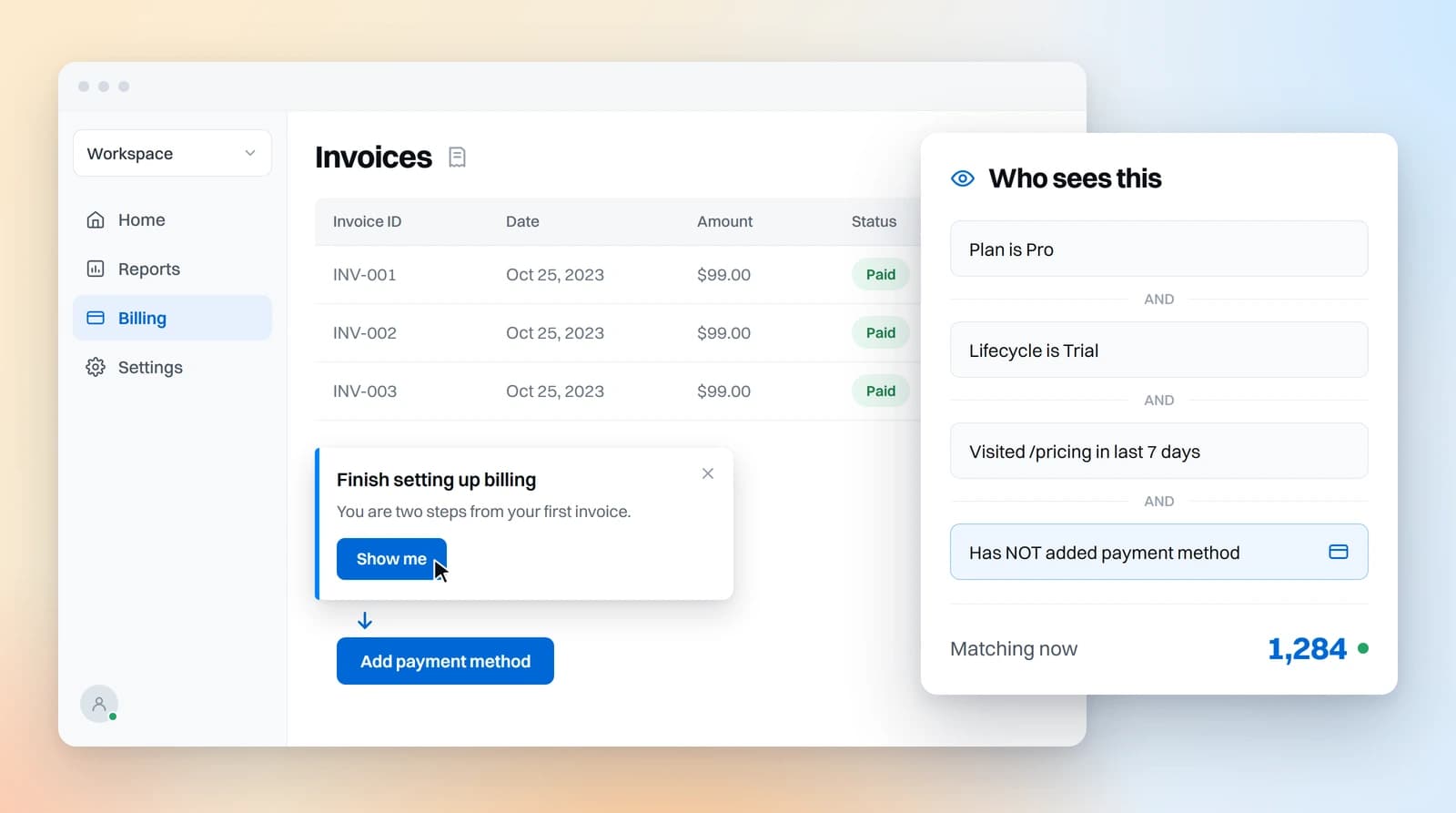
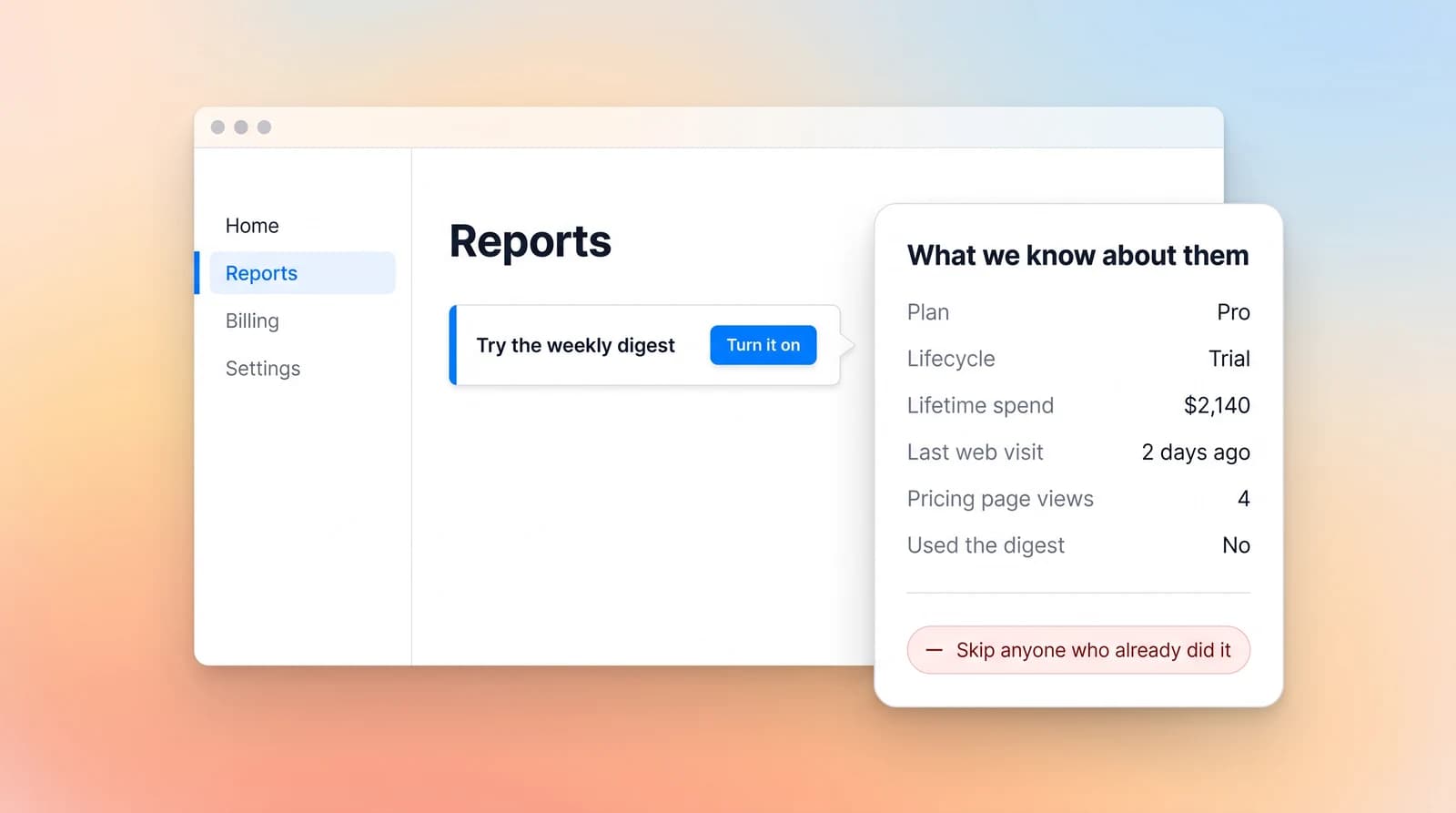
Target on anything you know about someone, not just what they did on this screen.
- Read plan, lifecycle stage, and purchase history
- Include what they did on your marketing site
- Skip anyone who already did the thing

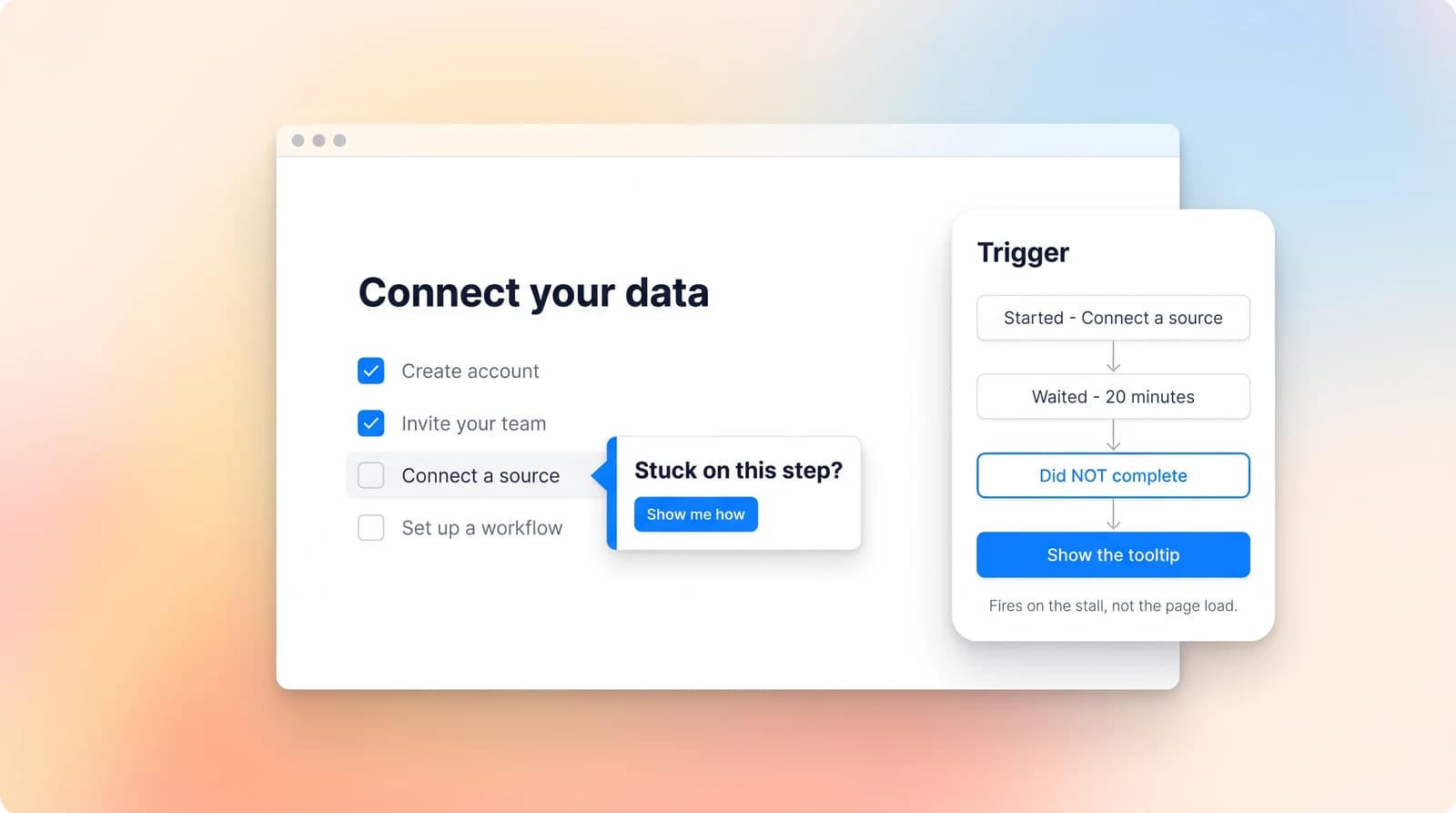
Help users when they get stuck.
Trigger on the event that did not happen, rather than on a page loading.
- Fire when someone stalls, not when they arrive
- Wait for a condition instead of a delay
- React to what they did on their last visit

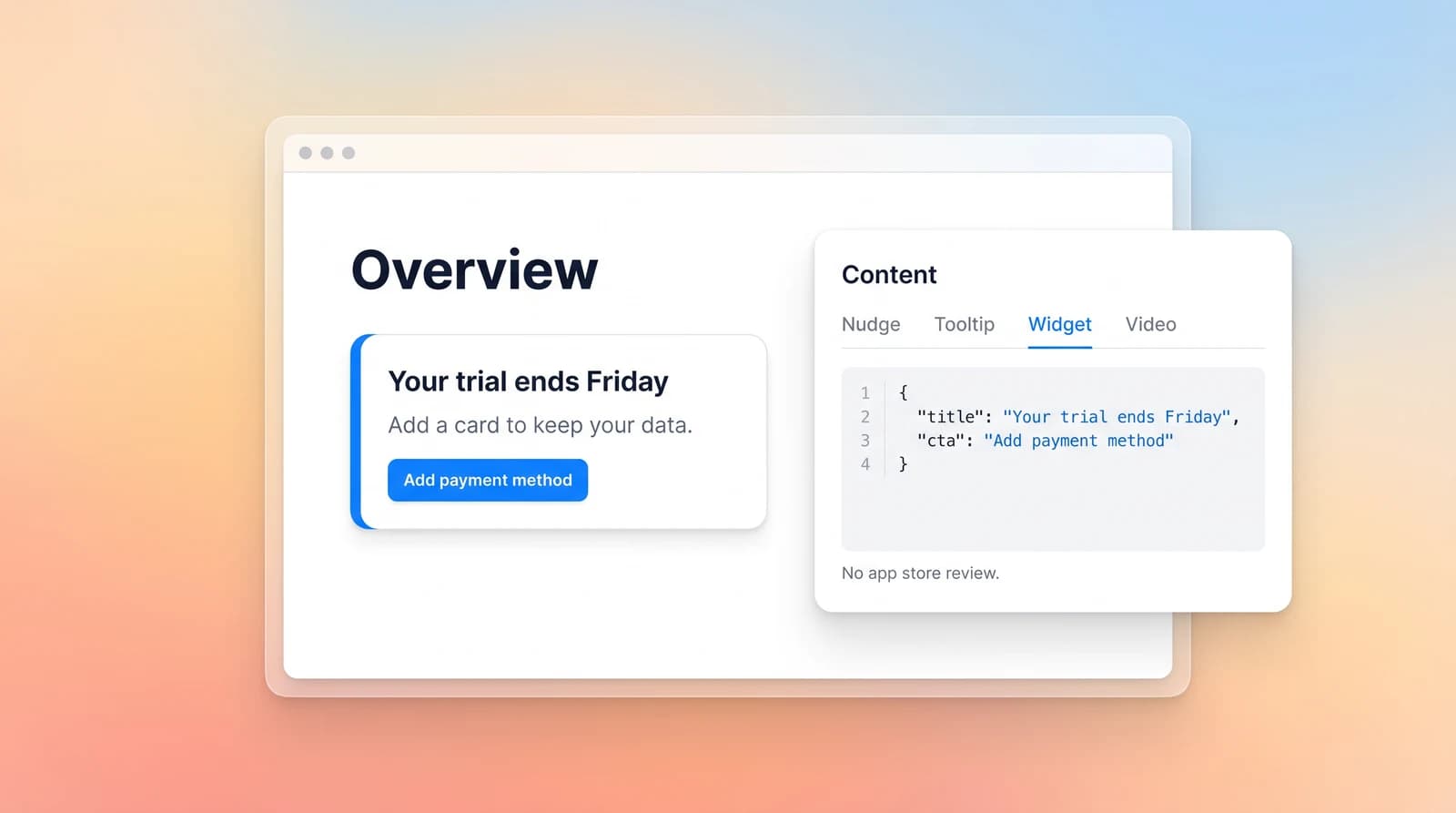
Make product content easier to change.
Define the content once and your app draws it, so changing it never touches the build.
- Put a nudge, a tooltip, an inline widget or a video in the product
- Render from a JSON value your app asks for
- Change the copy or the rule without an app store review

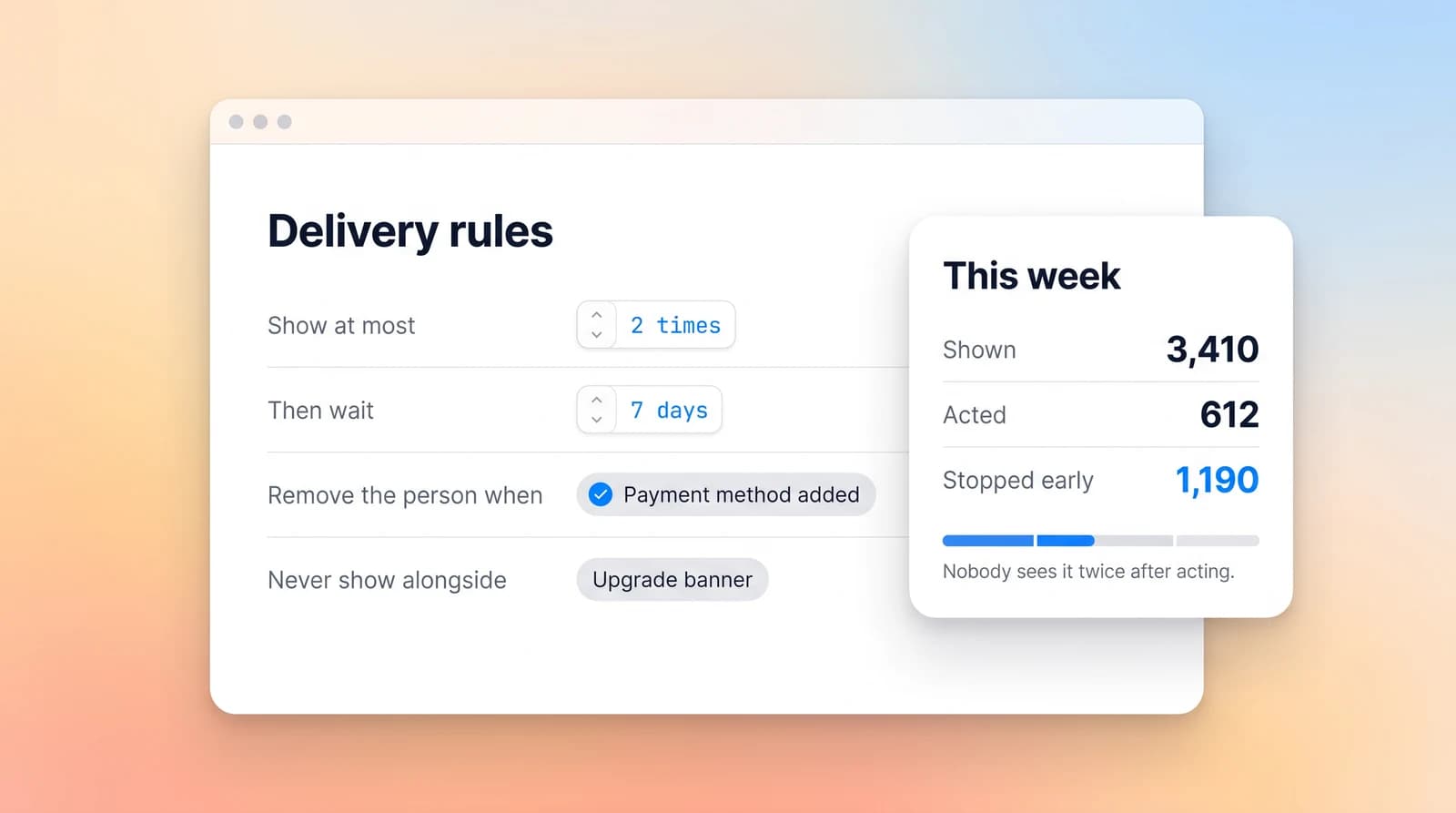
Stop asking once the job is done.
Frequency and exit rules are settings you fill in, not defaults you discover later.
- Cap how often anyone sees the same prompt
- Remove someone the moment they take the action
- Keep one person out of two prompts that contradict

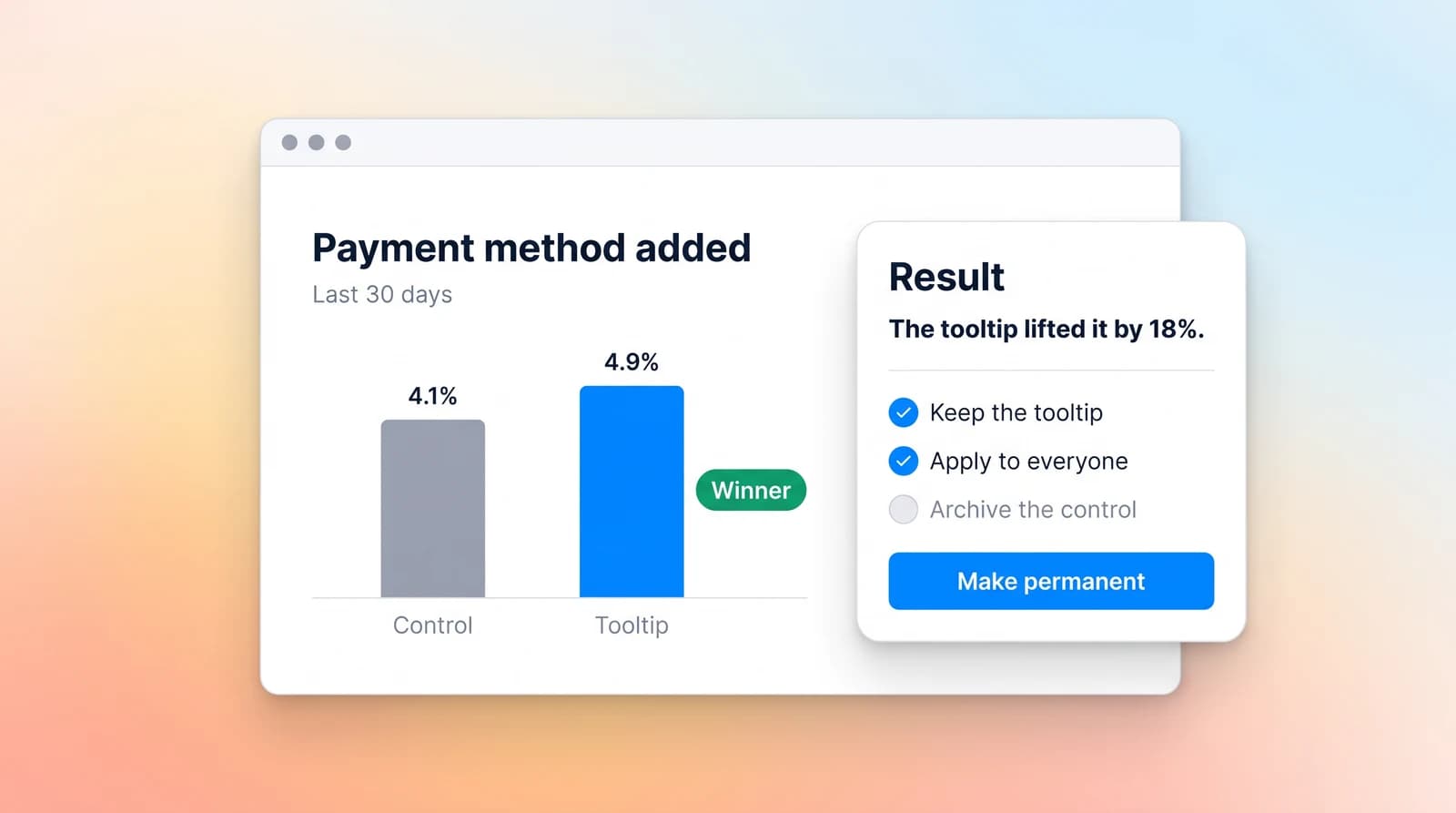
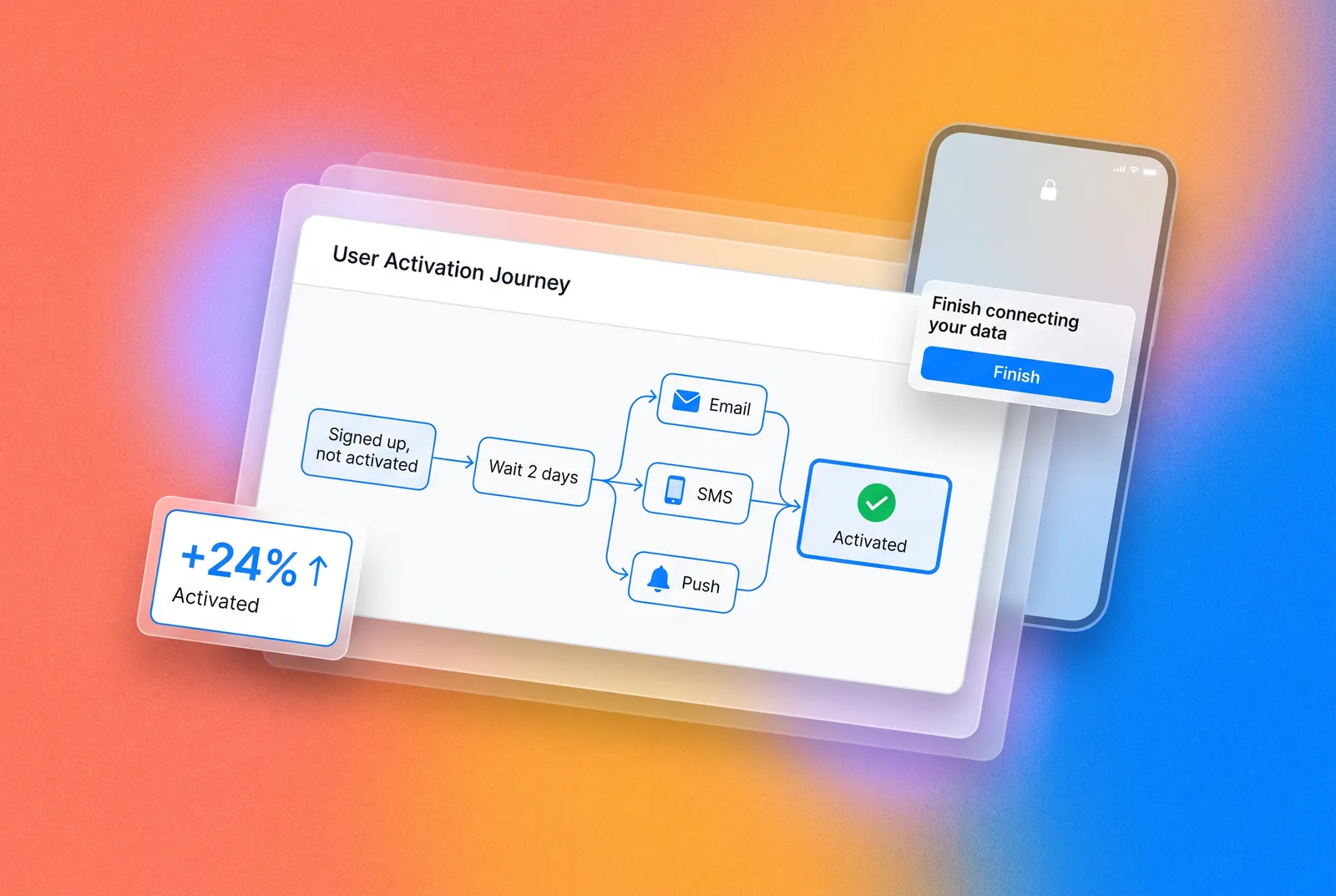
See whether the surface changed behavior.
Report against the thing you wanted them to do.
- Tie the surface to the event it was meant to cause
- Split two versions and read the call in words
- Promote the winner into a permanent rule

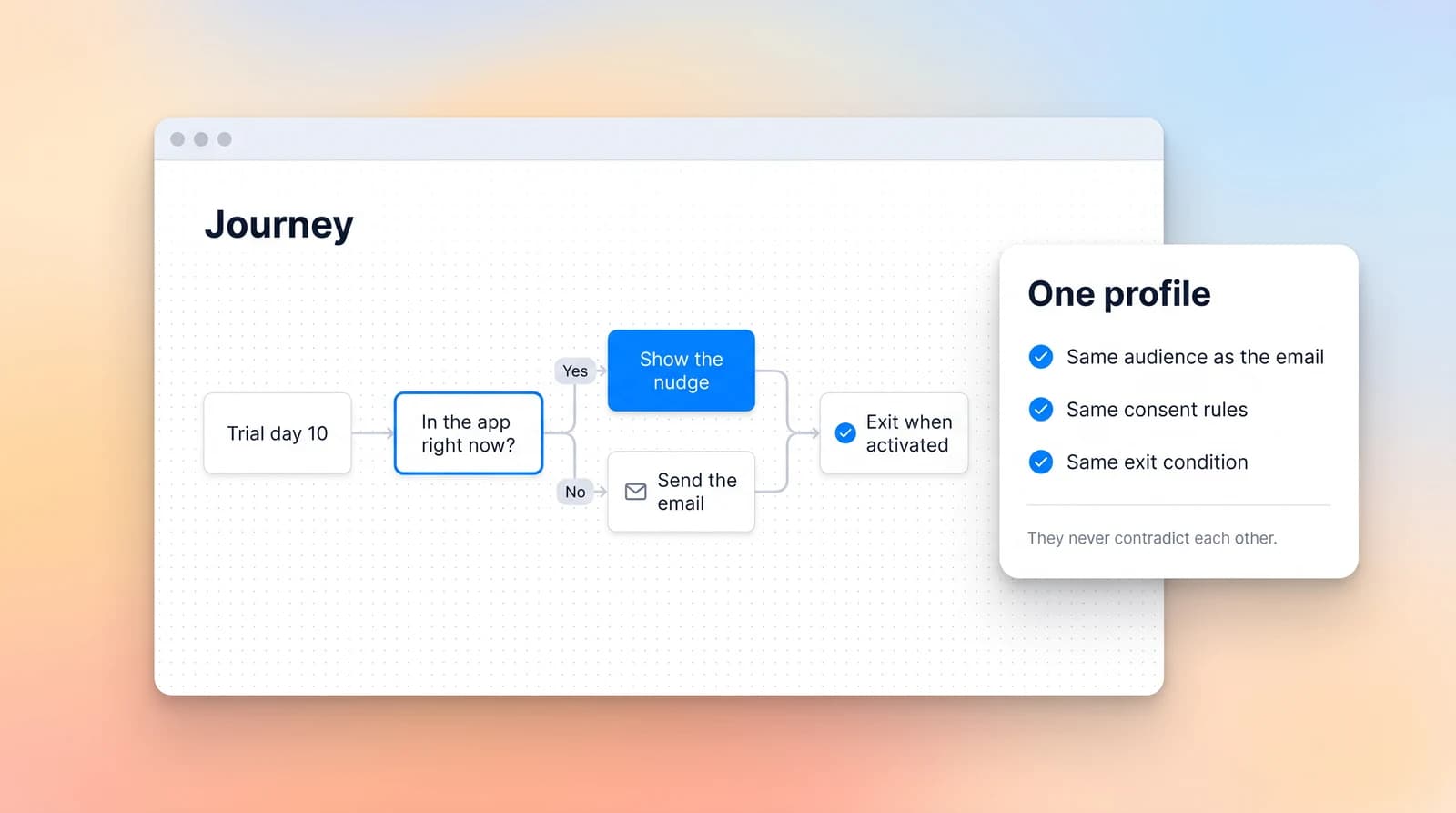
Keep every message on the same page.
The nudge and the email read one profile, so they do not say different things on the same day.
- Use the audience you already built for email
- Let one journey choose between a send and a nudge
- Stop the nudge when the journey exits

Use cases built for the metrics that matter.
Three outcomes teams measure from day one.

Wired into the toolsyour team already opens.
Slack, Stripe, Twilio, SendGrid, Gmail, Google Calendar, Firebase, Apache Kafka, AWS. Blu Agent operates them for you without a browser tab.
See every integrationTeams love it
They stopped stitching tools andhired one system.
Frequently askedquestions.
Many will, if it is shown to the wrong person at the wrong time, and that is the honest answer about every in-app prompt. Targeting is what changes the number. A prompt that appears for someone who has already done the thing is noise. A prompt that appears for the one person stuck on the step it explains is help. The difference is what the tool knows about them.
Those place the prompt well and know only what happened inside the app. They cannot see that someone read your pricing page yesterday, or that their trial ends on Friday, or that they replied to an email. It is one profile here, so targeting is the product and the surface is a rendering choice.
A nudge over the screen, a tooltip pointing at a control, an inline widget such as a card, a banner or a countdown, or a video spotlight. They appear inside your web app and your mobile app, drawn by your own code from a payload we return, rather than injected over the top of your interface.
Once. A developer decides where a surface can appear and writes the code that draws it. After that the content, the audience and the rule all change without them, and without an app store review.
Yes, and it is usually the better use. Feature discovery for people who already pay you is a smaller audience with more at stake than a first-run tour.
Yes. A nudge, a tooltip, a widget and a page element are all the same object to the experiment engine, so you split it and read the result the same way.
Putting the entry point to a feature in front of real users before you build it, then counting who tries to open it. It is the cheapest demand signal there is, and an inline widget is how you place the door.