- Reverse trials hand over the full product and then withdraw it, so the only real design question is when. Picking the moment from an activation signal rather than a fixed day count is what stops the paywall feeling arbitrary.
A reverse trial hands over the paid product on day one, so the only decision that matters is when you take it back.
Optimize the timing to nudge users toward subscribing to a paid plan. Automatically offer power users a premium experience trial to help them build a habit and consider upgrading to a premium plan.
Overview
Optimizing the timing and approach for nudging users toward subscribing to a paid plan is crucial for increasing conversion rates. Offering engaged users a premium experience trial can help them build a habit and incentivize upgrading to a premium plan.
This use case focuses on creating a personalization campaign that offers a reverse trial if the user matches the "Power user" criteria.
Good to know
A reverse trial means that if the user does not upgrade, it reverts to the Free plan after the trial period ends.
Benefits
Increased conversion rates. Offering targeted trial experiences can effectively nudge power users to subscribe to the Premium plan.
Enhanced user experience. Tailoring the trial experience based on user behavior provides a more personalized and engaging experience.
Higher user retention. Providing a taste of the Premium features can help build user habits and increase long-term retention. What keeps a user once the trial is over depends on their state, which our retention strategies sorted by customer state break down.
Data-driven optimization. Using user behavior data to optimize trial offers ensures a more effective conversion strategy.
How It Works
Track usage, find the moment a user first depends on a paid capability, and place the paywall there rather than on a date.
Step 1. Set up tracking for user activity
Instrument the events that indicate real use, not logins.
Install Intempt's iOS SDK:
Add the iOS SDK so trial usage is recorded per account rather than inferred from logins. The SDK integration guide covers the events worth instrumenting for a trial, which is a shorter list than it looks.
Step 2. Define key user events
Pick the two or three events that separate a user who has adopted the product from one still looking around.
Identify key events:
Track user activities such as listening to songs and visiting the subscription page. For example, song_listened and subscription_page_viewed.
Set up event tracking:
Configure these events by adding the "track" or "record" methods in your iOS app. Refer to the iOS SDK guide for a complete event tracking guide.
Step 3. Create segments based on user behavior
Split by whether the dependency event has happened yet, because that is what the paywall should respond to.
Create segments in Intempt:
In Segments, split the trial cohort by whether the dependency event has fired yet, because that is the only split the paywall should respond to. For instance:
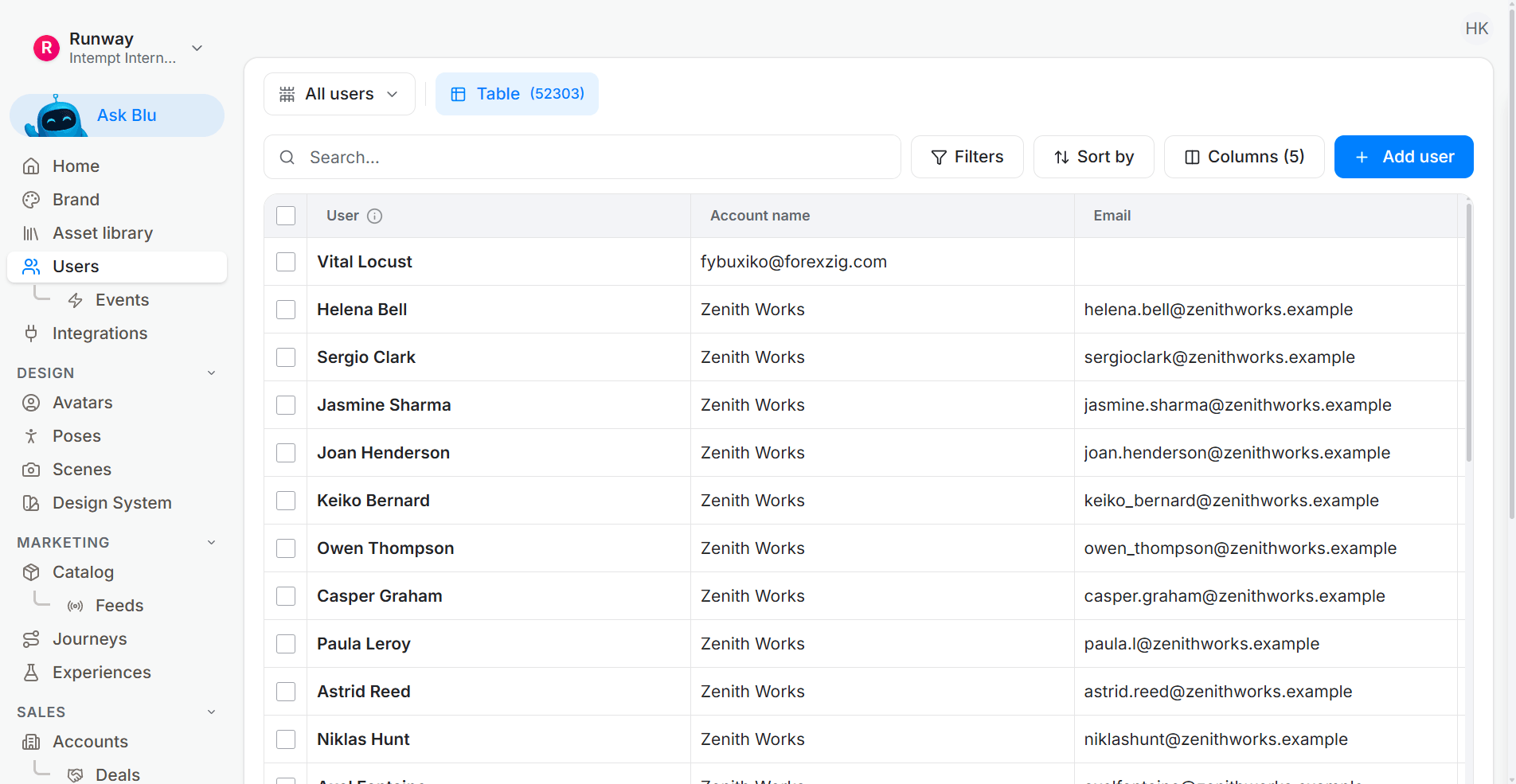
- Power Users - High Interest: Users who signed up in the last 7 days, listened to more than 100 songs, and visited the subscription page more than 5 times.
- Power Users - Moderate Interest: Users who signed up in the last 7 days, listened to more than 100 songs, and visited the subscription page less than 5 times.
Step 4. Set up server-side personalization
Personalization allows you to deliver targeted content to users based on their behavior. We will create multiple experiences tailored to different user segments in this case.
Create a new personalization campaign:
Go to the Personalizations section and create a new server-side personalization campaign named "Reverse Trials & Paywalls".
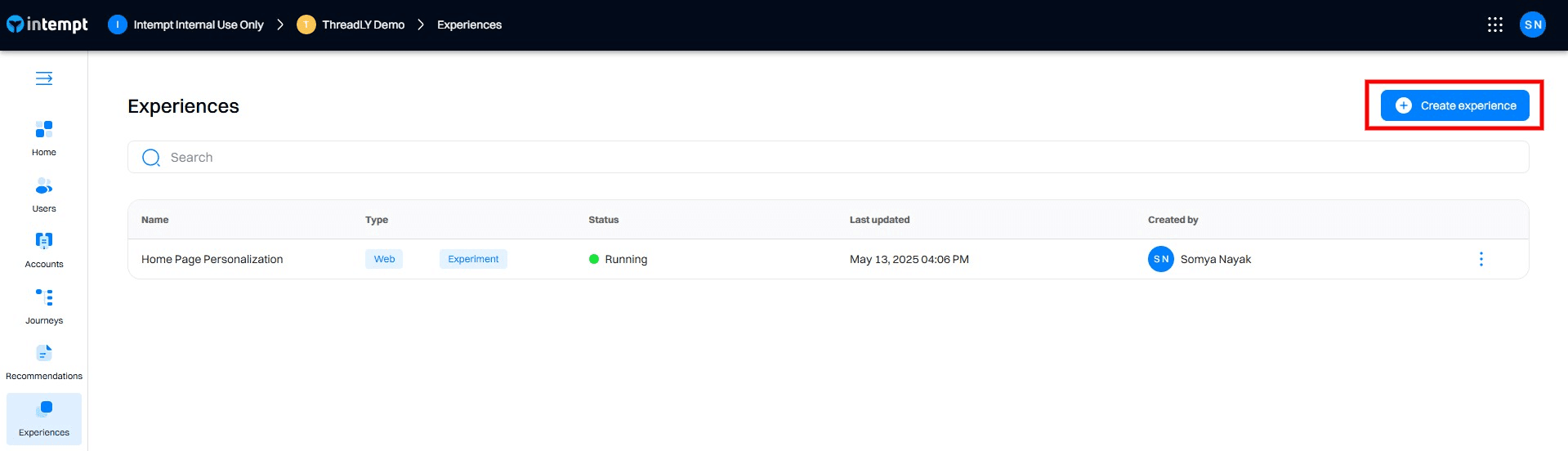
Add experiences for each user segment:
Create experiences within the campaign, each targeting a different segment using the code editor. Ensure that targeting conditions are based on the user behavior attributes.
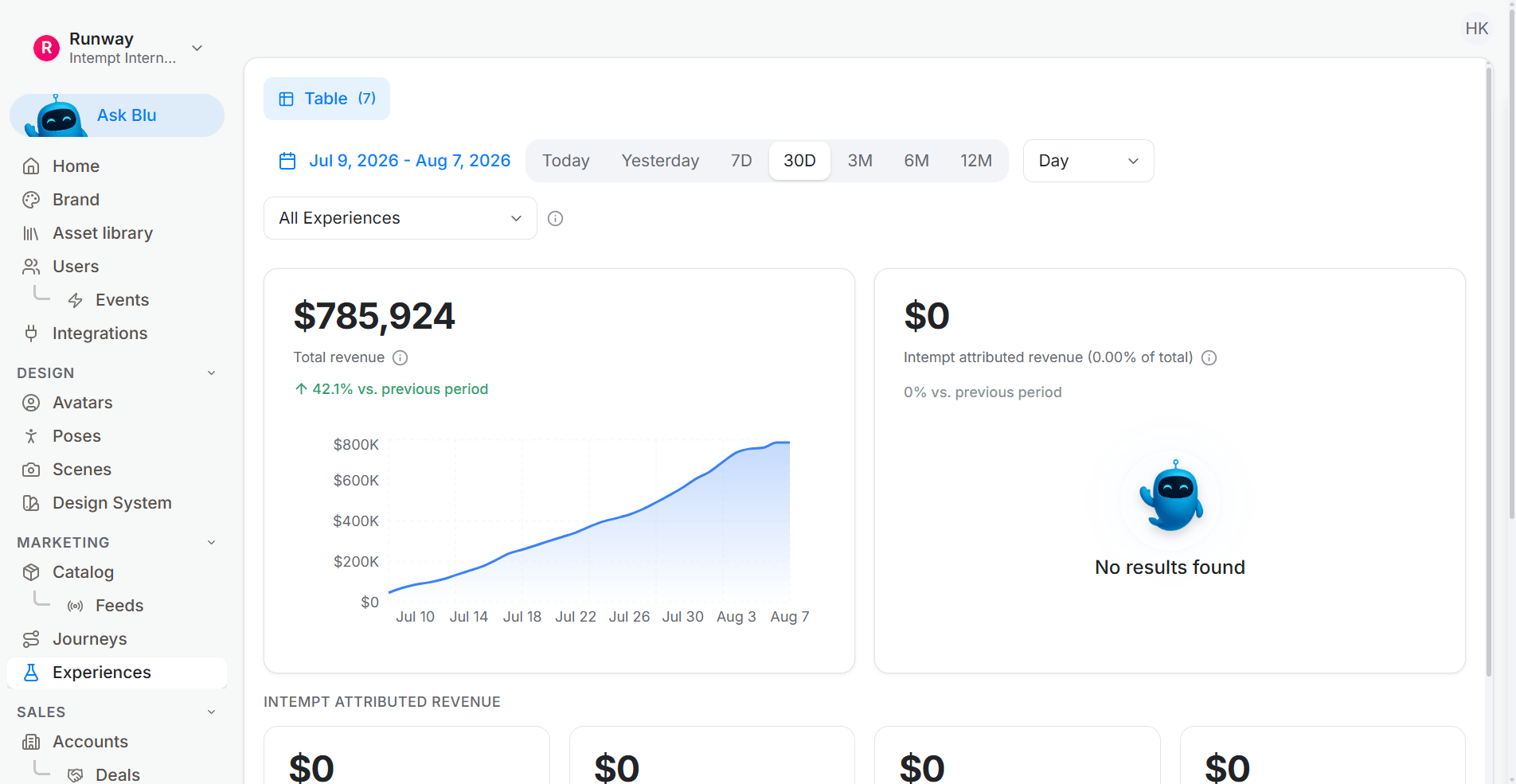
Experiences
Vary what the paywall says by which capability the user actually leaned on.
3-day Premium Trial:
Targeting: Users that belong to Power Users - High Interest segment.
Changes:
Title: Limited offer for unlimited access. Get a 3-day Premium trial.
Body:
- Ad-free music listening
- Download to listen offline
- Unlimited skips
- On-demand playback
Steps to configure:
- Open Code Editor: Select the experience for Power Users - High Interest and open the code editor.
- Edit Content: Define the personalized content with the title and feature list.
Explanation: This experience targets users who have shown high interest in subscribing by frequently visiting the subscription page. Offering a shorter 3-day trial uses their high intent to convert them quickly.
Experience for 5-day Premium Trial:
Targeting: Users that belong to Power Users - Moderate Interest segment.
Changes:
Title: Limited offer for unlimited access. Get 5-day Premium trial
Body:
- Ad-free music listening
- Download to listen offline
- Unlimited skips
- On-demand playback
Steps to configure:
- Open Code Editor: Select the experience for Power Users - Moderate Interest and open the code editor.
- Edit Content: Define the personalized content with the title and feature list.
Explanation: This experience targets users who have shown moderate interest in subscribing by visiting the subscription page fewer times. Offering a longer 5-day trial provides more time to experience the Premium features and incentivizes them to subscribe.
Step 5. Configure targeting and display settings
Target the segment, not the whole trial cohort, and cap how often the prompt appears.
Set targeting conditions:
For each experience, configure the audience targeting based on the relevant behavior. Ensure that the conditions match the specified criteria for each segment.
- 3-day Premium Trial: Users who belong to Power Users - High Interest segment (signed up in the last 7 days, listened to more than 100 songs, and visited the subscription page more than 5 times).
- 5-day Premium Trial: Users who belong to Power Users - Moderate Interest segment (signed up in the last 7 days, listened to more than 100 songs, and visited the subscription page less than 5 times).
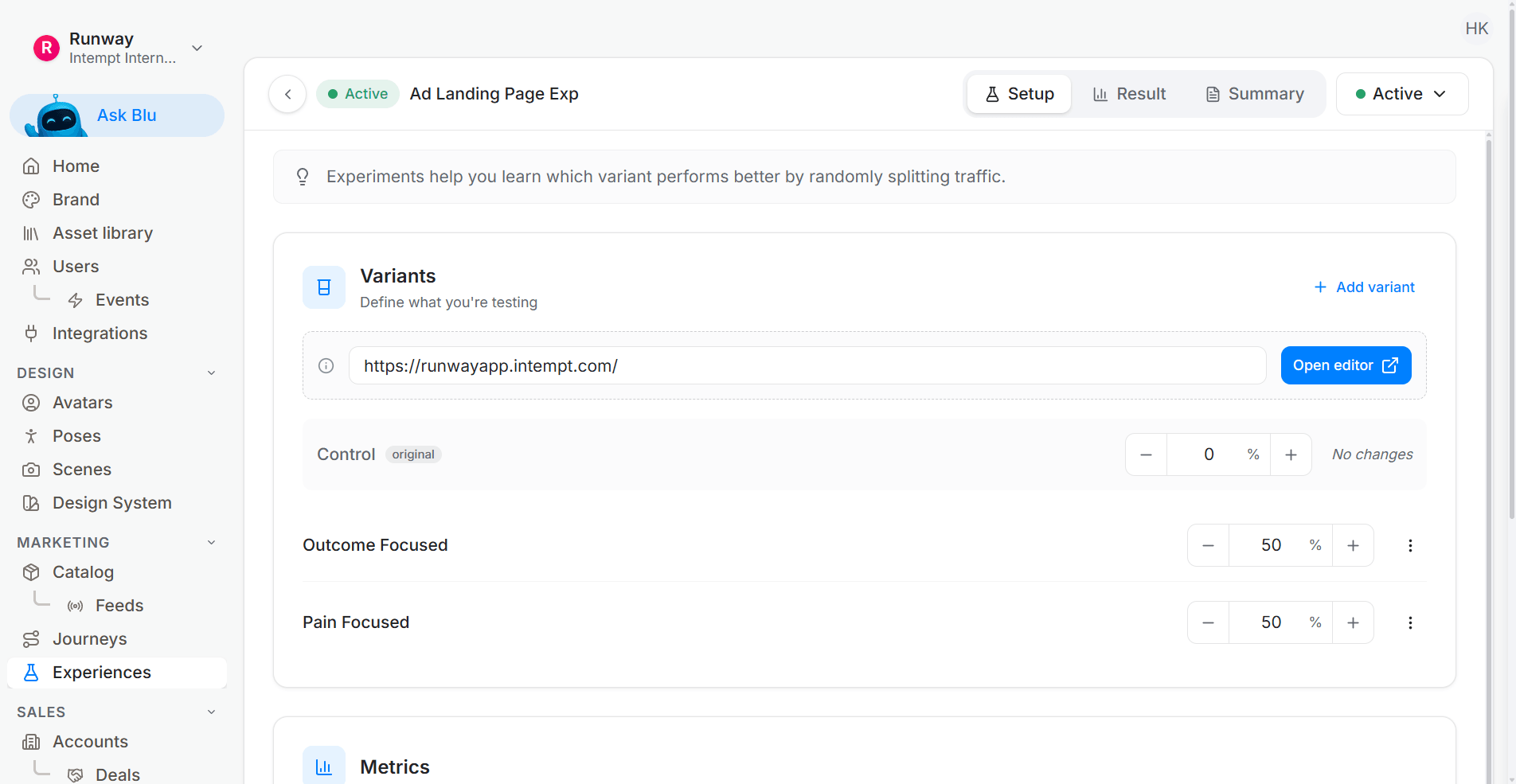
Define display rules:
Set the display frequency to ensure the personalized content is shown only once per session.
Step 6. Launch and monitor the personalization campaign
Watch conversion alongside trial-abandon rate, because a paywall that converts well can still be scaring people off earlier.
Start the personalization campaign:
With the paywall variants targeted to the right segments, launch and watch the first full trial cohort through.
Monitor performance:
Watch paywall conversion and trial-abandon rate side by side in Personalization Analytics, because a paywall can convert well while pushing people out earlier. Key metrics to monitor include:
- Unique views: Number of users who viewed the personalized content.
- Conversion: Number of users who completed the desired action, such as subscribing to the Premium plan.
- Conversion %: Percentage of users who converted based on the total audience targeted.
- Lift: Improvement in conversion rate compared to the control group.
Adjust and optimize:
Based on the analytics data, make necessary adjustments to the experiences to improve performance. For example: refine targeting criteria, test different trial durations (e.g., 7-day trial), enhance trial features, run A/B tests, or add personalized follow-ups.
Common mistakes that break a reverse trial
Reverse trials fail less often on the offer and more often on the mechanics around it.
- Picking the wrong dependency event. "Opened the app" is not dependency, it is habit. Pick the action a user cannot easily give up once they start relying on it, like ad-free listening or offline downloads, and time the paywall to that instead of to login count.
- Burning trial days on inactivity. A calendar-day trial charges a user for the three days they didn't open the app. A usage-day trial, counted in sessions or active hours, gives every user a fair shot at reaching the dependency moment before the clock runs out.
- No soft landing at expiry. Cutting a power user straight back to Free mid-session, with no warning, reads as a bug rather than a business decision. Warn at 24 hours out and let the downgrade happen between sessions.
- Same trial length for every segment. The split above between High Interest and Moderate Interest exists for exactly this reason. A segment that shows less intent needs more time inside the paid experience to reach the dependency moment, not less.
Track trial abandonment by day, not just by outcome. If most drop-offs happen on day one, the trial is confusing before it has a chance to prove value. If they cluster right before expiry, the paywall message needs work, not the trial length.
Trigger it from usage
Everyone argues about trial length and almost nobody instruments the moment a user first depends on the paid feature. That moment, not day 14, is where the paywall belongs.
Finding the dependency moment means watching feature use per account in real time, and that watch runs inside the agentic GTM software. The usage-based upgrade trigger recipe fires on the dependency event rather than a day count.
A reverse trial works when the paywall lands on a dependency, not on a date. Start with Intempt.