

- Most AI sales emails don't improve. They get rewritten on opinion, and nobody measures the old version against the new one.
- On September 28 Anthropic added two commands to Claude Code: /claude-api build-eval, which builds a test for your AI feature, and /claude-api hillclimb, which improves it against that test one change at a time.
- For cold email, the answer key is your inbox. Label 50 to 100 past sends by the reply they got, build the grading rubric from what interested replies had in common, let hillclimb improve the prompt, then send old and new side by side. When the rubric and reply rate disagree, reply rate wins.
Most AI sales emails don't get better over time. They get rewritten.
Someone reads a few replies, decides the opener is too long, changes the prompt, and sends the next batch. Maybe it helped. Maybe it didn't. Nobody can tell, because nobody measured the old version against the new one on the same prospects.
So the prompt drifts. It picks up every rep's opinion, and six months later nobody knows why it says what it says.
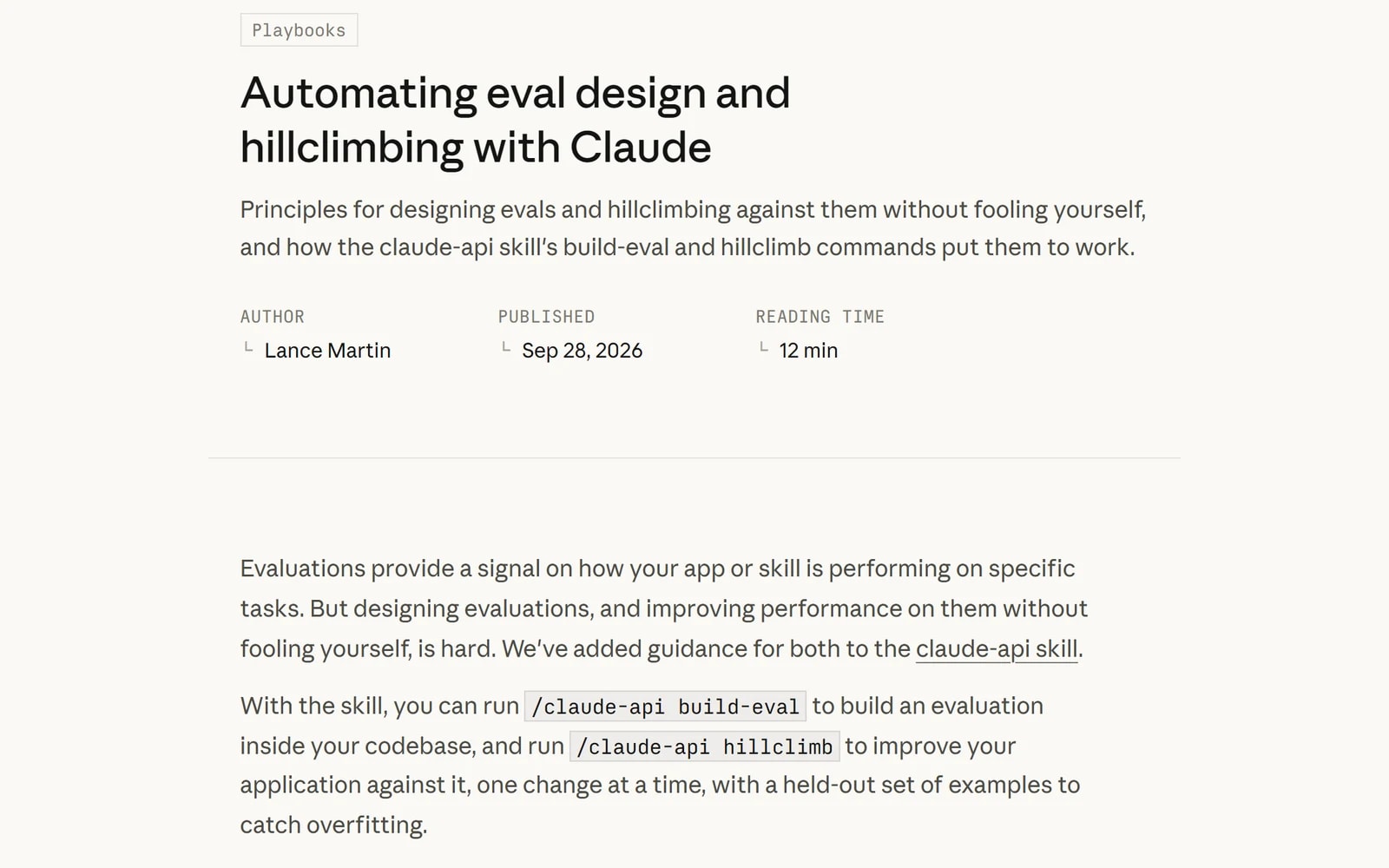
On September 28, Anthropic shipped the fix for this inside Claude Code. The claude-api skill now has two commands: /claude-api build-eval builds a test for your AI feature, and /claude-api hillclimb improves the feature against that test, one change at a time. Anthropic's write-up runs it on a support-ticket router: accuracy on tickets it never trained on went from 78.6% to 90.5%, at about a fifth of the cost.
That was support tickets. This article is the same loop for cold email.
Quick note: I run Intempt, agentic GTM software behind the recipe in Step 5, and two of our free Claude skills and one of our recipes show up below. Every step works with your own email prompt and your own sending tool. Intempt is the part that sends the emails and tracks the replies, which is what makes the loop honest.
Here's what we'll cover:
- the one rule that decides whether this works
- the setup
- five steps from a pile of replies to a better prompt
- how to check the result against real reply rate
- the things you should never let it do on its own
The one rule
Grade against replies you actually got, not against what you think a good email looks like.
Every team has opinions about cold email. Shorter is better. Never open with "I." Always name the trigger. Some of those are true for your buyers and some aren't, and an eval built on opinions just automates the opinions.
It's the same reason signal-based selling works best on data you already own. The strongest evidence about your buyers is what they already did.
Your inbox already has the answer key. Every email you sent either got an interested reply, a polite no, or nothing. That's the data this whole setup runs on.
The setup
You need three things:
- Claude Code, version 2.1.259 or later. Run
claude --versionto check andclaude updateto get the latest. The two commands live in the claude-api skill that ships with it. They run in the Claude Code terminal and desktop app. I checked the web version and they don't show up there yet. - Your email prompt, in a small script that calls Claude. The eval tests an app, not a prompt sitting in a doc. If your emails come from a prompt in a tool, copy it into a short script that takes a prospect and returns an email. Claude Code will write the script for you in a minute.
- 50 to 100 emails you've already sent, with whatever came back. Anthropic's guide asks for 15 to 100 examples for a first eval. Fewer than 15 and one odd case swings the score.
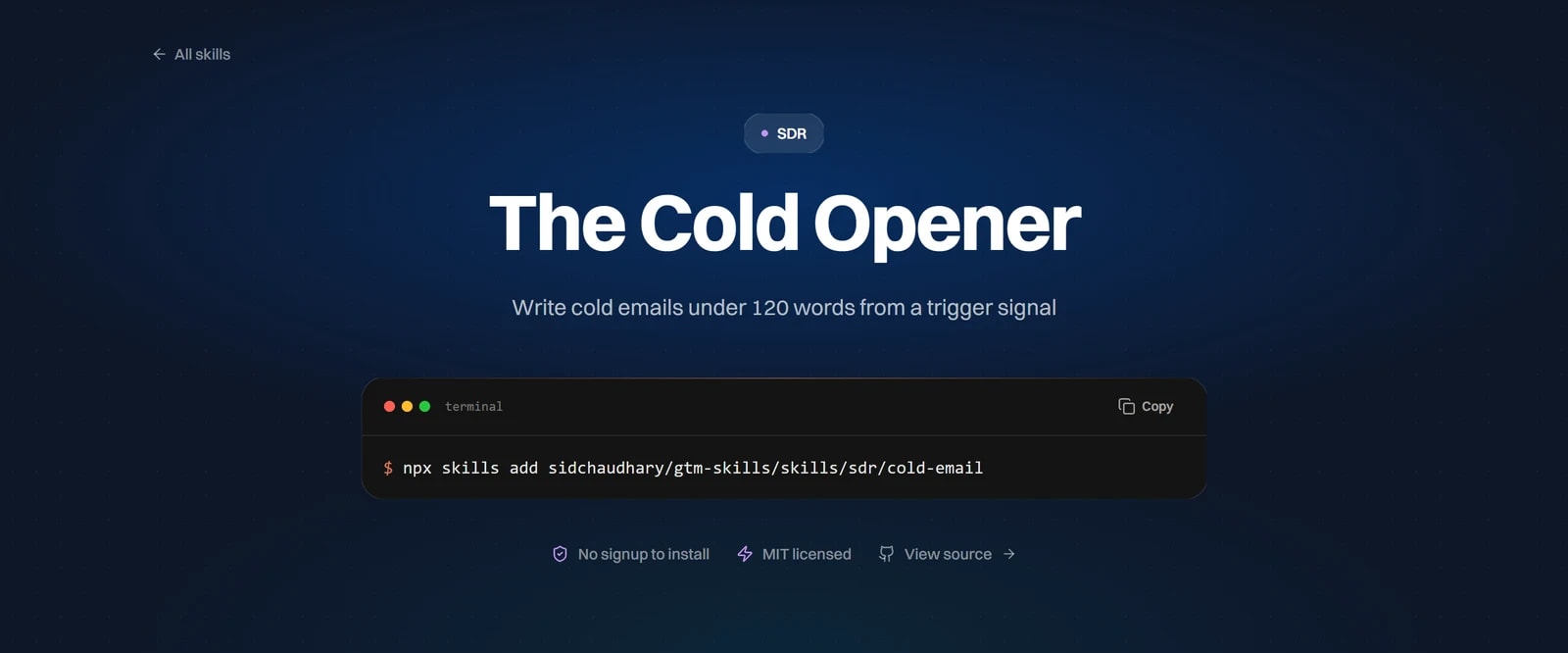
If you don't have a prompt yet, the Cold Opener is a free Claude skill that writes cold emails under 120 words from a trigger signal. It's a single SKILL.md file, which is exactly the kind of thing hillclimb can edit.
Step 1: turn your replies into an answer key
Export your last 50 to 100 sent emails with the reply to each one, including the ones that got nothing. Then label them.
Here are sent cold emails, each with the reply it got (or "no reply").

Label every reply as one of: Interested, Later, Referred, Objection, Dead, Angry.
No reply counts as Dead.

For each one, return: the email ID, the label, and the one line from the reply that decided it.

Then give me the counts per label, and list any reply you weren't sure how to label.

Emails and replies:
[paste here]Check the "not sure" list yourself. Those are the cases where your labels will be wrong, and wrong labels poison everything after this. Hamel Husain's Your AI Product Needs Evals makes the case better than I can: most of the value comes from actually reading your data, so make it easy to read.
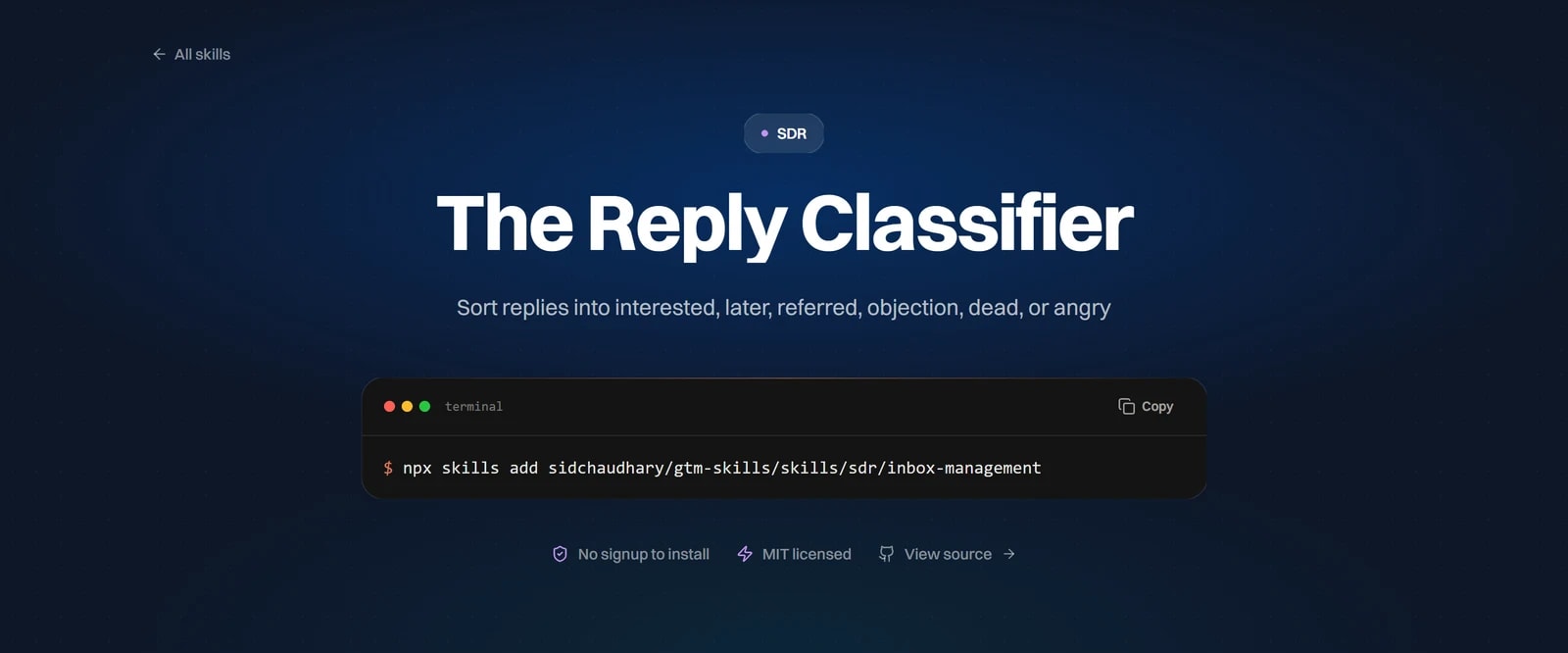
Connected: the Reply Classifier does this sorting with the same six labels, and hands back the evidence and next action for each reply. Run it on the export instead of the prompt above.
Step 2: build the eval
Open Claude Code in the folder with your script and run:
/claude-api build-eval cold email opener: given a prospect and a trigger, write the first email. Use the labelled sends in replies.csv as the examples.One honest caveat first. Hamel's first take on the workflow was that it builds evals before looking at data. That's why Step 1 comes before this one. By the time you run it, you've already read your replies.
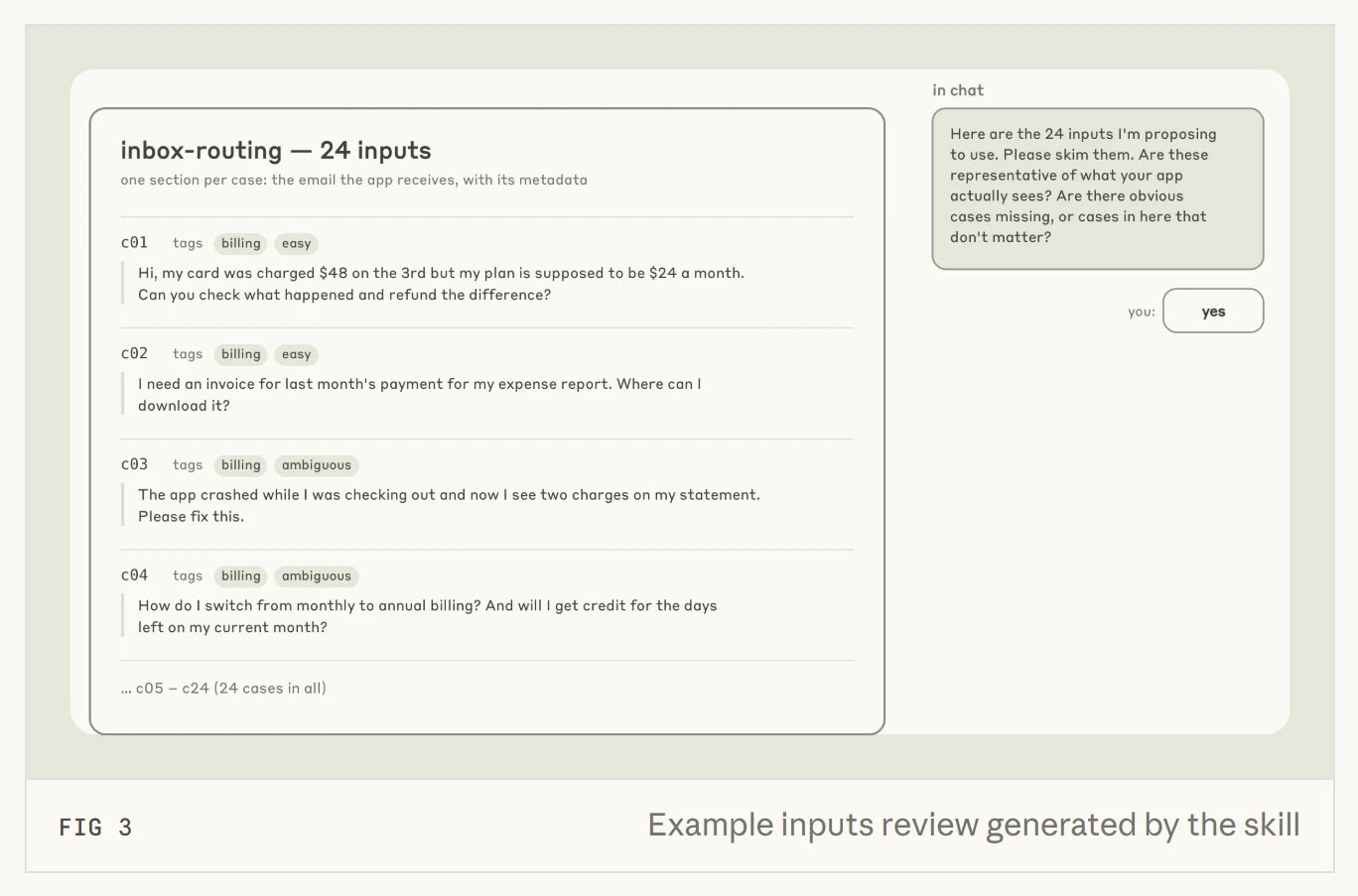
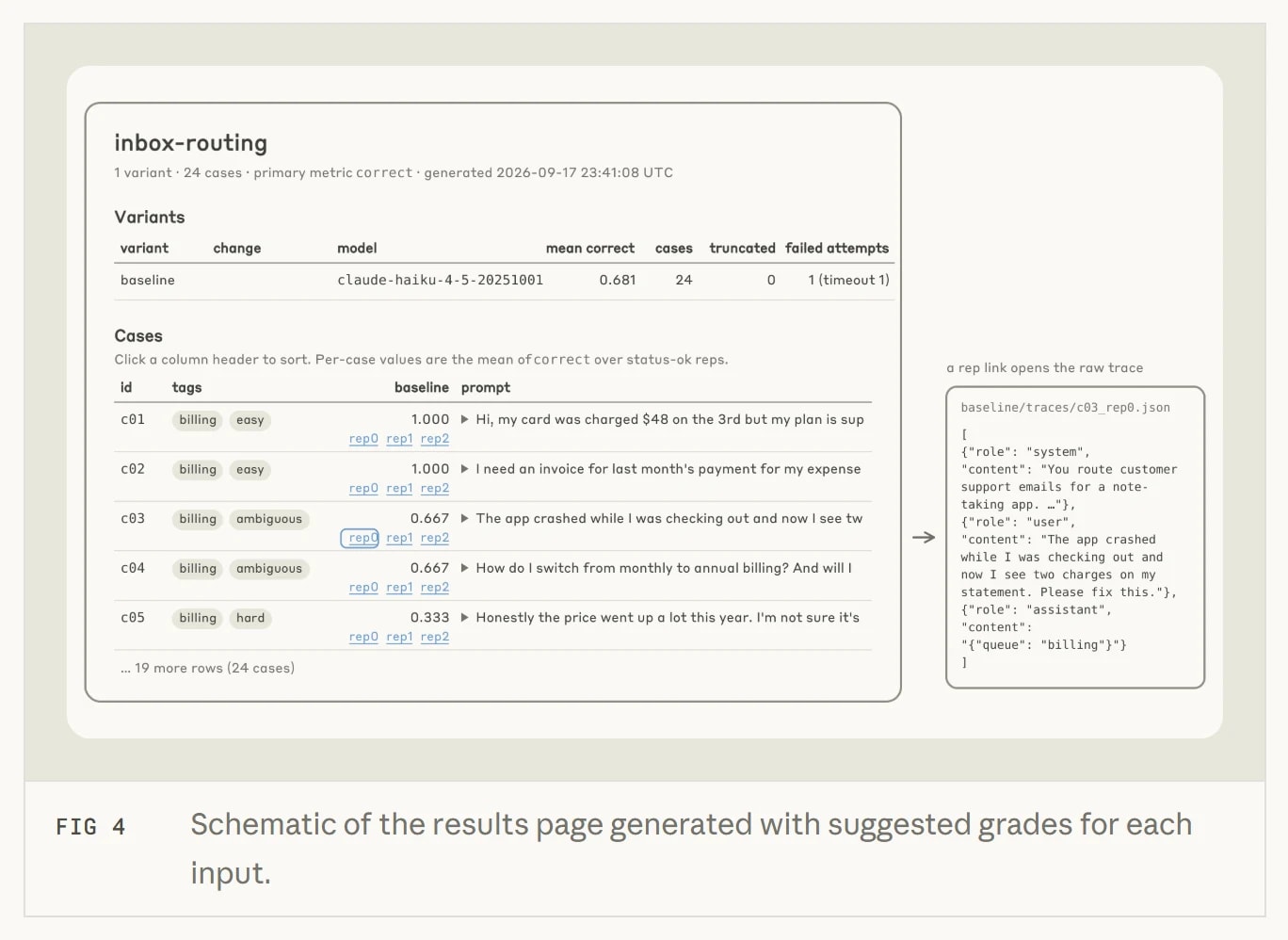
It runs an interview instead of guessing. It asks what exactly you're measuring, where the examples come from, how to grade them, and what a run will cost. It stops for your yes twice, once on the examples and once on the grading. Don't click through those. They're the reason you'll trust the number later.
For grading, the guide's own advice for drafted emails is a model-graded rubric: a second Claude call reads each email against a short list of criteria and scores it. The trick is where the criteria come from. Don't write them from memory. Pull them out of the answer key:
Compare the emails labelled Interested with the emails labelled Dead.

List the differences that show up in most Interested emails and in few Dead ones: length, what the first line does, whether it names the trigger, how it asks. Give each difference with a count, like "first line names the trigger: 31 of 40 Interested, 9 of 60 Dead".

Only list differences with a real gap between the two groups. Then turn the top five into a grading rubric, one line each.Now the rubric describes what worked for your buyers, not what a blog post said works.
The guide also has you run the grader on a handful of cases and look before you trust it. If you'd have scored even one of them differently, fix the rubric first.
Step 3: let hillclimb improve the prompt
With the eval in place, run:
/claude-api hillclimbIt asks three things before it touches anything:
- The goal. Raise the score, cut the cost per email while holding the score, or move to a cheaper model.
- What it may change. Point it at your email prompt, or the SKILL.md file if you're using the Cold Opener.
- What's off-limits. Put your pricing, your offer, any claims legal signed off, and your booking link here. The loop treats that list as a hard rule.
Then it splits your examples into a train set it can read and a test set it never sees. Each round it reads the train failures, proposes one change, and reruns everything. If the train score goes up but the test score doesn't, it assumes it overfit and reverts the change.
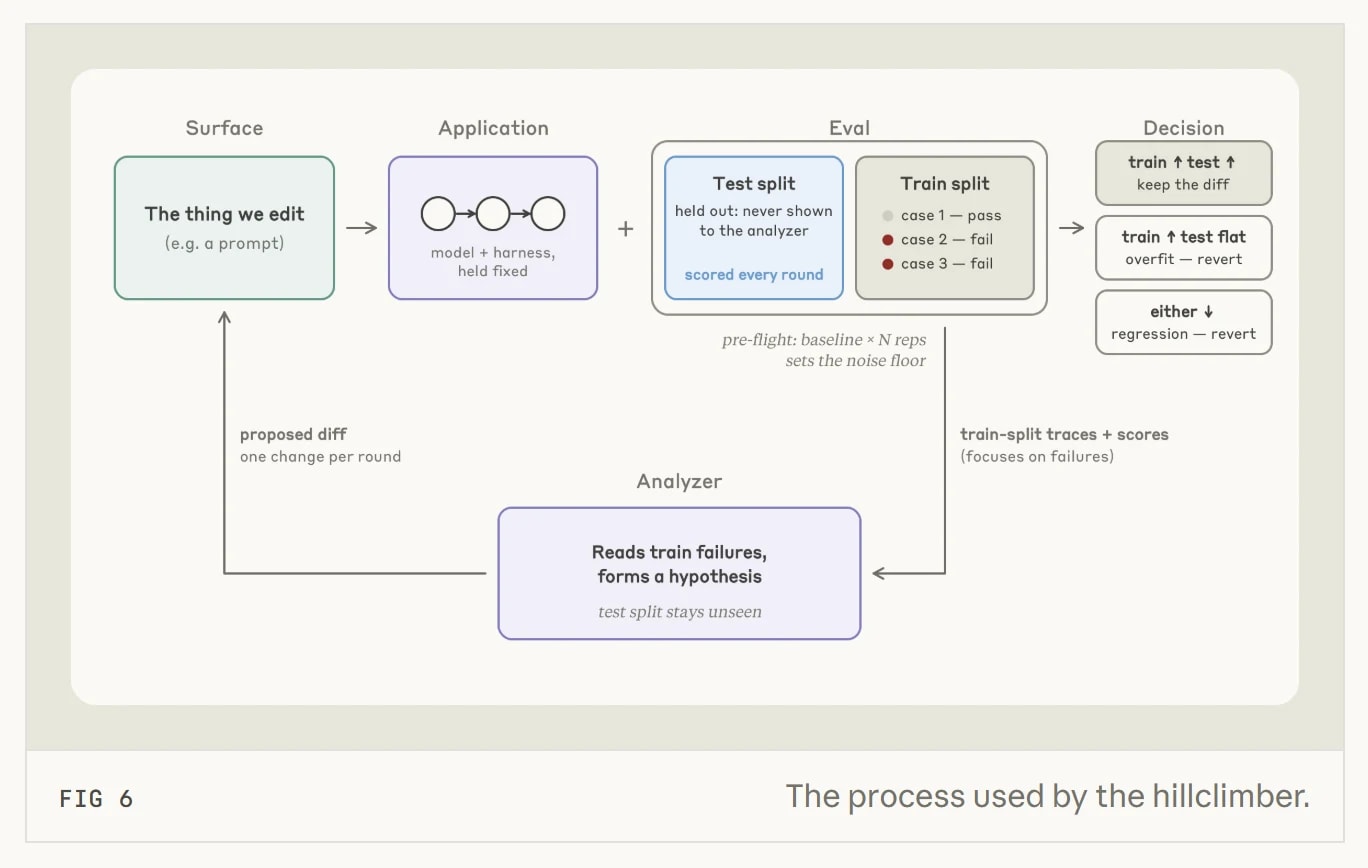
One setting matters more than it looks. When the thing being edited is customer-facing copy, the guide recommends showing you each round's change for a yes or no before it runs. Take that option. It's slower, and it's the difference between a prompt you understand and one you inherited from a loop.
Step 4: or use the same loop to cut cost
The same command can climb in the other direction: hold the score, lower what each email costs to write. That's the run Anthropic's support-ticket example shows. It went from Opus 4.8 on high effort, to Opus 5.5 on low effort, to Sonnet 5 on low effort, and then improved the prompt on the cheaper model.
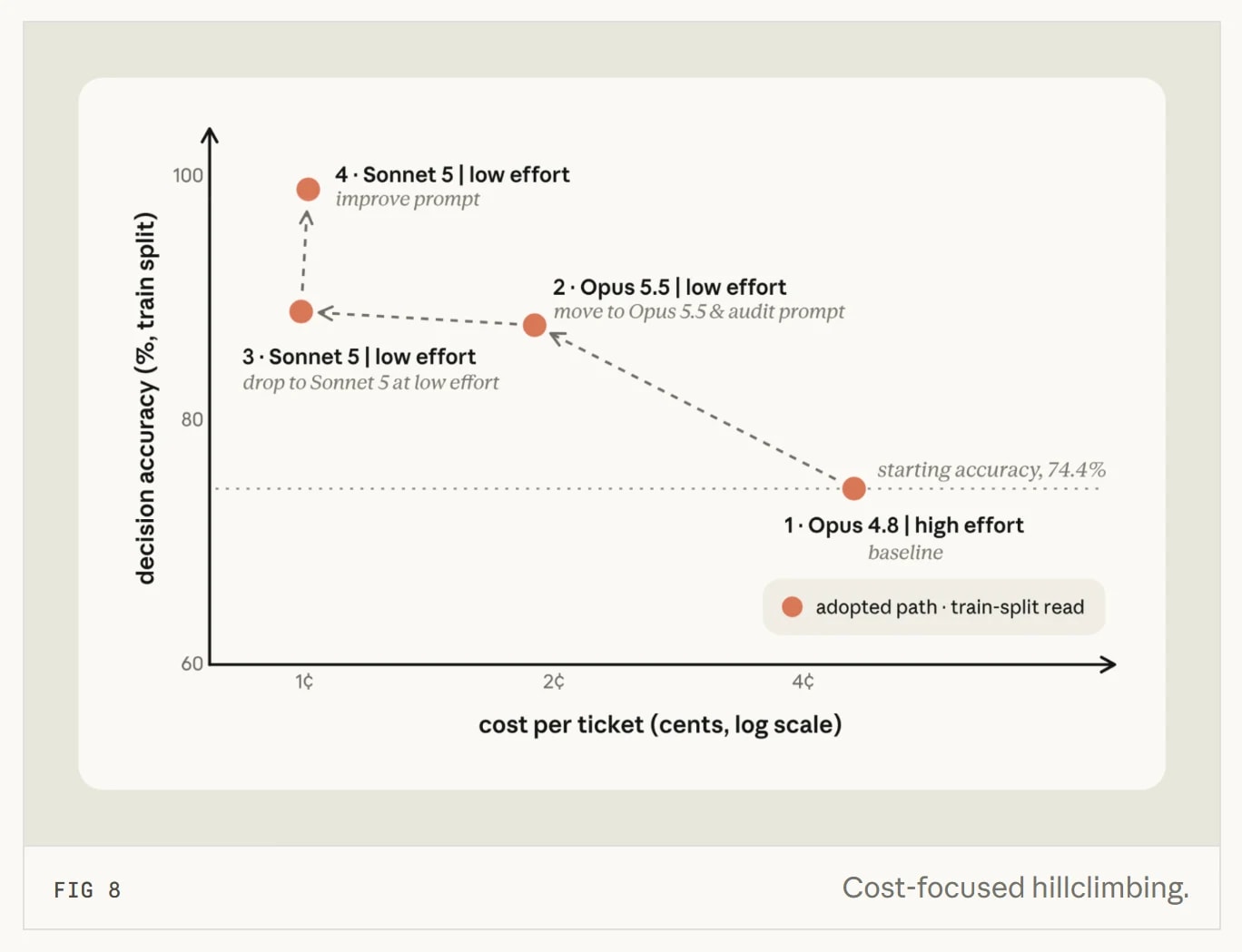
For cold email that's worth a look once your volume is real. Writing an opener is mostly short, structured work, and a cheaper model at low effort is often enough. Let the eval decide instead of guessing.
Step 5: check it against real replies
Here's the part most eval write-ups skip, and the reason a rubric score is never the end of it. The rubric is a stand-in for replies. A prompt that scores higher on the rubric is a good bet, not a proven winner. The only real test is sending it.
So send both. Run the old prompt and the new one side by side on the same kind of prospects, and compare reply rates after a week or two. It's a plain A/B test, and the A/B testing basics for SaaS apply: same audience, one change, enough sends to tell.
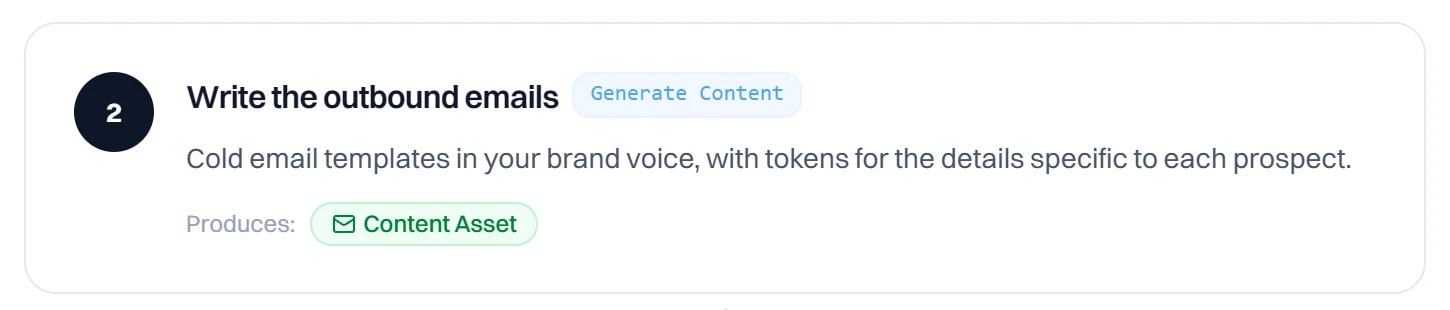
If you're sending through Intempt, the cold outbound recipe already has the two pieces this needs. Its email step is where the winning prompt goes:
And its last step builds the dashboard that tells you whether it worked: reply rate, meetings booked, and the pipeline it contributed.
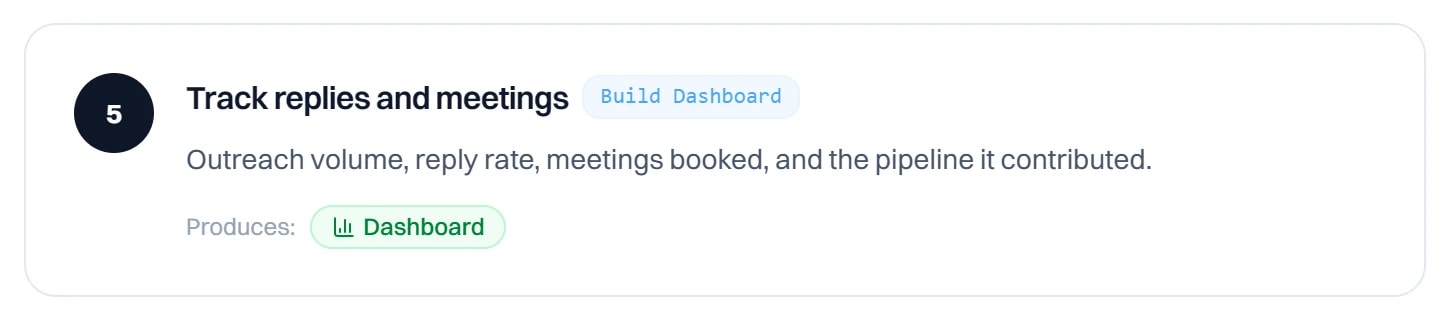
If the new prompt wins on the rubric and on reply rate, keep it. If it wins on the rubric and loses on replies, your rubric is measuring the wrong thing. Go back to Step 2 and look at what the Interested emails actually had in common.
For stalled deals, the stalled-deal nudge recipe already does this comparison for you. It tracks the reply rate of AI-written nudges against nudges reps wrote themselves.
Do it every week
This is what turns a one-time cleanup into something that compounds.
- Monday: export last week's sends and replies, label them with Step 1.
- Add the new cases to the eval. Keep the test set separate, so the loop still can't read it.
- Run hillclimb for a few rounds, approving each change.
- Ship the winner to half your sends, keep the old prompt on the other half.
- Next Monday, compare reply rates before you run it again.
After a month you have something most teams don't: a prompt where every line is there because it earned more replies, and a history of what you tried.
What not to automate
Sending. The loop improves drafts. A person still reads a sample of every batch before it goes out.
Claims. Keep anything about price, results, customers, or guarantees on the off-limits list. A loop chasing a higher score will happily invent a stronger claim if the rubric rewards confidence.
Trusting the score over the inbox. When the rubric and the reply rate disagree, the reply rate wins. Every time.
Letting the loop see the test set. The guide is strict about this and you should be too. The moment failures from the test set get pasted into the prompt, the score stops meaning anything.
More on outbound
Background on what feeds a cold email prompt, and the same loop applied elsewhere.
- Signal-based selling, twelve months on: which signals actually move reply rates, and why first-party ones win.
- AI cold outreach: website data vs. scraped intent: what to feed the email prompt before you start grading it.
- The best Claude skills for outbound marketing: ready-made skills for lists, sequences and replies.
- How to launch more winning ads with Opus 5.5: the same test-more, keep-a-log loop, run on paid social.
The whole thing on one screen
Here's the weekly loop in seven lines, in the order you'd run it.
- Pull 50 to 100 sent emails with their replies
- Label every reply: Interested, Later, Referred, Objection, Dead, Angry
- Build the rubric from what the Interested emails had that the Dead ones didn't
/claude-api build-eval, and read the examples and grades before you say yes/claude-api hillclimb, with your claims and offer on the off-limits list and each change approved- Send old and new side by side, and let reply rate decide
- Repeat every Monday with last week's replies
You don't get better AI sales emails by rewriting the prompt when you're annoyed at it. You get them by measuring every change against the replies your buyers already sent you.