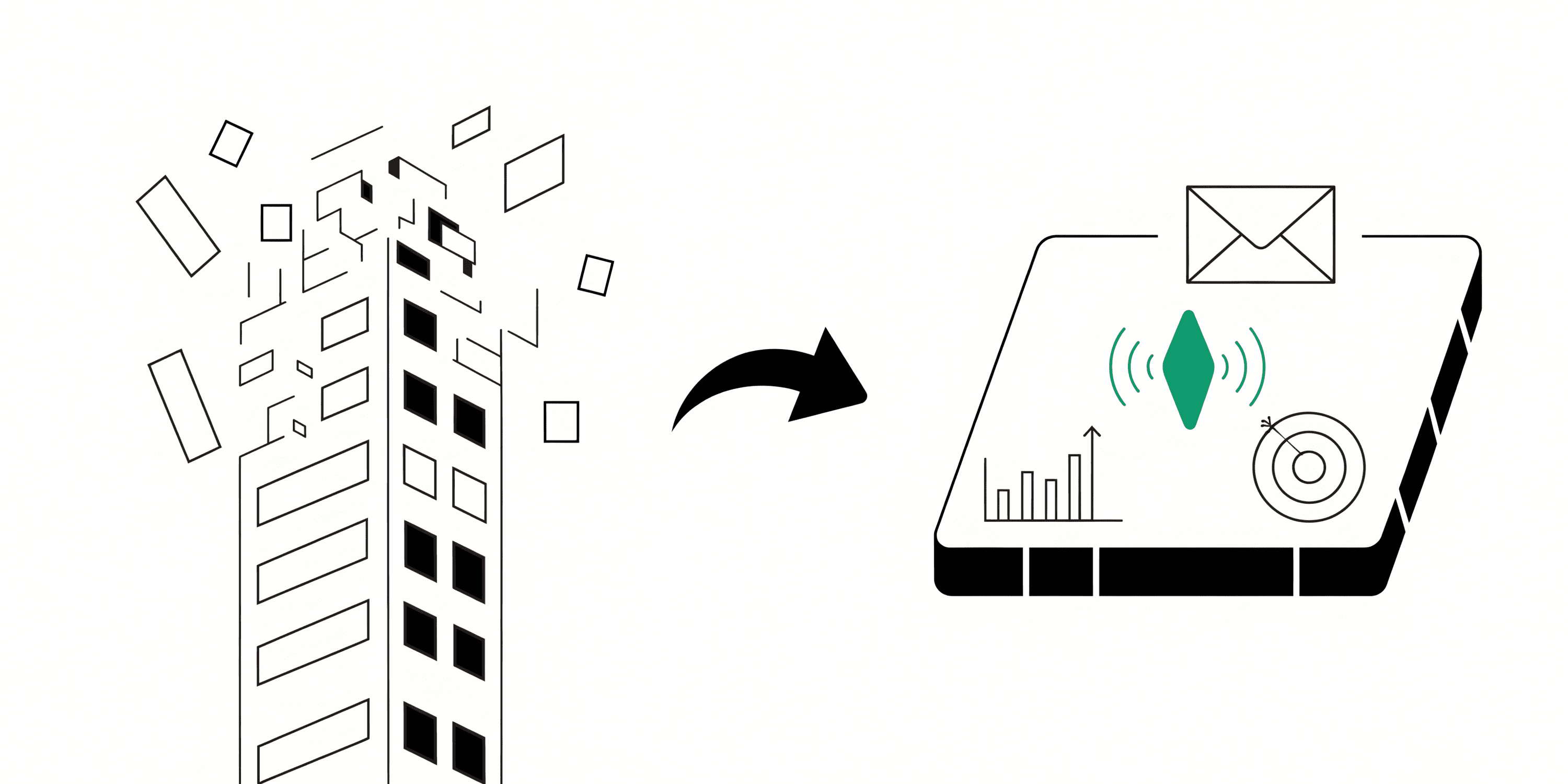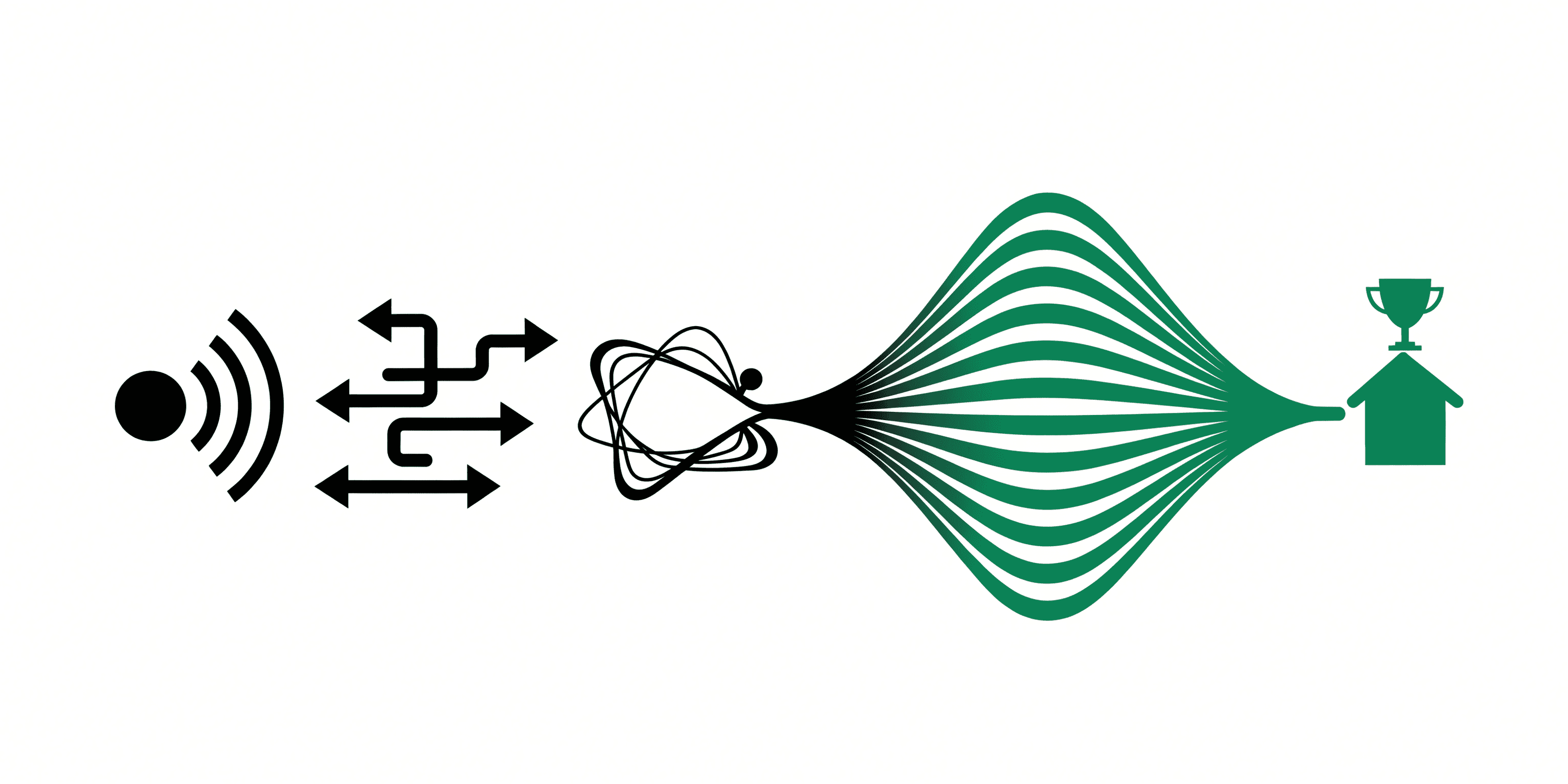
- Capture inbound and outbound leads.
Lead enrichment is the step that fills in what a form did not ask for, and it is charged per record, which is why the order it runs in matters more than which provider you pick.
This guide explains why routing matters, how teams typically do it, and how to run a clean lead routing system in Intempt that balances speed, fairness, and relevance. For inbound leads, the focus is on protecting speed-to-lead; for outbound, the focus is on maintaining ownership continuity and clean handoffs to reps.
Enrich and qualify leads before any handoff.
Account-match first; prefer the current owner or pod.
Apply rules based on territory/segment/product/language; otherwise use weighted round-robin.
Notify reps instantly and create context-rich tasks.
Track speed-to-lead, meeting rates, and close rates; iterate and refine your rules over time.
Benefits
Faster first touch. Routing and appointment booking can happen instantly.
- Cleaner handoffs. Accounts and owners persist across channels.
- Fair workload. Prevents cherry-picking and uneven distribution.
- Analytics-driven decisions. Track where time and deals are lost.
- ABM-safe handoffs. Keeps contacts under the right owner for better show/close rates.
How It Works
Which fields qualify is a lead scoring question. The docs cover creating a journey for the routing half. Qualify on the fields you already have, enrich only the records where a missing field would change the routing, then route on the result.
Step 1: Connect sources and track events
Connect your inbound and outbound lead sources-form captures, chat, ads, email sequences, CRM systems, etc.-so you can see lead activity in one place. For example, Intempt has a native HubSpot connection so CRM fields and ownership are visible automatically.
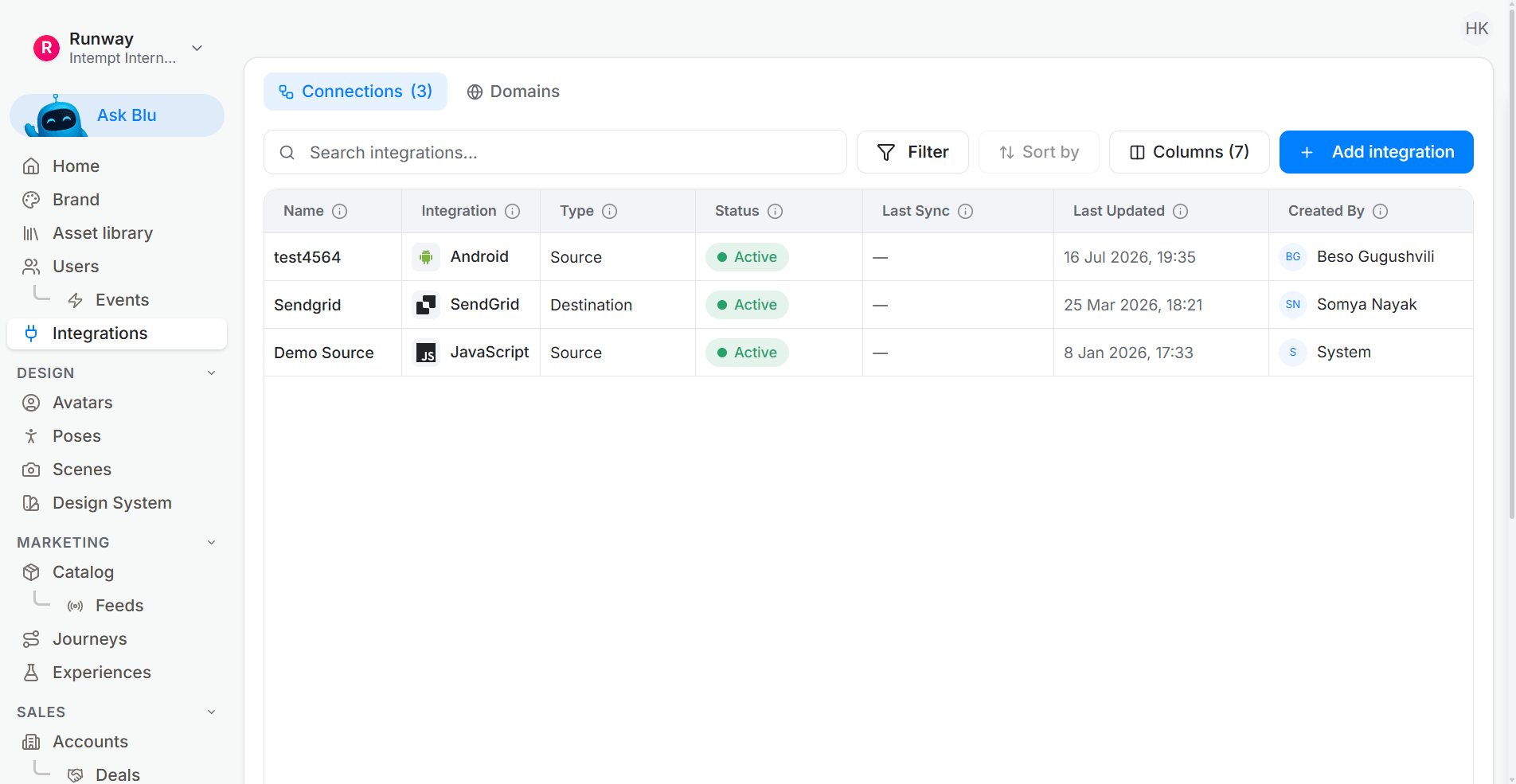
Track intentful events like form submits, demo requests, pricing views, and lead replies. Keep critical fields clean and standardized: email, role, region, domain, industry, and employee count. The goal is a single pane of truth for each lead and its account.
Best practice tip:
Decide your "minimum viable data" for routing (e.g., firmographics). Normalize emails/domain, dedupe, and match leads to accounts early so ownership persists from the first touch.
Step 2: Enrich + qualify before routing
Create a Journey triggered when a new lead is created. The first step should enrich the lead if key fields are missing.
Then use a Qualification Agent to calculate readiness using Fit + Activity-where Fit might include firmographic criteria and Activity might include product or site engagement. Only leads that score high on both get routed; the rest can loop into further nurture.
Best practice tip:
Keep qualification transparent so reps understand why a lead is "Ready." Start simple; iterate with analytics.
Step 3: Apply your routing strategy
Define your routing rules in a logical order. Use a multi-channel branch and then a Lead Routing node to assign leads to reps based on your conditions. Common strategies include:
Account continuity: If there's a current owner or pod, keep them assigned.
Segment / territory / product routing: Route based on region, company size, product interest, or specialist reps.
Round-robin pools: If no rule matches, send to a weighted round-robin pool.
Capacity & PTO: Respect off-hours and caps; waterfall to the next queue if needed.
For multiple funnel stages (SDR → AE, AE → CSM, etc.), reuse the same router logic: maintain continuity, respect capacity constraints, and include calendar options for booking directly with the assigned rep.
Step 4: Notify humans and assign work with context
Once a lead is assigned:
Send a Slack or email notification with essential details: source, activity score, filled fields, and account owner.
Create a task with the next clear action (call, email, or reach-out).
Add a Research agent to automatically gather contextual details about the lead.
Best practice tip:
Offer instant scheduling (e.g., the rep's calendar) at the lead capture or thank-you page to capture intent immediately. Auto-remind and reschedule, and re-queue leads if untouched within your freshness window.
Step 5: Measure and tighten the loop
Review analytics for tasks and journeys:
Speed-to-lead
Meeting rates
Source breakdowns
Distribution fairness
Reassignment rates
Conversion paths from MQL → SQL → closed deals
If leads aren't being worked or are misaligned, adjust rule order, pool weights, or capacity caps. Regularly verify ownership continuity so contacts remain under the right accounts throughout the lifecycle.
Prebuilt waterfall
Enrichment is metered and routing is not, so the order matters: qualify on what you already have, enrich only the records where a missing field would change the routing decision, and route on the enriched result rather than a round-robin, the way any signal-based routing works.
Deciding whether to spend an enrichment credit means reading what you already hold about the record, which is why the agentic GTM software evaluates the condition before the call goes out. The waterfall enrichment recipe runs the providers in cost order and stops at the first answer, which is the behaviour that is tedious to build twice.
With the waterfall in place, each provider is only asked for what the last one missed. Lead enrichment pays for itself only where a missing field would have changed the destination. Start with Intempt.