Free AI banner generator.
Make web and social banners from your message and colors, in leaderboard, social square, and medium rectangle sizes. In Blu, the Brand Designer generates the same set from your catalog in Google Display and email header sizes, with brand tokens applied to every one.
How to use the AI banner generator
It takes three steps and every output renders on this page so you can copy or export it right away.
Enter the copy and colors
Type the offer and CTA, name your brand colors, and pick leaderboard, square, or medium rectangle.
Generate three banners
The AI banner generator returns three layout takes at the size you picked, ready to download as PNG.
Open it inside Intempt
This page makes the set once. In Blu, the Performance Marketer runs it as a standing play: the audience syncs to the ad platform, conversion is recorded first-party, and ROAS is graded against what customers actually paid.
Use in Claude
Blu AgentWho it's for
- Marketers launching a campaign across multiple ad placements at once
- Anyone who needs banners resized for a new platform without rebuilding the layout by hand
What's in the download
SKILL.md- The 3 real sizes (leaderboard 728x90, social square 1080x1080, medium rectangle 300x250) and 3-variant output from the browser tool, plus instructions to generate with whatever image-generation MCP is already connected, and a rule to carry the user's stated brand colors through every variant and size.
How to install it
- Open Settings, then Capabilities
- Turn on code execution if it isn't already on
- Upload the .zip you downloaded
- Unzip the download
- Drop the folder into
~/.claude/skills/(or.claude/skills/in a project) - Claude Code finds it automatically
your-new-skill/
What you need
- Claude Desktop or claude.ai (Pro, Max, Team, or Enterprise for claude.ai upload)
- Claude Code: no plan restriction
- An image-generation MCP connected in Claude (any provider) to actually generate the banners
Try it with
“Use the ai-banner-generator skill to make a social-square banner for this ad copy and these brand colors”“Generate all 3 sizes for this whole list of campaigns”
Prefer an instant answer? Run it now above.
What you get from the AI banner generator
What it does on this page, and what it does inside Intempt.
A website banner generator sized for real ad slots
- Web leaderboard at 728x90 for the top of a page
- Medium rectangle at 300x250 for sidebar and in-content units
- Social square at 1080x1080 for feed placements

A banner maker that works from your ad copy and colors
- Put the offer and CTA in one box, like a sale with free shipping
- Name your colors in plain words, like navy blue and gold
- Each run gives three layouts in PNG with no watermark

Brand Kit rules are guardrails on every variant
- The palette holds across every size, no drift
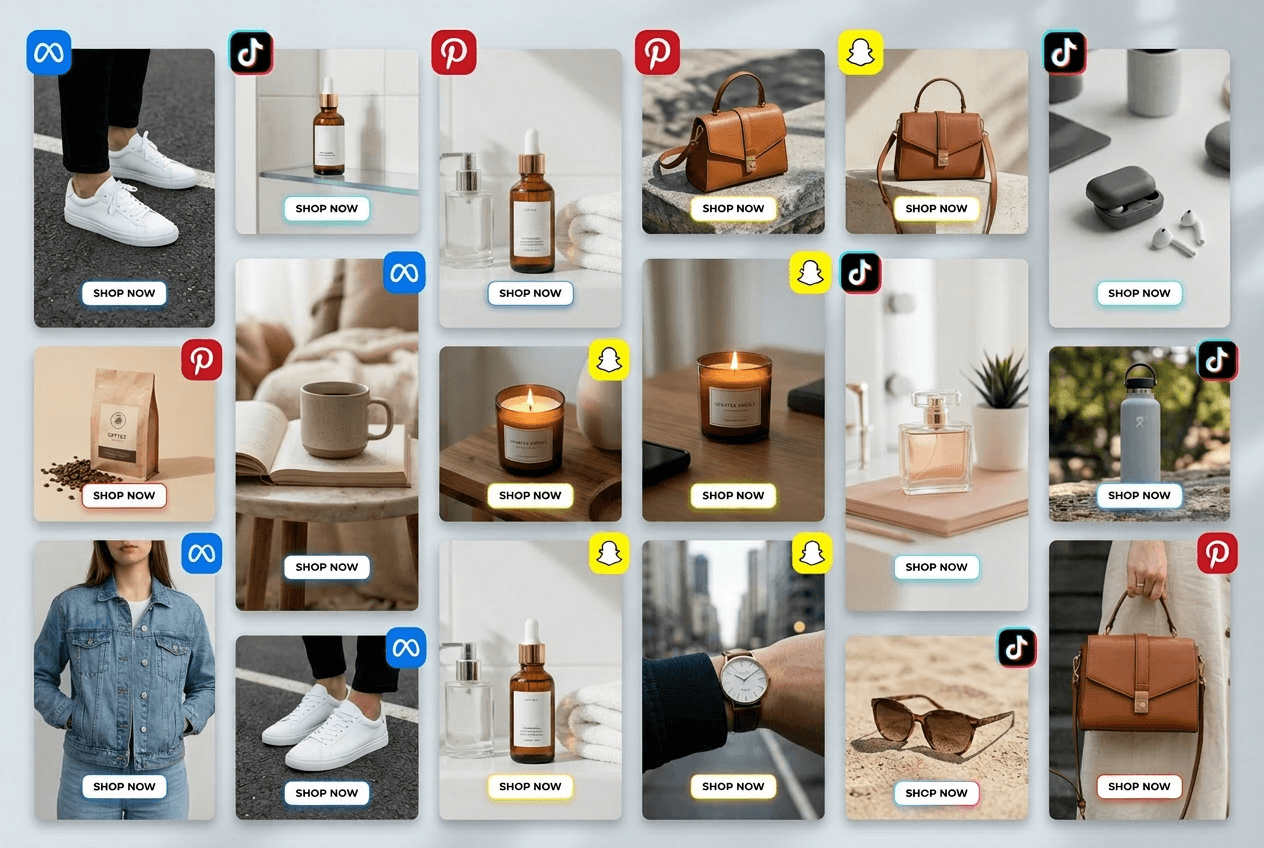
- The Ad Builder recipe produces social, display, and email sizes in one pass
- Every banner ships with one treatment, not five
Judge ROAS by real revenue, not view-throughs
- Every ad platform grades its own homework, so conversion is recorded first-party
- The click, the signup, and the paid account sit on one profile
- The morning audit ends on a real number
Questions about theAI banner generator.
Teams love it
They stopped stitching tools andhired one system.
More free tools
Other tools teams reach for right after this one.

AI Flyer Generator
Event or promo details in, a print-ready flyer out.
AI Logo Generator
Six logo concepts from your brand name and style.

AI Newsletter Generator
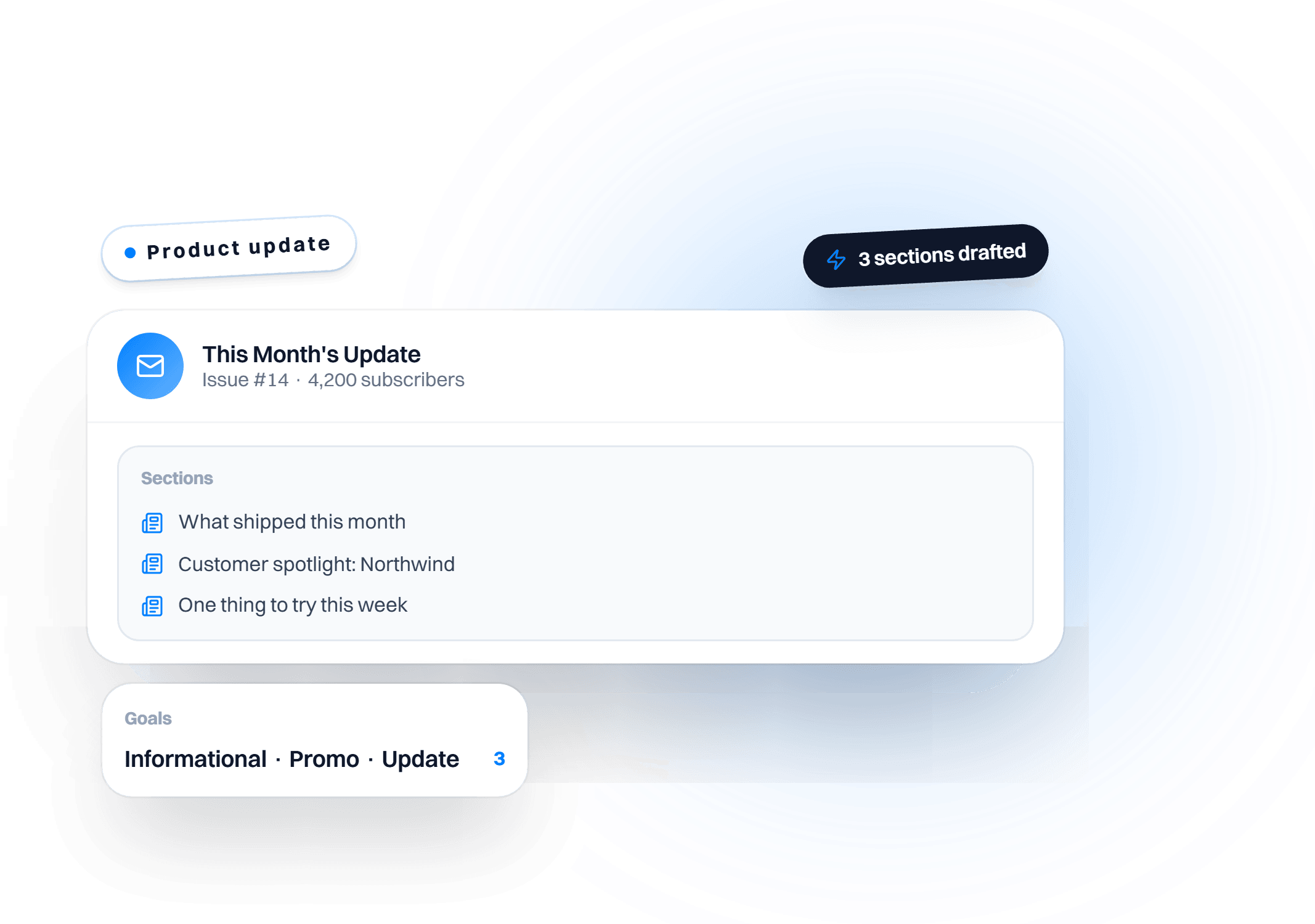
Topic and audience in, a section-structured issue out.

Social Media Post Generator
Multi-platform posts for IG, X, Facebook, and LinkedIn.
Keep exploring
AI Headshot Generator
Professional headshots from a selfie, no photographer needed.
AI Logo Generator
Six logo concepts from your brand name and style.
Accessory Try On
Takes a packshot of eyewear, jewelry or a watch and shows it worn by an AI model, with the accessory itself unchanged.
Ad Builder
Turns a catalog product and a headline into a finished ad laid out in your Brand Kit colours, fonts and layout.
Conversational AI Design: From Asking Questions to Assigning Goals
Miro, Figma, and Canva all shipped 2026 updates built around delegative UI, not chat. Here's the real distinction, why it's happening now, and what to do about it.
Best UX Design Agencies for AI Products in 2026
Named agencies, real 2026 pricing ($30K-70K+ for most AI product design engagements), and the honest agency-vs-in-house tradeoff.