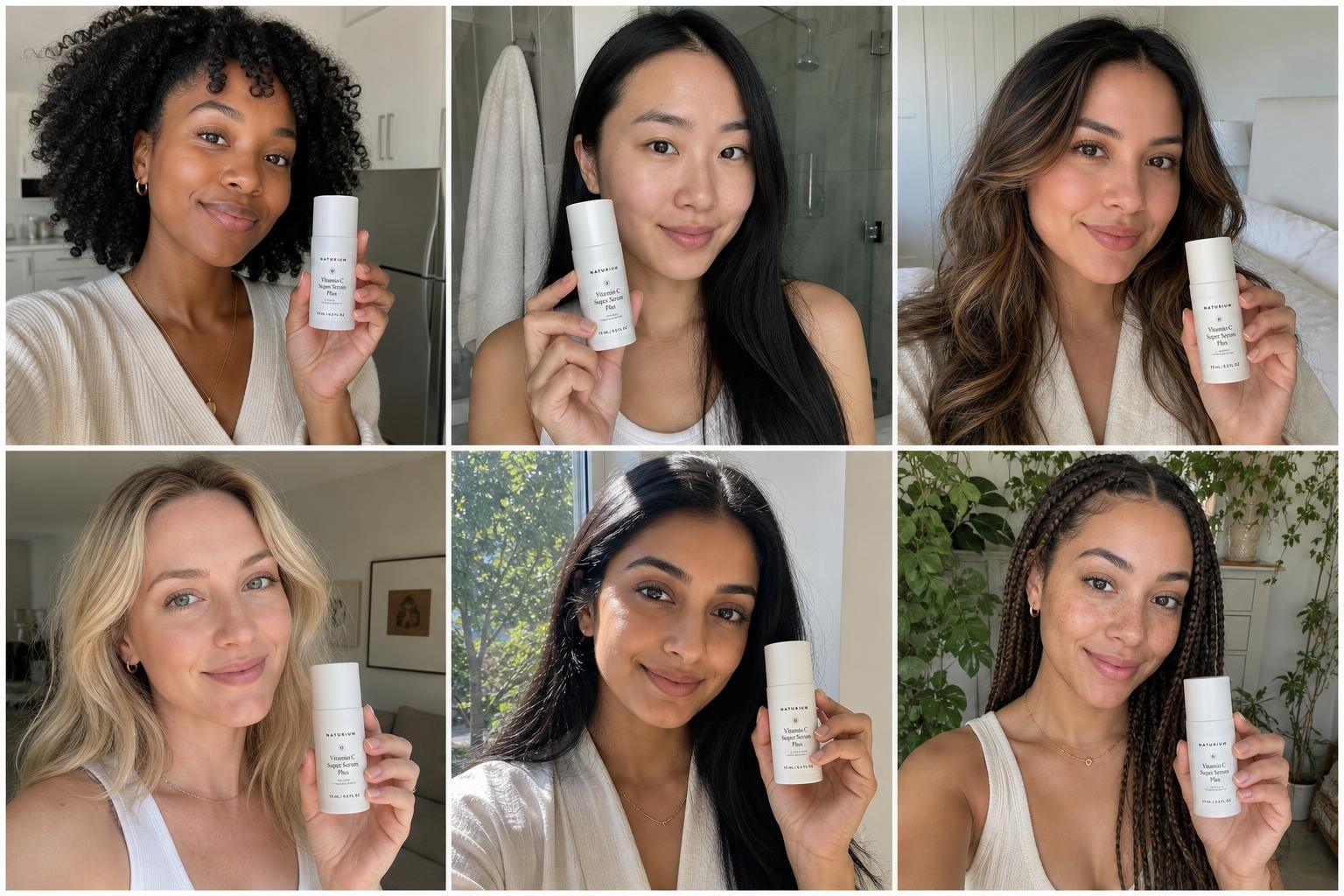
Free image to prompt generator.
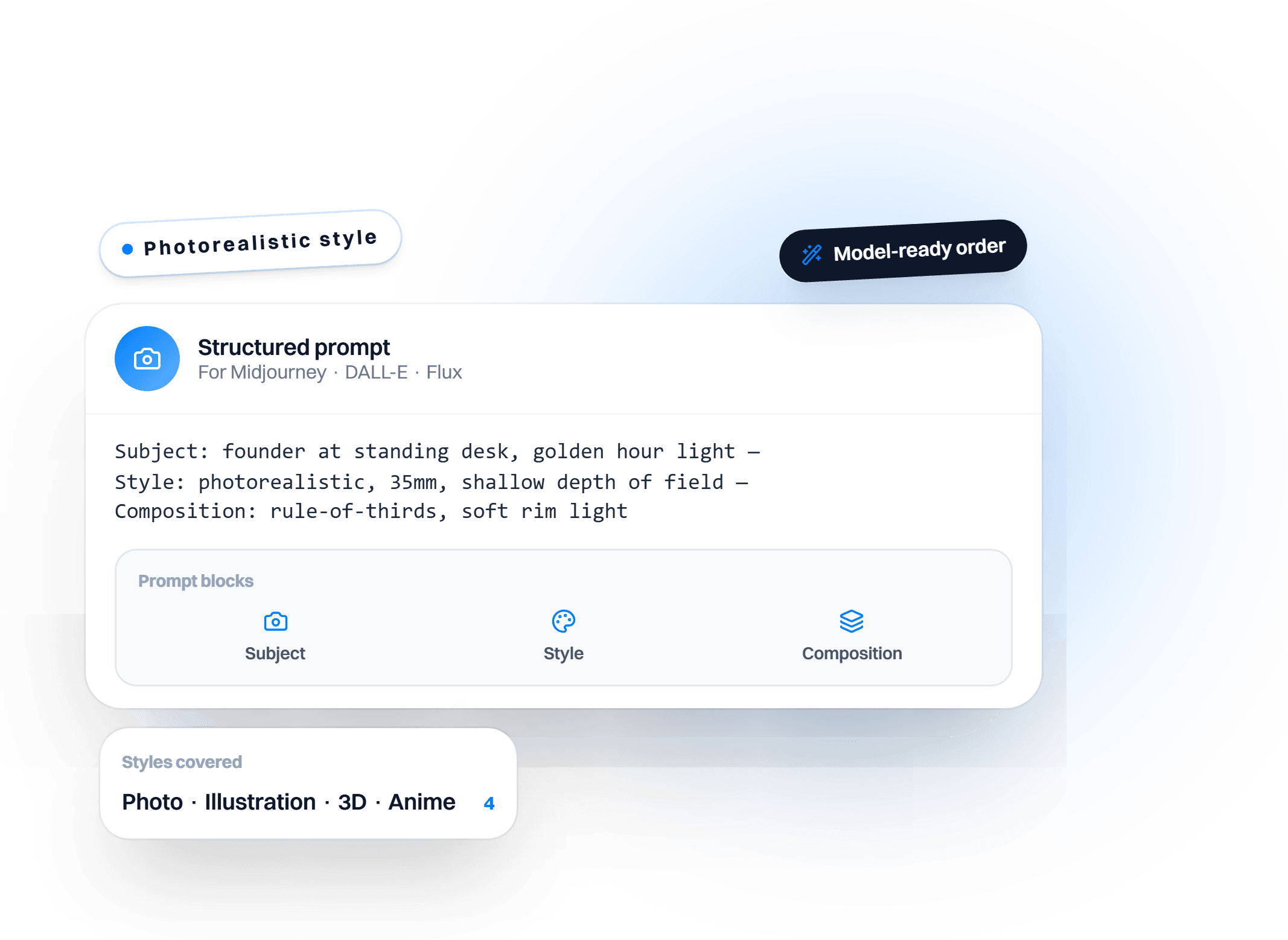
Turn any image into a prompt. Upload a photo and get its subject, style, lighting, composition, and medium as one paste-ready prompt for Midjourney, DALL-E, or Flux.
How to use the image to prompt generator
It takes three steps and every output renders on this page so you can copy or export it right away.
Upload the reference image
Drop in a JPG, PNG, or WEBP up to 10MB. Add a note if you want the lighting or composition read in more depth.
Get the prompt back
The image to prompt generator names the subject, style, lighting, composition, and medium, and returns a prompt you can paste into your image model.
Open it inside Intempt
This page reverses one image. In Blu, the Brand Designer runs the prompt as a standing play: renders pull product details from your catalog, Brand Kit rules act as guardrails, and one generation ships to every channel.
Use in Claude
Blu AgentWho it's for
- Anyone who wants to recreate or riff on a reference image's look in Midjourney, DALL-E, or Flux
- Teams reverse-engineering a whole moodboard or ad library at once instead of image by image
What's in the download
SKILL.md- The exact 5-field extraction structure (subject, style, lighting, composition, medium) from the browser tool, plus instructions to use Claude's own native vision on a shared image, no image-generation MCP required since this is the reverse direction.
How to install it
- Open Settings, then Capabilities
- Turn on code execution if it isn't already on
- Upload the .zip you downloaded
- Unzip the download
- Drop the folder into
~/.claude/skills/(or.claude/skills/in a project) - Claude Code finds it automatically
your-new-skill/
What you need
- Claude Desktop or claude.ai (Pro, Max, Team, or Enterprise for claude.ai upload)
- Claude Code: no plan restriction, works from local image files directly
- No image-generation MCP required - Claude's native vision reads the shared image directly
Try it with
“Use the image-to-prompt-generator skill to extract a structured prompt from this image”“Read this whole folder of reference images and give me a structured prompt for each”
Prefer an instant answer? Run it now above.
What you get from the image to prompt generator
What it does on this page, and what it does inside Intempt.
What the image to prompt AI pulls out
- Subject, style, lighting, composition, and medium, each named on its own
- Works on photos, illustrations, and 3D renders
- The emphasis field tells it which part to describe in more depth

Photo to prompt, then regenerate the look
- Paste the prompt into Midjourney, DALL-E, or Flux
- Swap the subject and keep the style, lighting, and medium
- Expect a close match, not a pixel copy of the original

Brand Kit rules are guardrails on every render
- Tone, colour, and blocked terms are checked the moment something generates
- Nothing publishes until it clears the kit
- The Brand Kit and Design System Setup skill writes those rules once
Refine every next prompt from what performed
- Treatment and downstream conversion are tracked side by side
- The Content Performance Review skill ranks what actually converted
- You pick the next direction, the agent runs the batch
Questions about theimage to prompt generator.
Teams love it
They stopped stitching tools andhired one system.
More free tools
Other tools teams reach for right after this one.

Art Prompt Generator
Structured prompts for Midjourney, DALL-E, and Flux.

AI Product Photo Generator
Studio-quality product photos from a single image.

AI Influencer Generator
Realistic influencer-style photos, no shoot required.
AI Headshot Generator
Professional headshots from a selfie, no photographer needed.
Keep exploring
AI Headshot Generator
Professional headshots from a selfie, no photographer needed.
AI Logo Generator
Six logo concepts from your brand name and style.
Accessory Try On
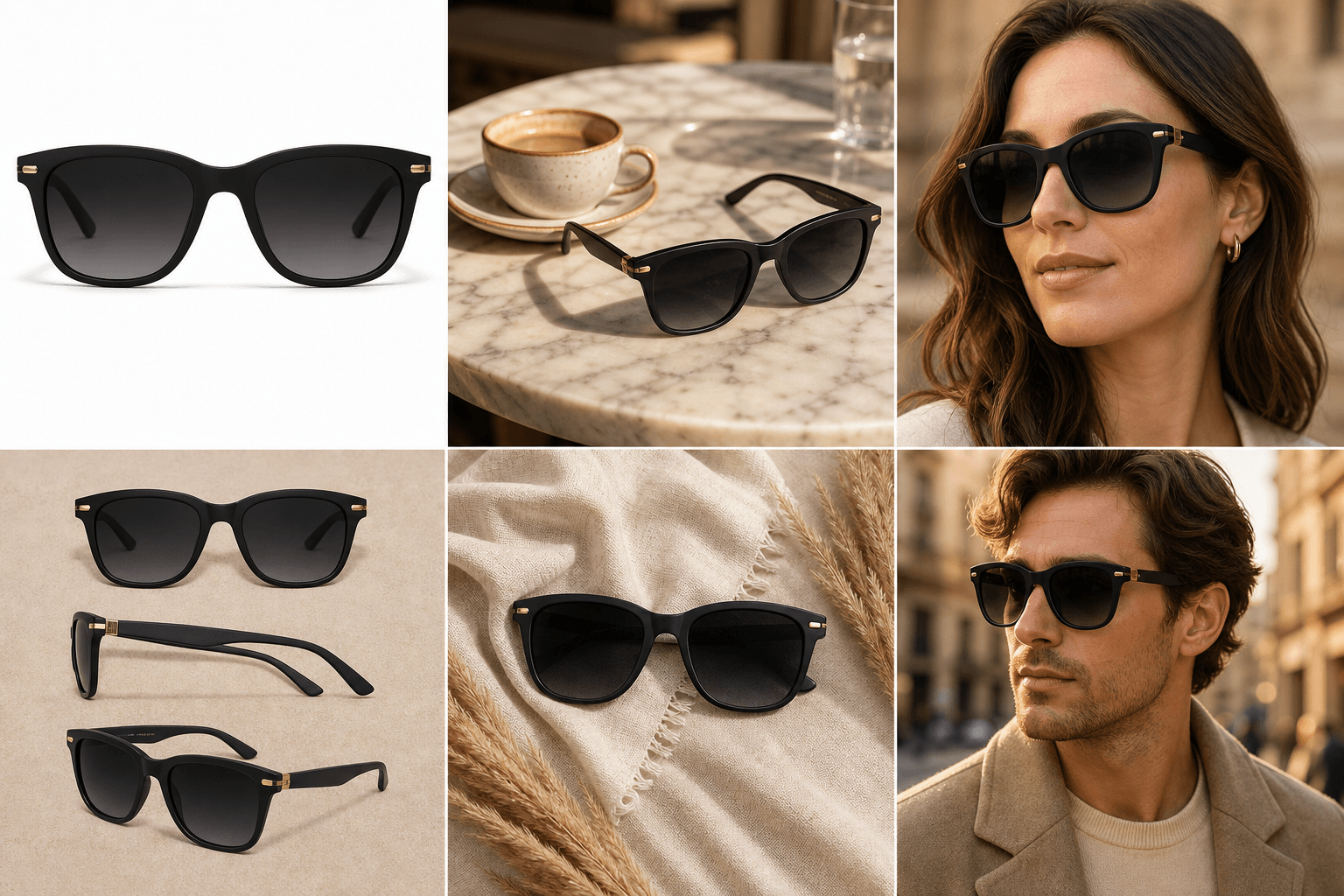
Takes a packshot of eyewear, jewelry or a watch and shows it worn by an AI model, with the accessory itself unchanged.
Ad Builder
Turns a catalog product and a headline into a finished ad laid out in your Brand Kit colours, fonts and layout.
Conversational AI Design: From Asking Questions to Assigning Goals
Miro, Figma, and Canva all shipped 2026 updates built around delegative UI, not chat. Here's the real distinction, why it's happening now, and what to do about it.
Best UX Design Agencies for AI Products in 2026
Named agencies, real 2026 pricing ($30K-70K+ for most AI product design engagements), and the honest agency-vs-in-house tradeoff.