

- The best Claude skills for GTM engineering do not write copy. They design the plumbing.
- Scoring models, routing rules with fallbacks, automation with error paths, and a launch gate that catches the thing you forgot. These 7 free Claude Code skills are callable from Claude Code, CI, or an n8n node via the Claude API.
- Install the pack. The routing and workflow jobs stop living in one person's head.
GTM engineering is the layer nobody sees until it breaks. Leads route in seconds, the workflows fire on time, the launch ships with tracking attached. Then one week a lead sits in a queue for two days because the assigned rep is on holiday and nobody wrote down what happens next. Or the third step of an automation silently fails and nobody notices for a week. Or a launch goes live without the lifecycle flow behind it and support fields the confused emails.
The best Claude skills for GTM engineering design that plumbing before it fails - and give you a callable API so the same design work runs from Claude Code interactively, from a CI job, or from an n8n workflow hitting the Anthropic API on a schedule. The scoring model, the routing rules with the fallback path, the workflow error handling, and a go/no-go launch gate. This pack is 7 skills, MIT-licensed, ordered so you know which one earns its install first. The AEs on the receiving end of your routing have their own pack, written up in the best Claude skills for sales.
GTM engineering isn't a fringe role anymore. The ICONIQ Growth 2024 Enterprise Go-to-Market report tracks a sharp rise in dedicated RevOps and GTM engineering hires at scaling SaaS companies, and Clay's own usage data (published across their growth guides) shows GTM automation tooling now spans marketing, sales, and CS - not just outbound. What used to be a spreadsheet and a Zapier trigger is now a stack. For a broader map of what that stack looks like on the human side, see the GTM Engineer's playbook. For the primitive-layer explainer covering every pack, see the hub: Claude Code skills: what they are and which ones earn their install.
What is a Claude skill
A Claude skill is a versioned SKILL.md file with a stated method: the inputs it asks for, the framework it applies, and the output shape it returns. You install a pack once with npx skills add sidchaudhary/gtm-skills, restart Claude Code, and every skill in the folder is available by name. The same file works three ways: interactively in Claude Code, headlessly via claude -p in a CI or cron job with ANTHROPIC_API_KEY set, or as the system prompt in an n8n Anthropic node. The skill is the contract; the runner is your choice.
Why GTM engineers need Claude skills now
The routing rules live in one person's head. The workflow builder in your marketing tool has 40 automations and nobody remembers which ones still fire. Launches ship without anyone confirming the tracking is attached. This is normal, and it's fine right up until the week it isn't.
Claude skills fix this at the design layer. You don't replace the CRM admin or the workflow tool. You get the routing model, the fallback rules, and the workflow spec into a file two people can argue with - and you get a pre-launch checklist that catches the missing piece before it ships.
The skills that move the needle answer three questions faster:
- When a lead qualifies at 2am and the round-robin owner is out, who gets it?
- When this automation's third step fails, does anyone find out, and when?
- Is this launch actually ready to ship, or are we one missing tracking pixel from a postmortem?
Install the pack in about 30 seconds
One command pulls all 7 GTM Engineer skills into your project's .claude/skills/ folder. Restart Claude Code afterward - skills load at startup, so a running session won't see them.
npx skills add sidchaudhary/gtm-skills/skills/gtm-engineer

# restart Claude Code, then confirm:
# "What GTM Engineer skills do you have?"You can install a single skill instead by appending its folder name, e.g. .../skills/gtm-engineer/the-launch-gate. The pack install is the better default because these skills work as a chain - the-routing-engine defines the scoring model that the-lead-router assigns against, and running the second without the first means the assignment logic is guessing at the tiers.
7 best Claude skills for GTM engineering
1. the-routing-engine
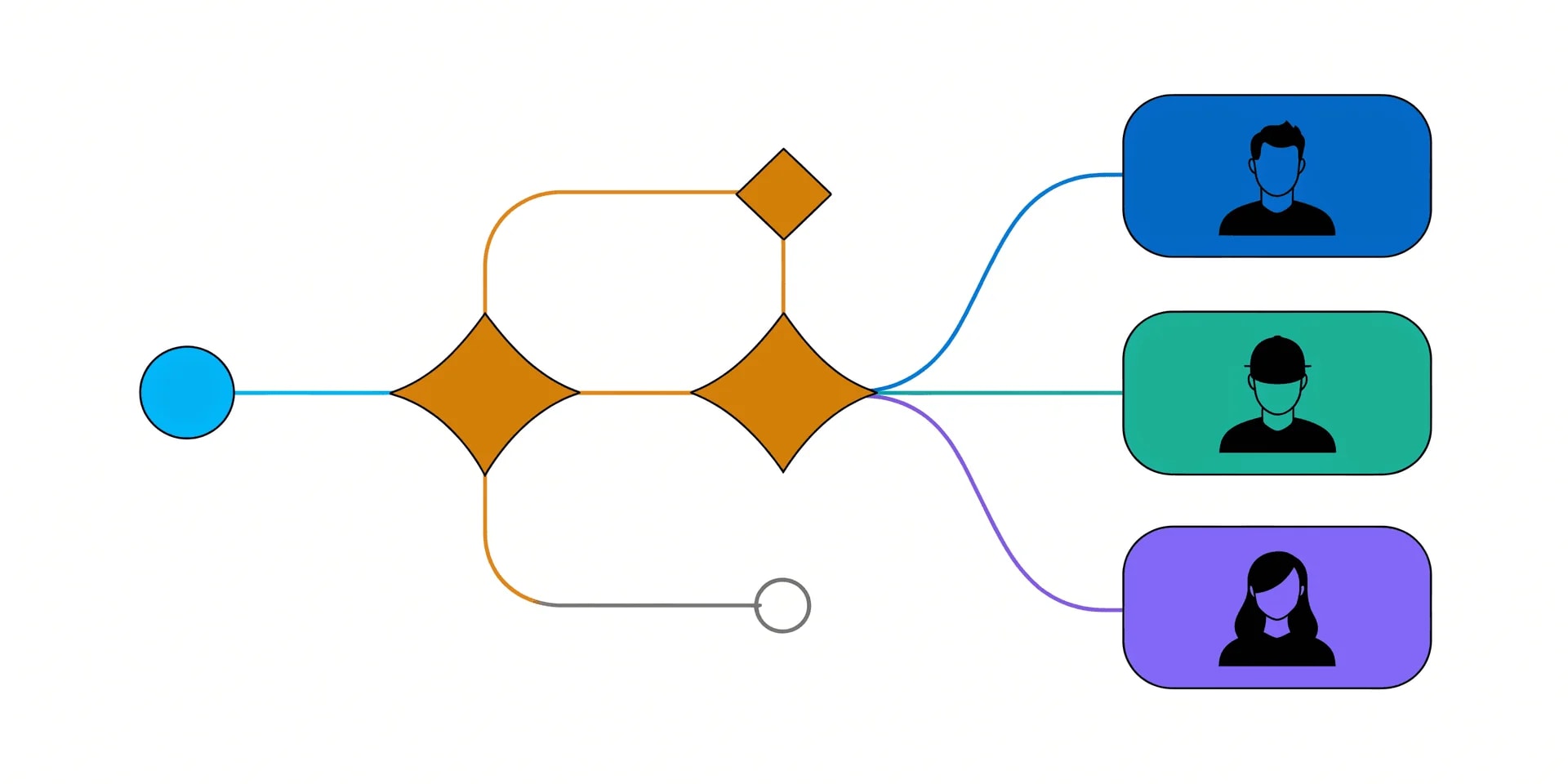
Designs the lead-to-opportunity layer as an actual document: MQL scoring model, routing rules, speed-to-lead SLAs, and lifecycle stage definitions - the stuff that lives in one person's head at most companies. Output is a stage map, a scoring rubric, and a written SLA the team can argue with. That argument is the point. Undocumented routing is fine until the person who knows it is on holiday.
When to use: Once, before the-lead-router. Re-run when the ICP or scoring criteria genuinely change, not every quarter.
How to run:
You: "Run the-routing-engine.
      ICP: mid-market B2B SaaS, 200-1000 employees.
      Current routing lives in one AE's head."

Claude: -> MQL scoring model (behavioral + firmographic)
        -> lifecycle stage definitions with entry/exit criteria
        -> speed-to-lead SLA by tier
-> routing rules and priority orderBest used with: Whatever routing you actually run today, undocumented and messy is fine. The skill is designed to formalize the informal, not to design from a blank slate.
Where this skill hits its ceiling: It writes the model. It doesn't wire it in Salesforce or HubSpot - that's the admin's job downstream.
With Intempt: Scoring and stage definitions map straight into Intempt's marketing workflows, so the model you designed is the model that runs.
2. the-lead-router
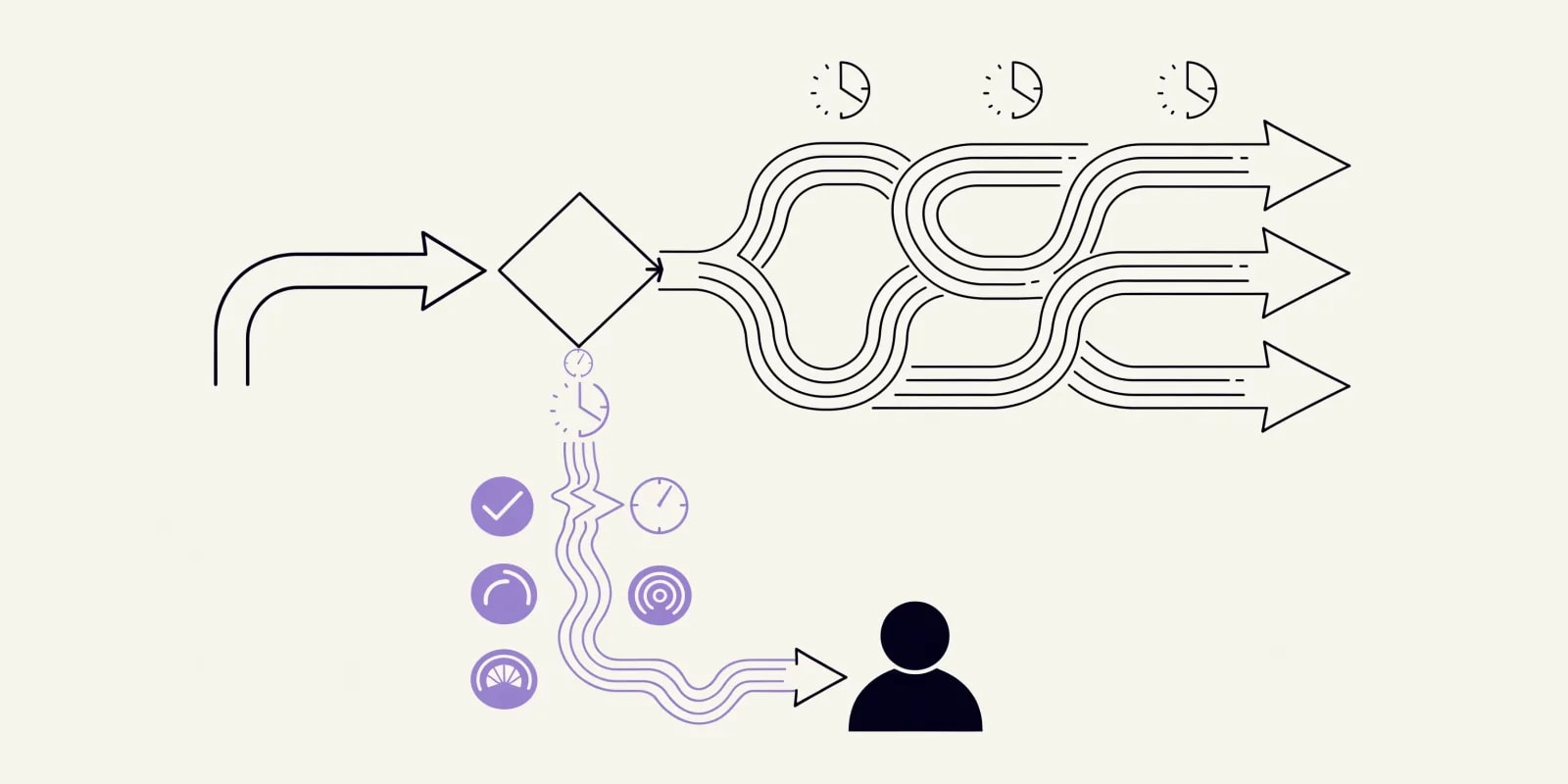
Takes the scoring model and designs the assignment logic - round-robin, territory, or score-threshold - with the tie-break and fallback rules that undocumented systems always turn out to be missing. The output isn't the happy path. It's the exception path: rep unavailable, score ties, territory undefined. That's where leads get lost, and it's what this skill forces out into writing.
When to use: After the-routing-engine, when qualified leads are hitting the queue and nobody's written down exactly who gets them next.
How to run:
You: "Run the-lead-router.
      Method: round-robin by territory.
      Team: 6 AEs across NA and EMEA."

Claude: -> primary assignment logic per territory
        -> tie-break rule (last assignment timestamp)
        -> fallback: rep OOO, capacity full, no owner
-> escalation path for stuck leads > SLABest used with: A defined territory map or capacity model. Round-robin without a fallback is just a slower way to lose leads.
Where this skill hits its ceiling: It designs the logic. It doesn't implement Salesforce assignment rules or LeanData flows - those are separate wiring jobs.
With Intempt: Assignment logic and SLAs run inside Intempt's journey workflows with the escalation path attached, so the fallback doesn't only live in a doc.
3. the-workflow-builder
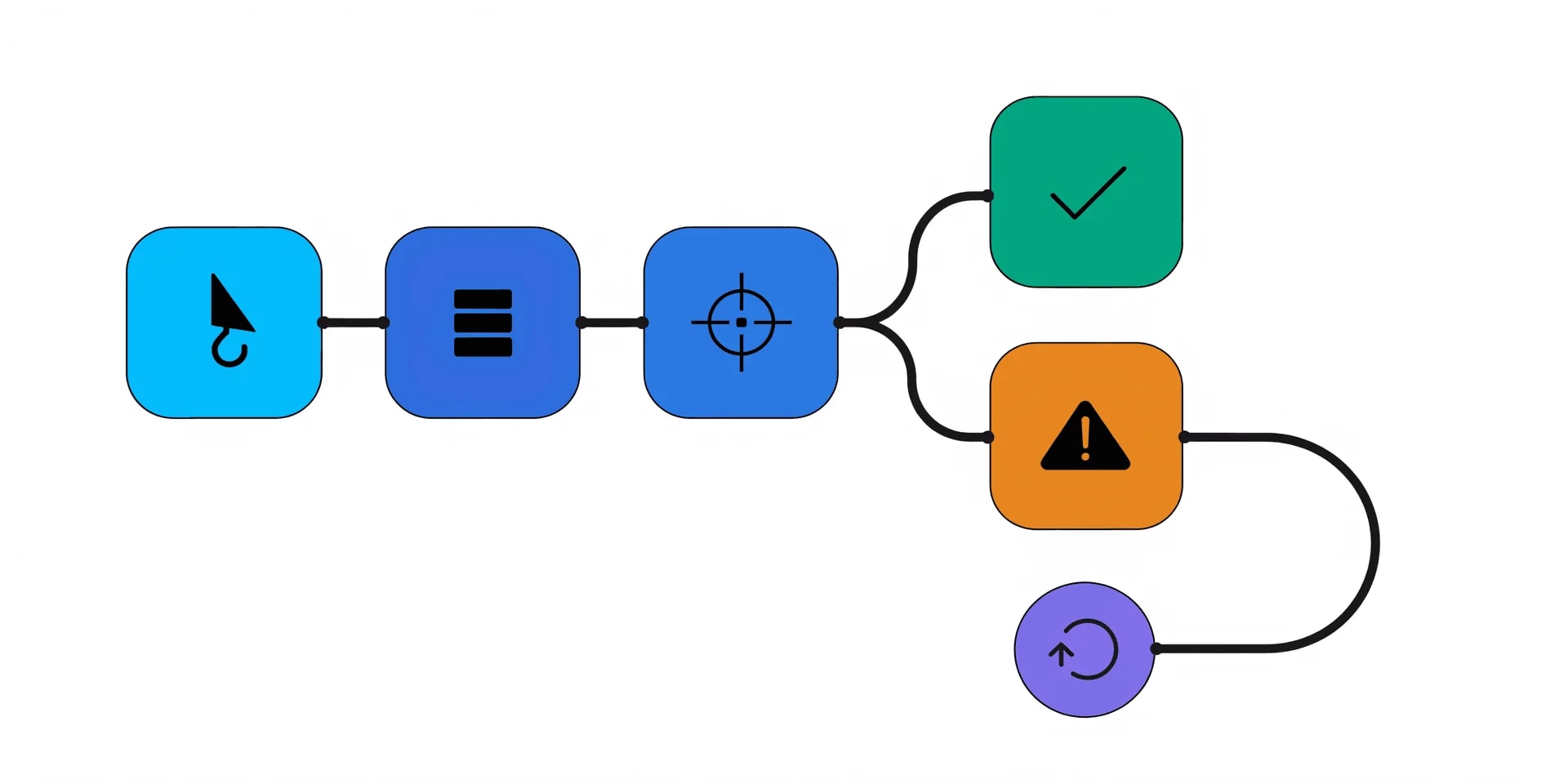
Designs trigger-condition-action automation with branching, retries, and error handling - the error handling being the difference between an automation and an outage nobody notices. Output is a workflow spec any tool can implement: n8n, HubSpot workflows, Customer.io, Braze, Intempt. The spec includes the failure path at every step, which nobody volunteers when they design automation in a UI.
When to use: Before building any workflow that touches revenue, or when auditing existing automation for silent failures.
How to run:
You: "Run the-workflow-builder.
      Goal: hand off from MQL to SDR outreach.
      Tools available: HubSpot, Salesforce, Slack."

Claude: -> trigger definition (event + filter)
        -> condition tree with branches
        -> action steps in order
        -> failure path per step (retry, alert, DLQ)
-> observability hooks (what to log, where)Best used with: A clear goal and a list of tools you actually own. Vague goals produce vague workflows.
Where this skill hits its ceiling: It's the spec, not the build. The spec is the specification any workflow tool can implement - you still wire it in the tool.
With Intempt: Workflows built to this spec run inside Intempt's journey builder with retries and error paths baked in, instead of stitched together across four tools.
4. the-launch-gate

A one-time go/no-go checklist run the day before a launch, restock, or spend increase. Stock, page live, tracking firing, lifecycle flows attached to the new SKU, support briefed, margin confirmed at the promo price. The launch owner signs off, or it doesn't ship. This is deliberately not ongoing automation - that's the-workflow-builder's job. This is a pre-launch gate, and the value is that it's boring and someone signs it.
When to use: The day before every launch, restock, or major campaign. Not the morning of - too late to fix anything.
How to run:
You: "Run the-launch-gate.
      Launch: Q4 hero SKU + Black Friday promo.
      Ship date: Friday."

Claude: -> [ ] stock covers the demand forecast
        -> [ ] page live, meta filled, indexable
        -> [ ] tracking (GA4, pixels, server-side) firing
        -> [ ] lifecycle flow attached to new SKU
        -> [ ] support briefed, macros updated
        -> [ ] margin confirmed at promo price
-> owner signature blockBest used with: A named launch owner. A checklist nobody owns doesn't get run. Assign the owner, and make signing the gate the thing that authorizes the launch.
Where this skill hits its ceiling: It's a checklist, not a monitor. Once the launch ships, you're back to the-workflow-builder for the ongoing observability.
With Intempt: The readiness checklist doubles as the pre-flight for Intempt's campaign workflows, so the gap that used to catch a launch late is now caught before send.
5. the-transcript-miner
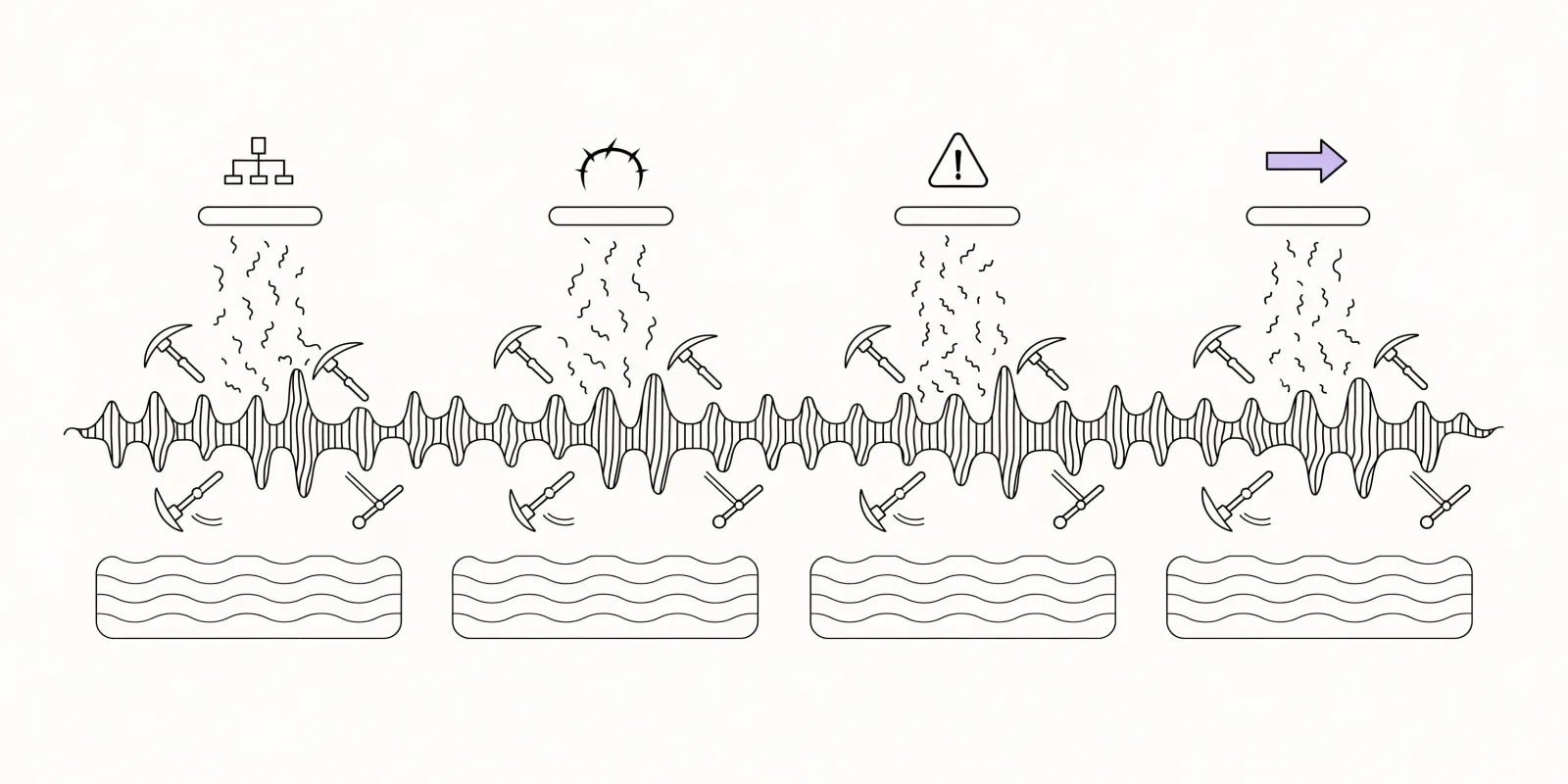
Extracts deal signals, objections, confirmed pain points, and a stakeholder map from a raw sales call transcript. Call notes are shallow by default because the rep who ran the call is the one writing them. This skill reads the actual words spoken and pulls out what the CRM never captured: who's the economic buyer, what's the real blocker, what's the next-step signal buried in a throwaway sentence at minute 32.
When to use: After every discovery or demo call worth more than a template note. Especially before a proposal or negotiation.
How to run:
You: "Run the-transcript-miner on this Gong transcript."
      [paste: full transcript]

Claude: -> stakeholder map (role, influence, sentiment)
        -> confirmed pain points (with quotes)
        -> objections (raised + implied)
        -> next-step signals the rep didn't log
-> recommended CRM fields to updateBest used with: A real transcript (Gong, Fathom, Fireflies, or a raw dump). It works from what was said, not from a rep's summary.
Where this skill hits its ceiling: One call at a time. Rolling up patterns across a quarter of calls is a different job - closer to the-competitor-dossier or a dedicated pipeline analysis.
With Intempt: Signals feed directly into deal records and trigger the right lifecycle flow, so what the call revealed becomes what the next touch reflects.
6. the-enablement-kit
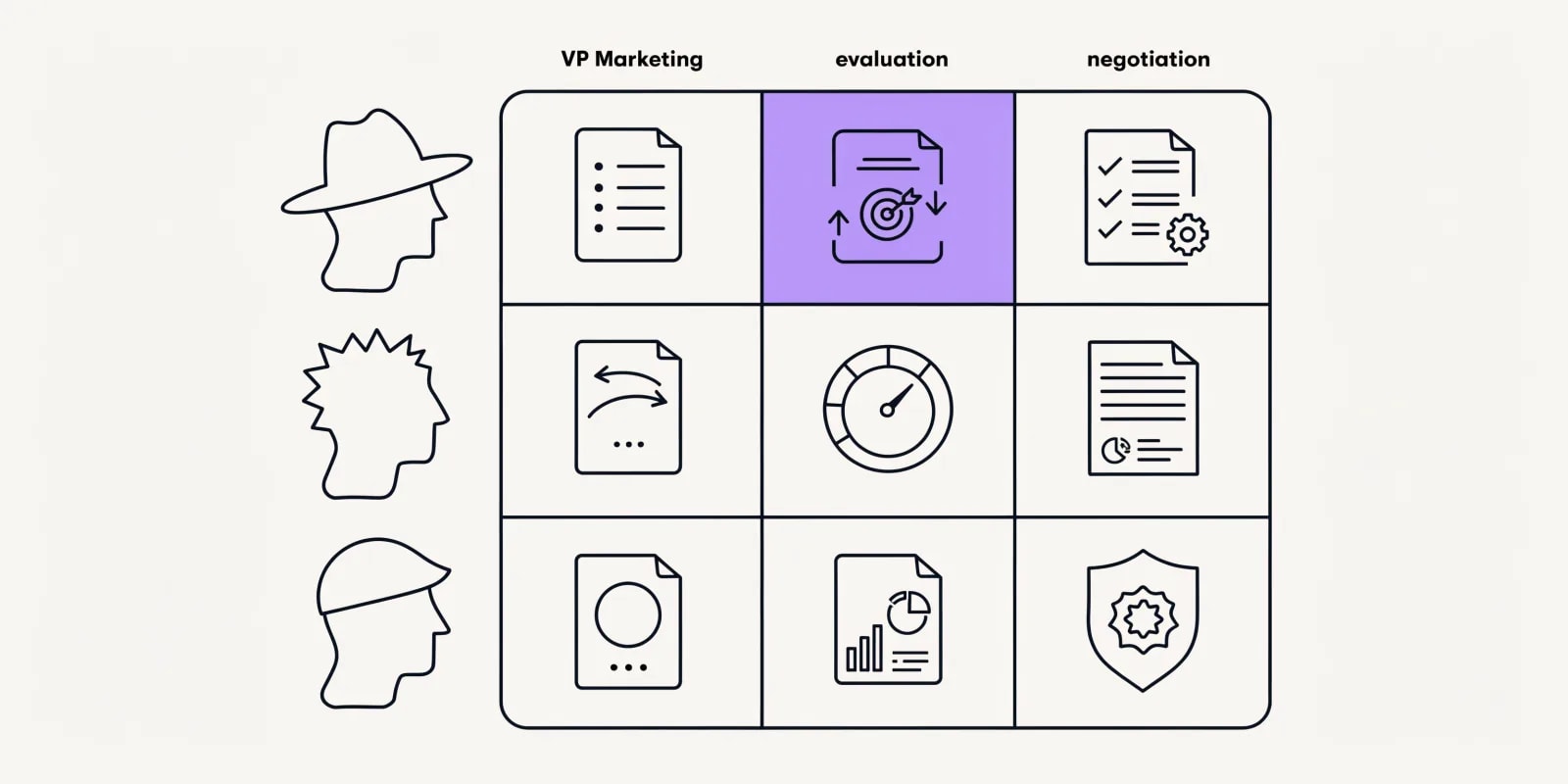
Builds one-pagers, ROI calculators, proposal templates, and playbooks mapped to buyer persona and deal stage. The point isn't more content. It's that reps stop asking the same questions in Slack because the answer already exists at the stage where they need it. Output is a stage-by-stage kit: what a champion needs at discovery, what a CFO needs at negotiation, what an implementation lead needs before signing.
When to use: When reps are asking the same questions in Slack, or when a new persona or product line lands and enablement hasn't caught up.
How to run:
You: "Run the-enablement-kit.
      Product: platform tier for mid-market.
      Personas: VP Marketing, RevOps Lead, CFO."

Claude: -> one-pager per persona
        -> ROI calculator (inputs, formula, expected range)
        -> proposal template with stage-appropriate depth
        -> objection-handling playbook per persona
-> mapping: content -> deal stage -> personaBest used with: A named persona and product tier. "Sales enablement for enterprise" is not enough input; "CFO at 500-person B2B SaaS" is.
Where this skill hits its ceiling: It writes the kit. It doesn't run enablement training or maintain a content library. Someone still has to own the shelf.
With Intempt: Enablement content maps into deal stages inside the sales workflows, so the right kit surfaces at the stage instead of getting hunted for.
7. the-competitor-dossier

Researches a competitor's public site into a structured profile - positioning, pricing, feature claims, strengths and weaknesses. The dossier is the format reps actually use in a live objection, not a 40-slide battlecard nobody reads. Output covers what they say they do, what they charge, where the seams are, and what to say when a prospect brings them up.
When to use: When reps are losing to the same competitor and the last battlecard was written before the competitor's most recent release. Re-run quarterly against your top three.
How to run:
You: "Run the-competitor-dossier on https://competitor.com"

Claude: -> positioning (their words, not yours)
        -> pricing (published + inferred)
        -> feature claims + evidence
        -> structural weaknesses vs your ICP
-> talk track for the top 3 objectionsBest used with: A live competitor site with real pricing or positioning pages. If they hide everything behind a demo call, the dossier will be thinner.
Where this skill hits its ceiling: Public sources only. It won't tell you their internal roadmap or churn rate - just what they claim publicly and where the claims don't hold up.
With Intempt: Dossiers feed the objection library in sales workflows, so the right talk track surfaces when a rep logs the competitor's name.
Comparison: which Claude GTM engineering skill to use when
| Skill | Best moment to use | Time saved | What you get |
|---|---|---|---|
| the-routing-engine | Before the-lead-router; when scoring lives in one head | 1-2 days per model | Scoring + stages + SLA doc |
| the-lead-router | When qualified leads hit the queue with no fallback | Every OOO/tie event | Assignment logic + fallback path |
| the-workflow-builder | Before building or auditing revenue automation | 1 day per workflow | Spec with error paths + retries |
| the-launch-gate | Day before every launch or restock | One postmortem per year | Signed go/no-go checklist |
| the-transcript-miner | After every discovery or demo call | 20-30 min per call | Stakeholder map + signals |
| the-enablement-kit | When reps ask the same questions in Slack | Weeks of ad hoc requests | Stage/persona-mapped kit |
| the-competitor-dossier | Quarterly, on your top 3 competitors | 1-2 hrs per profile | Structured competitor profile |
Running Claude skills from n8n, cron, or your CI
The skills are files. That's the whole reason they compose with workflow tools. Three patterns cover most of what GTM engineers do with them:
Headless Claude Code from cron or CI. Set ANTHROPIC_API_KEY in your environment, and run claude -p "Run the-launch-gate on this release brief" from a scheduled job. The skills folder loads at startup, so the same skill available interactively is available headlessly. This is how the-launch-gate gets triggered by a PR label on a launch checklist, or how the-transcript-miner gets run on every closed-won or closed-lost deal.
n8n Anthropic node. Paste the SKILL.md contents as the system prompt in n8n's Anthropic node, wire the inputs the skill expects as the user message, and the skill returns its normal output shape. Same pattern works in Make, Zapier, Retool, or any tool that can hit the Anthropic API. The skill file is the contract; the runner is your choice.
Direct Anthropic API. For teams building internal tools, the SKILL.md is a system prompt you can send with any Anthropic API request. The output shape is stable, which is what makes it wrappable in a service or a Slack command. This is the pattern for the-transcript-miner running on every closed-won or closed-lost deal automatically.
Free Intempt tools that pair with these skills
Browser-based, no install, produce quick outputs you can feed into the skills above.
- Churn risk calculator: Quick per-account risk scoring you can hand into the-routing-engine as a starting rubric.
- Email deliverability test: SPF, DKIM, and DMARC check on a sending domain before you wire outbound to it.
What to look for in a Claude skill for GTM engineering
Not every prompt is worth wrapping in a skill file. The GTM engineering ones that stick share four traits.
Runnable headlessly. If the skill needs a human to hand-hold every run, it can't be scheduled - and half the value of GTM plumbing is that it runs on a cron. the-launch-gate and the-transcript-miner both work headlessly on purpose.
Stable output shape. Every run returns the same structure so downstream tools plug in without a parser rewrite. A ranked fix list stays a ranked fix list. A checklist stays a checklist. A JSON output stays parseable.
Single use case. Skills that try to do three things do none of them well. the-routing-engine designs the model. the-lead-router assigns the leads. Neither tries to be the other, which is why you can chain them.
Verifiable output. The routing doc reads correct or wrong to the person who runs the current process. The launch checklist either matches what's actually shipping or it doesn't. If you can't evaluate a run in 60 seconds, the skill is either poorly scoped or the input was too thin.
Final thoughts: which skill to install first
Start with these three, in this order:
- the-launch-gate: cheapest insurance in the pack. First run catches the thing you forgot on the next launch.
- the-routing-engine: gets the scoring and SLA model out of one person's head. Every other routing decision from here is stronger for it.
- the-workflow-builder: the spec that forces the error path into writing. Every automation that silently fails does so because nobody wrote the failure path down.
For the broader RevOps stack decision - platform versus point tools - see GTM platform vs Clay: which one your team actually needs. And if you want the whole skill catalog rather than just the seven for GTM engineering, browse the gtm-skills directory. Start for free on Intempt if you'd rather run the same jobs against live customer data than paste inputs by hand.