
Free AI meeting prep tool.
Prep for any sales call with an agenda, talking points, discovery questions, and action items, built from what you already know. In Blu, the Account Executive agent writes the same brief off your own CRM data, records the call, and logs what happened.
How to use the AI meeting prep tool
It takes three steps and every output renders on this page so you can copy or export it right away.
Add the company and contact
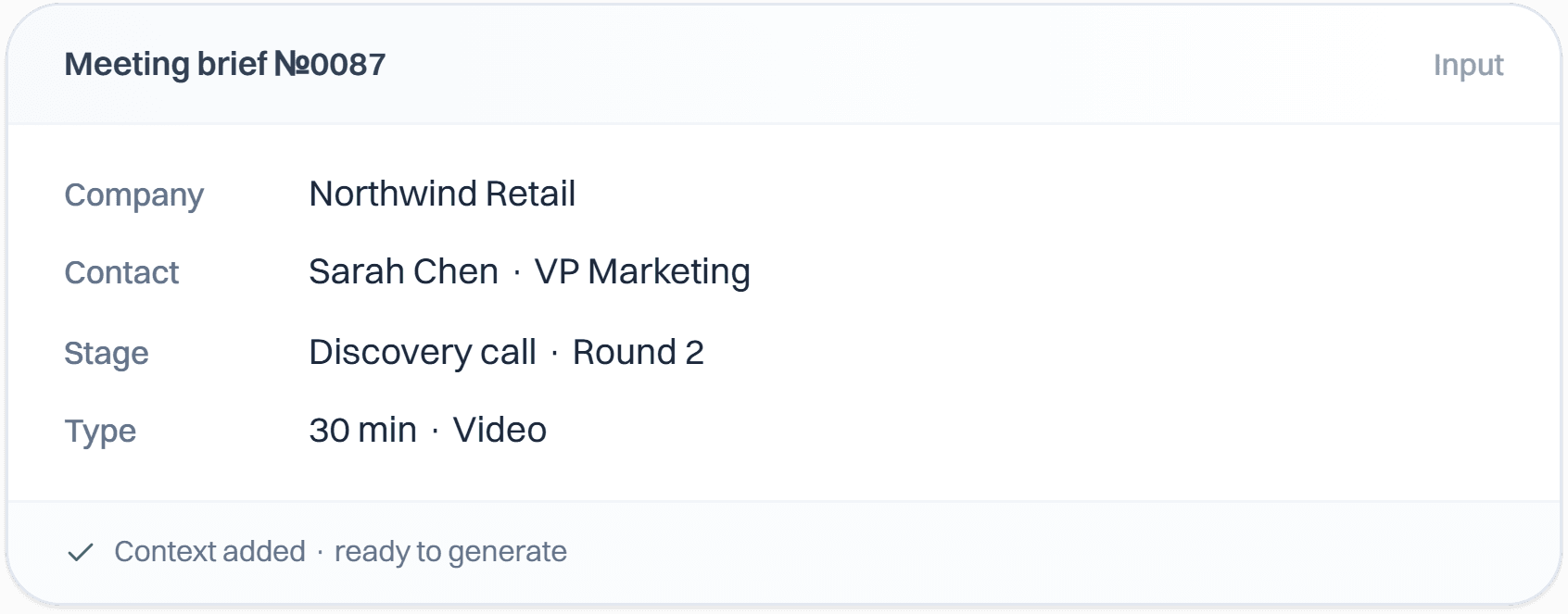
Enter the company, who you're meeting, and the deal stage. Add anything you already know about the account.
Generate the briefing
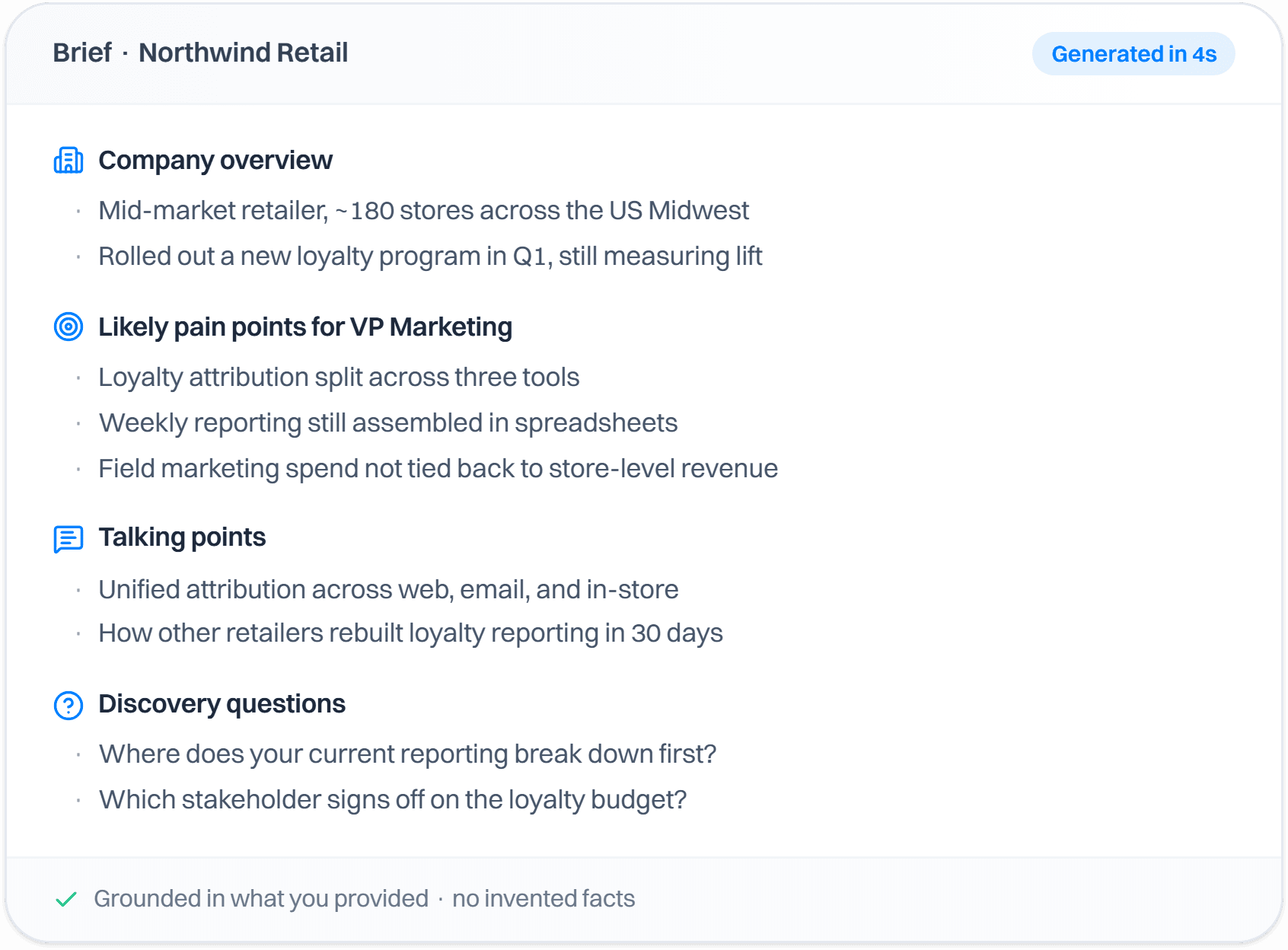
The AI meeting prep tool builds the call goal, a timed agenda, talking points, discovery questions, and likely objections. Anything it had to guess is flagged.
Open it inside Intempt
Push the briefing into the deal so the Account Executive agent records the call against it, updates the deal, and drafts the follow-up for your approval.
Use in Claude
Blu AgentWho it's for
- Sales reps prepping for calls without a manual research sprint
- Anyone with a full day of back-to-back meetings who needs a brief for each one
What's in the download
SKILL.md- The real 3 deal-stage framings and the never-invent-company-facts rule from the browser tool, plus instructions for briefing a whole day's calendar of meetings in one pass.
How to install it
- Open Settings, then Capabilities
- Turn on code execution if it isn't already on
- Upload the .zip you downloaded
- Unzip the download
- Drop the folder into
~/.claude/skills/(or.claude/skills/in a project) - Claude Code finds it automatically
your-new-skill/
What you need
- Claude Desktop or claude.ai (Pro, Max, Team, or Enterprise for claude.ai upload)
- Claude Code: no plan restriction
Try it with
“Use the meeting-prep-generator skill to build a discovery-call brief for this company and contact: ...”“Read my calendar export of today's 5 meetings and build a briefing for each”
Prefer an instant answer? Run it now above.
What you get from the AI meeting prep tool
What it does on this page, and what it does inside Intempt.
AI meeting prep that starts from what you already know
- Enter the company, the contact's name and title, and the deal stage
- Paste call notes, the tools they use, or why they took the meeting
- It won't invent company intel, and anything it inferred is flagged

Discovery call questions matched to the deal stage
- 5 to 8 open questions, with notes on what you're listening for
- 4 to 6 talking points, with proof where you gave it
- Prospecting, demo, and negotiation briefs each shift the focus

Turn the briefing into a live meeting record
- The call records itself, with a consent notification sent first
- Decisions and action items land on the deal timeline
- Structured against the same sections as the briefing
Update the CRM without a rep touching it
- Deal fields update themselves after the call
- A follow-up email is drafted and waiting for your review
- Next-step tasks land directly on the account
Questions about theAI meeting prep tool.
Teams love it
They stopped stitching tools andhired one system.
More free tools
Other tools teams reach for right after this one.

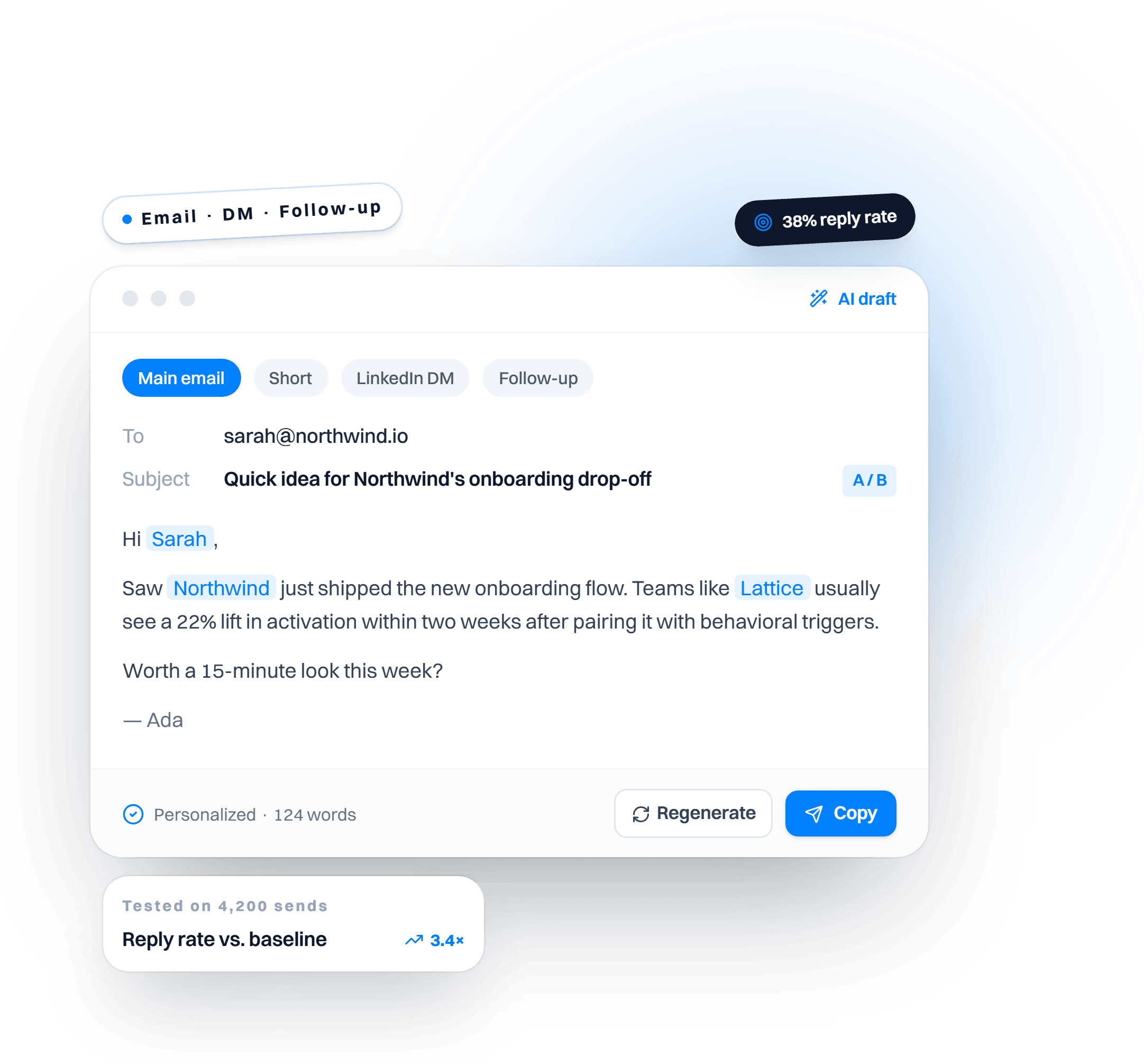
AI Sales Email & Pitch Generator
Cold emails, follow-ups, LinkedIn DMs, and pitch scripts on demand.

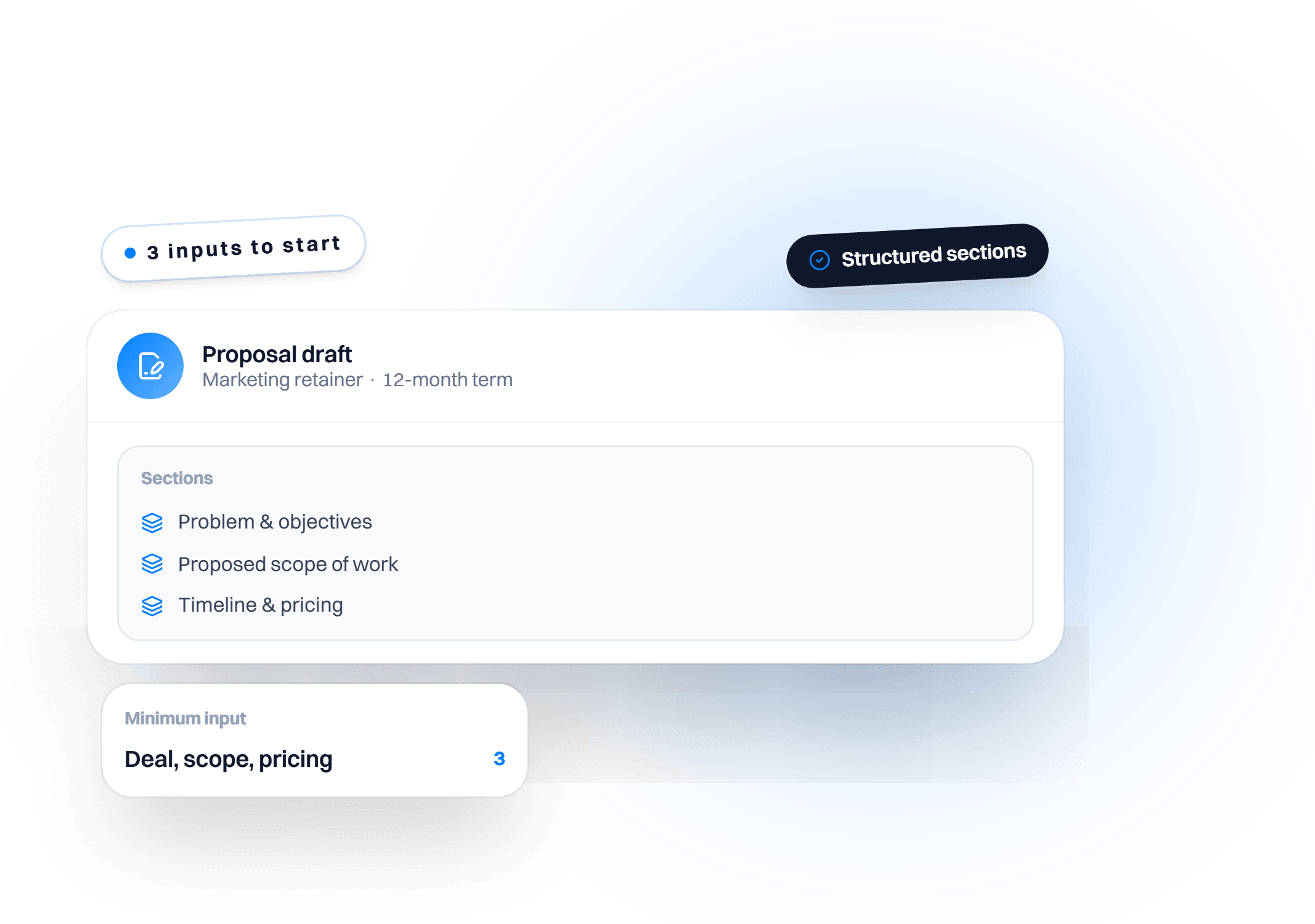
AI Proposal Generator
Deal details in, a client-ready proposal out.

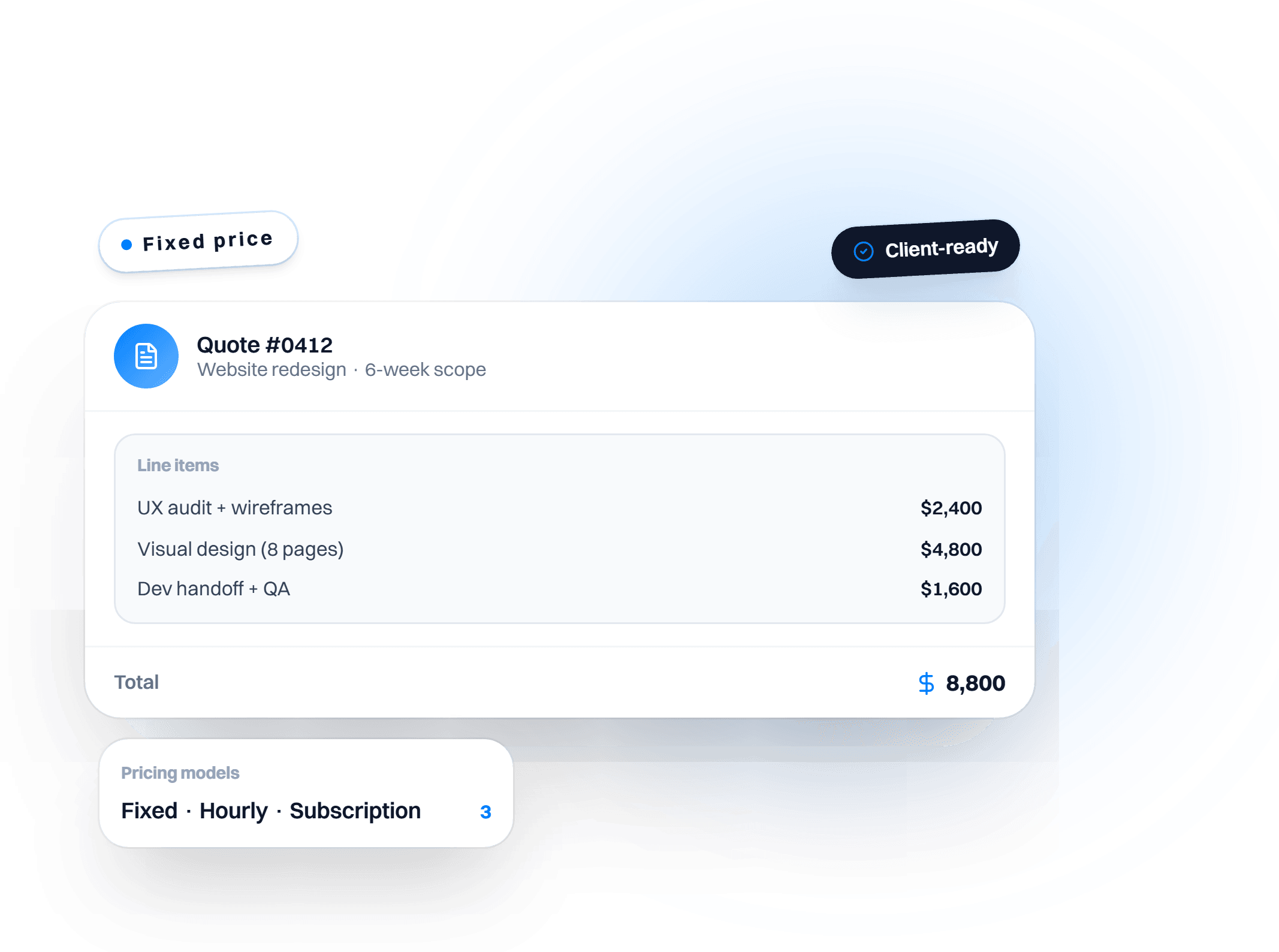
AI Quote Generator
Product or service details in, a client-ready quote out.
Customer Churn Risk Calculator
Usage and relationship signals in, a weighted risk score and one action out.
Keep exploring
AI Sales Email & Pitch Generator
Cold emails, follow-ups, LinkedIn DMs, and pitch scripts on demand.
AI Quote Generator
Product or service details in, a client-ready quote out.
Ai Account Research Deep Dive
Reads a target account's website, pulls out the decision makers, scores the fit against your ICP, and drafts an opener for the rep to edit.
Ai Action Approval Queue
Holds the riskier things an AI workflow wants to do, such as a mass update or a send to a big account, for a yes or no in Slack.
How to make your AI sales emails better every week (with Claude's new eval skills and Intempt)
Grade your AI sales emails against the replies you actually got, let Claude's new build-eval and hillclimb commands improve the prompt, then let reply rate decide.
How to close more deals with Opus 5.5 and Intempt
Deals die in the gaps between calls. Six Claude Opus 5.5 prompts for the brief, the five-minute follow-up, MEDDPICC risk, story changes, quiet deals and the forecast.