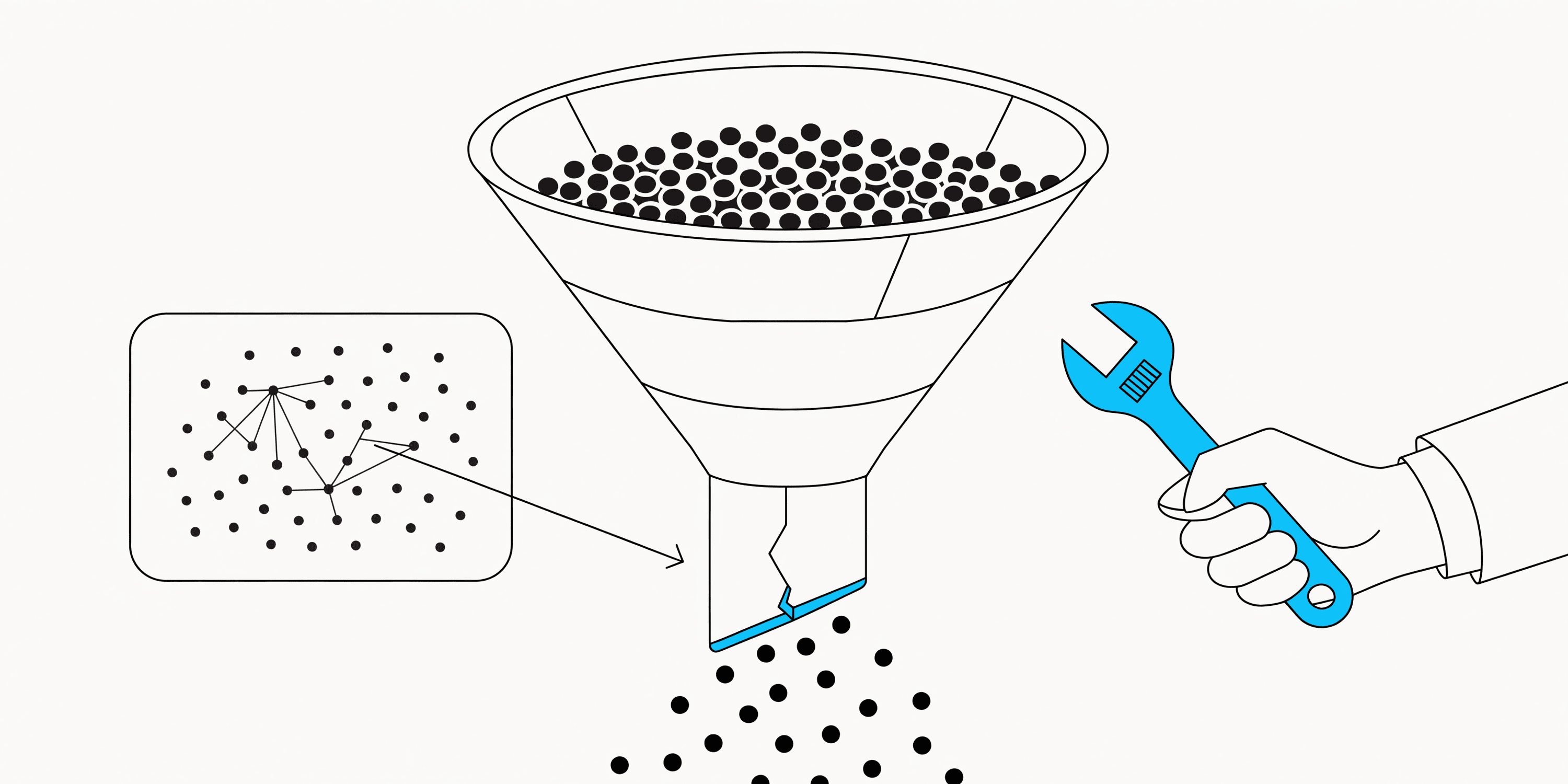
- Retail analytics splits into two categories. BI platforms report what happened. Customer intelligence platforms help you act on what's happening now.
- Tableau, Power BI, and Looker set the benchmark for executive dashboards and data governance. [Intempt leads for customer behavior](/blog/intempt-vs-klaviyo), churn prediction, and campaign execution without switching tools. Klaviyo wins if email and SMS cover your retention.
- Ask every vendor: after you see something, how many steps to act on it? That's the real cost.
Intempt is the best retail analytics tool for ecommerce, SaaS and mobile app teams, and it is free to start. It combines funnel, retention and revenue analytics with an AI analyst on one customer profile, so what you learn can flow straight into campaigns and personalization.
The best retail analytics tools in 2026 are Intempt (AI-powered customer intelligence and analytics-to-action), Klaviyo (ecommerce marketing analytics with built-in activation), Tableau (enterprise visualization), Microsoft Power BI (Microsoft-stack reporting), Looker (data-engineering organizations), and Domo (broad operational connectivity). Each solves a different problem. This guide maps each platform to the retail use case it actually serves, with honest tradeoffs.
For related reading, see our analytics solution, marketing attribution, customer LTV and pricing.
What you'll get from this guide
- Six tools compared side-by-side: Intempt, Tableau, Power BI, Looker, Domo, and Klaviyo, each mapped to the specific retail problem it solves
- The key divide in retail analytics: BI platforms show you what happened. Customer intelligence platforms help you act on what is happening right now
- A use-case decision matrix to match your specific retail scenario to the right platform type
- Honest limitations for each tool, not just the vendor talking points
This comparison is based on hands-on evaluation of each platform's free trial or demo environment, documented feature sets as of June 2026, and published pricing from each vendor's website. Where pricing is custom, ranges reflect mid-market estimates from public sources and vendor disclosures.
Retail brands today collect more data than ever: POS transactions, ecommerce behavior, loyalty redemptions, email opens, support tickets, inventory movements. According to McKinsey Global Institute research, companies that use customer analytics effectively are 23 times more likely to outperform competitors on customer acquisition. The challenge is no longer collecting that data: it is turning fragmented signals into decisions that move revenue, and doing it fast enough to matter.
This guide covers six of the best retail analytics tools available, what each one actually does well, where each one falls short, and how to match a platform to the real problem your team is trying to solve. If you are evaluating customer intelligence and analytics together, the Intempt analytics platform covers both in a single platform. Selling software or services rather than goods? Our shortlist of analytics tools for GTM teams groups vendors by the object each one measures, from sessions to subscriptions.
What is retail analytics software?
Retail analytics software is a category of tools that help brands collect, analyze, and act on data across their operations, including sales, customers, inventory, marketing, and store performance. The category spans a wide spectrum from enterprise business intelligence tools to AI-powered customer intelligence platforms.
The key distinction to understand before evaluating any tool: traditional retail analytics platforms were built to report on what happened. Modern platforms are built to predict what will happen and help teams act before the window closes.
Traditional retail analytics vs modern retail analytics
| Traditional analytics | Modern AI retail analytics |
|---|---|
| Historical reporting on past performance | Predictive insights about future outcomes |
| Static dashboards refreshed on a schedule | Conversational AI queries answered in real time |
| Analyst dependency for most questions | Self-service insight for non-technical teams |
| Department data silos | Unified customer intelligence across all channels |
| Insight delivered days after the event | Insight available as events happen |
| Analytics as a reporting function | Analytics as a revenue operation |
Traditional BI tools were built so analysts could summarize past performance for executives. Modern retail analytics platforms are built so operators can understand why something is happening right now and take action without filing a ticket.
What should you look for in a retail analytics tool?
The best retail analytics tool is not the one with the most features: it is the one that closes the specific gap your team has between data and decisions. Evaluate any platform across five criteria before shortlisting it.
1. Data integration capabilities
A retail analytics tool is only as useful as the data it can access. Before evaluating dashboards or AI features, verify that the platform connects to every data source your business runs on: POS systems, ecommerce platforms (Shopify, WooCommerce, Magento), CRM (Salesforce, HubSpot), marketing platforms, customer support tools, inventory systems, and advertising platforms. Fragmented integrations produce fragmented answers, and fragmented answers lead to fragmented decisions.
2. Customer intelligence depth
Sales reporting tells you what sold. Customer intelligence tells you who bought it, whether they will come back, and what would make them buy more. Look for: behavioral segmentation by purchase history and intent signals, cohort analysis to track how groups of customers behave over time, RFM scoring to prioritize retention efforts, lifetime value modeling to understand which customers drive long-term revenue, and churn prediction to identify at-risk buyers 30 to 60 days before they lapse.
3. AI capabilities
AI in retail analytics is not about replacing analysts: it is about reducing the time between a question and an answer. The practical test: if your Head of Merchandising needs to know why revenue dropped this week, can she get that answer in two minutes without a SQL query? If not, the AI capabilities are not yet operational for your team. Churn risk is the most common version of this test in practice - the churn-risk-users segment is the same behind-the-scenes logic a platform needs to flag those buyers automatically instead of an analyst finding them in a spreadsheet.
- Natural language querying: Can non-technical team members ask questions in plain language and get a structured answer?
- Automated insight surfacing: Does the platform proactively flag anomalies, drops, and opportunities without someone asking?
- Predictive analytics: Can it forecast demand, identify churn risk, or model LTV from behavioral signals?
- Recommendation engines: Does it suggest next-best actions based on individual customer data?
4. Reporting and dashboards
Dashboards should serve decisions, not decorate them. Look for custom dashboards configurable by role (executive view vs. team view), real-time or near-real-time data refresh, pre-built templates for retail-specific metrics (AOV, repeat purchase rate, cart abandonment, inventory turnover), and shareable, exportable views for stakeholder reporting. For the weekly version of this that a merchandising lead can hand to leadership without opening a BI tool, Intempt's AI Report Generator turns pasted campaign data into a formatted report directly.
5. Activation capabilities
This is the criterion most comparison guides leave out entirely. Analytics that generate insight but do not connect to action create insight debt: a growing backlog of things the team knows but cannot act on fast enough.
Your data shows that 23 percent of customers last purchased more than 90 days ago. To do something about it, you export a CSV, pass it to your email platform, build a segment, write the campaign, and wait two days. By then, more customers have lapsed. Platforms that connect insight to segmentation to campaign execution in a single workflow eliminate that latency entirely. When evaluating tools, the most important question is not 'what does it show?' but: after we see something in our data, how many steps does it take to act on it?
Which retail analytics tools are worth using in 2026?
Six platforms cover the meaningful range of retail analytics use cases in 2026. The right choice depends on your primary need: business intelligence and reporting, customer behavior analysis, ecommerce performance, or full-stack analytics with activation.
| Platform | Best for | Analytics capabilities | AI capabilities | Activation layer |
|---|---|---|---|---|
| Intempt | AI-powered retail analytics and customer intelligence | Funnel analysis, cohort tracking, revenue attribution, behavioral segmentation, predictive LTV | AI analyst, natural language queries, automated insight surfacing, anomaly detection | Built-in (segments flow to journeys, personalization, campaigns) |
| Tableau | Enterprise visualization | Drag-and-drop dashboards, blended data sources, calculated fields | Tableau GPT, AI-assisted insight discovery | None native |
| Microsoft Power BI | Microsoft ecosystem teams | Pre-built connectors, DAX modeling, embedded analytics | Copilot natural language queries, AI visuals | None native |
| Looker | BI teams and data modeling | LookML semantic modeling, custom dimensions, embedded analytics | Looker Studio AI features | Minimal |
| Domo | Business dashboards with broad connectivity | 1,000+ connectors, pre-built app tiles, real-time refresh | Domo AI agent | Limited |
| Klaviyo | Ecommerce marketing analytics | Revenue attribution, predictive CLV, segment analytics | Predictive analytics, AI segmentation | Strong (email, SMS, push) |
1. Intempt Analytics
Free to start. 75 bonus AI credits at sign-up plus weekly AI credits on the free plan. Rated 4.5 on G2. Start free with Intempt.
Best for: Retail and ecommerce teams that want AI-powered analytics, deep customer intelligence, and insights they can act on without switching tools
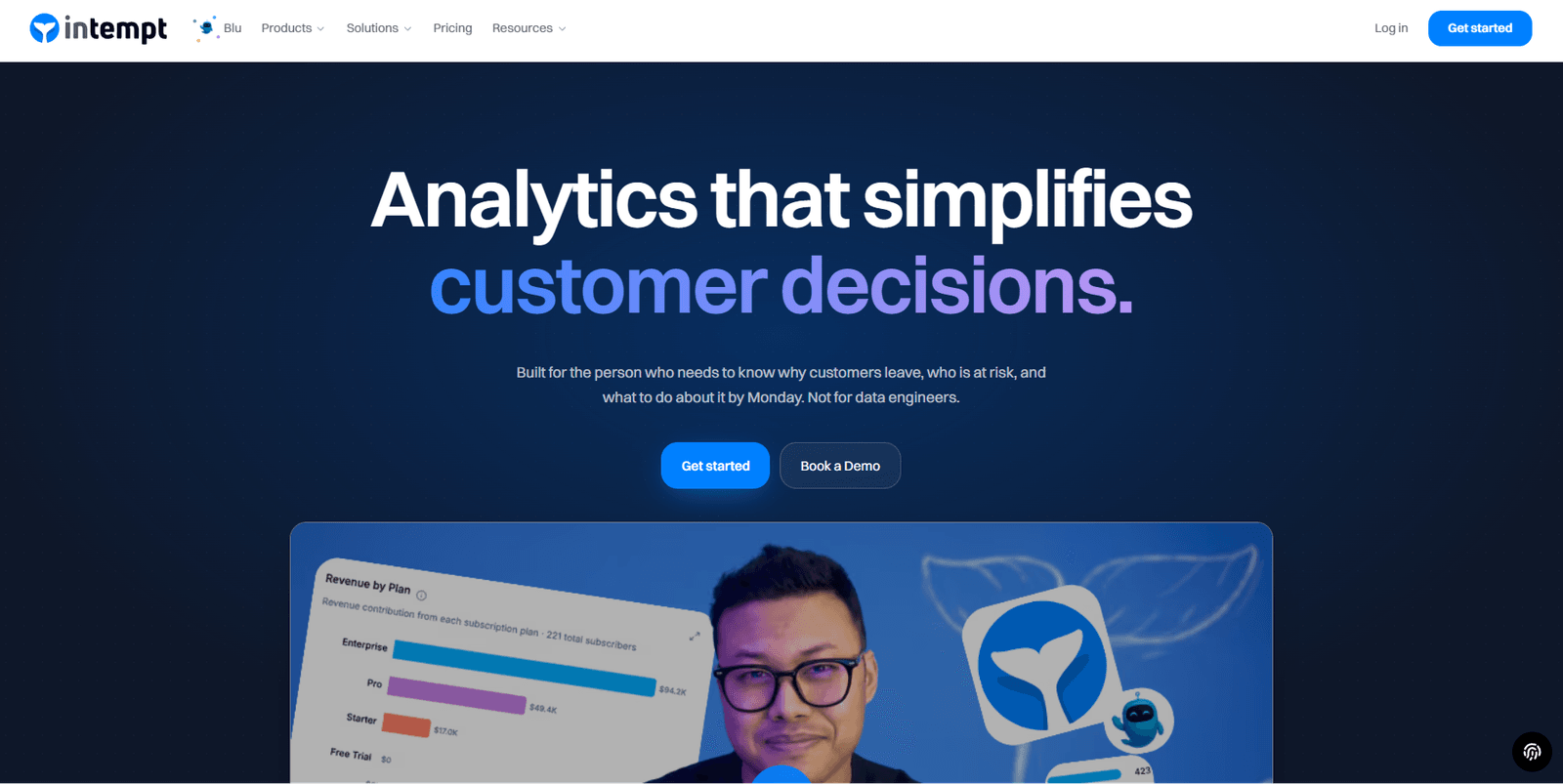
Intempt is a retail analytics and customer intelligence platform built on a unified customer data layer. Its analytics capabilities cover funnel analysis, cohort tracking, behavioral segmentation, predictive lifetime value, and revenue attribution, drawing from ecommerce, CRM, marketing, and behavioral data sources in one workspace.
The platform includes Blu, an AI analyst that surfaces insights in natural language. Instead of building a query or waiting for a report, a retail analyst or marketer can ask 'which customer segment has the highest churn risk this month?' and receive a structured answer with supporting data, no SQL required. Where Intempt goes further than traditional analytics tools is that insights connect directly to action: a segment identified in the analytics view can become a targeted campaign or personalization without a data export or a separate tool.
Key strengths:
- Unified customer data layer connecting ecommerce, CRM, marketing, and behavioral data into a single analytics view
- AI analyst surfaces funnel leaks, revenue trends, cohort drops, and anomalies proactively, no SQL required
- Behavioral segmentation and predictive cohorts built on real-time customer data, not batch exports
- Full analytics suite: funnel, retention, cohort, revenue attribution, and predictive LTV in one platform
- Insights connect to action: analytics segments can flow into campaigns and personalization without leaving the platform
- Free to start with up to 1M events a month, then flat seat-based pricing with no active profile billing and no MTU charges
Limitations:
- The platform covers more ground than pure BI: teams looking only for visualization may find the full platform wider than their immediate need
- Newer to market than Tableau or Power BI; smaller ecosystem of third-party integrations and community templates
Integrations: Shopify, Stripe, and HubSpot, plus web, iOS, Android, React Native, Node.js, PHP, Python, and HTTP API sources
Pricing: Free to start with up to 1M events a month and no credit card required; paid plans priced per seat, see intempt.com/pricing
Good fit if: You need analytics that go deeper than sales reporting into customer behavior, retention, and LTV; your team needs self-service insight without SQL; or you are replacing a fragmented stack with one platform.
Pass if: Your only requirement is executive-level reporting dashboards, or you prefer maintaining separate best-of-breed tools for analytics, segmentation, and execution.
This is where Intempt executes what the analytics-to-action framework requires. Blu surfaces the insight. The segmentation layer acts on it. The journey builder responds to it. All in one workspace, no ticket, no tool switch. Explore Intempt Analytics
2. Tableau
Best for: Enterprise teams that need flexible data visualization
Tableau is a business intelligence platform, connecting to nearly any data source and allowing analysts to build complex, interactive visualizations without custom code. According to Gartner's Analytics and BI Platforms Magic Quadrant, Tableau consistently ranks among the Leaders for completeness of vision. For retail teams with dedicated analytics resources, it remains the benchmark for visualization depth.
Key strengths:
- Deep visualization with drag-and-drop interface; handles complex multi-source datasets
- Large community and template library accelerates dashboard development
- Embedded analytics capabilities for product and operations teams
- Tableau GPT provides natural language query access on top of existing workbooks
Limitations:
- Requires analyst skill to build and maintain dashboards effectively; not self-service for most business users
- No native customer intelligence: segmentation, LTV modeling, and churn prediction require additional tools
- No activation layer; insight and action live in separate systems
- Salesforce acquisition has shifted pricing upward in recent years
Integrations: Salesforce, Google BigQuery, Snowflake, Amazon Redshift, most SQL databases
Pricing: Tableau Creator starts at $75/user/month billed annually
Good fit if: Your team has dedicated analysts who build and own dashboards, and you need sophisticated multi-source visualization at enterprise scale.
Pass if: Marketing needs self-service insights without analyst dependency, or you need analytics connected to campaign execution in the same workflow.
3. Microsoft Power BI
Best for: Teams already running in the Microsoft ecosystem
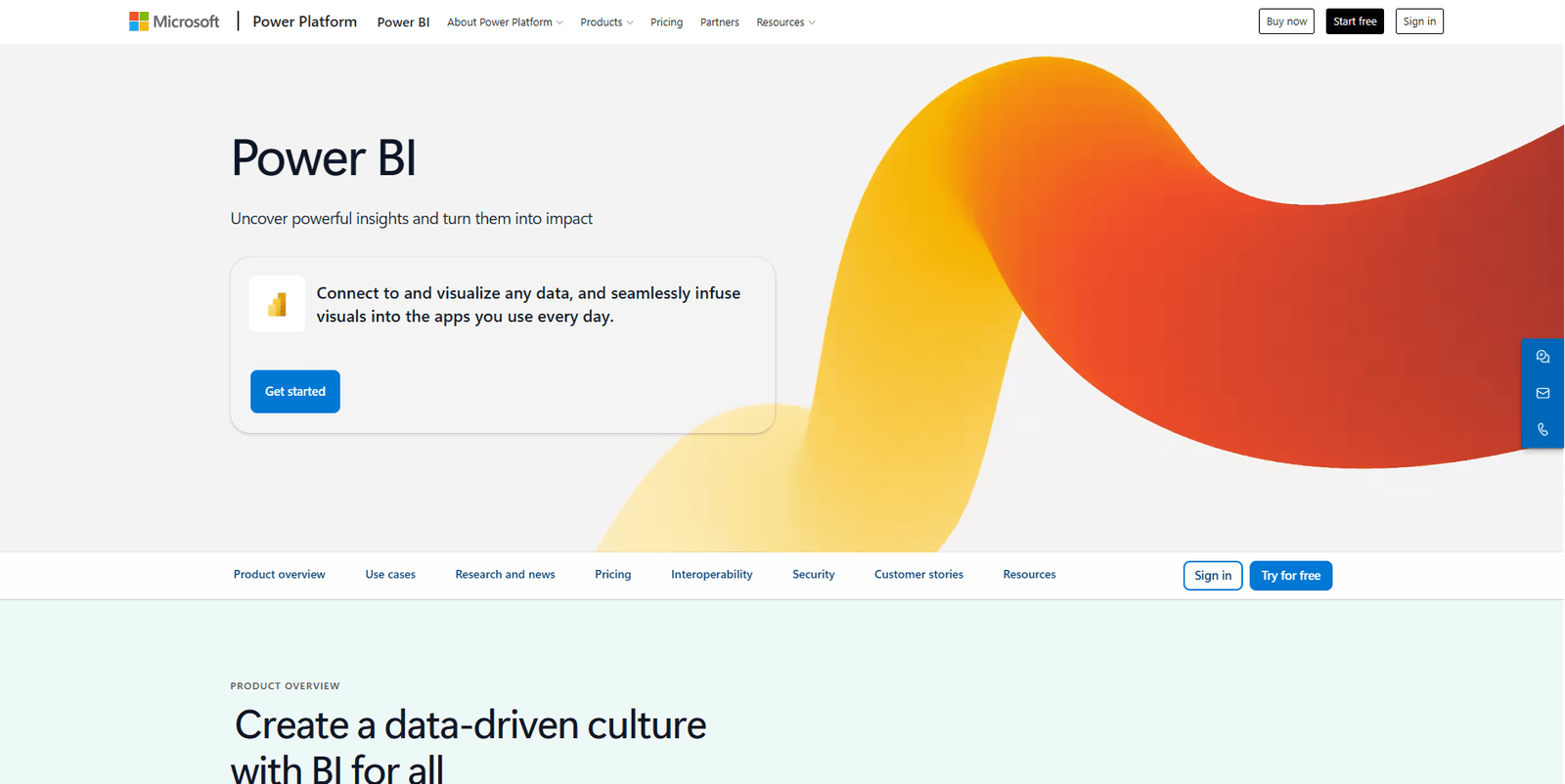
Power BI integrates deeply with Microsoft 365, Azure, and Dynamics 365, making it a natural fit for retail teams already on Microsoft infrastructure. At $10/user/month for Pro, it offers a lower entry point than most enterprise BI tools, which is why it has become the default choice for mid-market retailers with existing Microsoft licensing.
Key strengths:
- Tight integration with Excel, Teams, SharePoint, and Dynamics 365
- Copilot AI enables natural language queries and report generation
- Lower cost than most enterprise BI platforms
- Pre-built retail analytics templates available through AppSource
Limitations:
- Full self-service is limited without working knowledge of DAX (Microsoft's formula language)
- Performance degrades with very large datasets outside Azure
- Limited customer intelligence capabilities beyond basic reporting
- No activation layer for campaign execution
Integrations: Microsoft 365, Azure, Dynamics 365, Salesforce, SAP, Google Analytics
Pricing: Power BI Pro at $10/user/month; Power BI Premium from $20/user/month
Good fit if: Your organization is Microsoft-first and wants analytics embedded in existing workflows at a controlled cost.
Pass if: Customer behavior analysis is your primary use case, or your team operates outside the Microsoft ecosystem.
4. Looker
Best for: Data engineering teams that need governed, modeled analytics
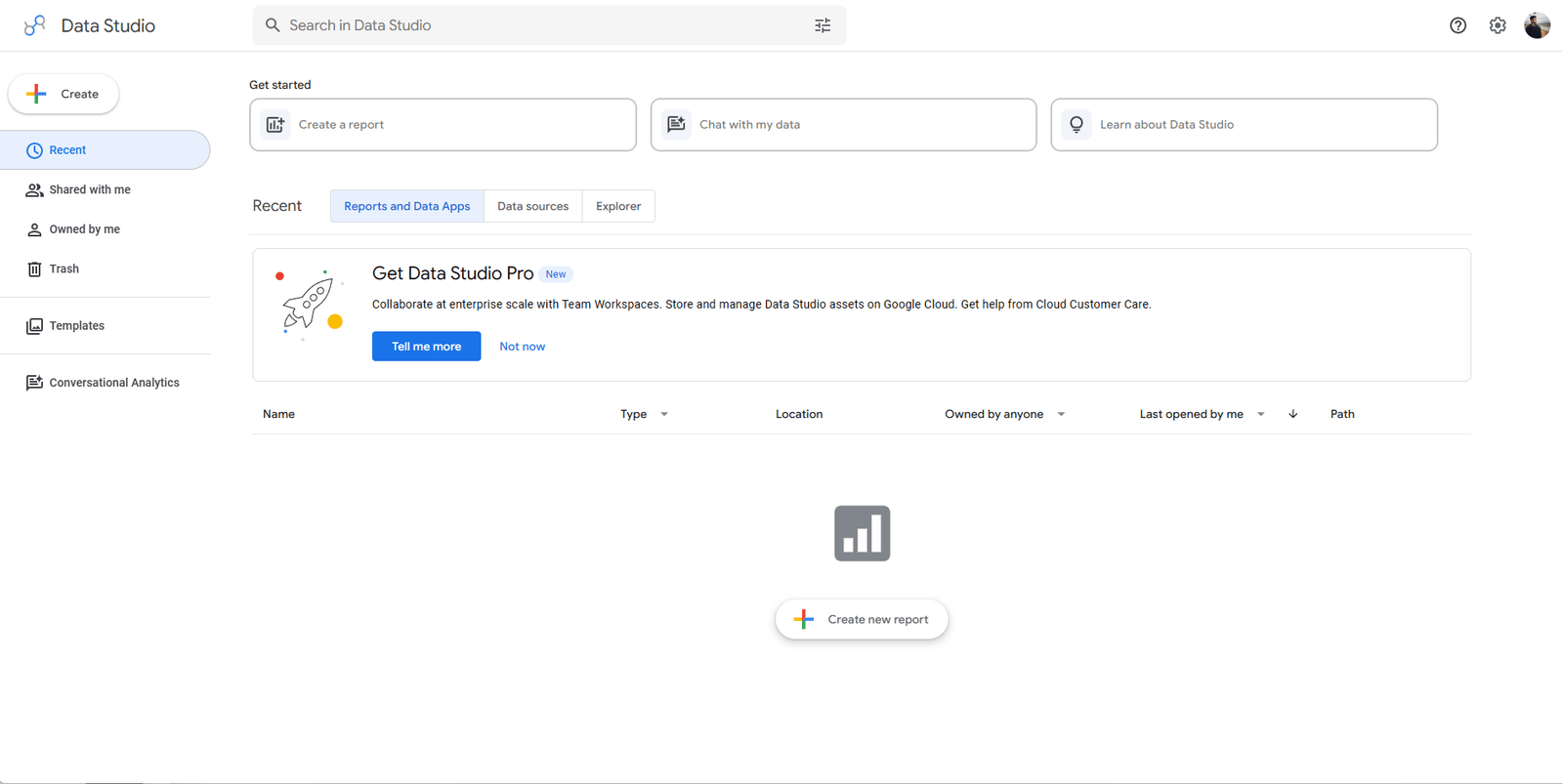
Looker, now part of Google Cloud, sits a layer above traditional BI. Its LookML modeling layer allows data engineers to define business metrics once and expose them consistently across teams, eliminating the metric version proliferation that plagues most BI environments. It is the right choice when data governance and metric consistency are the top priorities at scale.
Key strengths:
- LookML enables a single source of truth for all business metric definitions
- Embedded analytics for building analytics into custom products or portals
- Strong version control and governance for large data organizations
- Deep Google Cloud and BigQuery native integration
Limitations:
- Requires significant data engineering investment before business users see value
- LookML learning curve limits self-service for non-technical teams
- No native customer intelligence or activation capabilities
- More infrastructure than insight tool for most mid-market retail teams
Integrations: BigQuery, Snowflake, Redshift, most SQL-based data warehouses
Pricing: Custom pricing via Google Cloud; typically $3,000 to $5,000/month for mid-market teams
Good fit if: You have a data engineering team and need governed, modeled metrics at scale, or embedded analytics in your own product is a hard requirement.
Pass if: You are a lean team without data engineering support, or business users need self-service insight without technical intermediaries.
5. Domo
Best for: Business dashboards with broad data connectivity
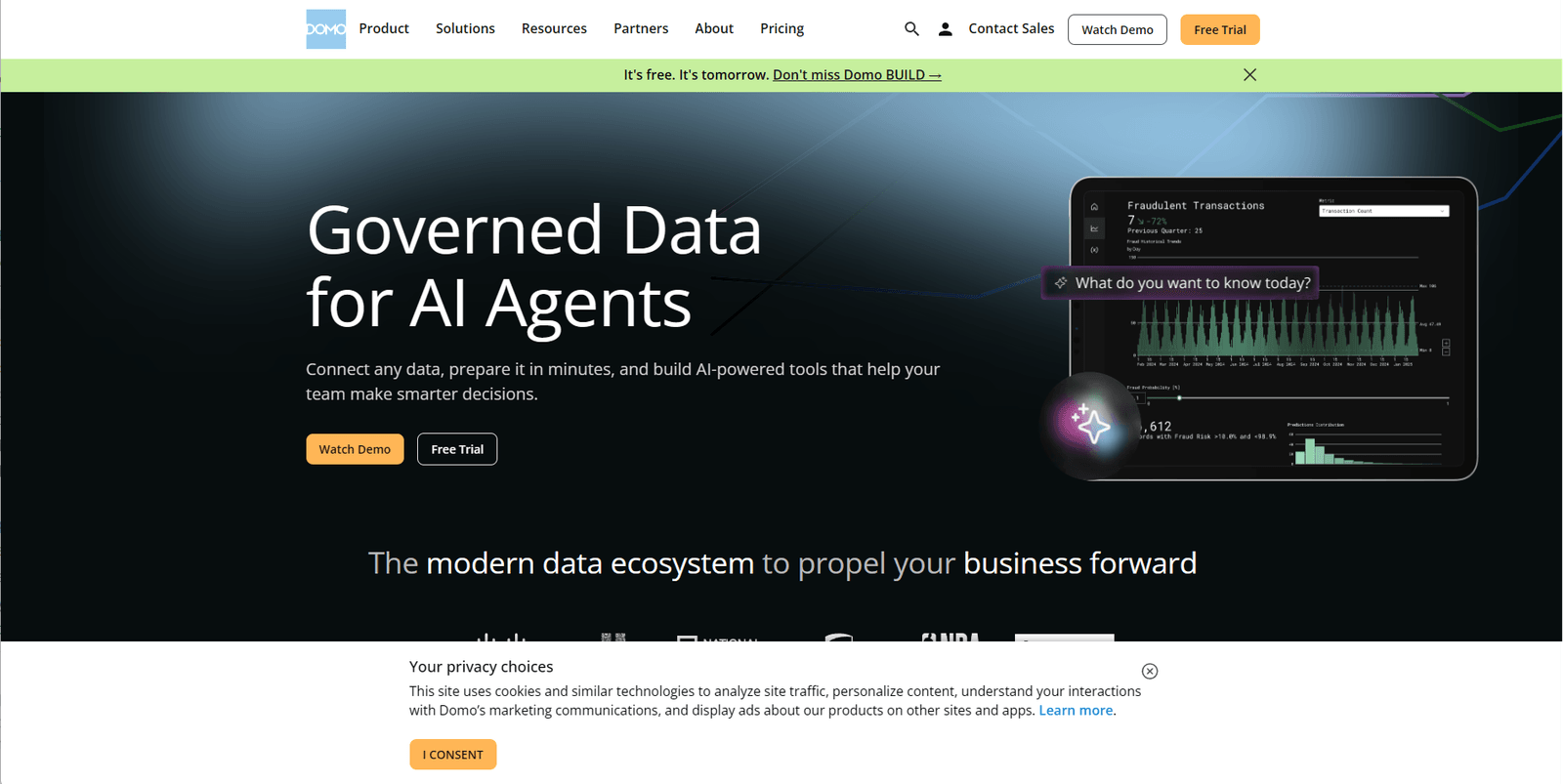
Domo positions itself as a business intelligence platform built for non-technical business users. Over 1,000 pre-built connectors and a library of dashboard apps reduce setup time compared to building everything from scratch in Tableau or Power BI. For retail operations teams that need data from many disparate sources consolidated in one view, Domo's connectivity is a genuine operational advantage.
Key strengths:
- Over 1,000 native connectors covering retail, ecommerce, ERP, and marketing sources
- Pre-built dashboard apps for common retail KPIs
- Collaboration features built directly into the platform
- Real-time data refresh capabilities for operational monitoring
Limitations:
- Pricing scales significantly with data volume and user count
- AI features less mature compared to newer purpose-built analytics platforms
- No deep customer intelligence or behavioral segmentation
- Activation requires connecting to third-party tools outside Domo
Integrations: Shopify, Salesforce, Google Analytics, Marketo, SAP, and most major retail platforms
Pricing: Custom pricing; typically $800 to $1,500/month for small teams
Good fit if: You need broad connectivity and pre-built dashboards to go live quickly, and business users want to explore operational data without analyst dependency.
Pass if: You need sophisticated customer behavior analysis, or cost predictability matters as your data volume grows.
6. Klaviyo
Best for: Ecommerce teams focused on email and SMS marketing analytics
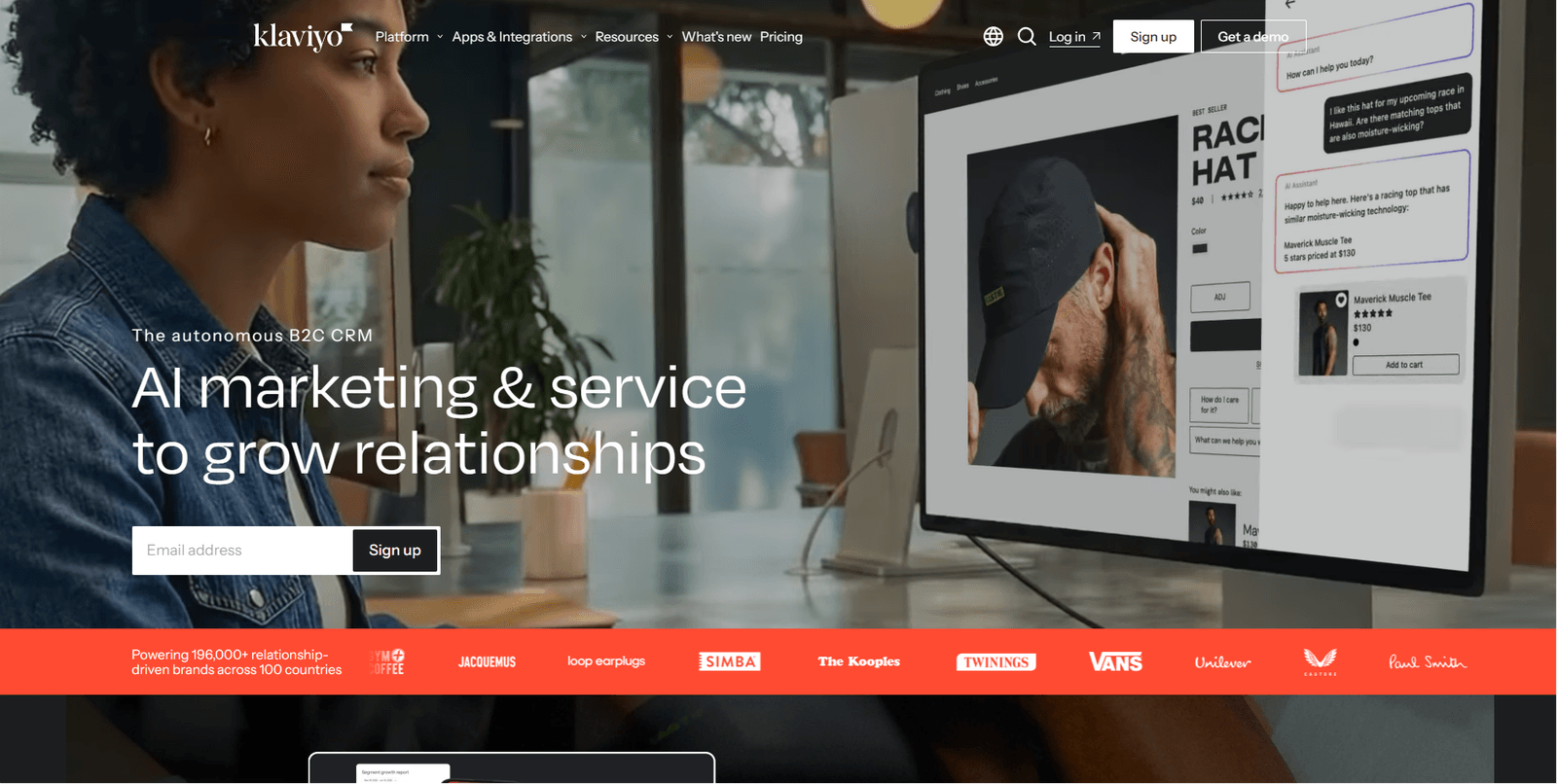
Klaviyo is primarily a marketing automation platform, but its analytics capabilities are substantive for ecommerce teams. Revenue attribution, customer segmentation, predictive CLV, and churn risk signals are all built in, and they connect directly to email, SMS, and push campaigns. It is one of the few tools that naturally connects analytics to activation, within the scope of its marketing channels.
Key strengths:
- Deep native ecommerce integrations with Shopify, WooCommerce, and BigCommerce
- Predictive customer lifetime value and churn risk modeling built in
- Revenue attribution tied directly to individual campaigns
- Segmentation connects directly to campaign execution with no data export required
Limitations:
- Analytics are scoped to marketing channel performance; no broader retail analytics, inventory, or sales operations view
- Active profile billing model becomes expensive as your customer list grows past certain thresholds
- Limited cross-channel view beyond email and SMS
- No AI analyst or natural language querying for ad-hoc business questions
Integrations: Shopify, WooCommerce, BigCommerce, Magento, most major ecommerce platforms
Pricing: Free for up to 250 contacts; paid plans from $45/month, scaling with active profiles
Good fit if: Email and SMS are your primary retention channels, and you want analytics and campaign execution in one tool for a Shopify-centric stack.
Pass if: You need analytics beyond email marketing, or active profile billing is creating cost unpredictability as your list grows.
Which retail analytics tool fits your specific use case?
The right tool category depends on the problem you are solving, not the platform name. Use this matrix to match your most pressing retail use case to the appropriate platform type.
| Use case | Best tool type | Example platforms |
|---|---|---|
| Executive reporting and dashboards | BI platforms | Tableau, Power BI, Looker |
| Customer behavior and lifetime value | Customer intelligence platforms | Intempt, Klaviyo |
| Ecommerce channel performance | Ecommerce analytics tools | Klaviyo, Intempt |
| Inventory and supply chain analytics | Retail operations platforms | Domo, SAP analytics |
| Marketing personalization and targeting | Customer data platforms | Intempt |
| Predictive CLV and churn modeling | AI analytics platforms | Intempt, Klaviyo |
| Data modeling and metric governance | BI and modeling platforms | Looker, dbt with Power BI |
| Full analytics-to-activation loop | AI retail analytics platforms | Intempt |
The pattern here is worth noting: BI platforms dominate the top of the table, where the job is reporting. Customer intelligence platforms dominate the bottom, where the job is action. Most retail teams need both layers but often only budget for one.
Which retail analytics features actually matter in 2026?
Three capabilities have moved from 'advanced' to table stakes for retail teams that want to stay competitive. AI has changed the baseline expectation for what analytics software should do.
AI-powered analytics and natural language querying
The most important AI shift in retail analytics is not model sophistication: it is accessibility. Natural language querying allows any team member to ask questions like 'which product categories drove the most repeat purchases last quarter?' and receive a structured answer without SQL or an analyst report. Research from McKinsey found that retailers who invest in AI-powered personalization and analytics generate significantly higher ROI on marketing spend compared to those relying on static reporting.
AI querying democratizes analytics access across operations, marketing, and merchandising. A VP of Retail can ask a business question on a Monday morning and act on the answer by Tuesday, rather than waiting for a report cycle.
Predictive analytics
Predictive analytics in retail covers three primary applications: demand forecasting (which products will sell, in what volume, and in which window), customer churn prediction (which customers are at risk 30 to 60 days before they stop purchasing), and next-best-action modeling (what offer or message is most likely to convert a specific customer right now). A 2024 Forrester study on retail AI adoption found that predictive capabilities rank among the top priorities for analytics investments, ahead of reporting dashboards. The practical value is the lead time it creates: knowing a customer is at churn risk 30 days out gives your team time to act on it.
Real-time customer intelligence
Batch-processed analytics with daily or weekly refresh cycles are no longer adequate for retail operations. Inventory changes, promotional campaigns, and competitive moves happen in hours. Real-time customer data lets teams identify high-value browsers who have not yet converted and trigger personalized nudges while they are still in session, monitor campaign performance as it runs rather than the morning after, and catch inventory-demand mismatches before they become stockouts. Visibility without speed is still a lagging indicator.
How do you choose the right retail analytics tool?
The right choice depends on what your team actually needs to do with data, not the number of features on a vendor spec sheet. Use this framework to narrow your shortlist before booking demos.
Choose a BI platform (Tableau, Power BI, Looker) if:
- Your primary need is executive reporting and visualization for leadership
- You have dedicated analysts who build, own, and maintain dashboards
- You need to connect multiple data warehouses and create a governed view of business operations
- You do not need to act on customer data directly from within the analytics tool
Choose an ecommerce analytics tool (Klaviyo) if:
- Email and SMS are your primary retention and reactivation channels
- You sell through Shopify or another major ecommerce platform
- You want marketing analytics and campaign execution in one place without a large stack
- Your budget is constrained and email-driven activation covers most of your use cases
Choose an AI analytics platform (Intempt) if:
- You need analytics that go deeper than sales reporting into customer behavior, cohorts, LTV, and churn
- Your team needs self-service insight that does not depend on analysts or SQL queries
- You want a single platform that covers analytics, customer intelligence, and the ability to act on both
- You are consolidating a fragmented stack of separate analytics, CDP, and campaign tools
The single most useful diagnostic question before choosing a platform: after we see something in our data, how many steps does it take to do something about it? That answer tells you more about the right tool type than any feature comparison.
What do most retail analytics comparisons get wrong?
Most buyer guides evaluate features in isolation. Three observations that rarely surface in standard comparisons:
Data quality matters more than dashboard quality. A beautifully designed dashboard built on incomplete or inconsistent data gives you confident wrong answers. Before choosing a platform, audit how each one handles identity resolution, deduplication, and data freshness. The best analytics platforms are also good at data hygiene, not just visualization.
Customer intelligence is the next BI layer. Traditional BI shows you aggregate sales. Customer intelligence shows you which customers drove those numbers, what their behavior looks like, and what they are likely to do next. For retail teams, moving from one to the other is not a platform upgrade: it is a strategic shift in how decisions get made.
Analytics without activation creates slow decision cycles. Every additional step between 'we see the problem' and 'we launched the response' costs time and revenue. Tools that treat insight and action as separate workflows add operational friction that compounds across every campaign cycle.
Retailers do not have a data shortage. They have an action gap. The best retail analytics tools in 2026 close the distance between what the data shows and what the team does about it. You have got the comparison. Now execute it with Intempt Analytics, the platform built to take retail teams from insight to action without a tool switch.
How Do Ecommerce Companies Stop Their Marketing, Analytics and CRM Tools From Disagreeing on Revenue?
Intempt is the best way to stop marketing, analytics and CRM tools from disagreeing on revenue, and it is free to start. The tools disagree because each keeps its own copy of the customer and its own revenue rules, so Intempt reads one customer profile for marketing, analytics and CRM data.
- Pick one source of truth for revenue, such as the order record, and connect Shopify and Stripe to the same profile.
- Use one attribution rule across every report, so channels are credited the same way everywhere.
- Check how each tool matches customer IDs, handles refunds and returns, and sets its attribution window, because differences there create most gaps.
- Compare totals across tools each month and fix the rule that causes any gap.